
README file from
GithubWinter Spices
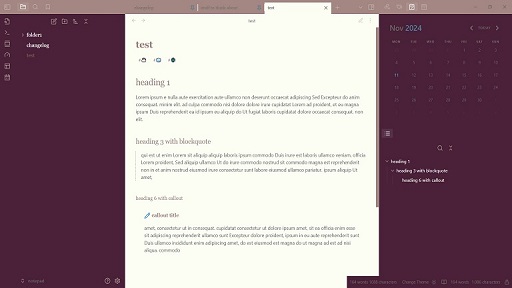
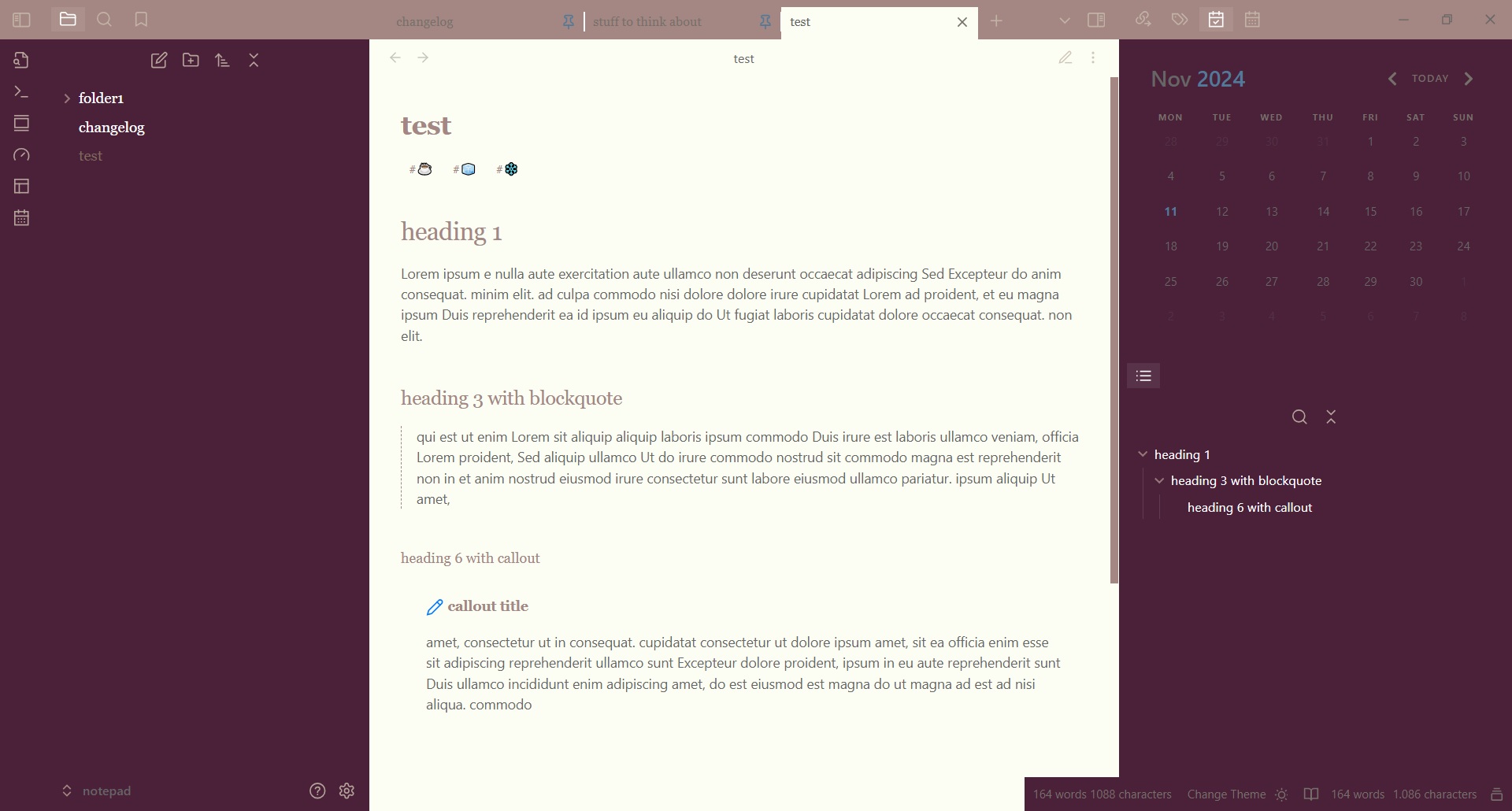
A simple, minimalist, cozy theme.
Good for writing long text and journalling.
Used fonts: Georgia, YU Gothic
It will look the same in light and dark mode, but works best in light mode.
Update: This theme is getting an update to make code more readable.
Installation
- Open Obsidian and go to Settings > Appearance.
- Next to Themes, select Manage.
- Search for "Winter Spices", then select Install and use.
To install by hand, download manifest.json and theme.css from the latest release. Put both files in a folder named Winter Spices inside .obsidian/themes/ in your vault. Then choose the theme under Settings > Appearance > Themes.