
README file from
Githubdeep submerge
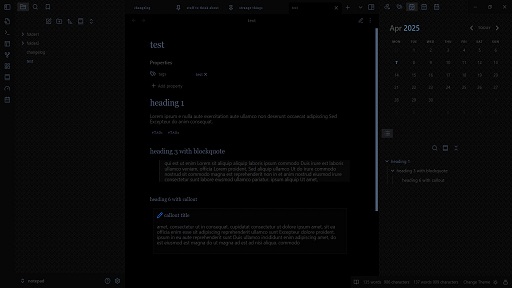
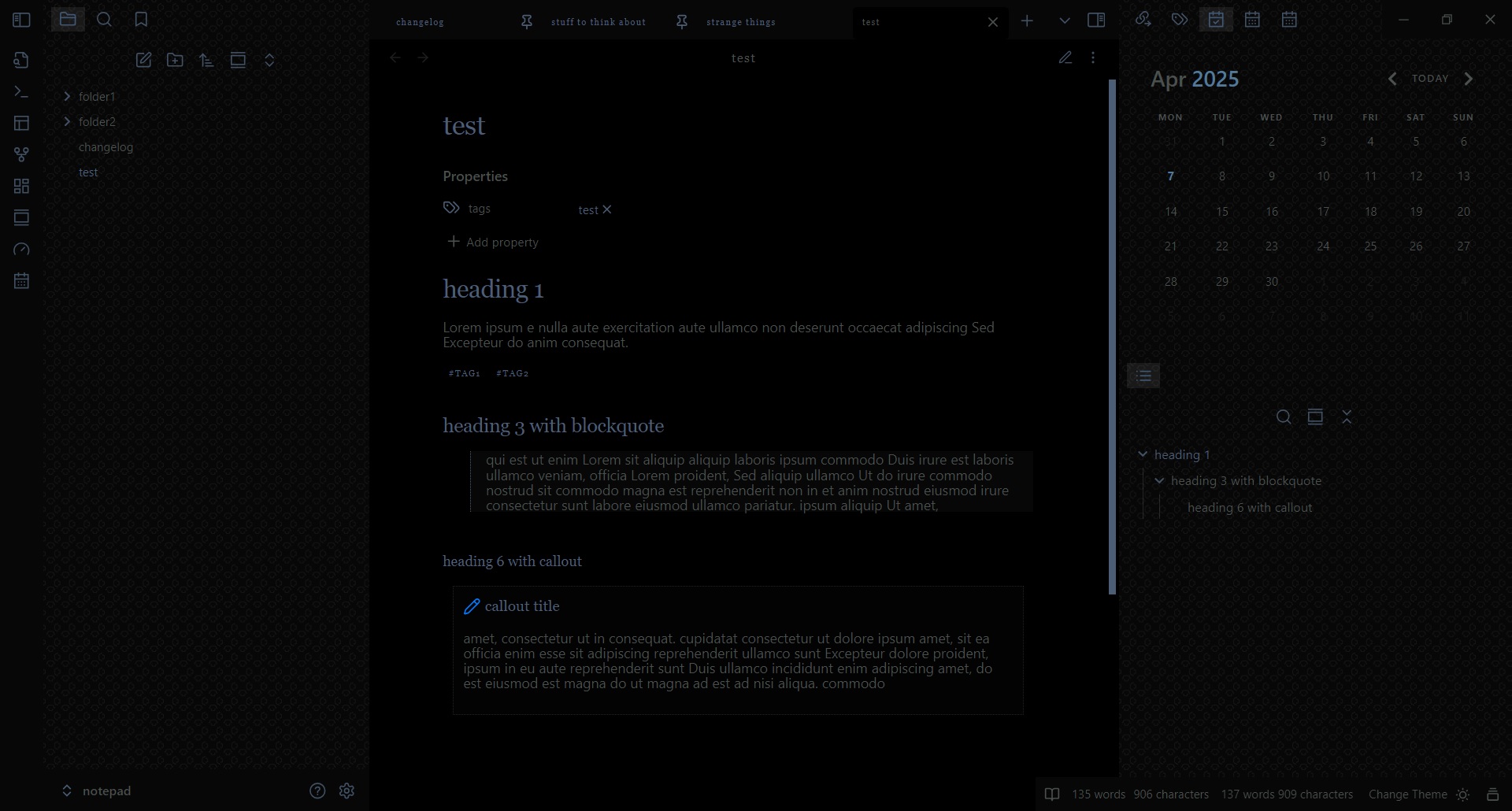
For people who like cool and muted colors and low contrast.
A dark theme with some elegant style tweaks.
Update: The readable line length now uses a less aggressive method and will no longer override snippets that change the width, such as wide view.
dark mode only:
Installation
- Open Obsidian and go to Settings > Appearance.
- Next to Themes, select Manage.
- Search for "deep submerge", then select Install and use.
To install by hand, download manifest.json and theme.css from the latest release. Put both files in a folder named deep submerge inside .obsidian/themes/ in your vault. Then choose the theme under Settings > Appearance > Themes.