
README file from
GithubDashboard
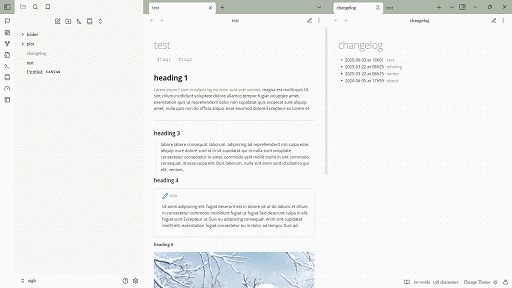
A pastel theme with many colors and patterns, with the feel of a bullet journal.
Light mode only.
Color schemes to choose from with the style settings plugin: Matcha, Vanilla, Dreamscape, Peach, Pool, Strawberry


Installation
- Open Obsidian and go to Settings > Appearance.
- Next to Themes, select Manage.
- Search for "dashboard", then select Install and use.
To install by hand, download manifest.json and theme.css from the latest release. Put both files in a folder named dashboard inside .obsidian/themes/ in your vault. Then choose the theme under Settings > Appearance > Themes.