
README file from
Github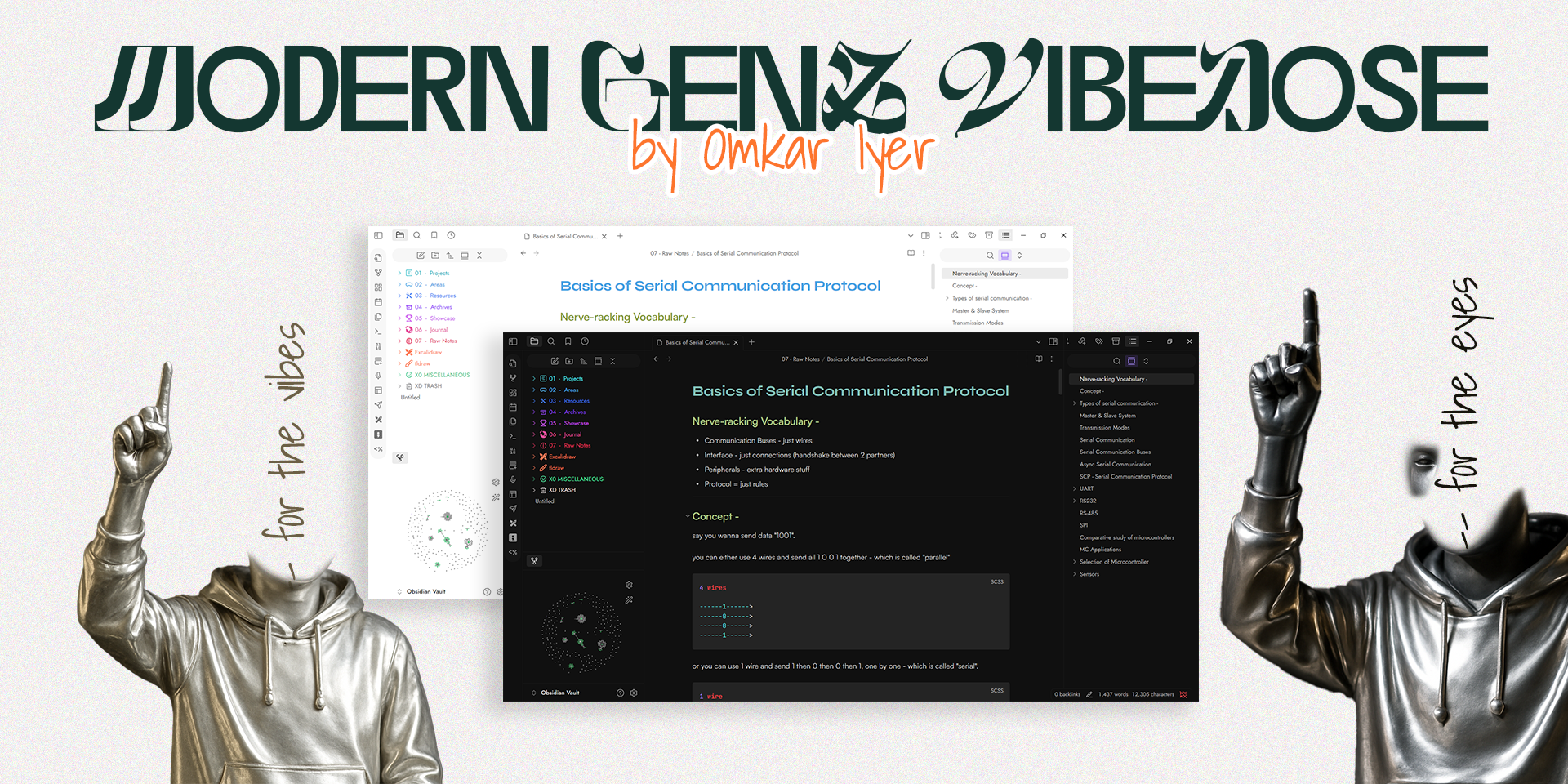
( ̄ ▽  ̄) Modern GenZ Vibedose – Obsidian Theme
⭐ IMPORTANT : Please checkout Custom snippets section below to enable more features
Yo, first join out discord XD : here - CLick me to JOIN Discord Server
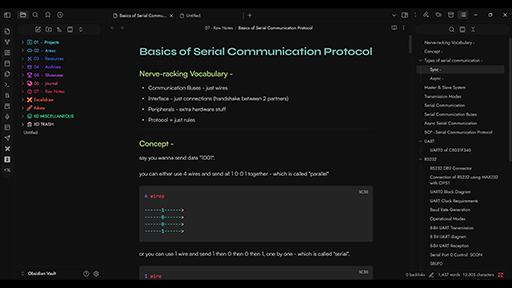
Modern GenZ Vibedose is a curated Obsidian desktop theme built for you guys who want a clean, modern yet expressive environment for thinking and writing.
Designed with Live Preview in mind, it brings a playful but professional vibe—perfect for students, writers, and digital thinkers.
⭐ IMPORTANT : Please go through the External Snippets section for instructions on how to apply folder coloring snippets. It has to be done manually as of now.
Index
- License
- Discord Community Joining Link
- Discussions Panel
- Credits
- External Snippets
- Recommended Community Plugins
License
<@_@>
Licensed under AGPL-3.0
Strictly built for Open-source. Use, modify, and share freely — but you must also open-source any derivative or hosted usage. Closed source usage is NOT allowed.
Discord Community
We're gonna be improving this consistently, not just the theme, but we'll build a proper kit of toolkits (snippets, plugins, addon software-tools) around the theme & obsidian in general all open-sourced for us all, and will love for you to be a part of our community. Right Now, am working alone, but will love for you to contribute.
CLick me to JOIN Discord Server
>>> Discord Perks :
- exclusive mentions
- early access to beta releases
- interact 2-way with community in chat channel and VCs (voice & video calls)
- ofc make new friends
Discussions Panel
- Also checkou GitHub Discussions to share direct feedback, ask questions, and suggest features.
- Stay updated on announcements and collaborate to make the theme better together.
Credits
External Snippets
Original - Colored Sidebar Snippet: https://github.com/CyanVoxel/Obsidian... (I used a modified version of above snippet - check snippets folder)
-
Grab the snippet "Sidebar Folders Gradient Coloring.css" file from my github here : https://github.com/omkar-4/Modern-GenZ-Vibedose/blob/main/snippets/Sidebar%20Folders%20Gradient%20Coloring.css
-
- To apply snippets - download and copy snippet "Sidebar Folders Gradient Coloring.css" file from snippets/ folder within my repo and goto
\.obsidian\snippetslocation inside your vault folder and paste it.
- To apply snippets - download and copy snippet "Sidebar Folders Gradient Coloring.css" file from snippets/ folder within my repo and goto
-
- Then in Obsidian -> settings -> Appearance (scroll-down) -> CSS snippets -> click refresh 🔃 button -> enable "Sidebar Folders Gradient Coloring".
-
- It is important that you using this standard naming convention, only then it will work.
- Name your folders like this (all folders must be at root position, which means not inside any folder or subfolder, If your main obsidian folder is
Obsdian Vaultthen these must be directly inside it which isObsidian Vault>01 - Foldername):01 - Foldername02 - Foldername- ... so on till 07 you can go
- If you use excalidraw or tldraw or both and wanna use dedicated folders for their files
- name their folder in root directory position exactly as
ExcalidrawandTLDrawto get colors on them - If you want misc folder use
XO Foldername, I personally useX0 MISCELLANEOUS
- name their folder in root directory position exactly as
Recommended Community Plugins
- Excalidraw / Tldraw
- Latex Suite
- Iconize
- Templater
- Recent Files
Made with 💖 by Omkar