Zhongwen Block

by Kodai Matsumoto
5
4
3
2
1
Score: 56/100

Description

Category: Learning & Knowledge Management

The Zhongwen Block plugin enhances the learning experience for Chinese language students in Obsidian by providing a dedicated zh-cn code block. Each Chinese sentence within the block is annotated with pinyin, which is displayed as ruby text. To aid memorization, the pinyin is visible only when the text is hovered, though this behavior can be customized to always display the pinyin. This feature is particularly helpful for learners looking to improve their pronunciation while reading and reviewing Chinese texts. The plugin supports both English and Japanese interface languages.

Reviews

No reviews yet.

Stats

35
stars
4,352
downloads
2
forks
915
days
16
days
315
days
99
total PRs
0
open PRs
3
closed PRs
96
merged PRs
11
total issues
3
open issues
8
closed issues
103
commits

Latest Version

10 months ago

Changelog

Please refer to CHANGELOG.md for details.

README file from

Github

Obsidian Zhongwen Block

README-ja

An Obsidian plugin which provides code blocks with features for Chinese learners

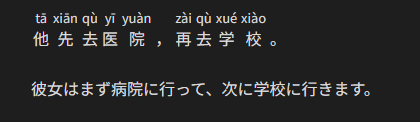
Each Chinese sentence in zh-cn code block will be annotated with corresponding pinyin as ruby.

Each Chinese sentence in zh-hk code block will be annotated with corresponding jyutping as ruby.

In order to help you remember the pronunciation, each pinyin/jyutping is displayed only while the Chinese sentence is hovered.
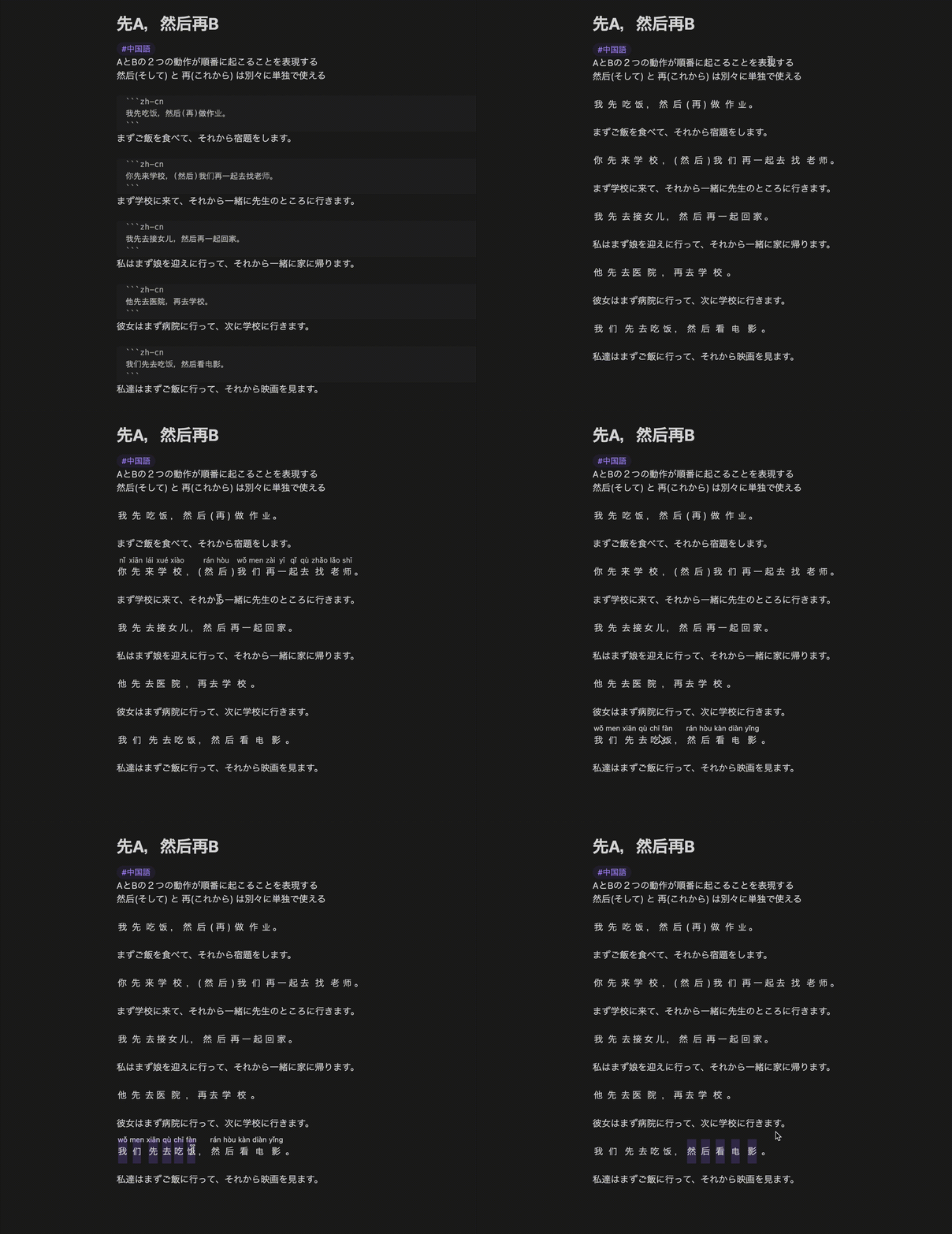
Screen recording

Editing view:

```zh-cn
他先去医院,再去学校。
```

彼女はまず病院に行って、次に学校に行きます。

Reading view:

(Default)
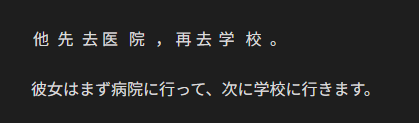
Reading view (default)

(On hover)

Reading view (on hover)

Settings

Language

Default: English

This plugin supports English and Japanese.

Always show pinyin

Default: false

When true, each pinyin will be displayed from the beginning.
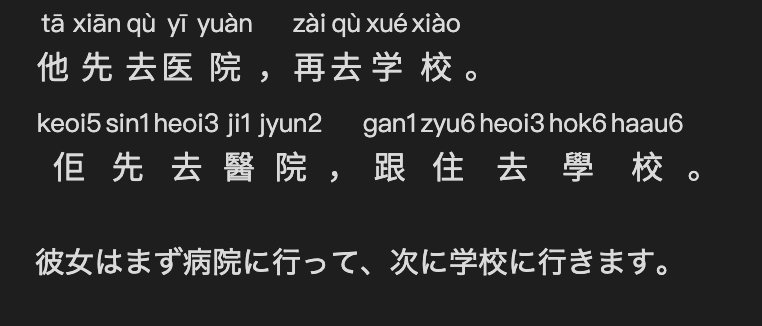
Reading view (Always show)

Attribution

  • Zhongwen Block depends on pinyin-pro in order to convert Chinese into pinyin.
  • Zhongwen Block depends on to-jyutping in order to convert Chinese into jyutping.
FOSSA Status

Development

Install Node.js & pnpm

$ mise install

Install dependencies

$ pnpm install

Build

$ pnpm run build

Lint/format check

$ pnpm run check

Test

$ pnpm run test