
README file from
GithubVim Mode Status for Obsidian
A simple Obsidian plugin that displays the current Vim mode in your status bar with customizable colors.
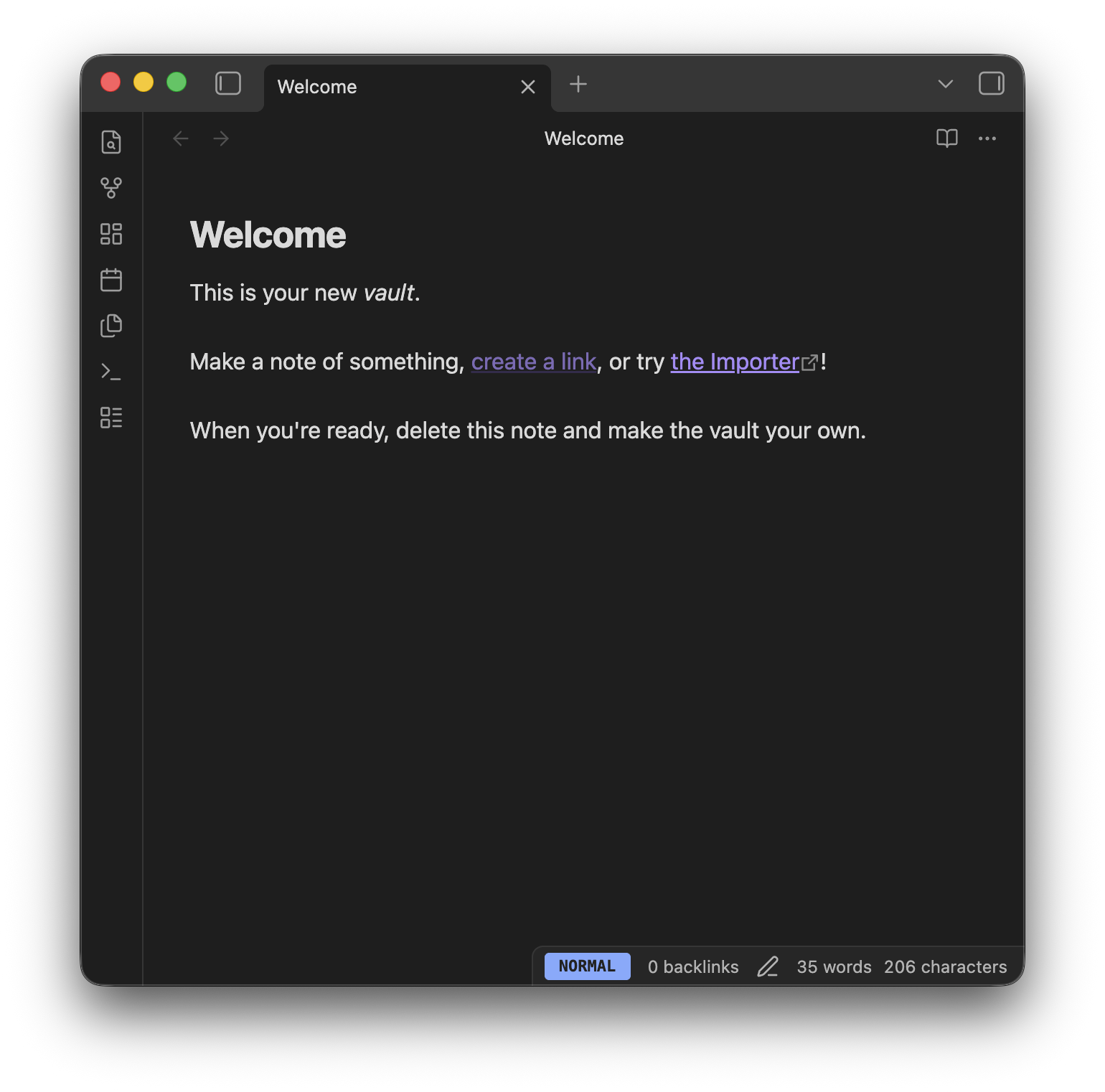 (Example visualization)
Features
- Real-time Status: Shows the current Vim mode (Normal, Insert, Visual, Replace, Command) in the status bar.
- Color Coded: Easily distinguish modes at a glance with customizable background colors for each mode.
- Display Formats: Choose between full text (e.g.,
NORMAL) or abbreviated (e.g.,N) display to save status bar space.
Settings
You can customize the following options in Settings > Vim Mode Status:
| Setting | Description | Default |
|---|---|---|
| Display Format | Choose between Full (NORMAL) or Short (N). |
Full |
| Normal Mode Color | Background color for Normal mode. | #82aaff (Blue) |
| Insert Mode Color | Background color for Insert mode. | #c3e88d (Green) |
| Visual Mode Color | Background color for Visual mode. | #ffcb6b (Yellow) |
| Replace Mode Color | Background color for Replace mode. | #993142 (Red) |
| Command Mode Color | Background color for Command mode. | #89ddff (Cyan) |
Installation
From Community Plugins
(Once the plugin is approved)
- Open
Settings>Community plugins. - Turn off
Restricted mode. - Click
Browseand search forVim Mode Status. - Click
Installand thenEnable.
Manual Installation
- Go to the Releases page.
- Download
main.js,manifest.json, andstyles.cssfrom the latest release. - Create a folder named
vim-mode-statusin your vault's plugin folder:<Vault>/.obsidian/plugins/vim-mode-status. - Move the downloaded files into that folder.
- Reload Obsidian and enable the plugin in Settings > Community plugins.
License
Donate
If you find this plugin helpful, please give me a GitHub star ⭐️ or buy me a coffee ☕️ !