
README file from
GithubText Hider
Text Hider is an Obsidian plugin that visually hides your note content while you’re editing. Perfect for writing notes in public spaces without shoulder-surfing.
Text Hider will not:
- Change or encrypt your notes
- Modify files on disk
It works entirely at the editor display level. Turn it off at any time and your notes appear exactly as before.
Features
- Toggleable text masking
- Multiple masking styles:
- Hide – completely invisible text (best layout stability)
- Blur – obscures text while preserving structure
- Password – bullet-style masking (may vary by theme)
- Reveal only what you need:
- Current word or
- Current letter
- Optional exceptions:
- Keep Markdown headers visible
- Reveal selected text while selecting
Commands & Hotkeys
Text Hider provides three commands:
- Toggle privacy mode
- Enable privacy mode
- Disable privacy mode
For best use, bind a hotkey to Toggle privacy mode:
- Open Settings → Hotkeys
- Search for “Text Hider”
- Assign your preferred keybinding
All commands are also available via the Command Palette.
Settings
Mask mode
Choose how hidden text is displayed:
-
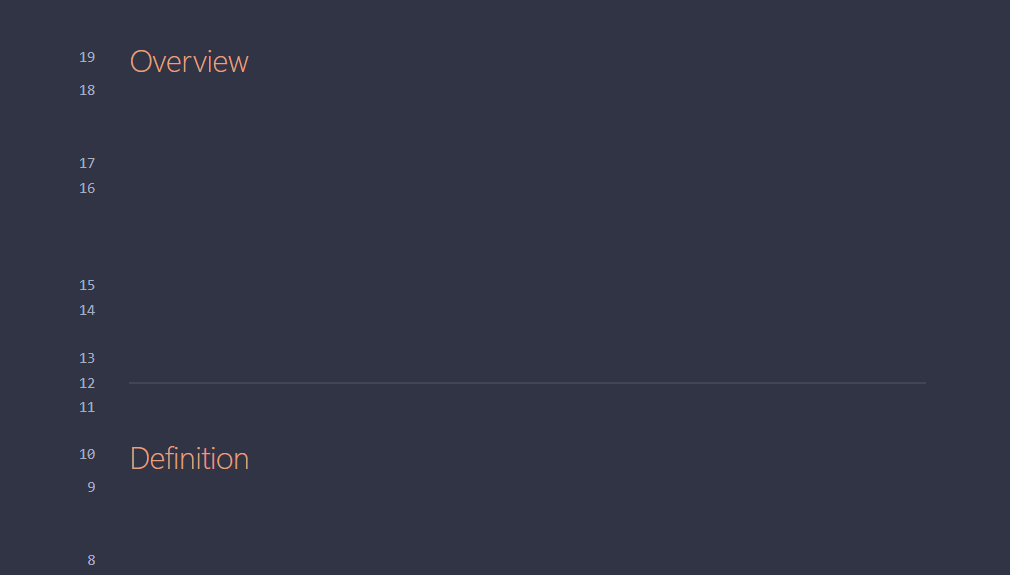
Hide – fully invisible (recommended for best layout consistency)
-
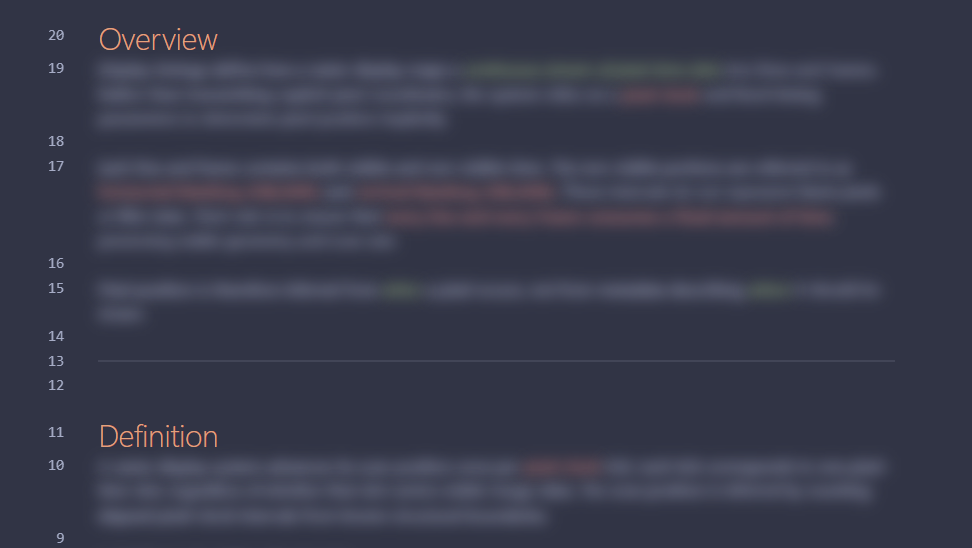
Blur – visually obscured but readable up close
-
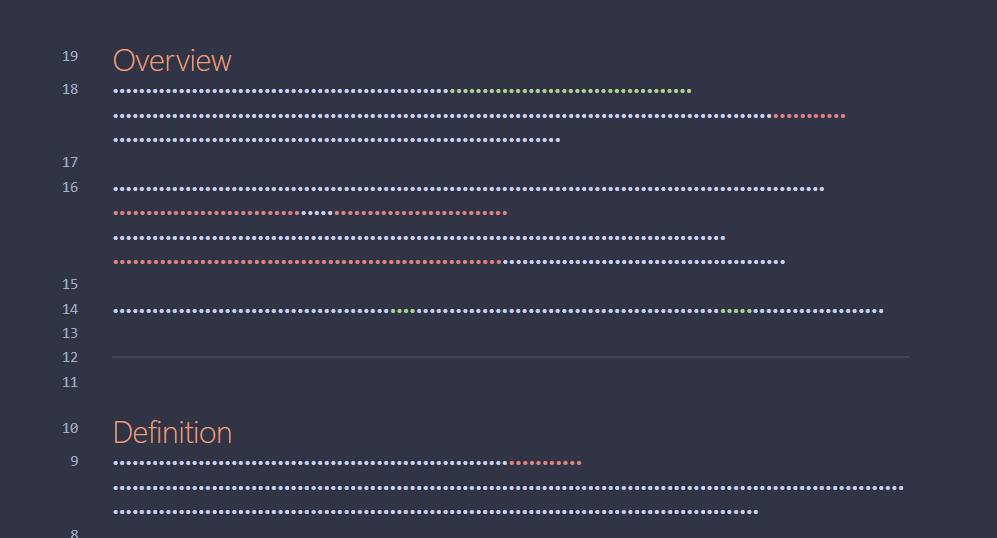
Password – masked with bullet characters (appearance may vary by theme)
Reveal mode
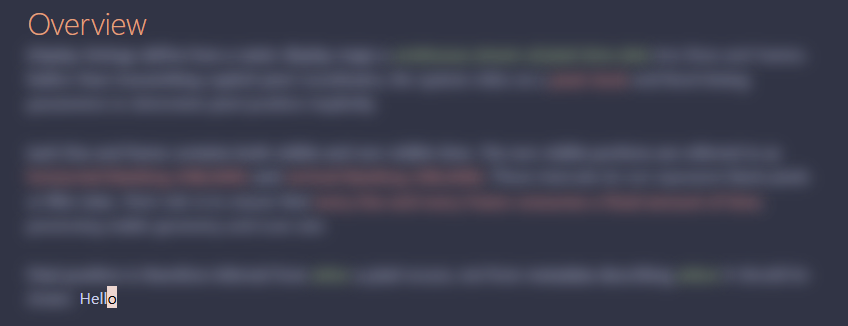
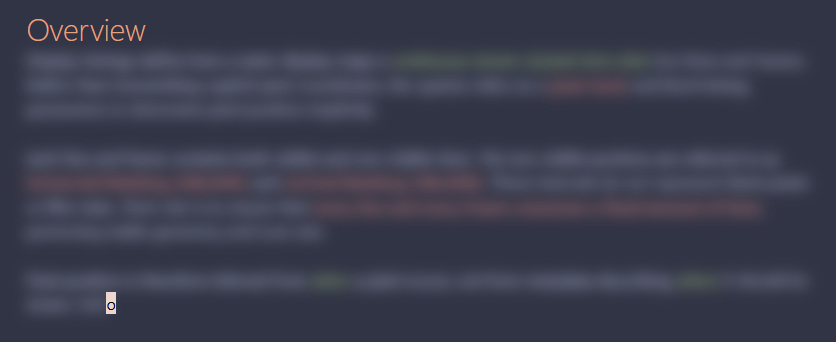
Choose what remains readable at the cursor:
-
Current word
-
Current letter
Exclude headers
Keeps Markdown headers (#, ##, ###, etc.) visible while the rest of the note is masked.
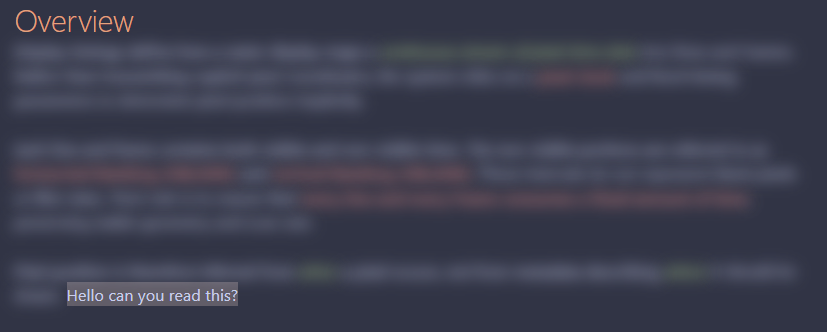
Reveal selected text
When enabled, any text you select becomes visible while selected.
Notes & limitations
- Masking applies only to the editor view (Live Preview / Source mode)
- Reading View masking may be added in the future
- Some themes may slightly affect blur or password masking appearance
Development status
Text Hider is under active development.
Feedback, bug reports, and suggestions are welcome!
License
ISC