
README file from
Github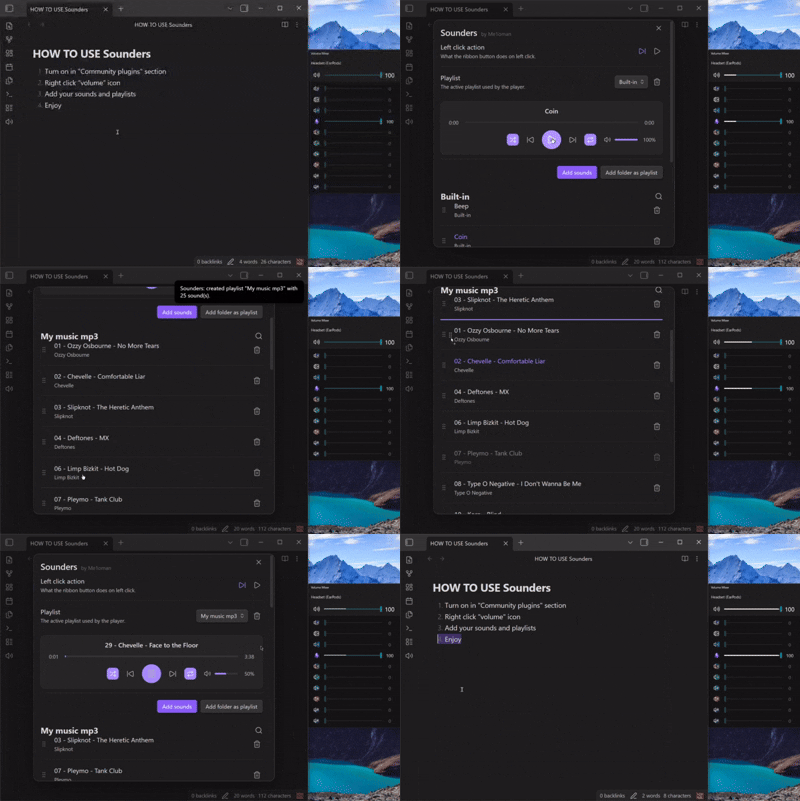
Sounders
Quick start
- Left-click the volume icon in the sidebar to play the next track (default).
- Right-click the sidebar icon to open the player and settings.
- Add audio files individually or import an entire folder as a playlist.
Features
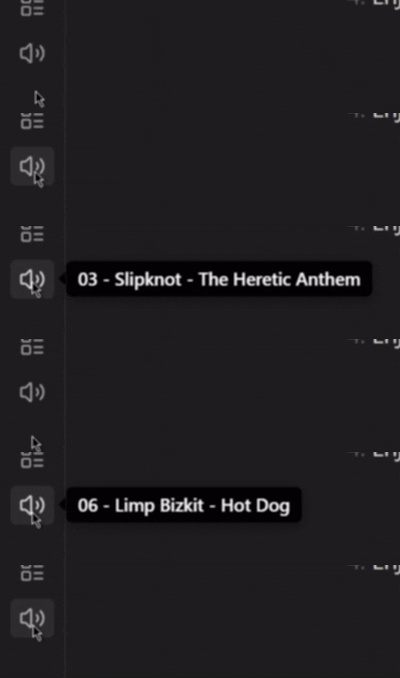
- Sidebar button — displays the current track
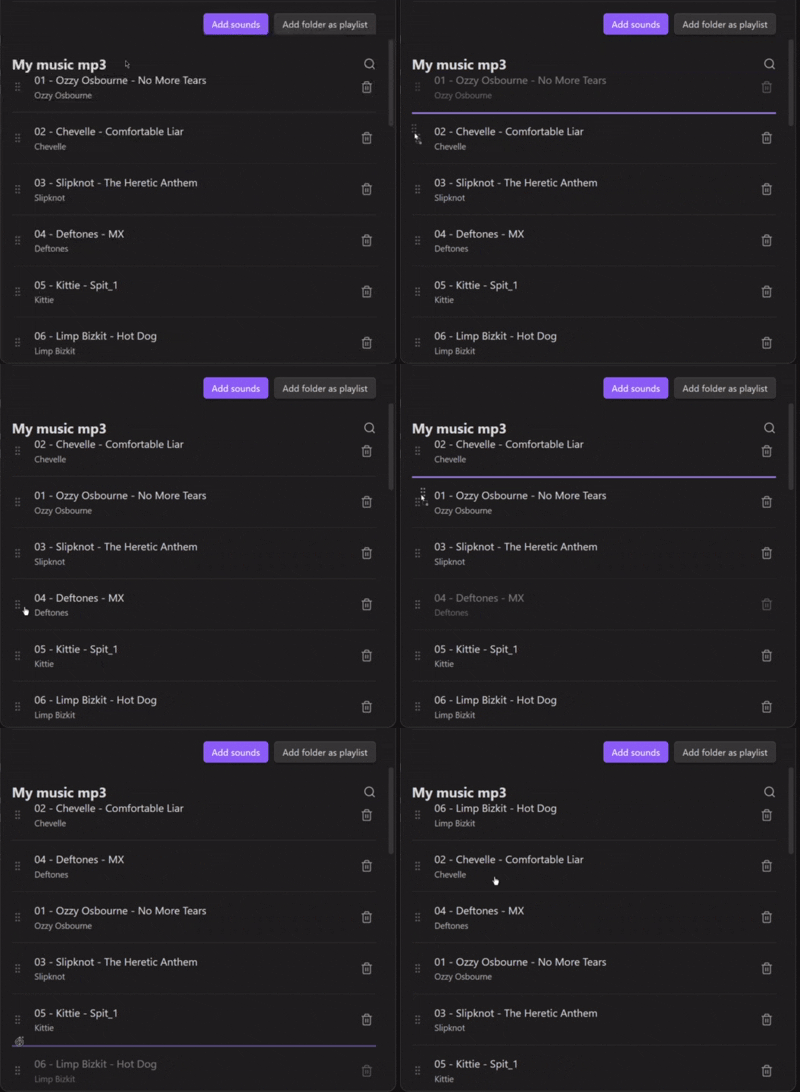
- Custom track order
- Shuffle, repeat (off / one / autoplay)
- Seek bar and volume control
Settings
-
Open via right-click the Sidebar icon, or Settings → Community plugins → Sounders.
-
All tracks and playlists are automatically added to:
.obsidian\plugins\sounders\sounds
- Track order is stored at
.obsidian\plugins\sounders\data.json
version 1.0.0