
README file from
GithubSketch Mechanisms
Live, hand-drawn animations of common 2D mechanisms — four-bar linkages, slider-cranks, gear pairs, cams, pendulums, and spring-mass systems — rendered right inside your notes from a simple code block. Strokes are drawn with rough.js (the same engine Excalidraw uses), so the look is sketchy and whiteboard-like, and colours follow your Obsidian theme.
Nothing is baked to a file: the animation is a live SVG that plays in reading view and Live Preview, works on mobile, and respects your reduced-motion setting.
Examples
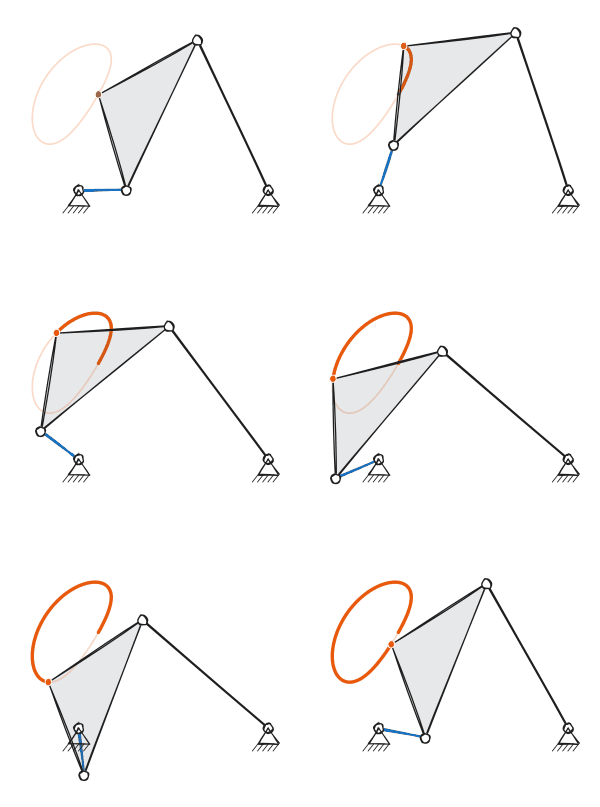
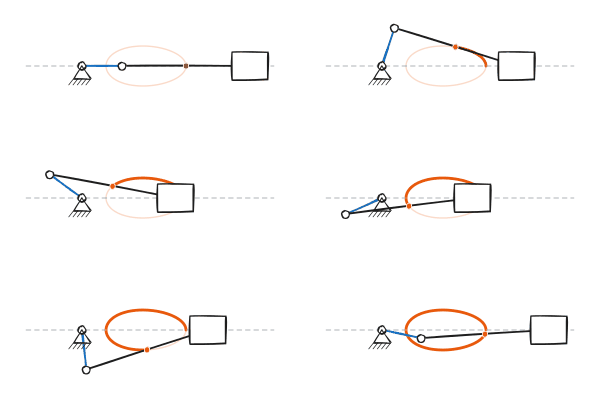
| Four-bar linkage | Slider-crank |
 |
 |
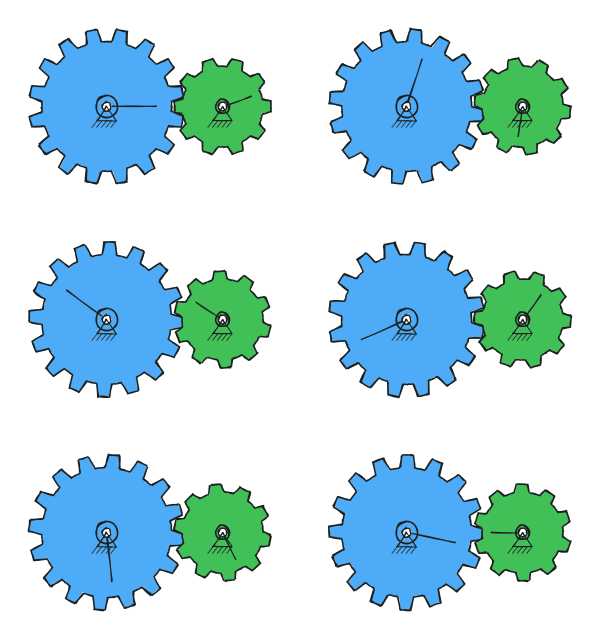
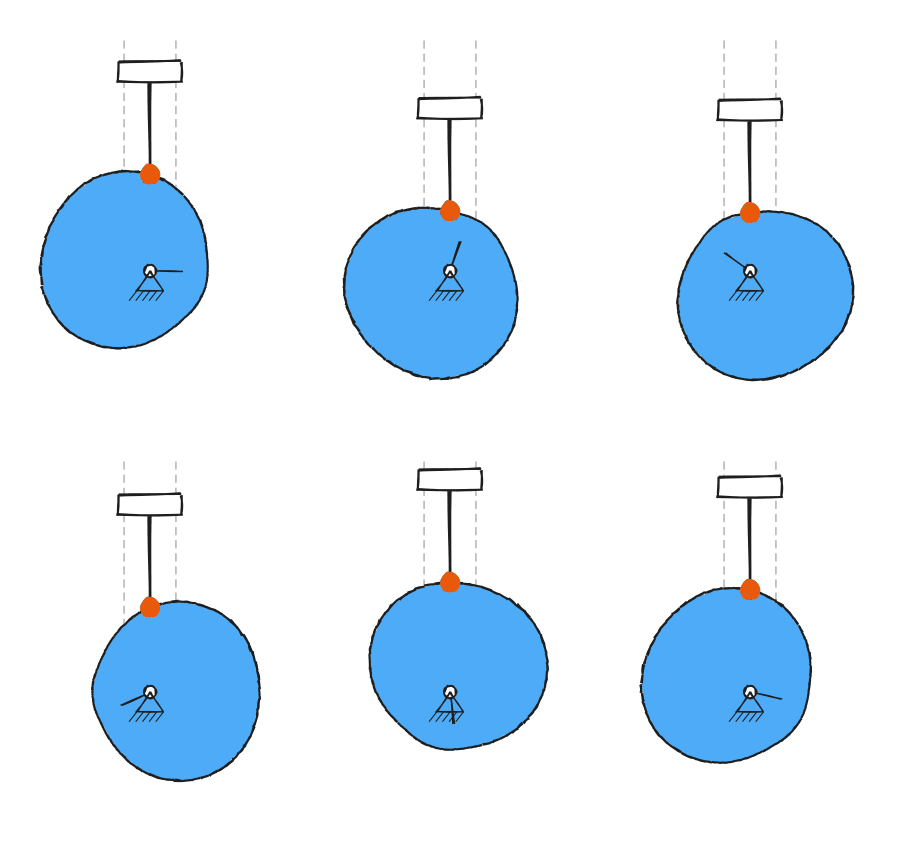
| Gear pair | Cam + follower |
 |
 |
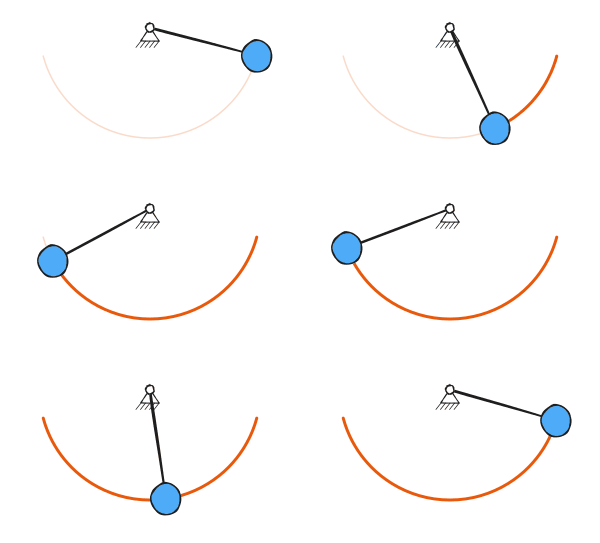
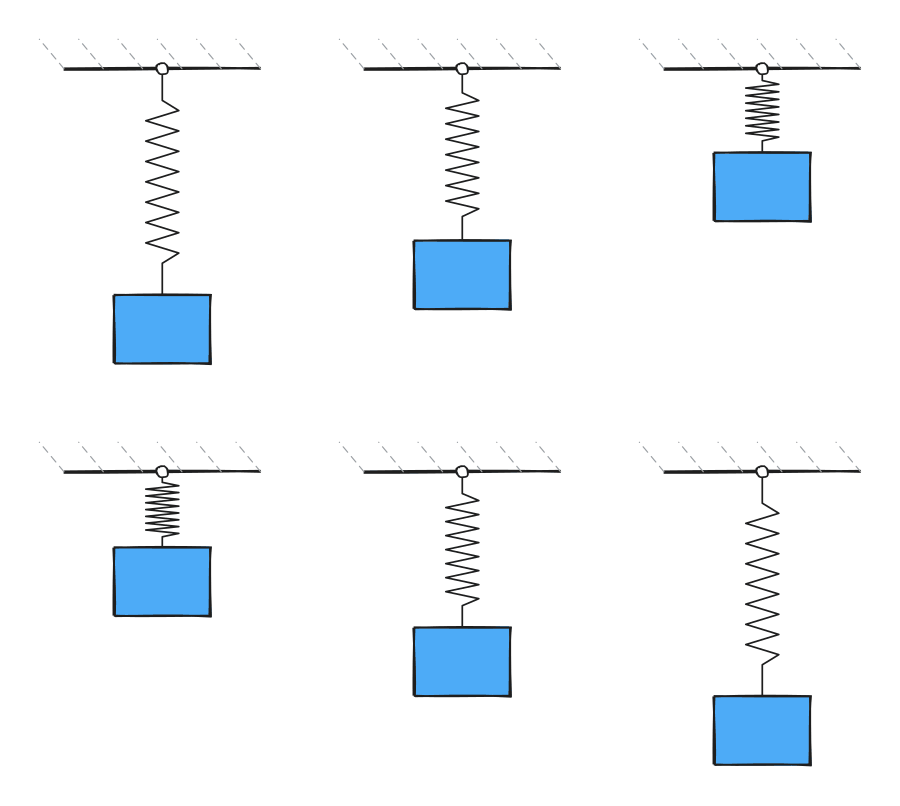
| Pendulum | Spring-mass |
 |
 |
Usage
Add a fenced code block with the language mechanism:
```mechanism
type: fourbar
```
That's it — the block renders an animated four-bar linkage. Click any drawing to play/pause.
The six types and their options
All length options are in arbitrary units (only ratios matter). Every block
also accepts shimmer, speed, roughness, strokeWidth, autoplay, and
caption (see below).
four-bar linkage
type: fourbar
ground: 4          # distance between the two fixed pivots
crank: 1           # driven (short) link
coupler: 3.5       # floating link carrying the trace point
rocker: 3.5        # output link
coupler_point: [0.45, 1.4]   # [fraction along coupler, perpendicular offset]
slider-crank
type: slidercrank
crank: 1
rod: 3.2
offset: 0              # vertical offset of the slider track
rod_point: [0.5, 0]    # marked/traced point on the rod: [fraction, perpendicular offset]
gear pair (external, or internal/ring)
type: gears
teeth1: 16
teeth2: 10
module: 0.26       # tooth size; pitch radius = module * teeth / 2
internal: false    # true = ring gear (the larger gear becomes an internal ring)
cam + follower
type: cam
base: 1               # base circle radius
lift: 0.9             # follower rise
rod: 1.6              # follower rod length
profile: harmonic     # rise/fall easing: harmonic or cycloidal
dwell: 0              # fraction of the cycle (0-0.9) held at top/bottom
pendulum (integrated with RK4 — large-angle motion is physically accurate)
type: pendulum
length: 2
theta0: 70         # initial angle in degrees
g: 9.81
damping: 0         # 0 = undamped (clean loop); >0 decays, then restarts each loop
spring-mass
type: spring
m: 1               # mass
k: 12              # spring constant
amp: 0.8           # oscillation amplitude
damping: 0         # damping ratio 0-0.99; >0 decays, then restarts each loop
Shared options
| key | default | meaning |
|---|---|---|
shimmer |
0 |
0 = stable strokes; 1 = strokes re-drawn each frame (lively, boil) |
speed |
1 |
playback speed multiplier |
roughness |
1.2 |
how sketchy the lines are |
strokeWidth |
4 |
baseline line thickness |
autoplay |
true |
start playing automatically (always pauses under reduced-motion) |
trace |
true |
show the path traced by the highlighted point |
size |
440 |
maximum drawing width in pixels |
accent |
— | hex color (e.g. #e64980) to recolor the primary element |
caption |
— | small caption under the drawing |
Block values override the global defaults set in Settings → Sketch Mechanisms.
Manual installation
- Build or download
main.js,manifest.json, andstyles.css. - Copy all three into your vault at
<vault>/.obsidian/plugins/sketch-mechanisms/. - In Obsidian: Settings → Community plugins, enable Sketch Mechanisms. (Toggle Restricted/Safe mode off first if needed.)
- Open a note and add a
mechanismcode block.
Building from source
npm install
npm run build      # type-checks, then bundles to main.js
npm run dev        # watch mode
Tests
The kinematics are cross-checked numerically against a reference implementation, and the renderer is exercised under jsdom:
npx esbuild test/check.ts --bundle --platform=node --format=cjs --outfile=test/check.cjs && node test/check.cjs
License
MIT