
README file from
GithubVault Book
Turn your Obsidian vault into a Gitbook-like website.
Edit notes in Obsidian, see them live in the browser. No export, no build step — just save and refresh.
Preview
| Light | Dark | Search |
|---|---|---|
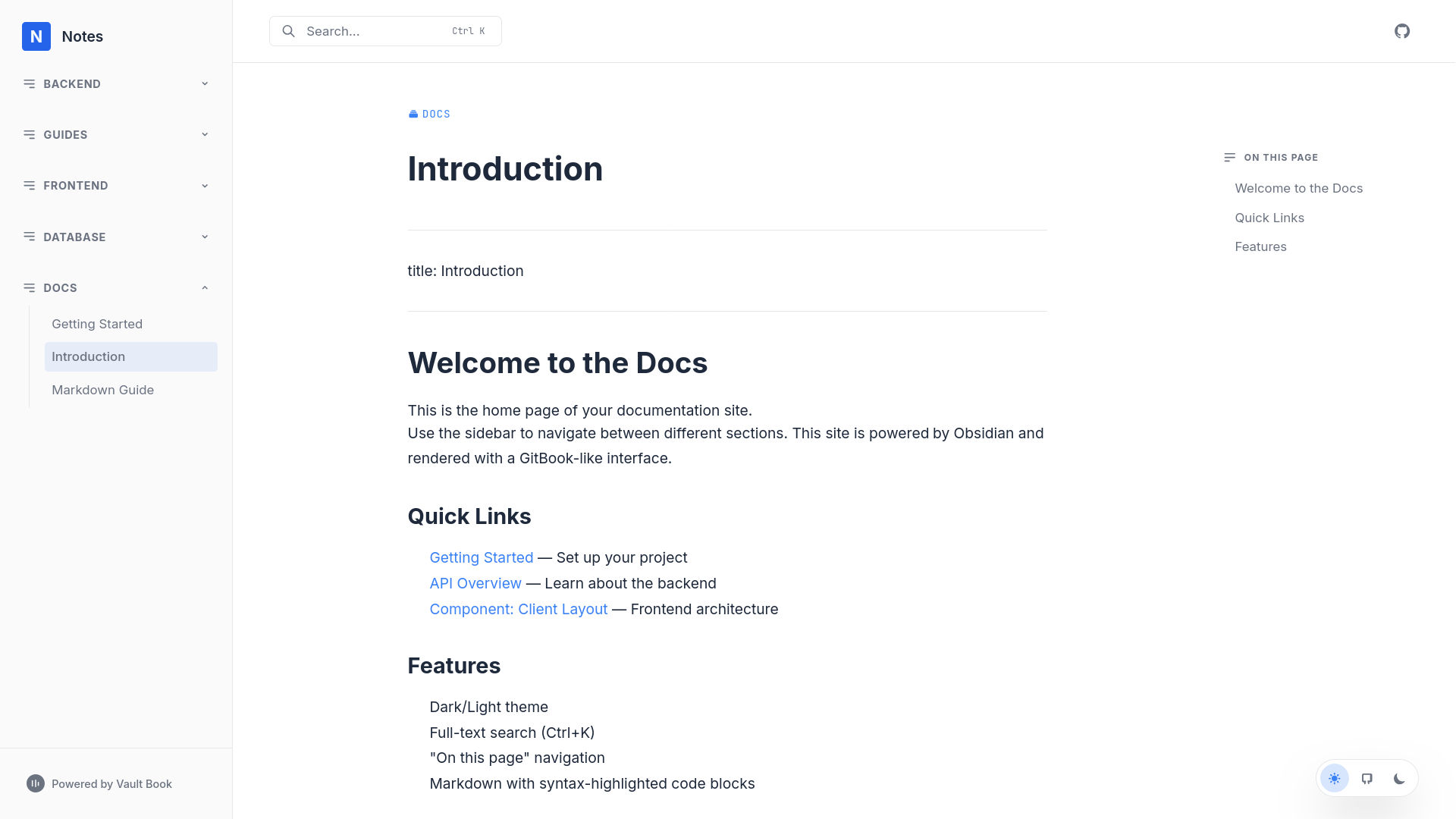 |
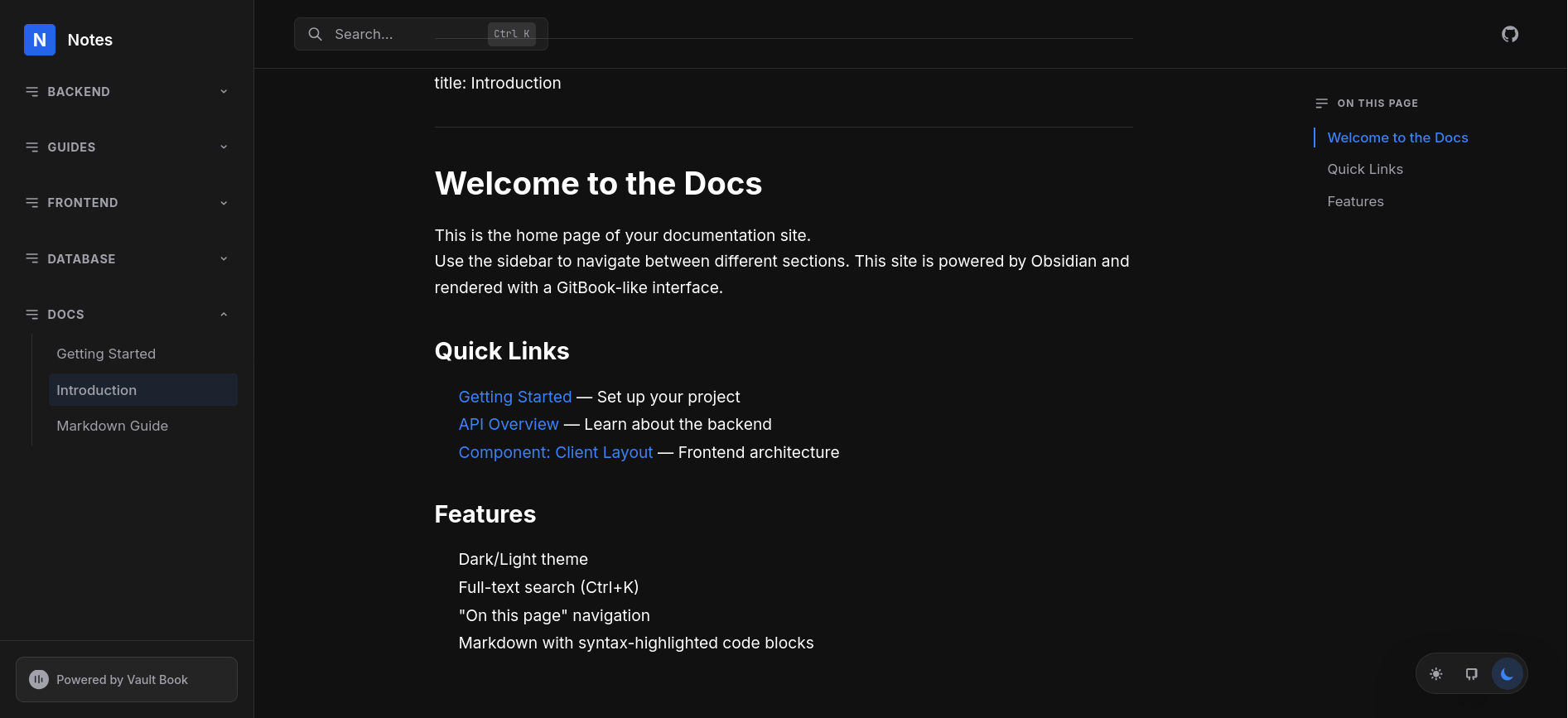 |
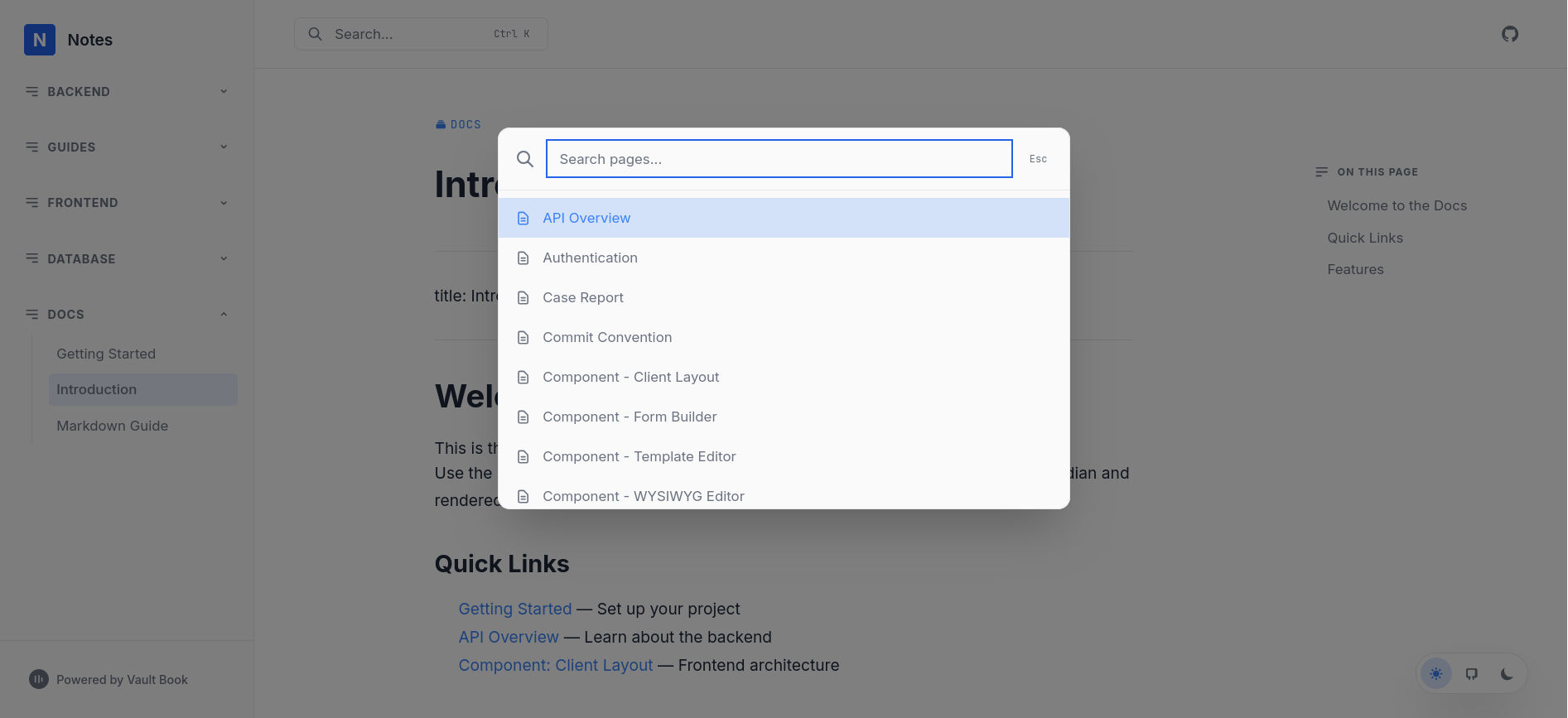 |
Features
- Live web server — starts from within Obsidian
- Gitbook-style UI — sidebar nav, table of contents, search
- Dark/Light/System theme — toggleable
- Auto-collapsible sidebar — grouped by folder
- Smooth scroll TOC — with active heading indicator
- Full-text search — press
Ctrl+K
Installation
From Obsidian Community Plugins
- Open Obsidian Settings → Community Plugins
- Search for "Vault Book"
- Install and enable
Manual (BRAT)
Add rosfandy/vault-book via the BRAT plugin.
Usage
- Enable the plugin in settings
- Run "Start Vault Book Server" from the command palette
- Open
http://localhost:3000in your browser - Edit any note in Obsidian → refresh browser to see changes
Development
git clone https://github.com/rosfandy/vault-book.git
cd vault-book
bun install
bun run build-all
Build the React app + plugin:
bun run build-all
Project Structure
├── main.ts           # Obsidian plugin (HTTP server + API)
├── web/              # React app source
│   ├── app.tsx
│   ├── components/
│   ├── hooks/
│   └── lib/
├── build-web.ts      # esbuild script for React app
├── esbuild.config.mjs # esbuild script for plugin
└── manifest.json
License
MIT