
README file from
GithubMulti Cloud Sync
Sync individual vault folders with multiple cloud drives — simultaneously.
⚠️ Disclaimer: This plugin modifies files in your vault and cloud storage. Always maintain offline backups. The author is not responsible for any data loss.
Painful drive management and content migration? With this plugin, you can simply drag and drop content for easy migration.
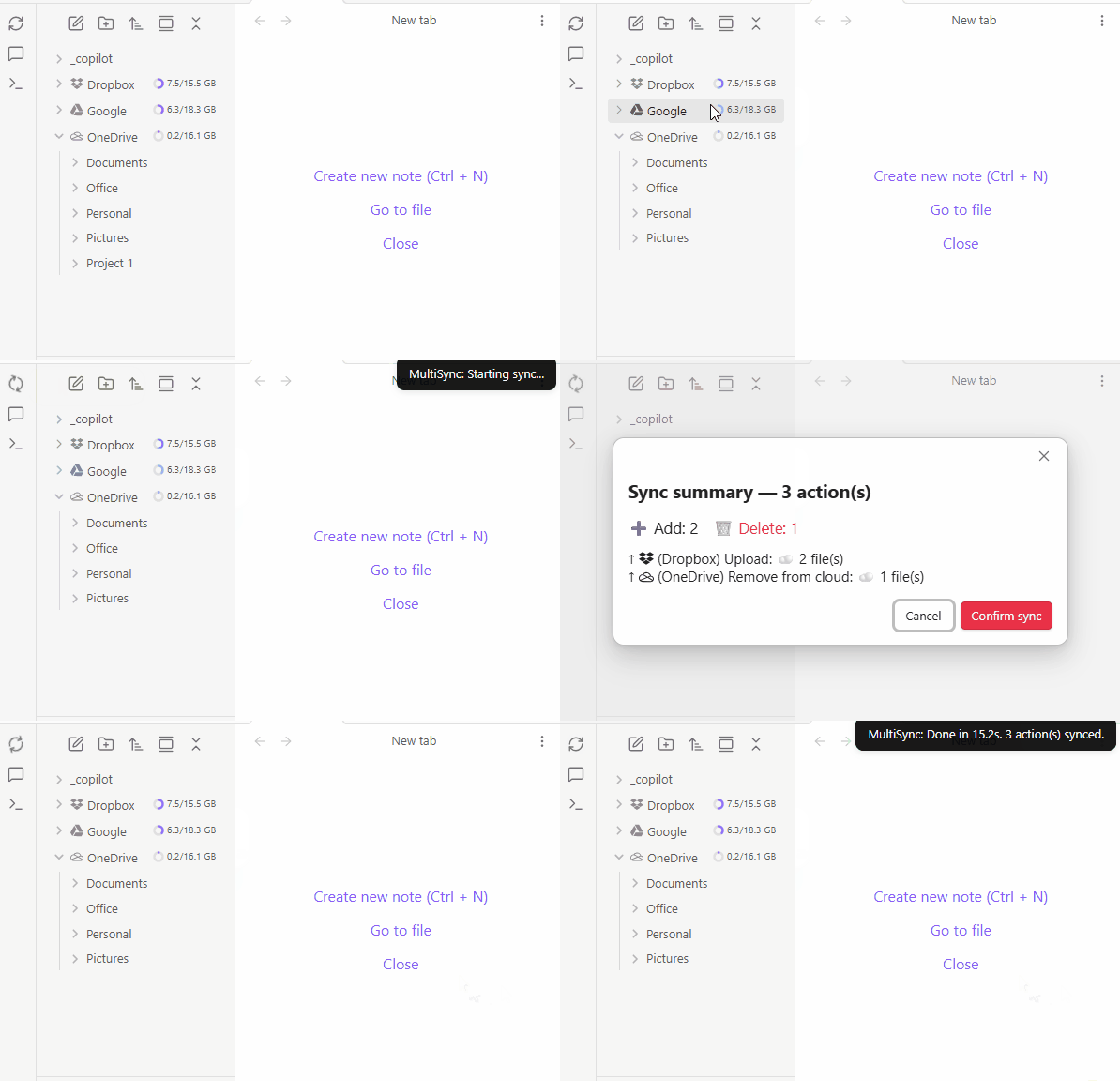
This plugin allows you to map cloud drives to Obsidian, similar to other plugins, but with the added ability to mount multiple cloud and local folders, including subfolders within the cloud. I use it to efficiently manage my cloud drives. You can also manage these drive files with other tools outside of Obsidian, and it will handle the synchronization. This tool has greatly reduced duplication and orphaned content in my cloud drives, making them much easier to manage.
-
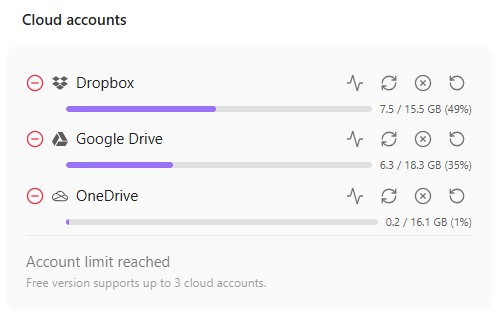
Multi-Cloud Sync — Sync with Dropbox, Google Drive, OneDrive, and experimental Notion support
-
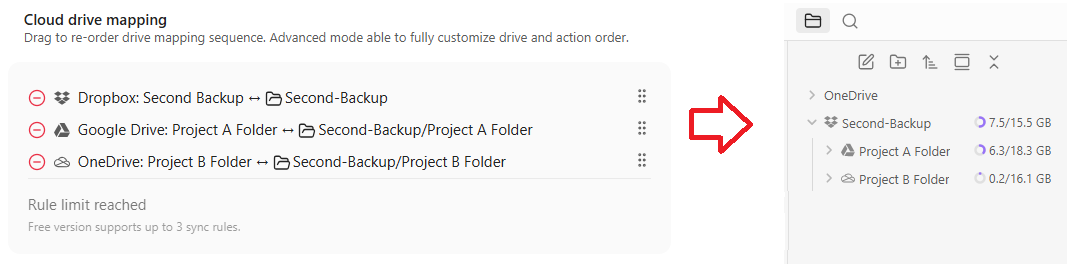
Per-Folder Mapping — Folder to folder mapping, support cross drive mapping for different drive backup
Pro Features
- Unlimited Cloud Drives
- Real-time Sync
- Smart Content Merge
Supported Providers
- Dropbox
- Google Drive
- OneDrive
- Notion (experimental)
Notion Sync (Experimental)
Notion sync is experimental and may corrupt or remove content. Back up both your Obsidian vault and Notion workspace before enabling it.
- Use basic Markdown pages while testing. Complex blocks, layouts, embeds, and other advanced Notion content are not fully supported.
- Do not map the same local folder, or a folder inside it, to another cloud account. Multi-account and overlapping mappings are not fully tested.
- Notion databases, database rows, and nested pages are not fully tested and may be duplicated, moved, overwritten, or deleted.
- Review every sync confirmation carefully before applying changes.
Content Protection
Synchronization is protected with:
- Sync confirmation
- Trash bin on cloud drive
- Trash bin on local disk (configurable in Obsidian settings)
Installation
- Open Obsidian → Settings → Community Plugins
- Disable Safe Mode if prompted
- Click Browse and search for "Multi Cloud Sync"
- Click Install, then Enable
Quick Start
- Open plugin settings
- Add a cloud account (Dropbox, Google Drive, OneDrive, or experimental Notion) — authenticate via OAuth or enter a Notion integration token
- Add a sync rule — pick a local folder and a cloud folder on that account
- Click Sync (or Dry Run first to preview changes)
This plugin was developed with AI-assisted programming.
License
GPL-3.0