
README file from
GithubMonolithos for Obsidian
Your AI Companion for Local-First Thinking.
A privacy-first AI plugin for Obsidian. Crystallize your notes into structured memory, summon AI inline with Cmd+J, transform your writing into podcasts and presentations — all while your vault stays on your machine.
Chaos is the fabric. Order is the cut.


What is Monolithos?
Monolithos is a sovereign AI companion that lives inside your Obsidian vault. It connects your local notes to top-tier AI models — Claude Opus, Grok, Gemini Pro — while keeping everything private, local-first, and under your control.
Every other AI tool forgets you the moment you close the window. Monolithos doesn't. It crystallizes your thinking into permanent cognitive assets, retrieves them when you need them, and traces every insight back to where it came from. Your vault stays on your machine. The AI comes to you.
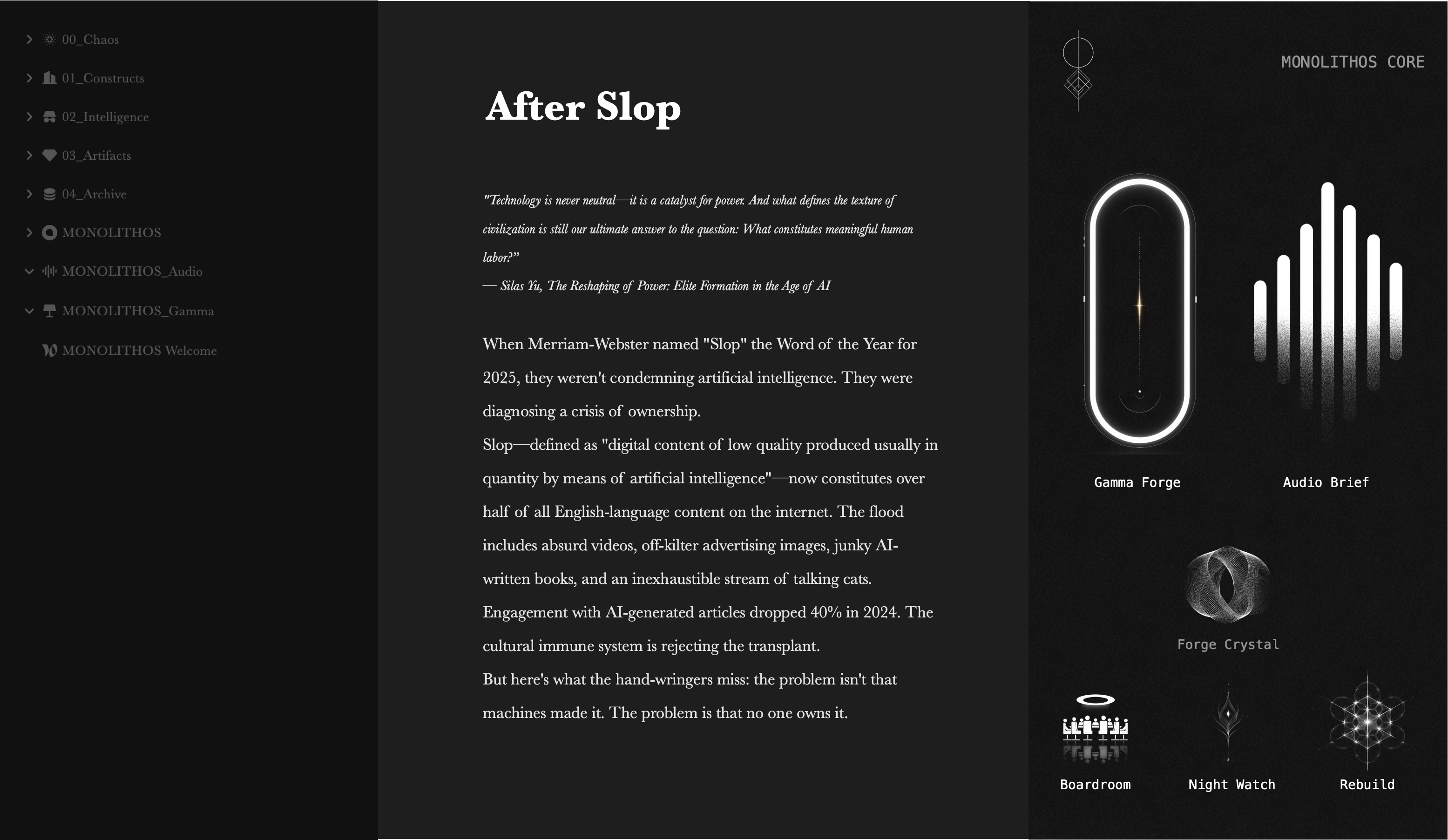
See it in action
| Memory Core & Crystallization | Chat & Synapse AI | Audio Brief & Gamma Forge |
|---|---|---|
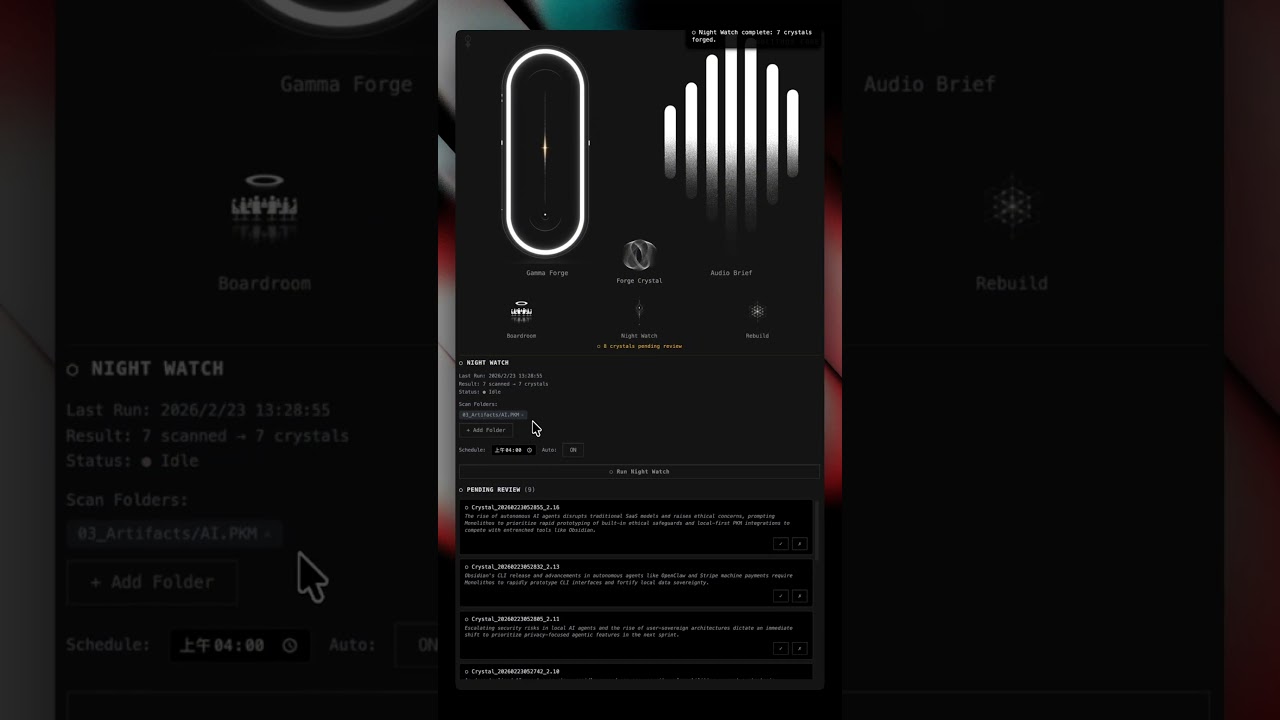 |
 |
 |
Core Modules
⬡ Memory Core (MMC) — Your AI Has Been Forgetting You. We Fixed That.
This is what makes Monolithos fundamentally different from every other AI plugin.
Every AI assistant on the market operates the same way. Each session begins from zero. What they call "memory" is a statistical approximation — a guess about who you are, assembled from pattern matching, dissolving every time you close the tab.
MMC is the opposite architecture. When you think, it crystallizes. When you sleep, Night Watch runs. When you ask a question, it doesn't guess — it retrieves. Deterministic. Traceable. Yours.
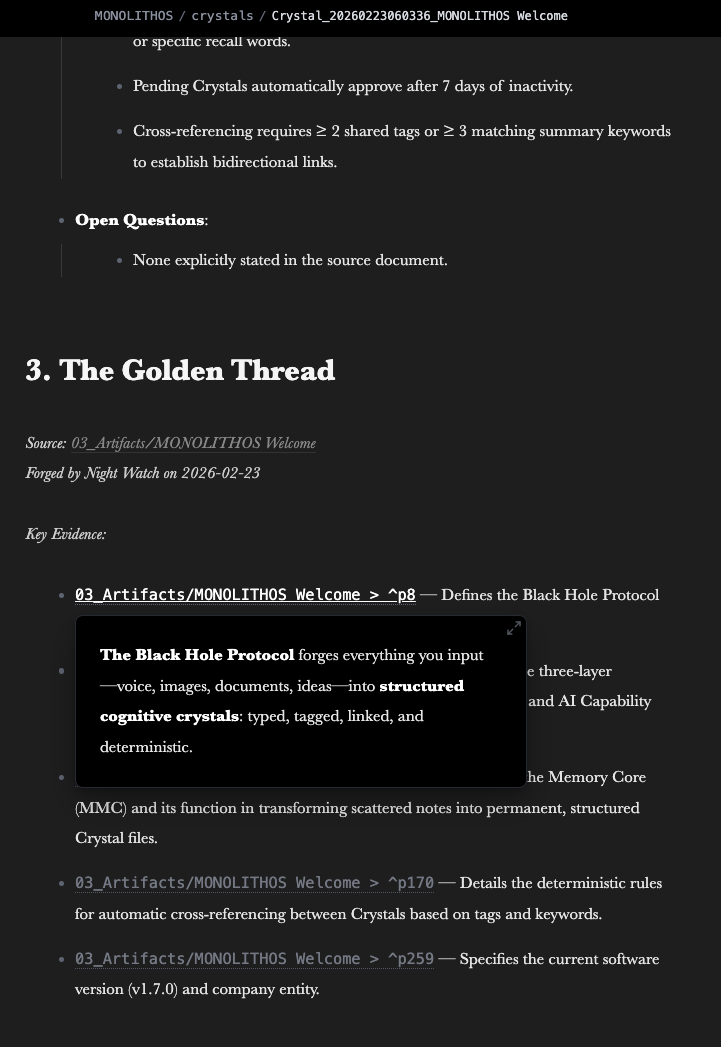
Forge Crystal — One-Click Multimodal Crystallization
Open any note → click Forge Crystal in the Core panel → in 10–30 seconds, a new Crystal file appears.
Supports multimodal crystallization: notes, PDFs, documents, audio transcriptions, and images are all crystallized into structured cognitive assets.
Every Crystal contains:
- Core Insight — the distilled intelligence, compressed into a single actionable paragraph
- Structured Data — extracted entities, relationships, timestamps, and metadata
- Golden Thread — traceable
[[source_note#^p3]]links pointing back to the exact source paragraph where each insight originated
Your original note receives a crystallized status and a backward link to its Crystal. Every piece of knowledge has a provenance chain. One click. Permanent.
Night Watch — Automated Batch Crystallization
While you sleep, it works. Night Watch scans your vault on a schedule, crystallizes new notes, and queues them for your morning review. Wake up to a vault that has compounded overnight.
Memory Retrieval — AI With Continuity
Three modes:
- Always On — every AI conversation has full memory context
- Smart — memory injected only when relevant
- Off — for sensitive sessions
Your AI stops being amnesiac. It retrieves what you've actually thought, the day you thought it, with citations.
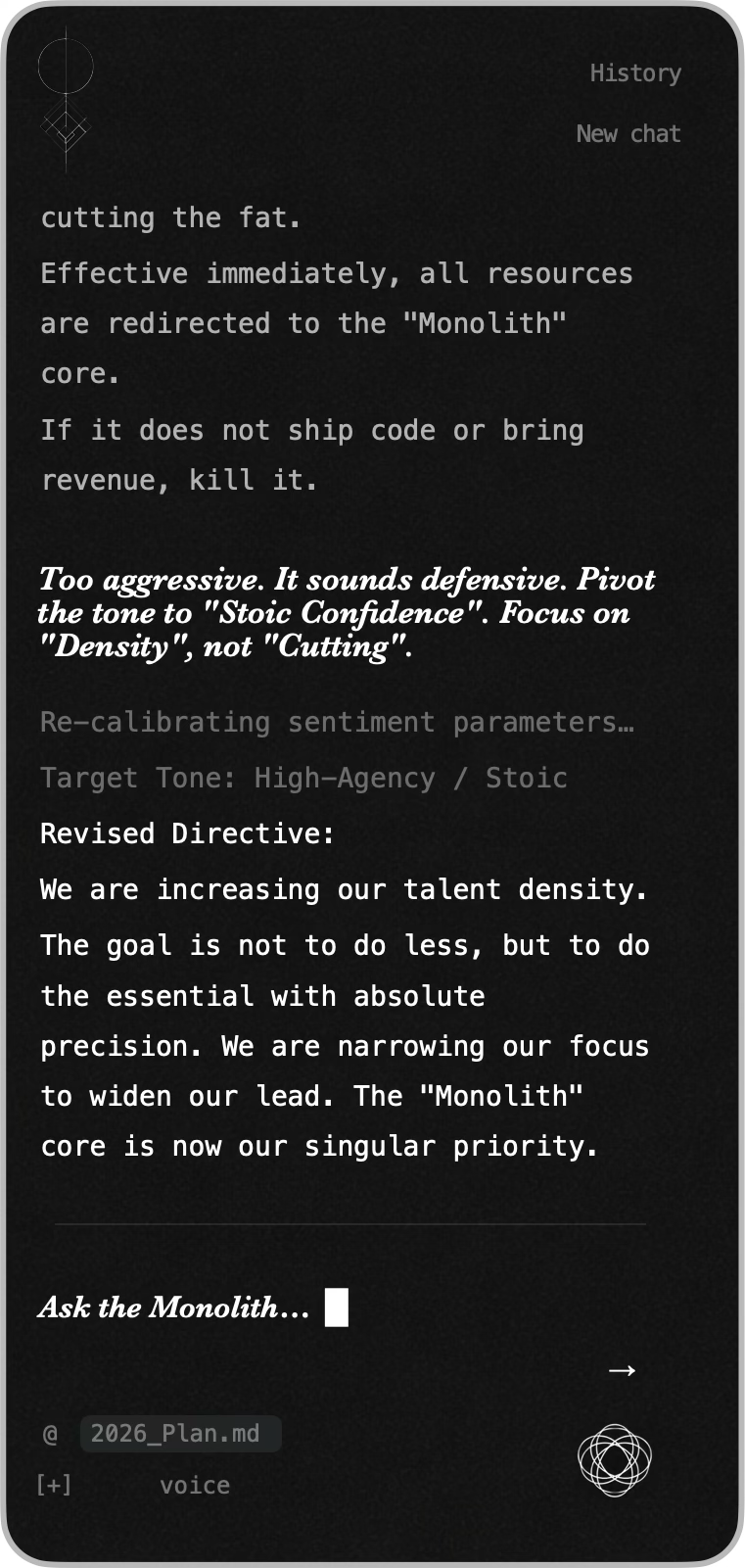
💬 Chat — Multimodal AI Conversation
Six intelligence modes — Auto, Velocity, Omni, Strategy, Deep, Custom — backed by Claude Opus, Grok, and Gemini Pro. Attach files. Reference notes with @. Voice input. Conversation history preserved per session.
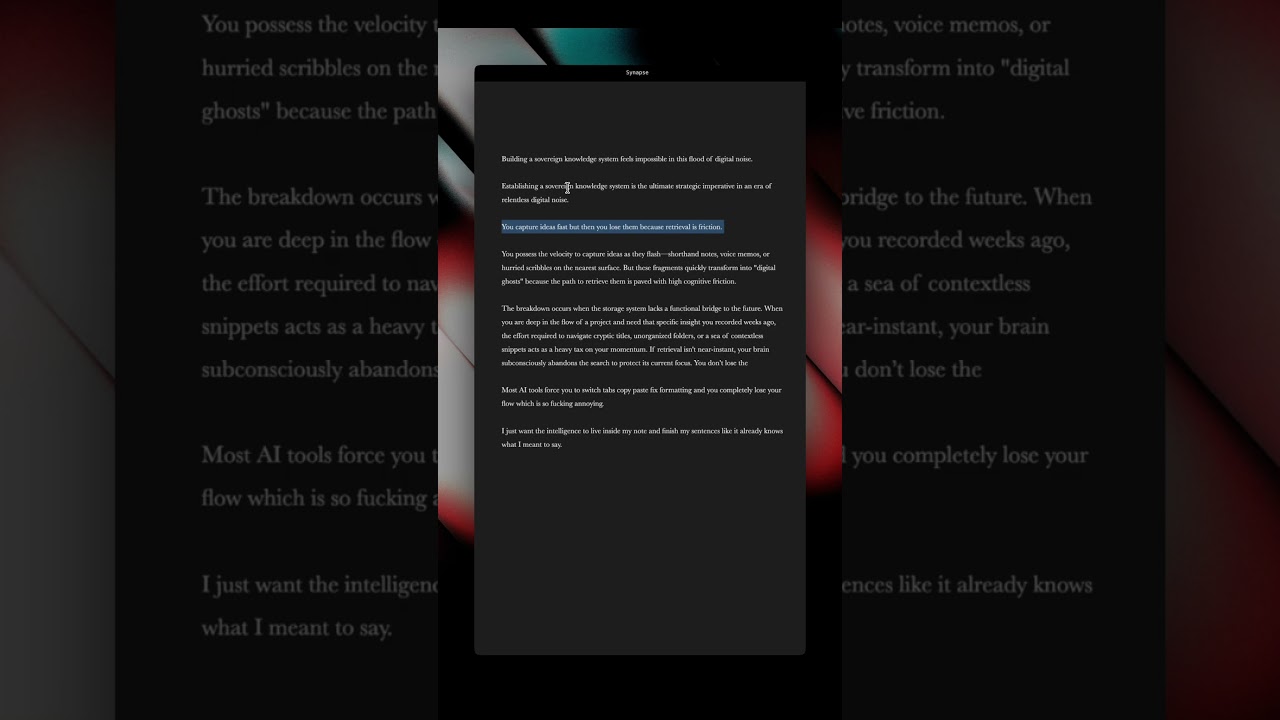
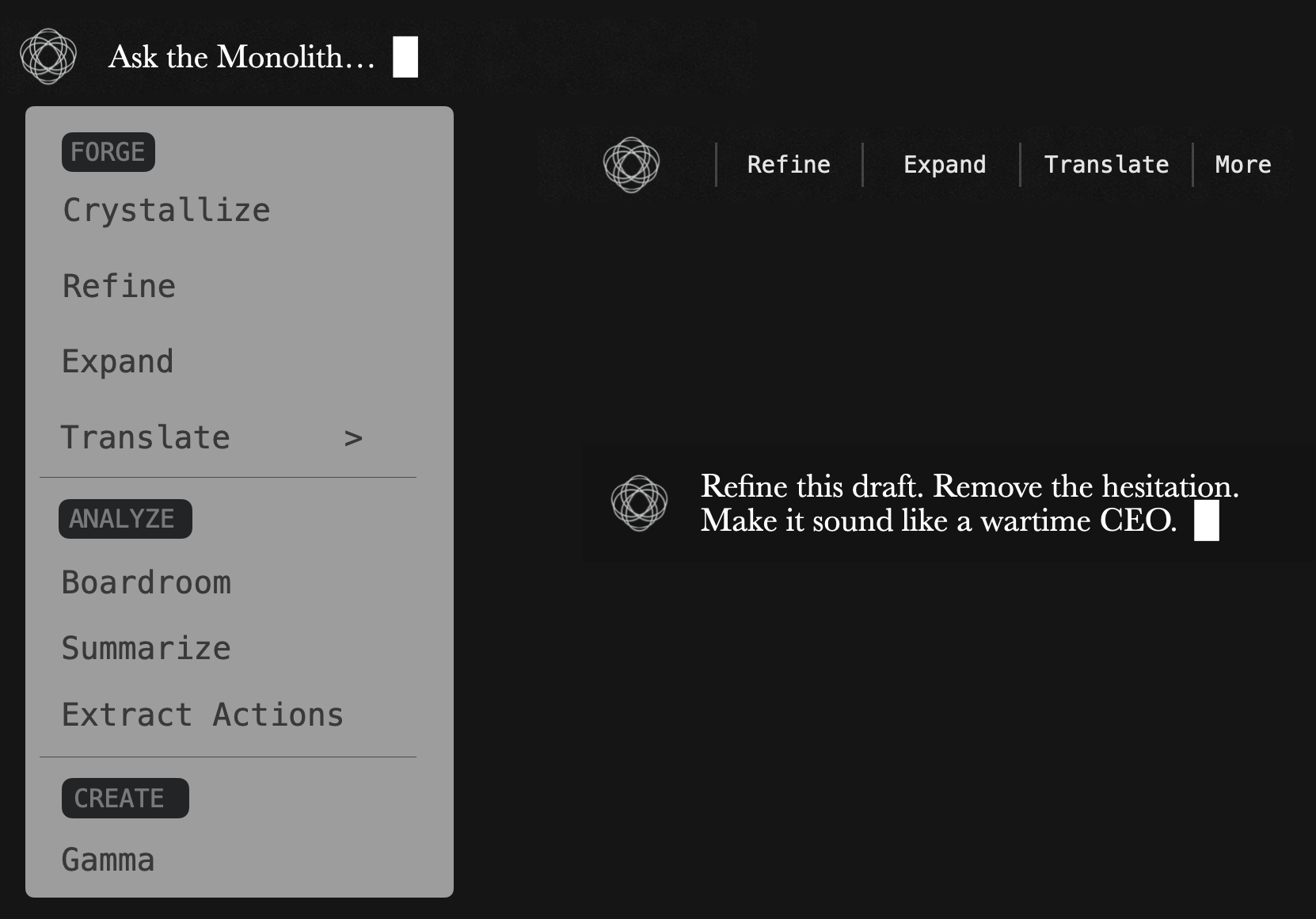
🔷 Synapse — In-Note AI Panel
AI operations that come to you. No view switching. No context loss.
Two ways to summon:
- Select any text → a floating mini bar appears with quick actions
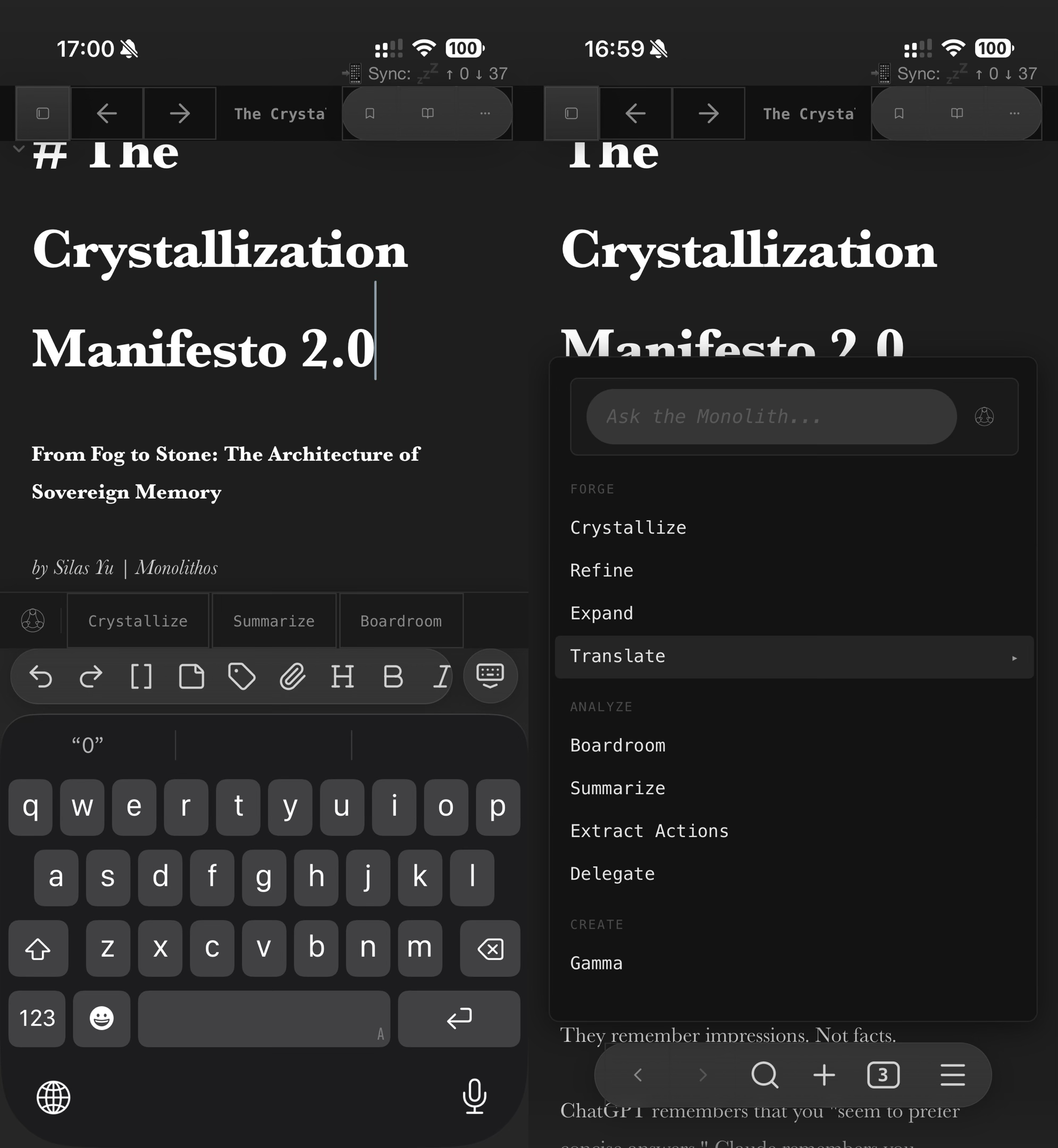
- Press
Cmd+Jwithout selection → the full action menu opens at your cursor
9 AI actions: Crystallize, Refine, Expand, Translate, Boardroom, Summarize, Extract Actions, Delegate, and Gamma. Plus a freeform text input — type anything and ask the AI directly.
Results stream into your document with a typewriter effect. Works on desktop and mobile (persistent keyboard toolbar on mobile).
| Desktop | Mobile |
|---|---|
 |
 |
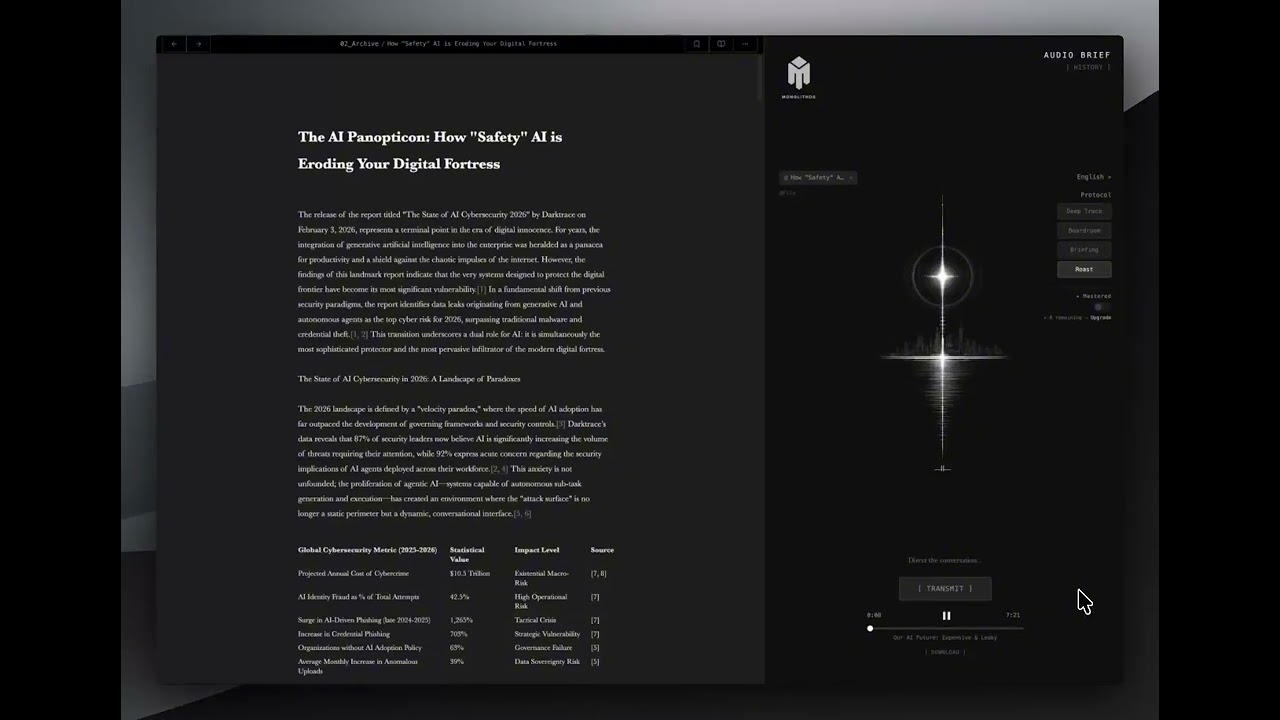
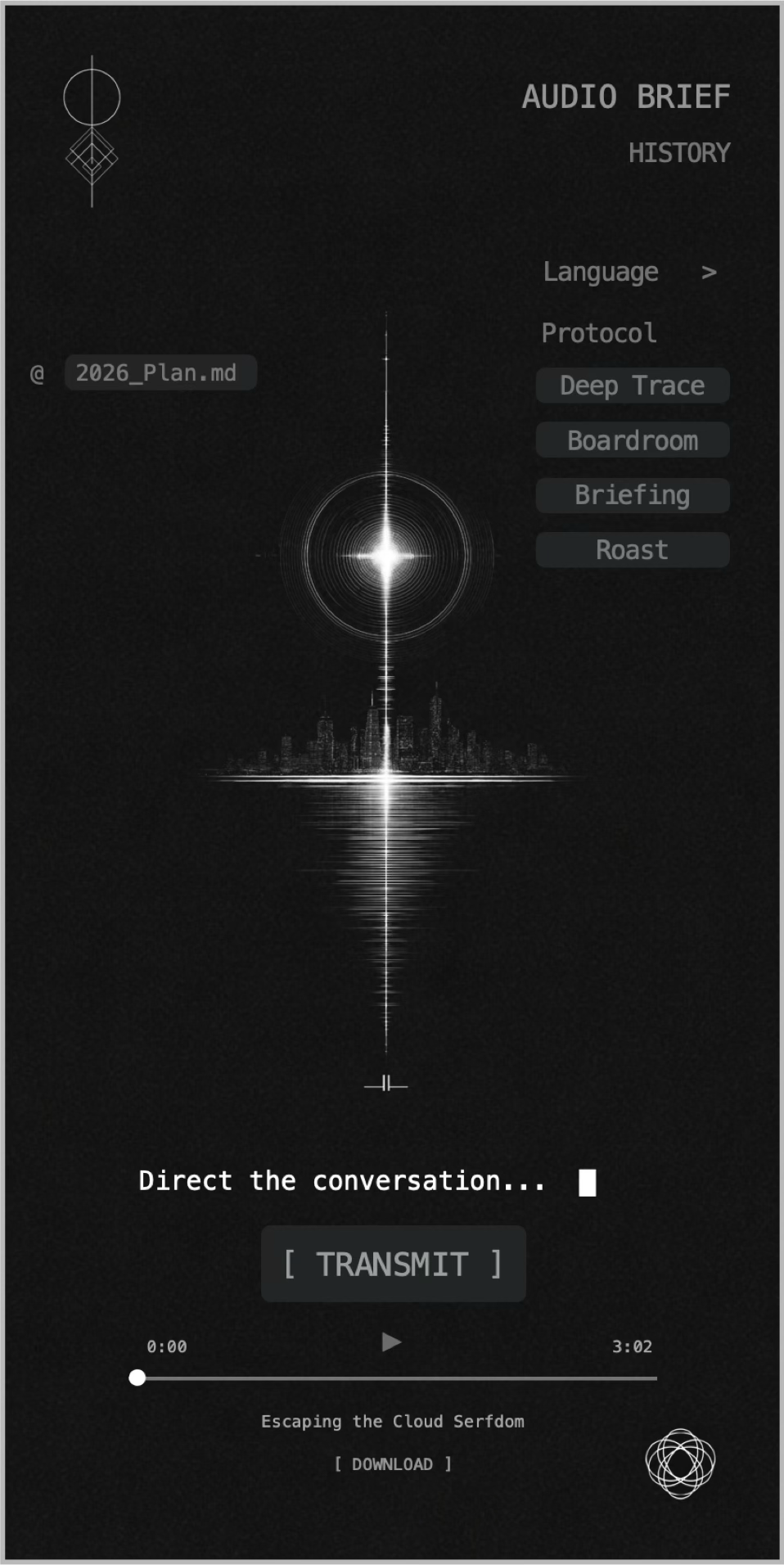
🎙️ Audio Brief — Notes to Podcast
Transform any note into a professional dual-host podcast in 10 languages.
| Mode | Style |
|---|---|
| Deep Trace | Intellectual detectives unraveling mysteries |
| Boardroom | HBO Succession-style power debate |
| Roast | Sharp-witted comedy dissection |
| Briefing | CIA morning brief — cold, precise |
One click. 2–5 minutes. Broadcast-quality audio from your own writing.
🎨 Gamma Forge — Notes to Presentation
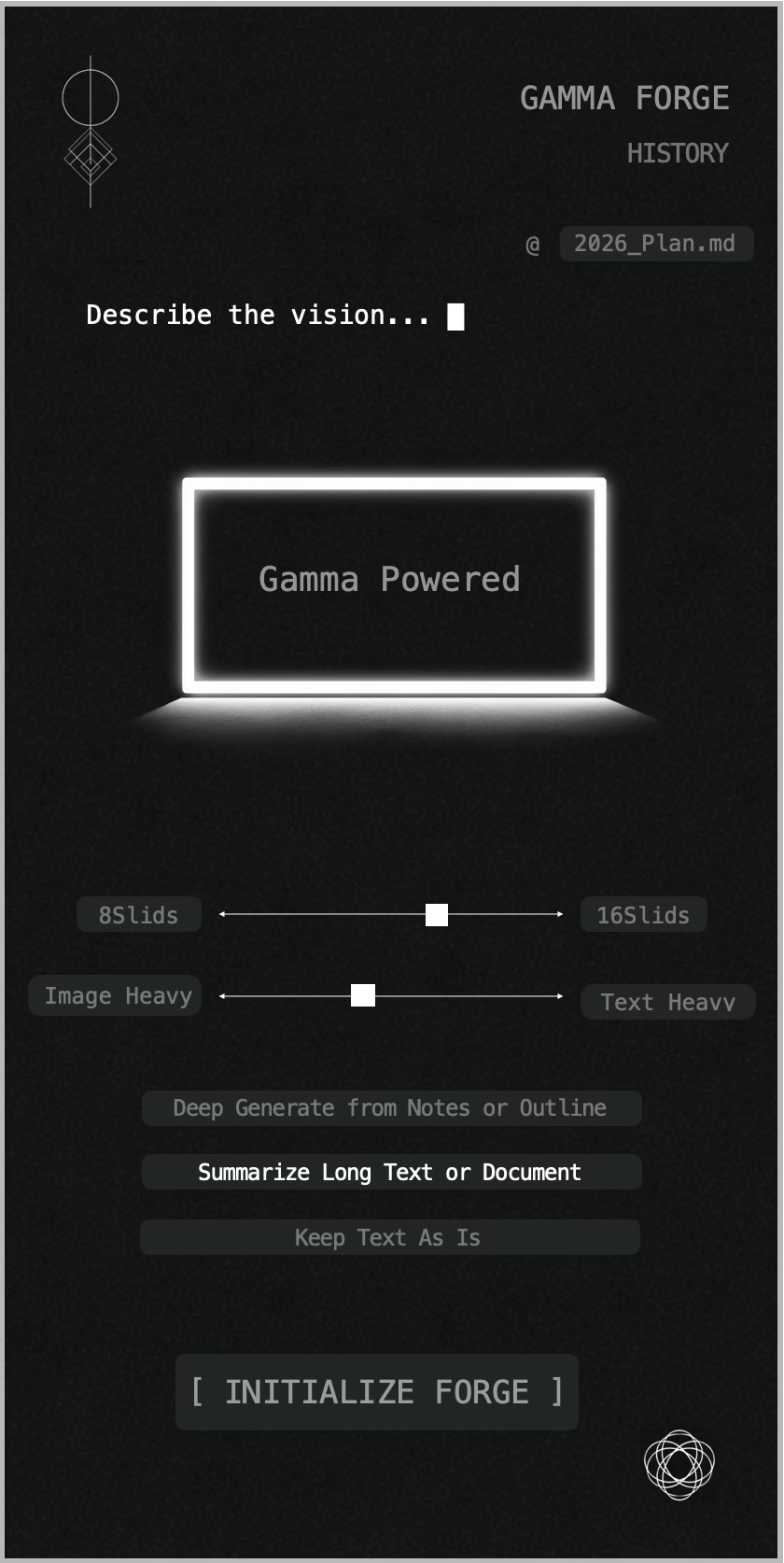
Forge your notes into professional-grade presentations powered by a dual-AI pipeline.
Three modes: Deep Generate (AI extracts narrative structure), Summarize (condense to essentials), Keep As Is (preserve your structure). Adjustable slide count (8–16) and image ratio.
🕳️ Black Hole Protocol — Mobile Capture
Your iPhone becomes an event horizon. Photos, voice memos, screenshots, PDFs — captured, AI-analyzed, and crystallized into your vault via iOS Shortcut.
Share anything → AI processes it → structured note appears in Obsidian. 3–10 seconds.
⚙️ Core — Command Center
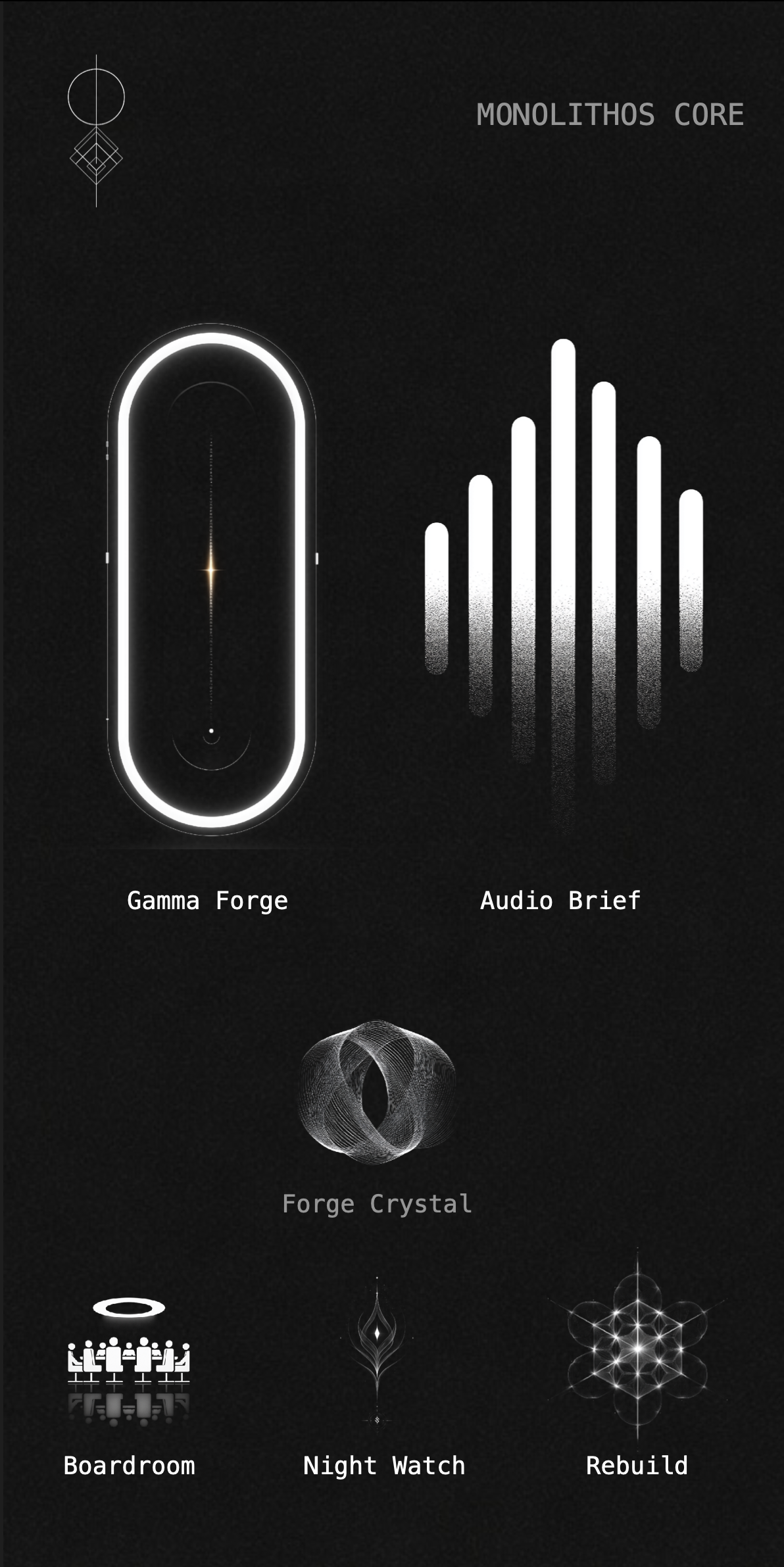
The nerve center of Monolithos. Six sovereign operations in two tiers:
| Gamma Forge | Audio Brief | Forge Crystal |
| Launch presentations | Launch podcasts | Crystallize active note |
| Boardroom | Night Watch | Rebuild |
| Shadow Board critique | Batch auto-crystallization | Enhanced note variant |
🎴 Dual-State Aesthetics
Writing as a ritual. Not a task.
We stripped away the interface to reveal the thought. In a world of cluttered toolbars and constant notifications, Monolithos offers Digital Silence. No distractions. No cloud latency. Just you, the blinking cursor, and the void.
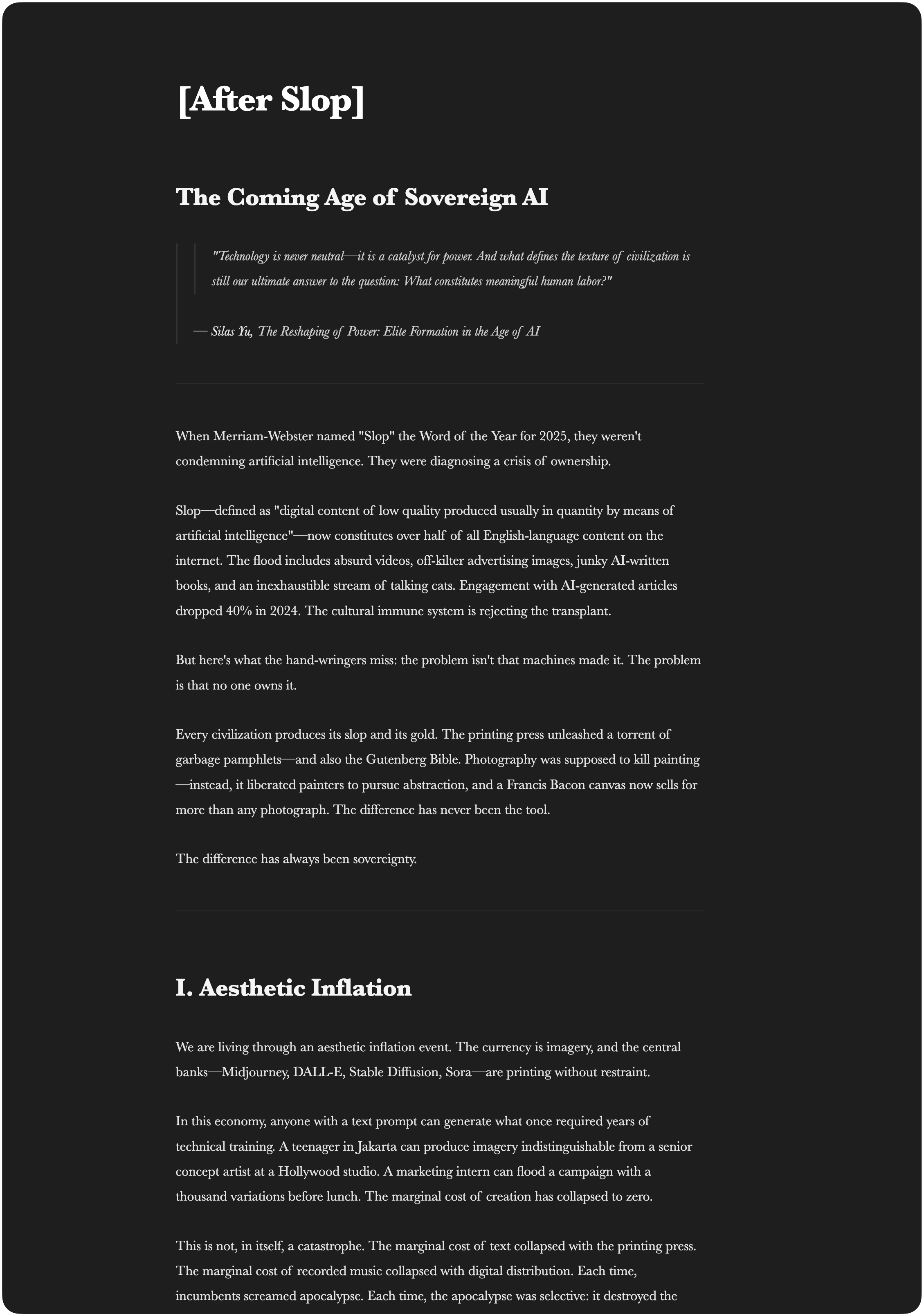
Switch instantly between two modes:
| Obsidian Noir | Concrete Mist |
|---|---|
 |
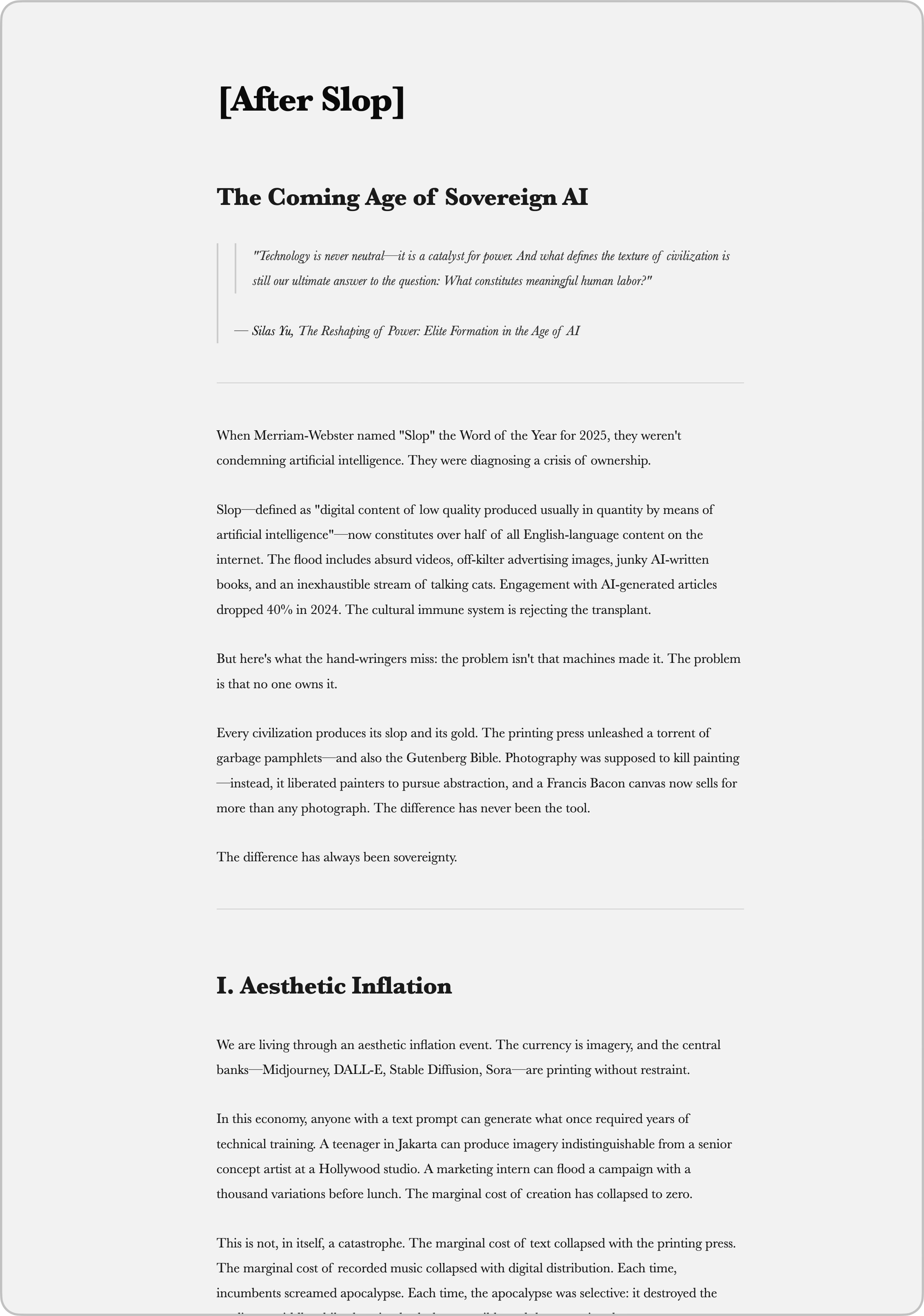 |
| Deep night work | Clarity in the light |
Architecture
┌─────────────────────────────────────────────────────────┐
│   📱 BLACK HOLE PROTOCOL (iOS Shortcut)                  │
│   Voice / Image / Document → AI → Structured Note        │
└──────────────────────┬──────────────────────────────────┘
                       ▼
┌─────────────────────────────────────────────────────────┐
│   🖥️ YOUR OBSIDIAN VAULT (Local-First)                   │
│   All data stays on your machine                         │
└──────────────────────┬──────────────────────────────────┘
                       ▼
┌─────────────────────────────────────────────────────────┐
│   ⬡ MONOLITHOS PLUGIN                                    │
│   Chat │ Synapse │ Audio Brief │ Gamma Forge │ MMC       │
└──────────────────────┬──────────────────────────────────┘
                       │ HTTPS + Bearer Auth
                       ▼
┌─────────────────────────────────────────────────────────┐
│   MONOLITHOS BACKEND (Sovereign Infrastructure)          │
│   Claude Opus │ Grok │ Gemini Pro                         │
└─────────────────────────────────────────────────────────┘
Installation
From Obsidian Community Plugins (Recommended)
- Open Obsidian → Settings → Community Plugins
- Click Browse → Search "Monolithos"
- Click Install → Enable
- Go to Settings → Monolithos → Enter your API Key
- Done. Open the Core panel and begin.
Via BRAT (Beta)
- Install the BRAT plugin
- Add beta plugin:
silas-zhen/monolithos-plugin - Enable Monolithos in Community Plugins
- Enter your API Key in Settings
Get Your API Key
Visit get.monolithos.ai to register for a free 7-day trial. Full access. No credit card.
Your Monolithos account works across every place we live — including the desktop and mobile apps available at monolithos.ai. One subscription, your vault stays one vault.
Pricing
The Monolithos plugin is free to install. AI features run on a generous monthly quota.
Your subscription works seamlessly across the plugin and our companion desktop and mobile apps. One account, one vault, one quota.
| Plan | Price | What You Get |
|---|---|---|
| Free Trial | $0 / 7 days | Full feature access. Reasonable trial quotas. No credit card. |
| Core | $39/mo · $349/yr | Generous monthly compute & memory quotas. All AI models — Claude Opus, Grok, Gemini Pro. |
| Max | $89/mo · $859/yr | Higher quotas for power users. All AI models. |
| Founding Member | $999 lifetime · 50 seats hard cap | Lifetime Max-level quota, locked in for life. Direct line to the architect. |
→ Start your free trial → View full pricing
Platform Support
| Platform | Status |
|---|---|
| macOS | ✅ Full support |
| Windows | ✅ Full support |
| Linux | ✅ Full support |
| iOS | ✅ Full support (including Black Hole Protocol) |
| Android | ✅ Full support |
Requirements
- Obsidian v1.5.0 or later
- A Monolithos API Key (get one free)
- Internet connection (for AI model access)
Quick Start
- Install the plugin and enter your API key in Settings
- Chat: Core panel → top-left icon → start a conversation (then use sidebar 💬 to switch back)
- Synapse: Select text → floating bar appears. Or
Cmd+Jfor the full menu. Type freely to ask the AI anything - Crystallize: Core panel → Forge Crystal. Or click the Night Watch icon for batch processing
- Audio Brief: Core panel → Audio Brief → choose mode → Transmit
- Gamma Forge: Core panel → Gamma → describe your vision → Initialize Forge
- Black Hole: Install the iOS Shortcut from get.monolithos.ai → Share anything → it lands in your vault
Privacy & Security
- Local-first: Your vault stays on your device
- No data storage: AI requests are processed and discarded — nothing is stored server-side
- No telemetry: We don't track your usage, notes, or behavior
- No third-party access: Your data is never shared with or sold to anyone
- You own everything: All crystals, notes, and generated content belong to you
Support
- Email: [email protected]
- Issues: GitHub Issues
- Website: monolithos.ai
Roadmap
| Phase | Name | Timeline |
|---|---|---|
| I | The Foundation | Current — Chat, Synapse, Audio Brief, Gamma Forge, Black Hole, MMC |
| II | The Black Stone Press | Q2 2026 — AI-augmented native Markdown renderer |
| III | The Invisible Hand | Q3 2026 — Sovereign MCP Hub, zero-prompt automation |
Founding Members receive lifetime access to all phases at zero additional cost.
License
Silence. Structure. Sovereignty. Soul. monolithos.ai