
README file from
GithubMedia Gallery
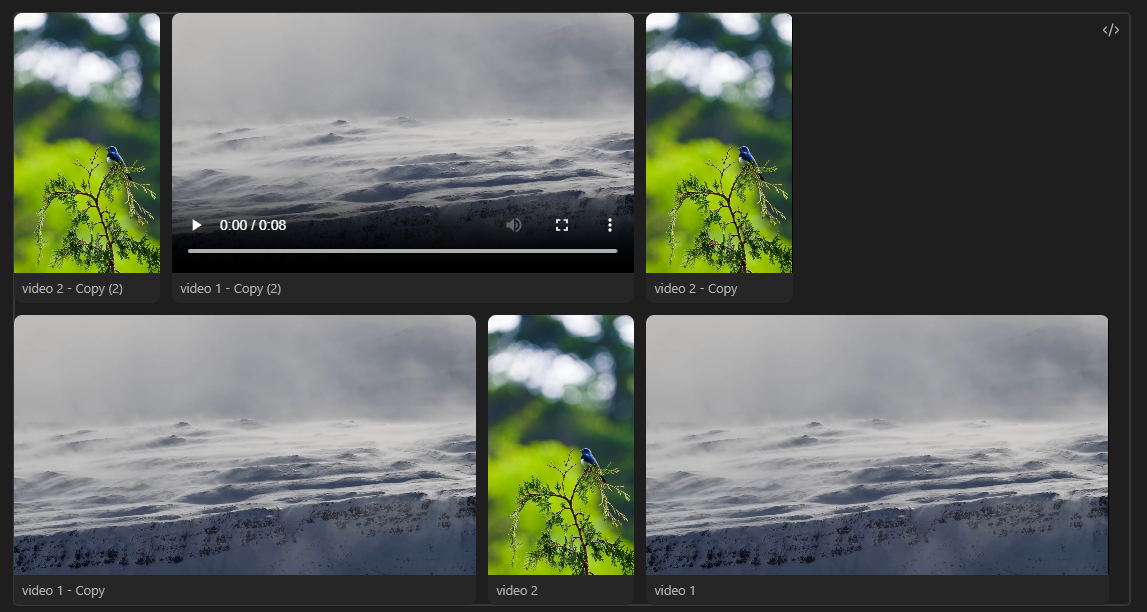
Media Gallery lets you create a gallery of your video files directly inside of your notes in obsidian
Note: This plugin currently supports video galleries only.
Roadmap
- video support
- Image support
- Audio support
- Pdf support
Examples
Installation
Via BRAT (Beta)
- Install the BRAT plugin in Obsidian.
- Open BRAT settings and click "Add Beta Plugin".
- Enter this repository URL:
https://github.com/RobertoJarquinRR/Media-Gallery-view - Enable the plugin in Obsidian's Community Plugins settings.
Via Obsidian Community Plugins
Search for "Media Gallery" in Obsidian's Community Plugins browser and install it directly.
Usage
Create a code block with the language set to MediaGallery in any note:
```media-gallery
path: directory/videos
```
The plugin will render all videos found in the specified folder as a justified gallery, respecting each video's original aspect ratio.