
README file from
GithubTimeline View
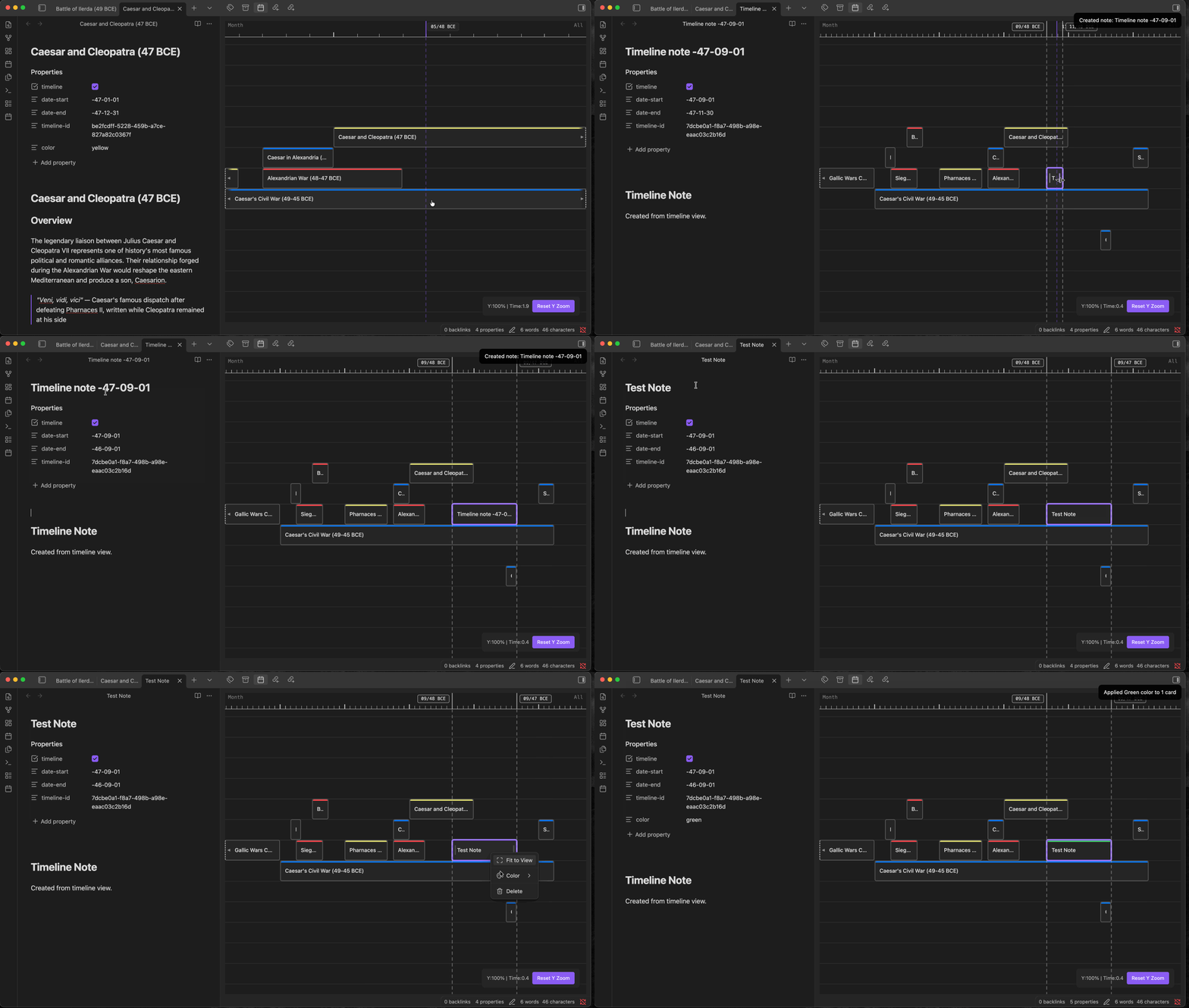
View your notes in relation to each other on an infinte scrollable timeline/canvas.
Timeline
Configure Multiple Timeline Views
Features
- Infinite canvas with smooth panning and zooming
- Arbitrary date ranges from 20 billion years BCE to 20 billion years CE
- Multi-select cards with Shift+click
- Drag and drop to move cards across layers and time
- Resize card start/end dates by dragging edges
- Color coding via frontmatter or context menu
- Undo/redo for move, resize, and layer-change operations
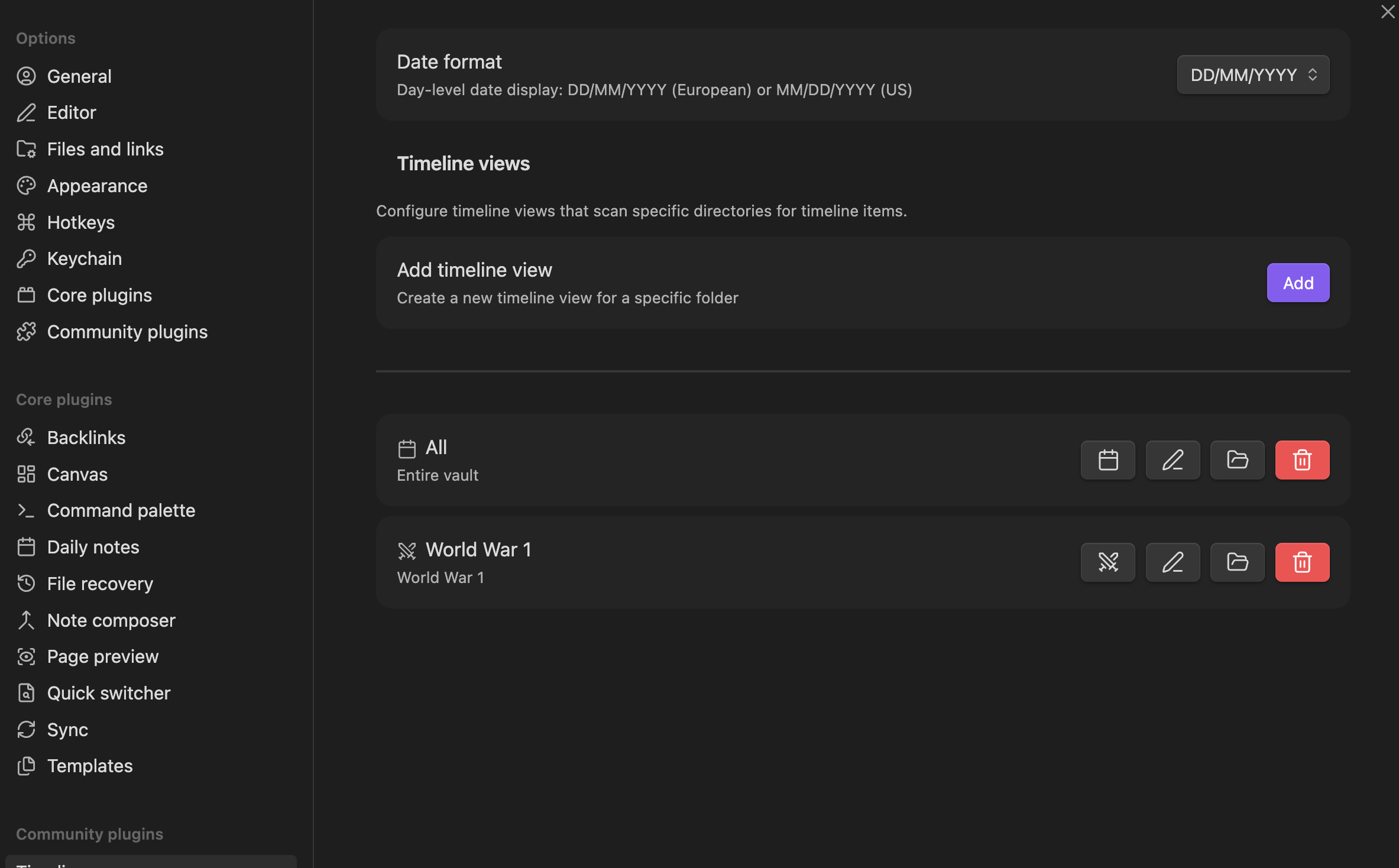
- Multiple timelines scoped to folders, with clickable timeline-reference cards
Usage
Creating timeline notes
Add timeline: true, date-start, and date-end to any note's frontmatter:
---
timeline: true
date-start: 2024-03-15
date-end: 2024-06-20
color: blue
---
Date format
Supprots both European and US style dates for normal ranges.
For extended ranges: YYYY BCE-MM-DD or -YYYY-MM-DD
Commands
| Command | Description |
|---|---|
| Open Timeline view | Open the timeline selector (ribbon icon or command palette) |
| Undo / Redo | Undo/redo the last card move, resize, or layer change |
| Go to note | Fuzzy-find and center on a specific timeline card |
| View in Timeline | Jump to the current note's card in the best-matching timeline |
| Add Timeline | Add a reference card for another timeline |
Configuring timelines
Open Settings -> Timeline to create named timelines scoped to specific folders. Each timeline scans its configured folder recursively for notes with timeline: true frontmatter.
License
MIT