Guitar Chord

by Barba828
5
4
3
2
1
Score: 43/100

Description

Category: Creative & Writing Tools

The Guitar Chord plugin is a game-changer for musicians and music enthusiasts who use Obsidian as their note-taking app. This plugin allows you to quickly enter and display guitar chords, making it easy to organize and reference your favorite chords. But what's truly innovative about this plugin is its ability to generate chords based on music theory, ensuring that all the chords you input are valid and sound good together. You can also customize chords to fit your personal style or experiment with new sounds. With seamless integration with other Obsidian plugins like Slash Commander and Editor Toolbar, you'll be able to access and edit your chord charts in no time. Whether you're a seasoned musician or just starting out, the Guitar Chord plugin is an essential tool for anyone looking to take their music-making skills to the next level.

Reviews

No reviews yet.

Stats

7
stars
1,801
downloads
1
forks
592
days
576
days
576
days
1
total PRs
0
open PRs
0
closed PRs
1
merged PRs
2
total issues
1
open issues
1
closed issues
21
commits

Latest Version

2 years ago

Changelog

README file from

Github

Obsidian ChordCard Plugin

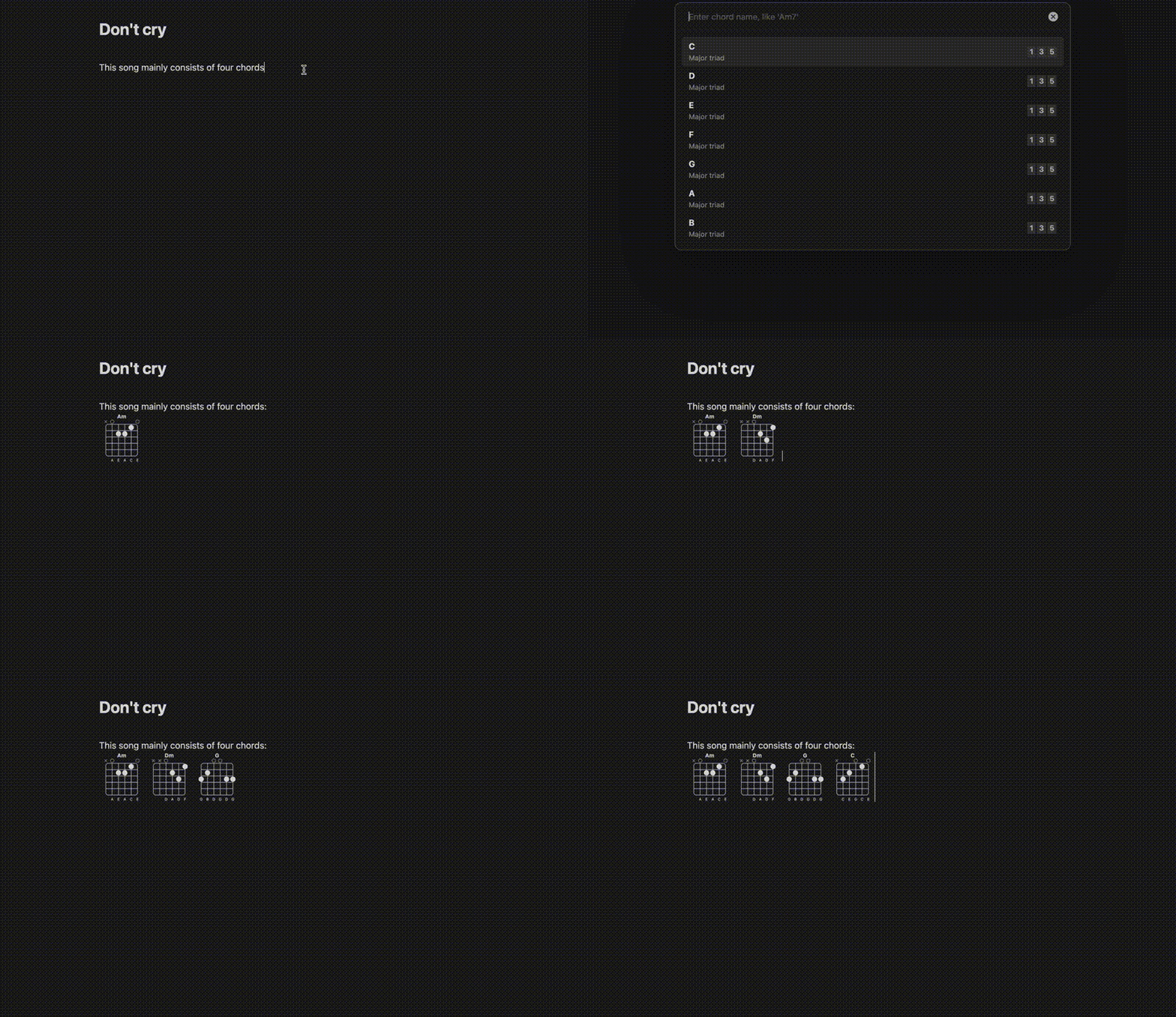
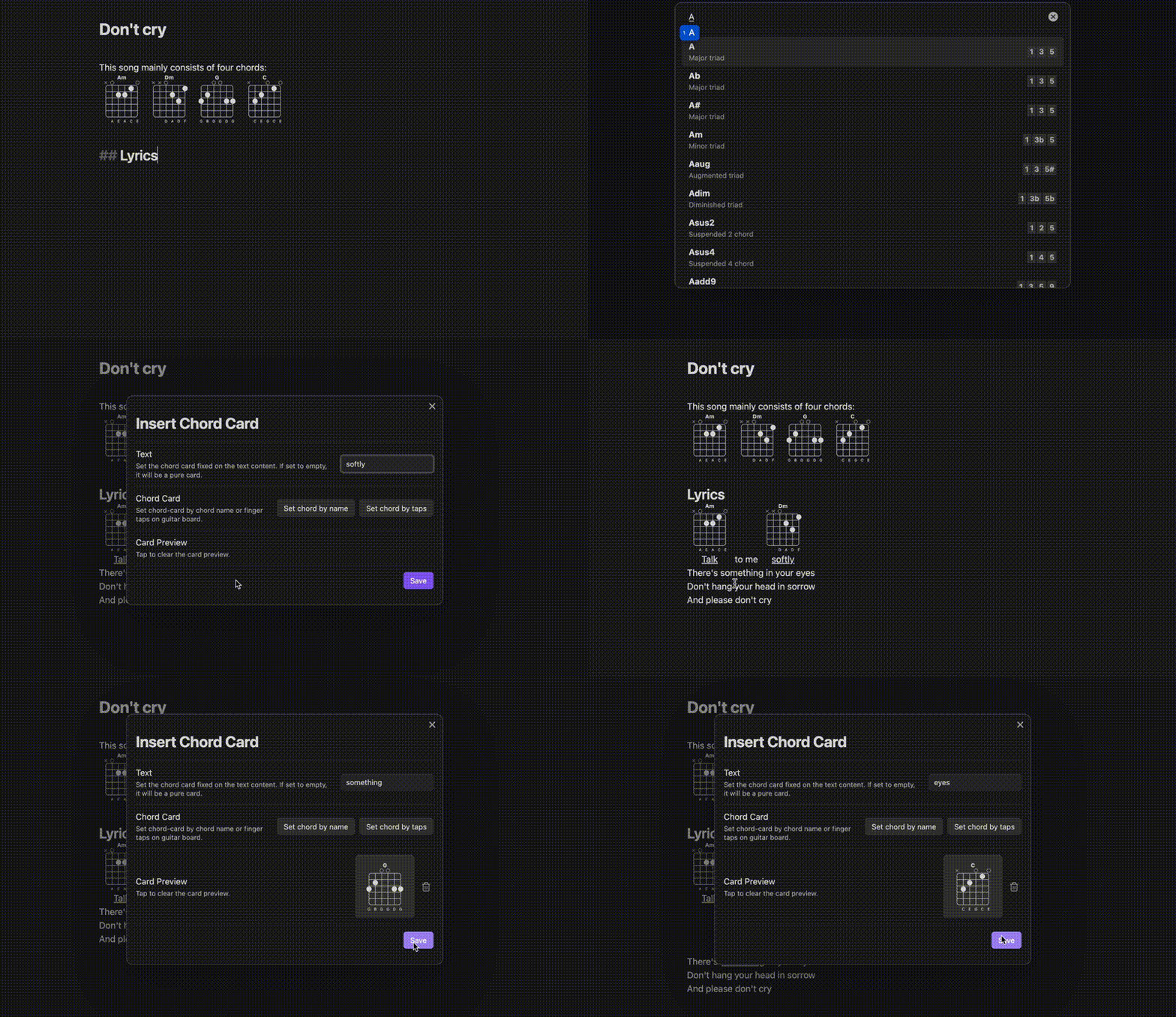
Quickly enter and display guitar chords, with optional chords based on music theory. All chords are valid chords generated based on chord theory, and support custom chords. No need to write in code blocks, they can be inserted and edited directly in the document.
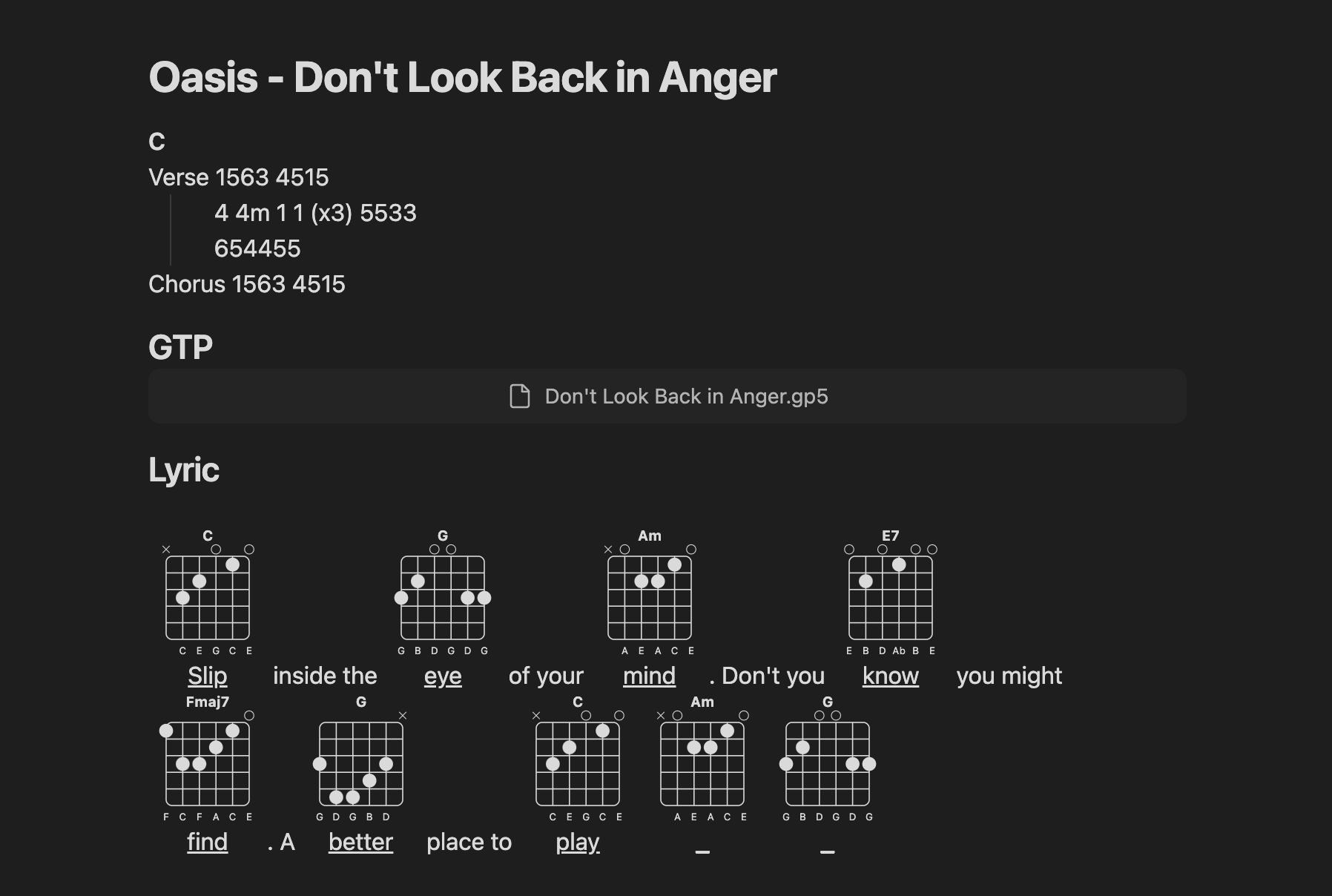
pic

Usage

You can combine it with other plugins for more convenient use.

  1. with Slash commander video

  2. with Editor toolbar video

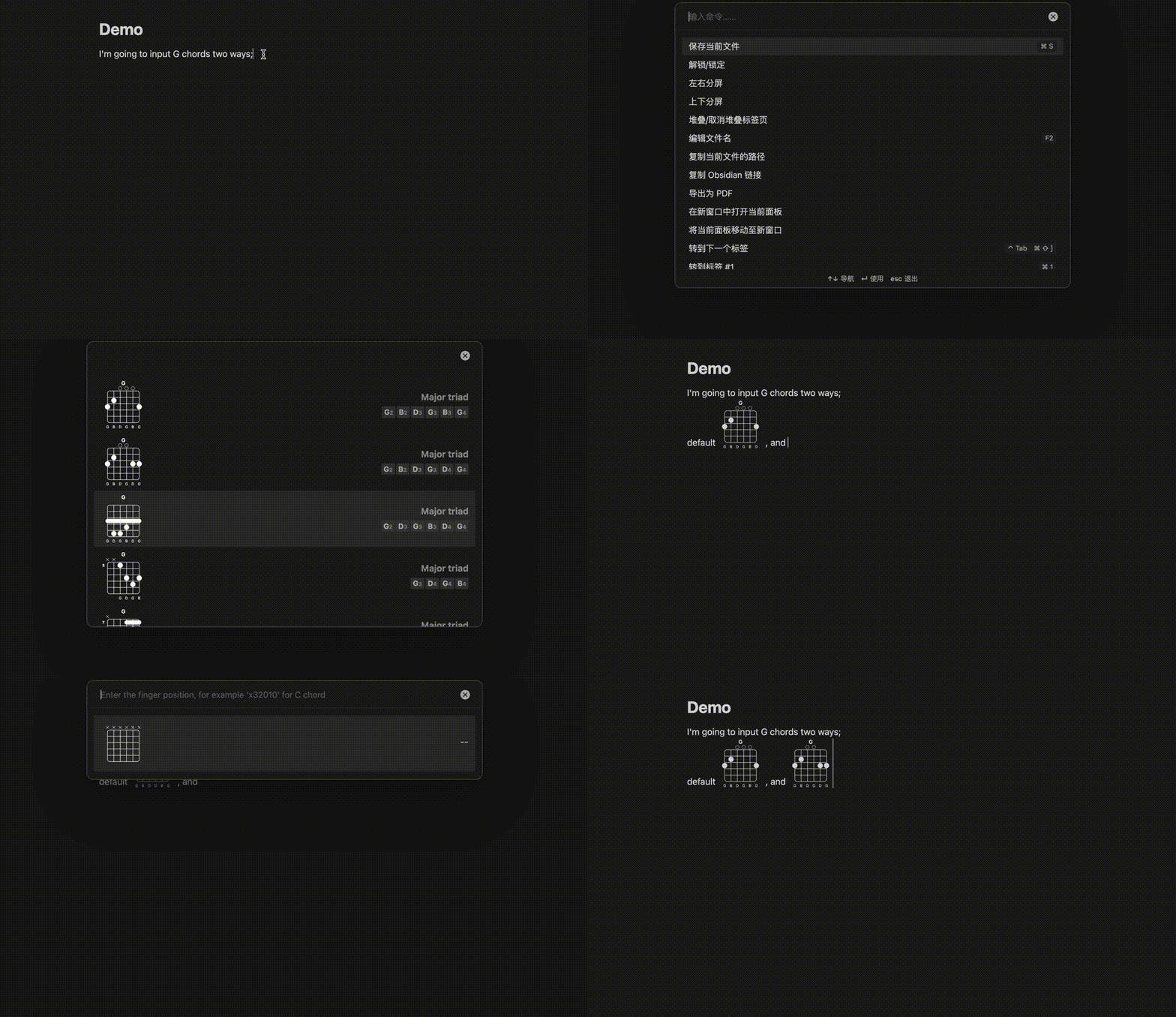
Of course, the most direct and basic usage is to use obsidian command(ctrl + p). And you can find that there are two ways to enter chords.

  1. Enter chord name, like Am7;
  2. Enter the finger position, for example x-3-2-0-1-0 for C chord; video