
README file from
GithubExporter
Obsidian plugin for exported Apple Notes and Bear Notes.
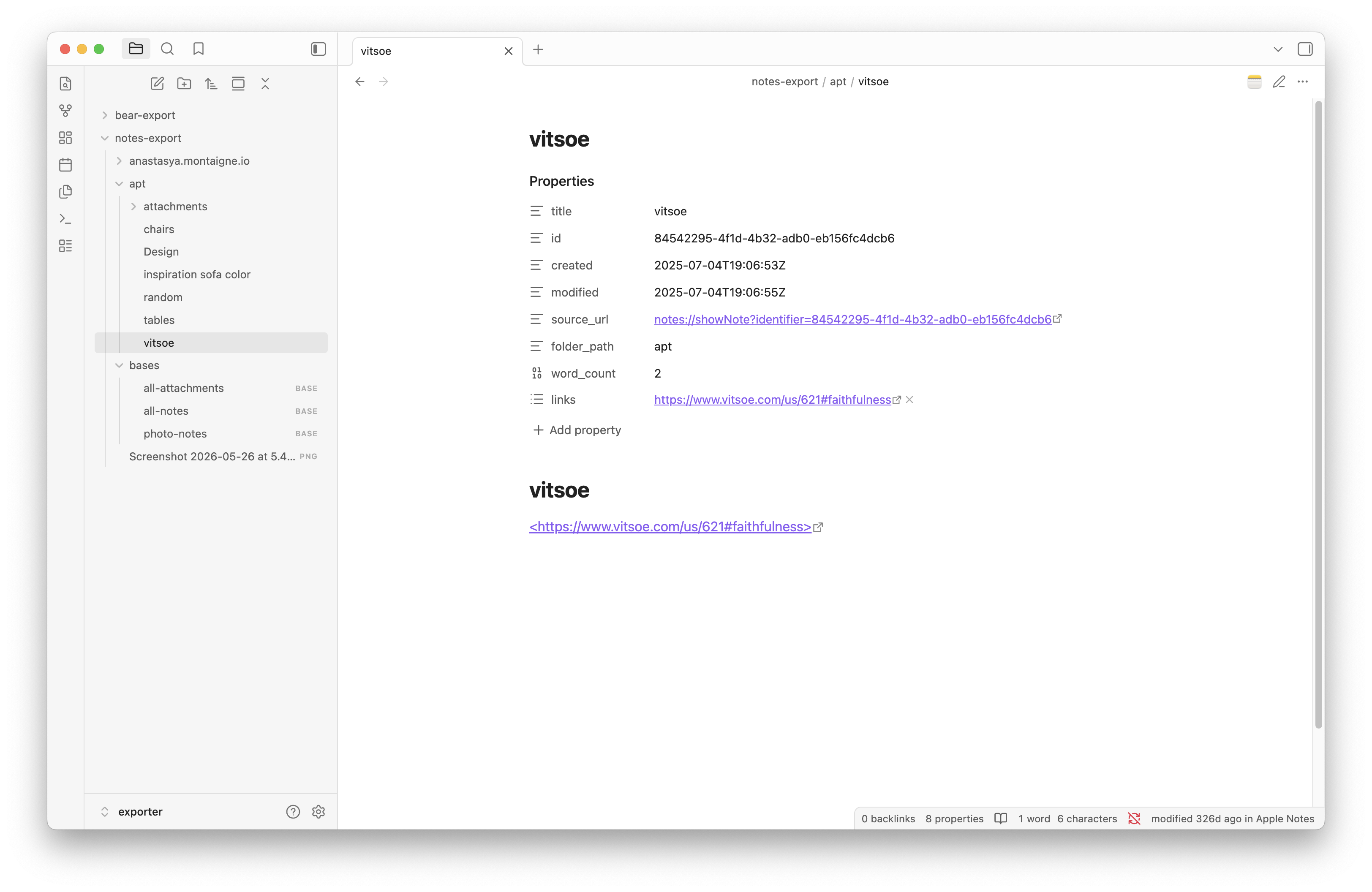
Decorates notes:// and bear:// links with native app icons and lets you open notes in their source app directly from Obsidian.
Works with Notes Exporter for Apple Notes and any Bear export that includes source URLs in frontmatter.
Features
- native app icons on
notes://andbear://links in reading view, live preview, and properties panel - "Open in Apple Notes" / "Open in Bear" in file and editor context menus
- native app icon button in the tab header bar
- status bar showing source app and last modified time
- command palette: "Open in native app"
Notes Exporter app
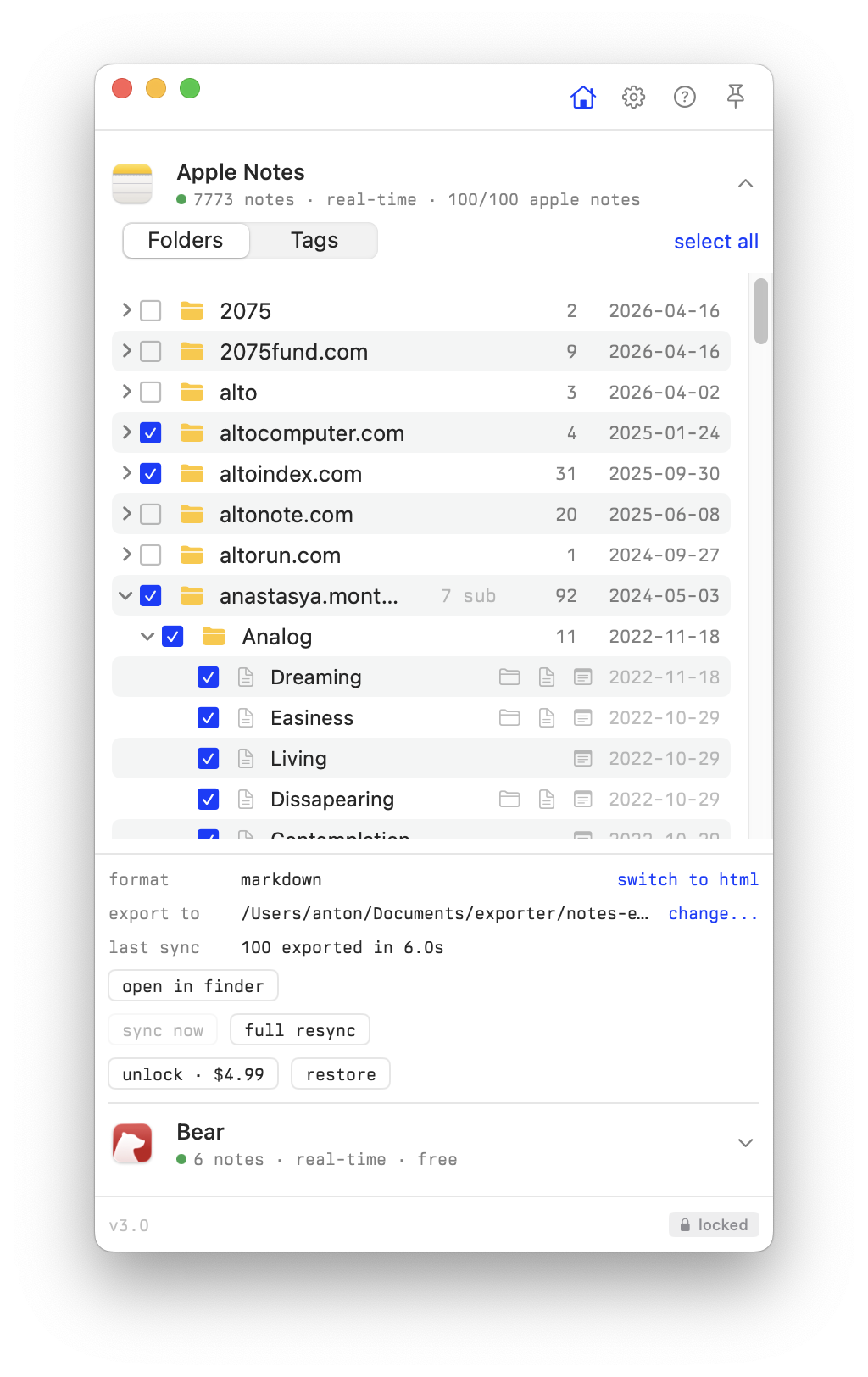
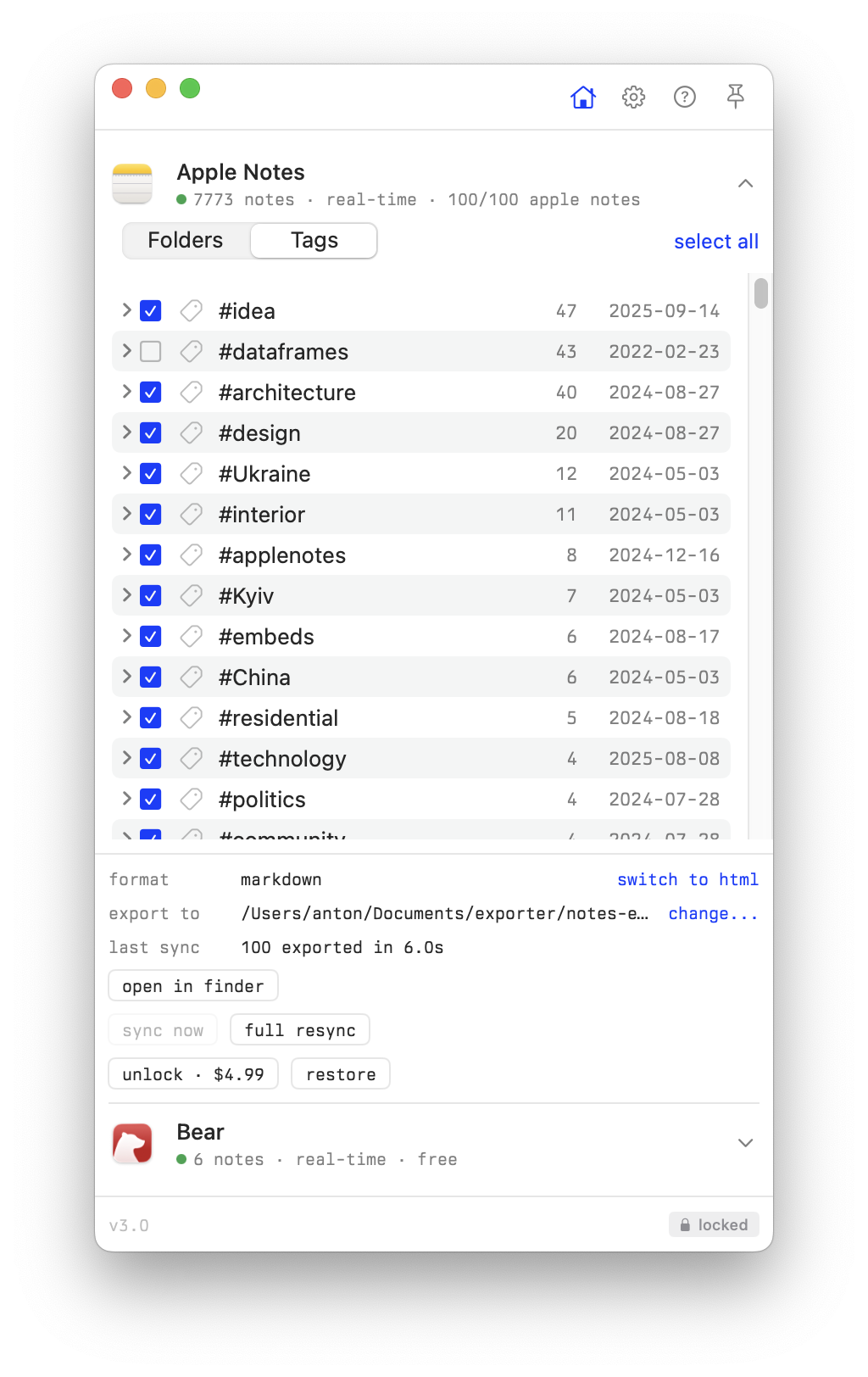
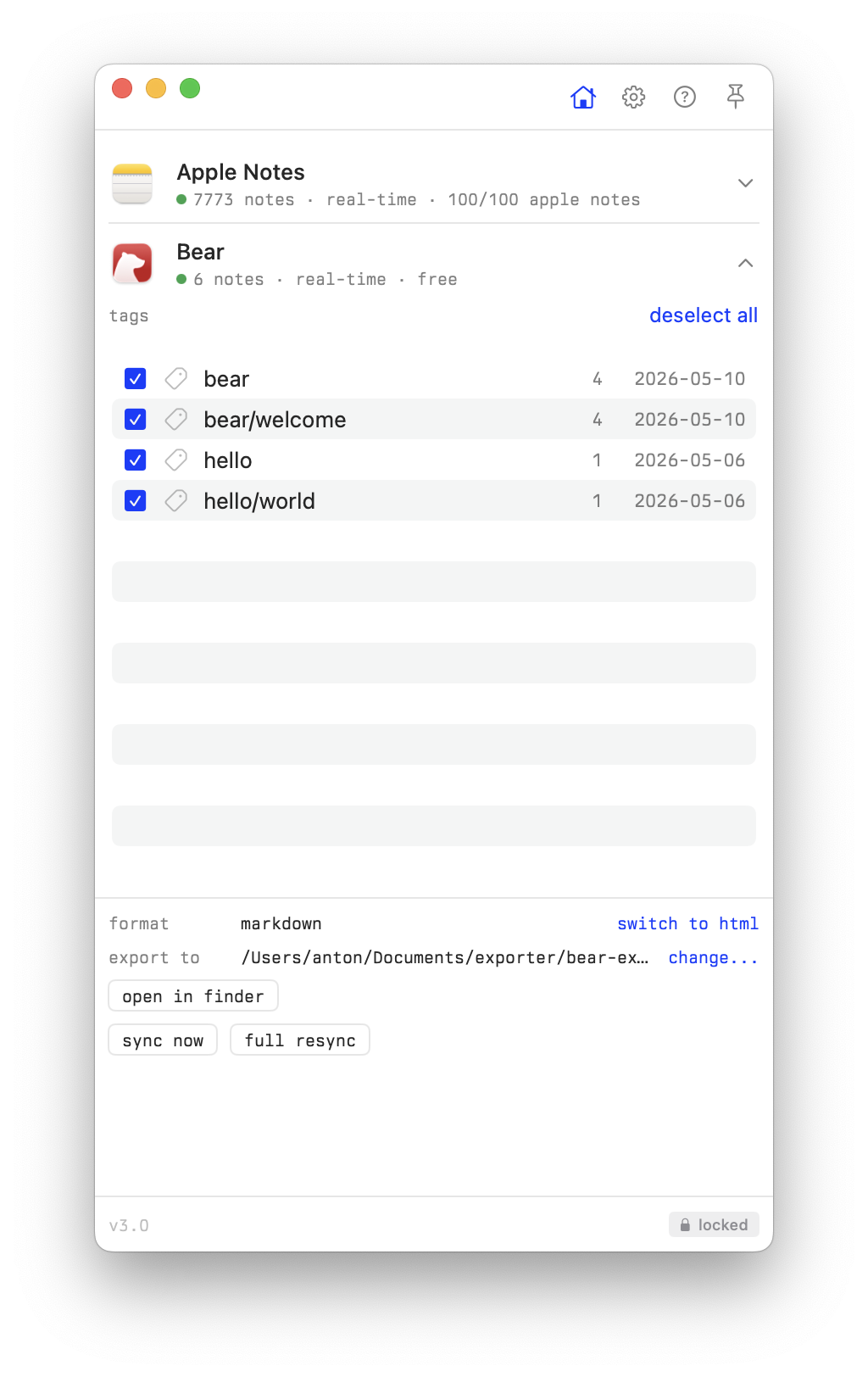
Export your Apple Notes and Bear Notes as markdown using Notes Exporter. Select folders or tags, export to a folder, and open it as an Obsidian vault.
How it works
The plugin reads source_url (or source / link) from frontmatter and matches it against notes:// and bear:// schemes.
Apple Notes exported files typically have frontmatter like:
source_url: "notes://showNote?identifier=..."
Install
From Obsidian community plugins
Search for "Exporter" in Settings > Community plugins > Browse.
Manual
Copy main.js, manifest.json, and styles.css to your vault at .obsidian/plugins/exporter/.
Development
npm install
npm run build       # build main.js
npm run dev         # watch mode
npm run typecheck   # type check
License
MIT