
README file from
Githubdocxidian
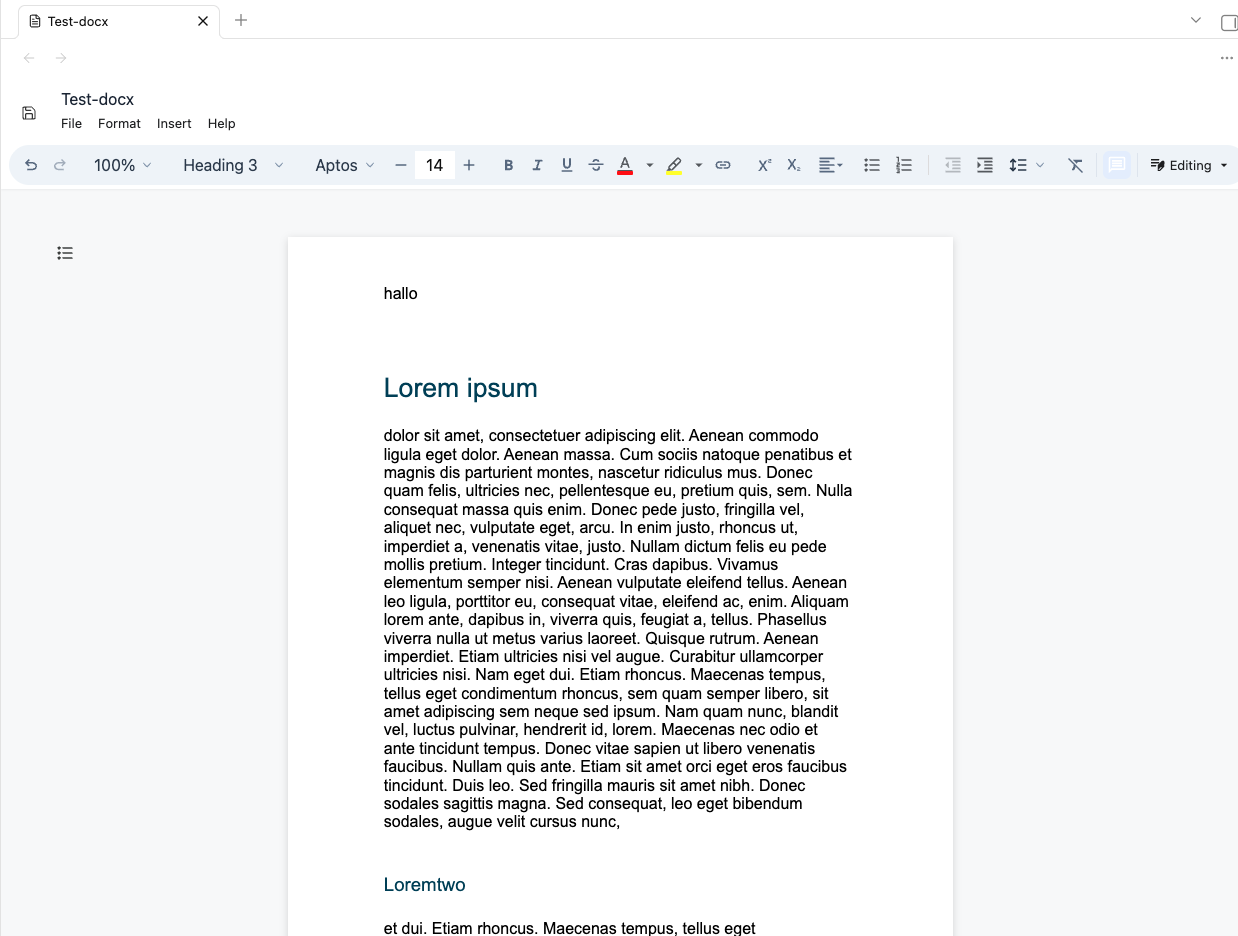
docxidian opens .docx files directly inside Obsidian and saves edits back to the same vault file.
You can also embed (read-only) docx-Files via ![[filename.docx]]
The plugin is based on DOCX EDITOR, and it's Vite/React example.
Installation
This plugin is not yet part of the Obsidian community plugins. You can install it via BRAT (just add the URL you're on right now as a beta plugin). You can also do it manually: Copy the files main.js and manifest.json from the release (look right) into the plugin folder of your vault.
Usage
Enable the plugin in Settings -> Community plugins, then open a .docx file from the vault. Obsidian will route it to docxidian's custom file view.
Use the editor toolbar's save action (upper left) or the command Save current docx to write changes back to the open file.
You can also embed (read-only) docx-Files via ![[filename.docx]]
Disclaimer
I vibecode my plugins—and the scope of this work exceeds my programming skills. Because of this, there is always a residual risk when using them. I do this primarily to bridge certain gaps in my own workflow. Should these plugins ever become obsolete because a professional developer used them as inspiration to code something truly solid and sophisticated, I would be absolutely thrilled.