
README file from
GithubCursor History
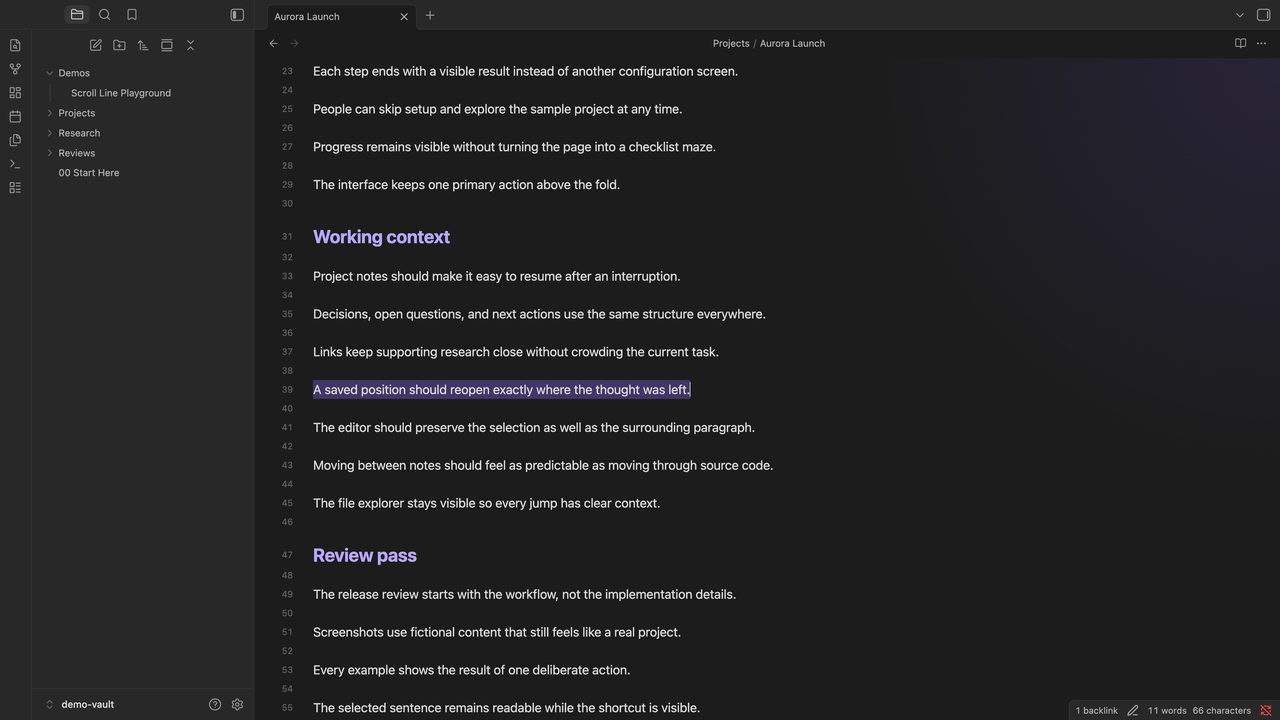
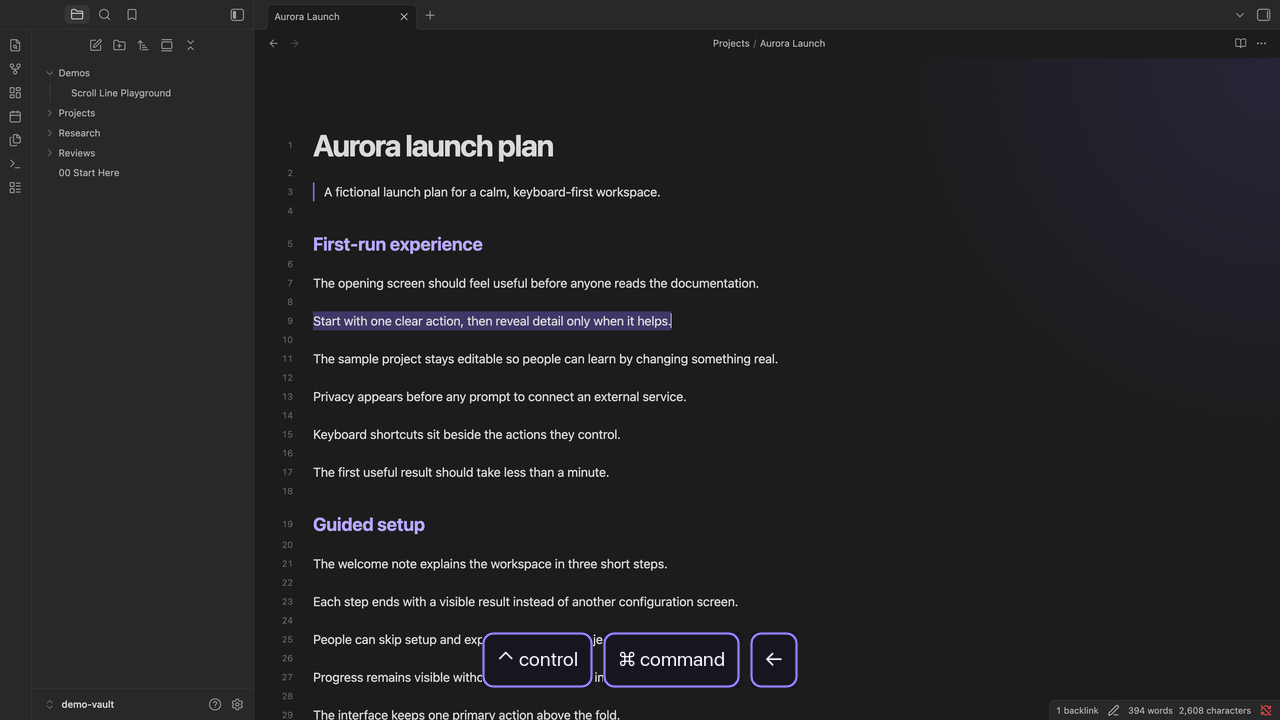
| One note, several positions | Back to an earlier selection in the same note |
|---|---|
 |
 |
See it in action
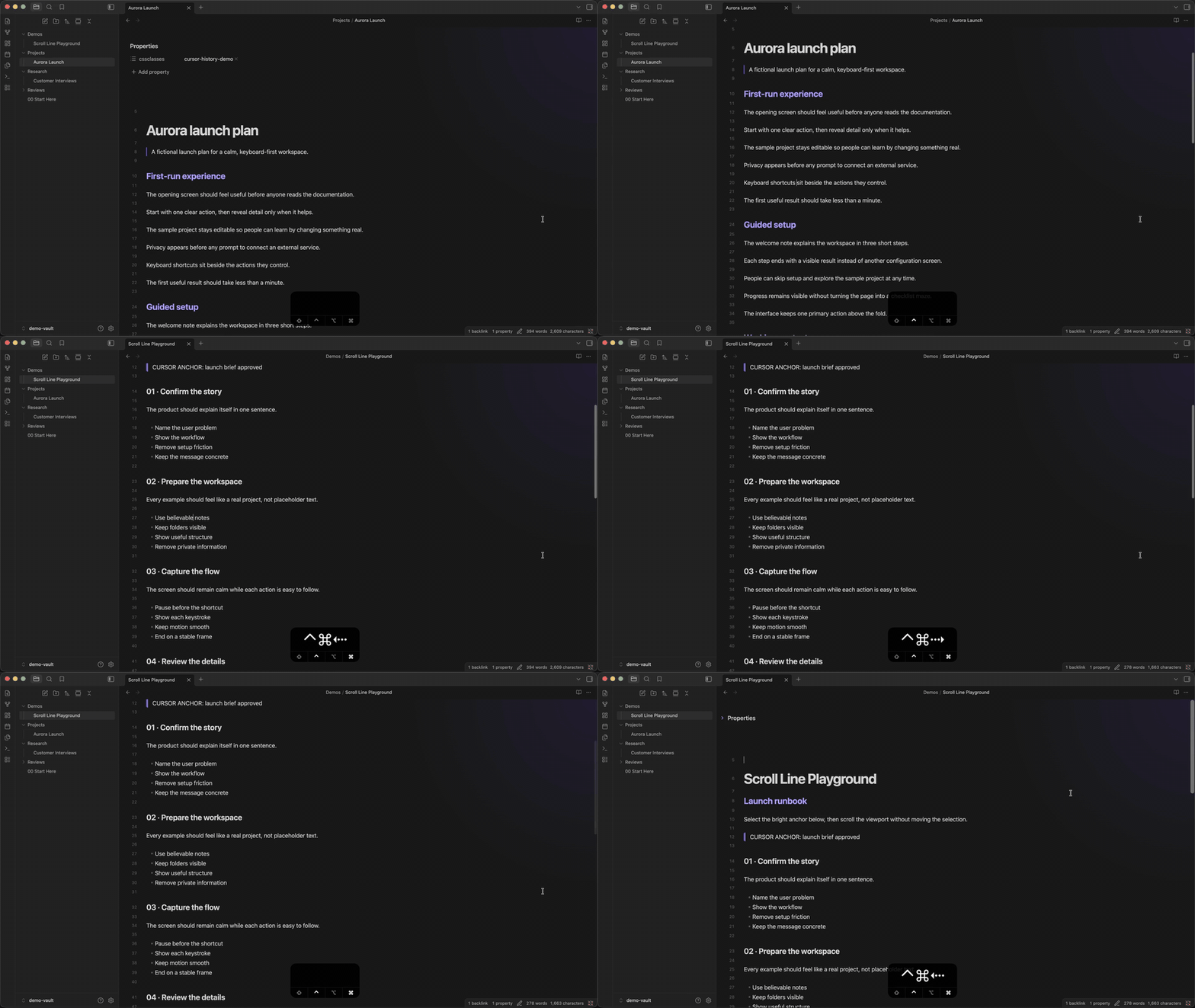
The demo moves through several saved positions inside long notes, then crosses between notes. The live keystroke display appears as each navigation happens.
What it does
- Reopens the note, restores the exact cursor or selection, and brings it into view
- Navigates backward and forward through recent cursor and selection locations
- Groups ordinary movements within 10 lines into one stop, while deliberate jumps create new stops
- Creates a new stop when you change files
- Keeps up to 200 positions for the current Obsidian session
Going back and then navigating somewhere new clears the forward history, matching browser behavior.
Shortcuts
| Action | Editing mode default |
|---|---|
| Go back | Ctrl + Cmd + Left |
| Go forward | Ctrl + Cmd + Right |
Change either binding in Settings > Hotkeys by searching for “Cursor History.”
Install
Open Cursor History in the Obsidian Community directory, then press Add to Obsidian.
For a manual installation, download main.js and manifest.json from the latest release, then place them in <vault>/.obsidian/plugins/cursor-history/.