
README file from
GithubCreation Ledger
Creation Ledger is a simple way to capture what you're working on, track progress, and quickly remember where to pick things up again — using plain Obsidian notes.
Who It's For
Creation Ledger is designed for people who:
- Work on multiple ideas or projects
- Frequently stop and restart work
- Want lightweight structure without turning notes into a rigid task system
Installation
Method A: Install from Obsidian Community Plugins
- Open Obsidian Settings
- Go to Community Plugins
- Search for "Creation Ledger"
- Install and enable
Method B: Install from GitHub ZIP (Manual Install)
- Download the plugin ZIP from GitHub: https://github.com/torusheadstudios/obsidian-creation-ledger
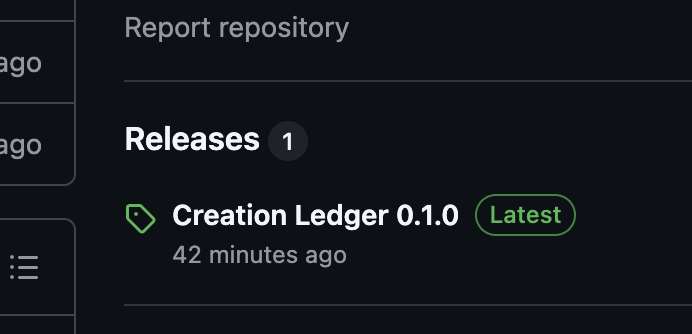
Download the .ZIP
-
Unzip the folder.
-
Rename the folder to:
creation-ledger -
Move the folder into:
<your-vault>/.obsidian/plugins/ -
Restart Obsidian
-
Enable "Creation Ledger" in Community Plugins.
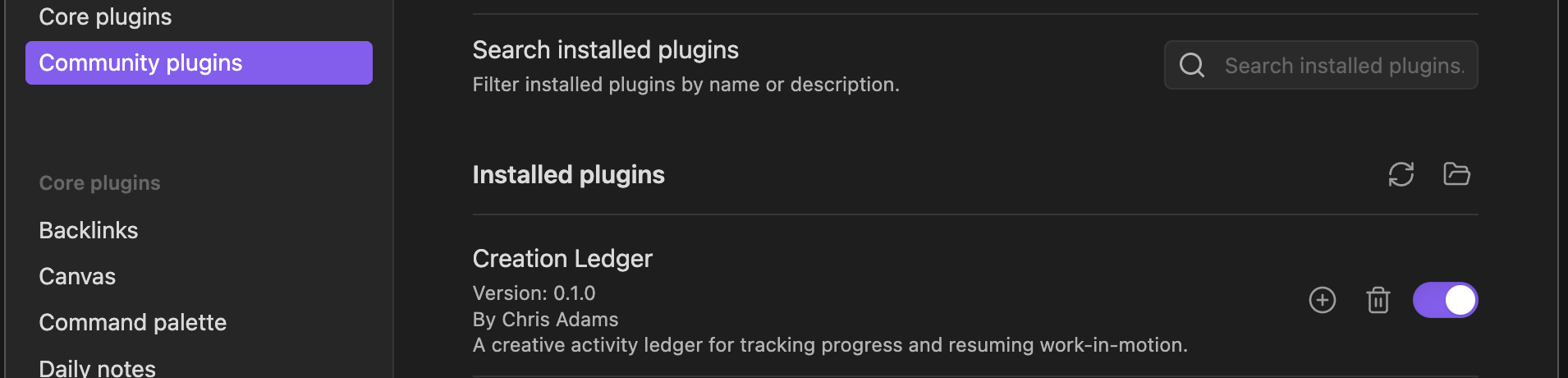
Enable Creation Ledger
Quick Start
-
Open the Command Palette (Cmd/Ctrl + P) and run "Creation Ledger: Capture Activity"
-
Fill in the form with a title and status (project and tags are optional)
-
Click Create — your note is saved automatically in the
CreationLedger/folder
That's it! Your activities are now being tracked as regular Markdown notes in your vault.
Optional: Install Dataview to use dashboards and the Kanban board. Activity capture works without it.
Documentation
- Index — Detailed installation and setup
- Getting Started — Detailed installation and setup
- Dashboards — Overview views of your work
- Kanban Board — Visual status board
- Registries — Customize dropdown options
- Troubleshooting — Common issues and solutions
Important to Know
- All files are normal Markdown
- You can move, rename, or delete anything
- You can stop using the plugin at any time
- Your notes remain usable forever