
README file from
GithubContext Pack for NotebookLM
Bundle your Obsidian notes into clean, AI-ready files for NotebookLM.
The problem
When you paste raw Obsidian notes into NotebookLM, the results are noisy. Broken [[wikilinks]], frontmatter YAML, ![[embedded images]], %%comments%%, and #inline-tags all end up in the source — and NotebookLM treats them as meaningful content.
This plugin solves that.
What it does
Context Pack bundles related notes into a single formatted .md file — organized by folder, tag, or MOC — and strips all Obsidian-specific syntax before export. Each note section includes its vault path so NotebookLM understands your knowledge hierarchy.
Export packages your notes as a clean ZIP file, ready to upload to NotebookLM as individual sources.
Both features run the same formatter: frontmatter is removed, wikilinks are resolved, embeds and comments are stripped, and blank lines are collapsed.
Screenshots
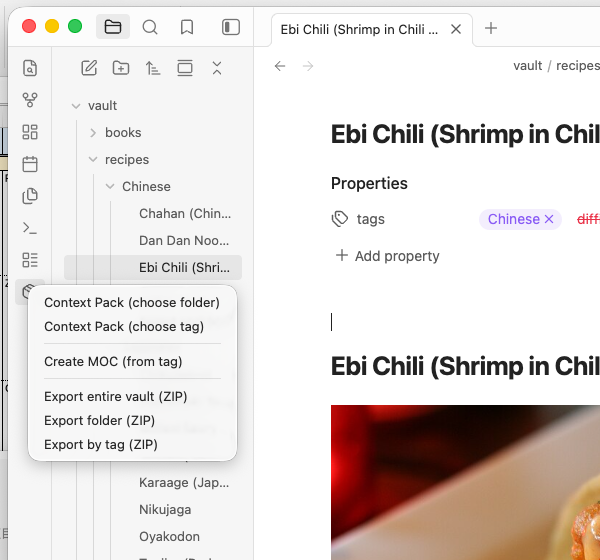
Ribbon menu — access everything from one icon
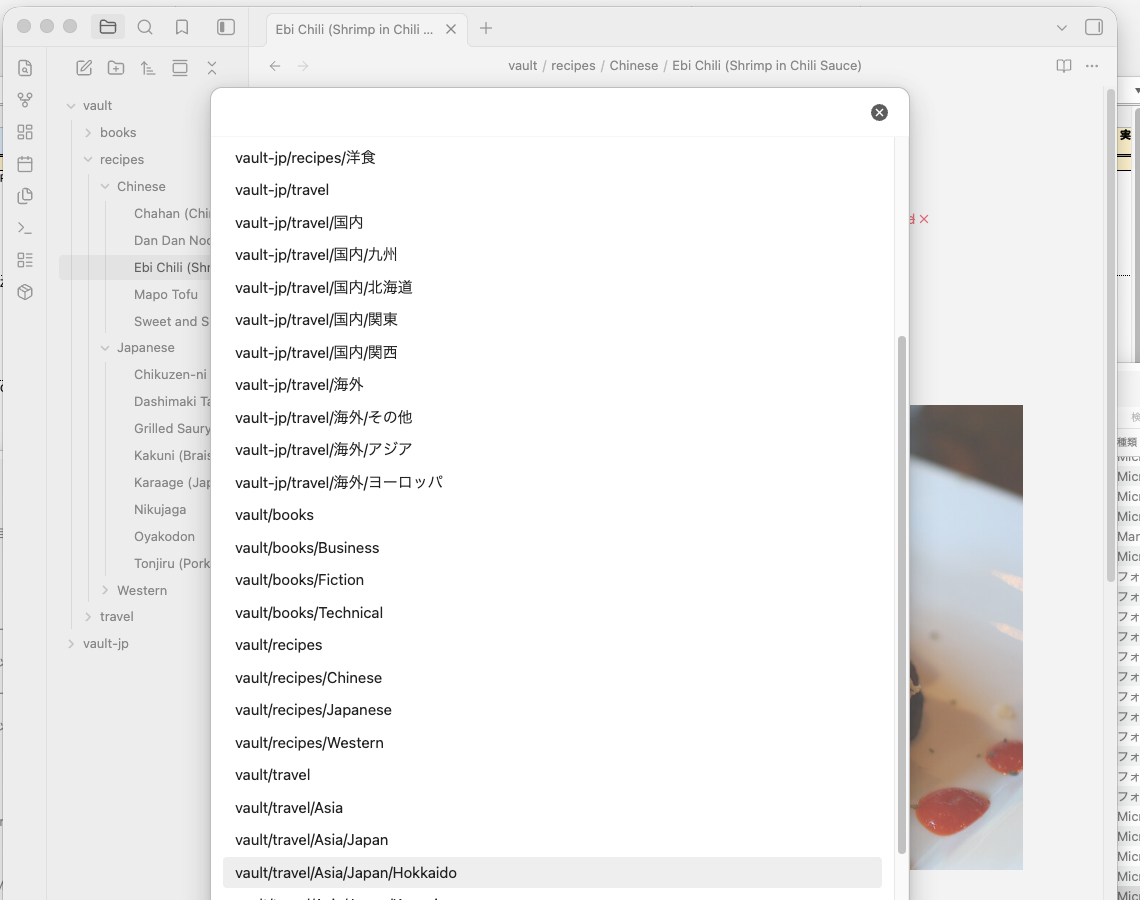
Choose a folder to pack
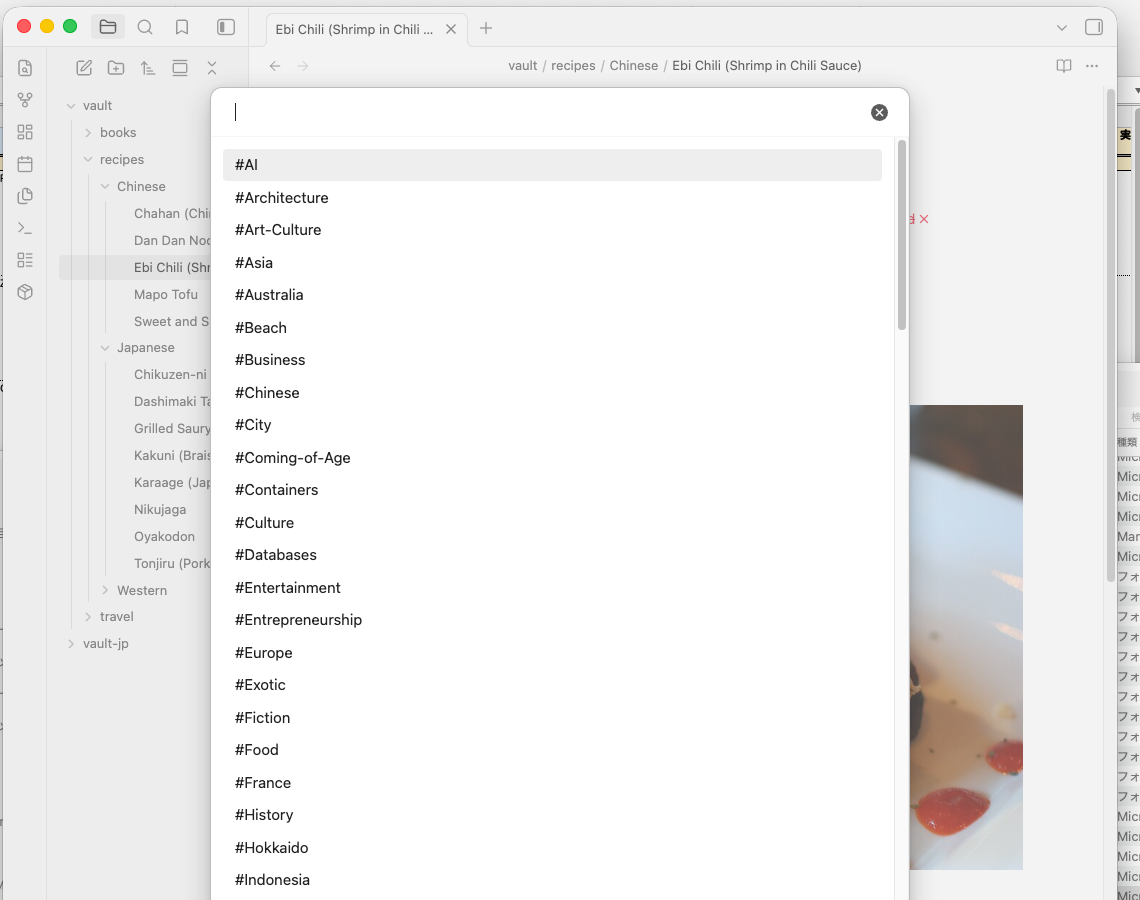
Or choose by tag
Progress dialog with cancel

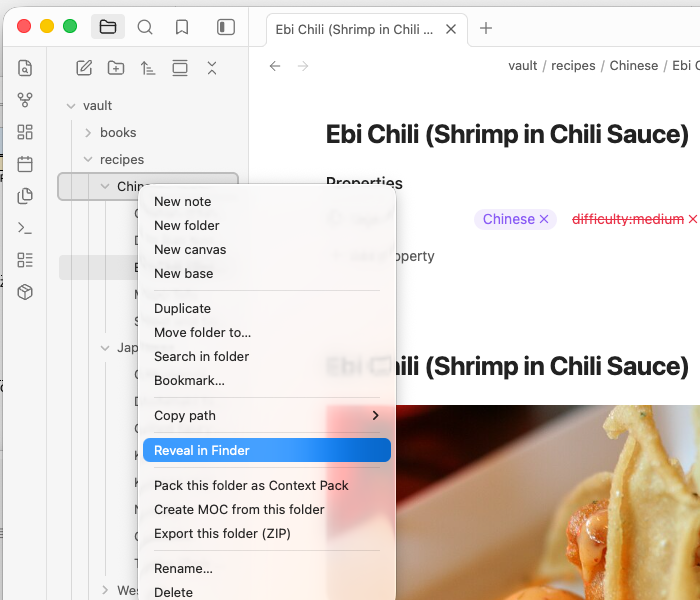
Right-click any folder in the file explorer
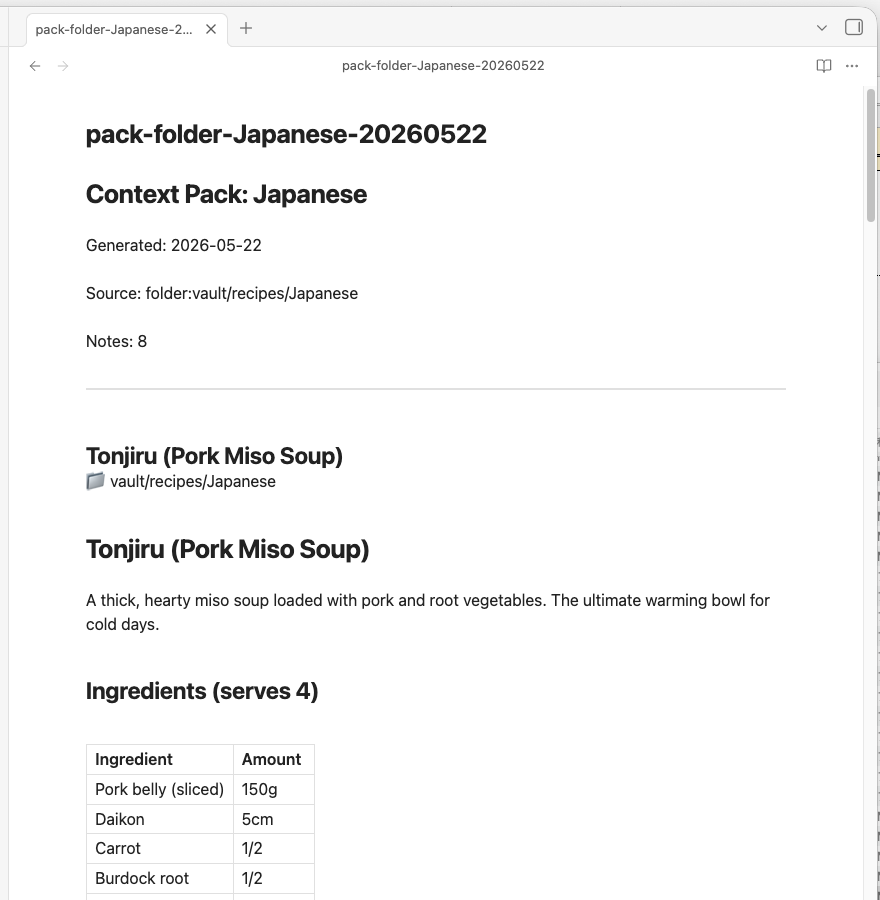
The resulting Context Pack — clean, structured, AI-ready
Installation
Community plugins (recommended)
- Open Settings → Community plugins → Browse
- Search for Context Pack for NotebookLM
- Install and enable
Manual
Download main.js, styles.css, and manifest.json from the latest release and copy them to .obsidian/plugins/context-pack-for-notebooklm/ in your vault.
Usage
All commands are available from the ribbon icon (📦) in the left sidebar, the Command Palette (Cmd/Ctrl+P), and right-click menus in the file explorer.
Context Pack
Bundles multiple notes into one .md file for NotebookLM.
| Trigger | Source |
|---|---|
| Ribbon → Context Pack (choose folder) | All notes in a selected folder |
| Ribbon → Context Pack (choose tag) | All notes with a selected tag |
| Right-click file → Create Context Pack from this MOC | Notes linked from the current file |
| Command: Create Context Pack from MOC | Same as above |
The pack is downloaded as pack-<source>-<date>.md.
Export (ZIP)
Exports notes as individual cleaned-up .md files in a ZIP.
| Trigger | Source |
|---|---|
| Ribbon → Export entire vault (ZIP) | Entire vault |
| Ribbon → Export folder (ZIP) | Selected folder |
| Ribbon → Export by tag (ZIP) | Notes with selected tag |
| Right-click folder → Export this folder (ZIP) | That folder |
| Right-click file → Export this note (.md) | Single note |
MOC (Map of Content)
Automatically generates a MOC note — a list of [[links]] to all notes in a folder or tag. Use it as an index, then run Create Context Pack from this MOC to pack exactly those notes.
| Trigger | Source |
|---|---|
| Ribbon → Create MOC (from tag) | All notes with selected tag |
| Right-click folder → Create MOC from this folder | All notes in folder |
Settings
| Setting | Description | Default |
|---|---|---|
| Output folder | Where to save ZIP exports | Vault root |
| Flatten folder structure | Merge all files into one folder in the ZIP | Off |
| Include frontmatter title | Convert title: and tags: to plain text at the top of each note |
On |
| Open folder after export | Auto-open the output folder when done (desktop only) | Off |
| Custom replacement rules | Find/replace rules applied before export (plain text or regex) | — |
Sample data
Want to try the plugin without setting up your vault first? Download a ready-made sample vault and open it in Obsidian.
| Vault | Notes | Download |
|---|---|---|
| 🇺🇸 English (recipes / travel / books) | 60 notes | vault-sample-en.zip |
| 🇯🇵 Japanese(料理 / 旅行 / 読書) | 60件 | vault-sample-jp.zip |
- Download and unzip
- In Obsidian: Open another vault → Open folder as vault → select the unzipped folder
- Enable Context Pack for NotebookLM in Community plugins
- Try it — pack the
recipes/folder, explore by tag, or build a MOC
Using with NotebookLM
- Run Context Pack on a folder or tag → a
pack-xxx.mdfile is downloaded - Open NotebookLM → New notebook → Add source → Upload file → select the
.mdfile - Start asking questions
Sample queries — Recipes
Once you've packed your recipe notes and uploaded them to NotebookLM, try asking:
| Question | What you get |
|---|---|
| "What can I make for dinner tonight using pork and vegetables?" | Suggestions filtered from your notes |
| "Which recipes take under 30 minutes?" | Quick-cook recipes from your collection |
| "I want something warming for a cold day. Any ideas?" | Miso soup, stew, hot pot, etc. |
| "Compare the ingredients in carbonara and gratin" | Side-by-side breakdown |
| "Give me a shopping list for making nikujaga for 4 people" | Ingredient list pulled directly from your note |
| "What Chinese dishes are in my notes?" | All Chinese recipes listed |
Tip: The more notes you include in the pack, the richer the answers. Try packing your entire recipe folder at once.
License
MIT — made by dualyzeAI