README file from
GithubWhat it does
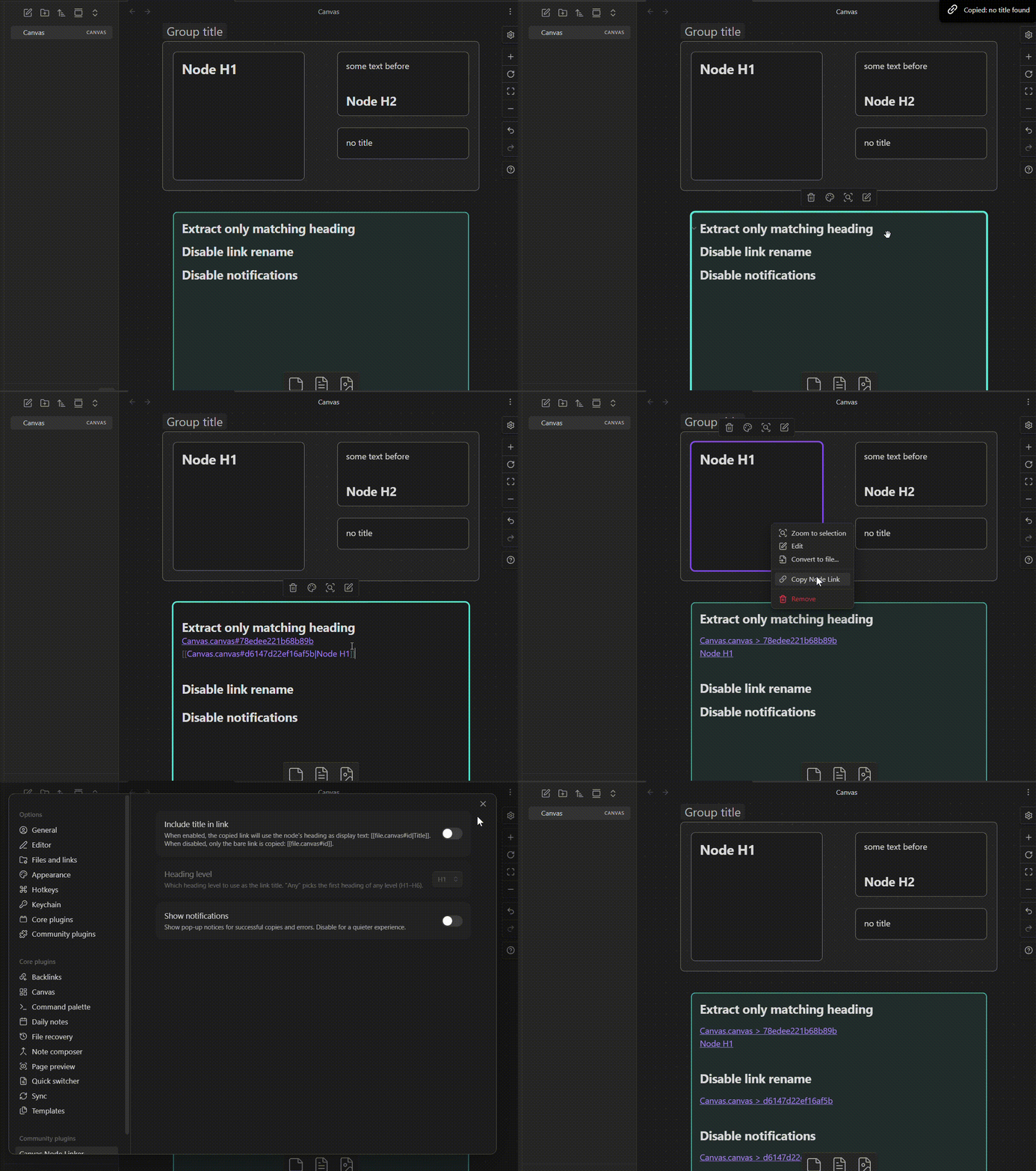
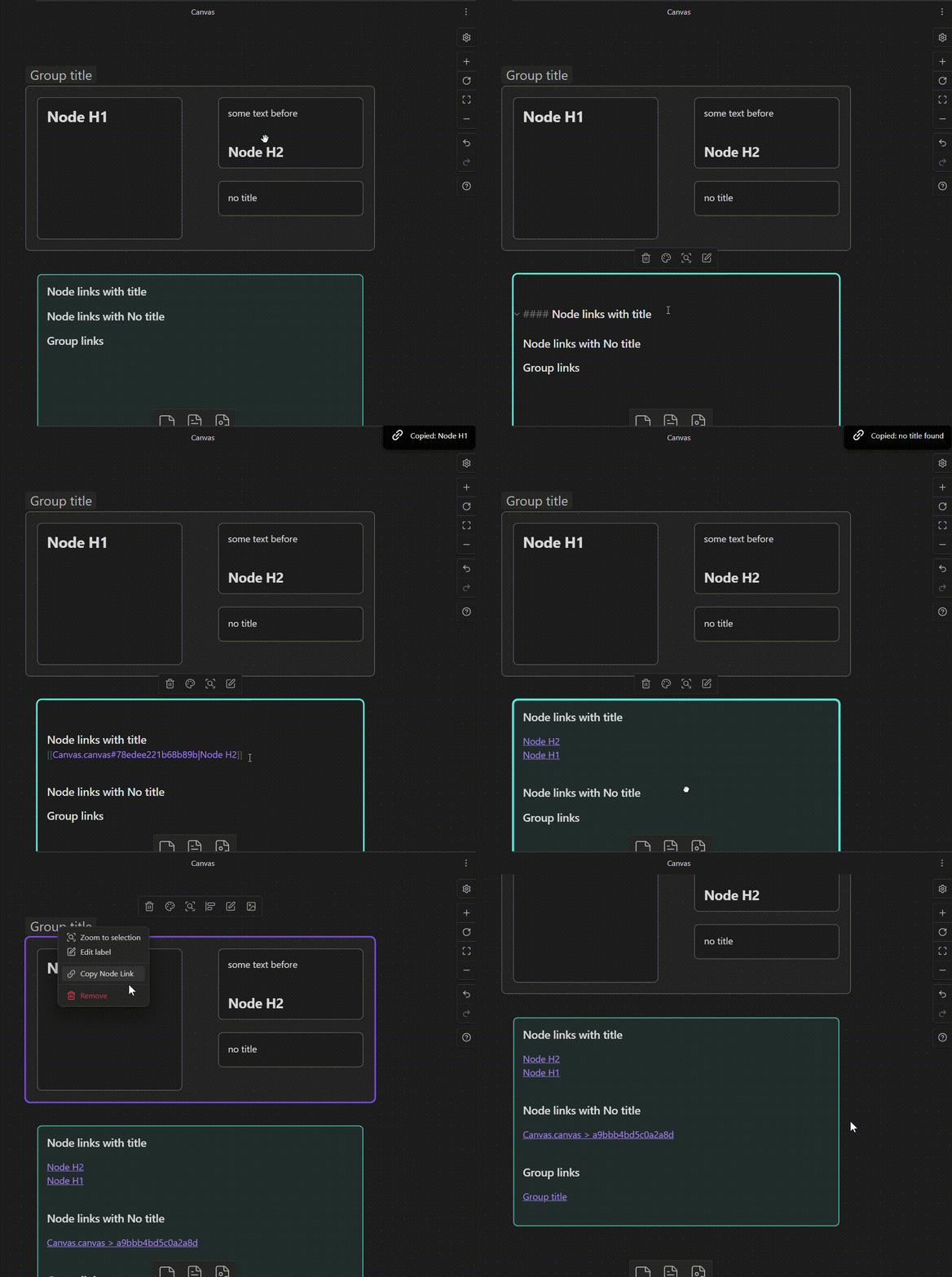
Canvas Node Linker adds a "Copy Node Link" entry to the right-click menu of any canvas node or group. One click copies a ready-to-paste wikilink to your clipboard:
- Text nodes — uses the first heading found in the node's content as display text
- Groups — uses the group label as display text
- No heading / no label — copies a bare link with no display text
if you don't need the node Wikilink option, consider this plugin
[[my-canvas.canvas#a1b2c3d4|My Heading]]   ← node with heading
[[my-canvas.canvas#e5f6g7h8|My Group]]     ← group with label
[[my-canvas.canvas#i9j0k1l2]]              ← node with no heading
Installation
From the Community Plugin catalog (recommended)
- Open Obsidian and go to Settings → Community plugins
- Disable Safe mode if prompted
- Select Browse and search for
Canvas Node Linker - Select Install, then Enable
Manual install
- Download
main.jsandmanifest.jsonfrom the latest release - Create the folder
<your-vault>/.obsidian/plugins/canvas-node-linker/ - Copy both files into that folder
- Reload Obsidian and enable the plugin under
Settings → Community plugins
Settings
| Setting | Description | Default |
|---|---|---|
| Include title in link | Uses the node heading or group label to rename the wikilink | Enabled |
| Heading level | Which heading level to extract as the title (Any, H1–H6) | Any |
| Show notifications | Shows a pop-up notice on copy success or error | Enabled |
(by "Any" it searches in the Node text and renames the node ID with the first Heading that encounters, if not then it just copies the wikilink with the node ID)