
README file from
GithubButter Editor
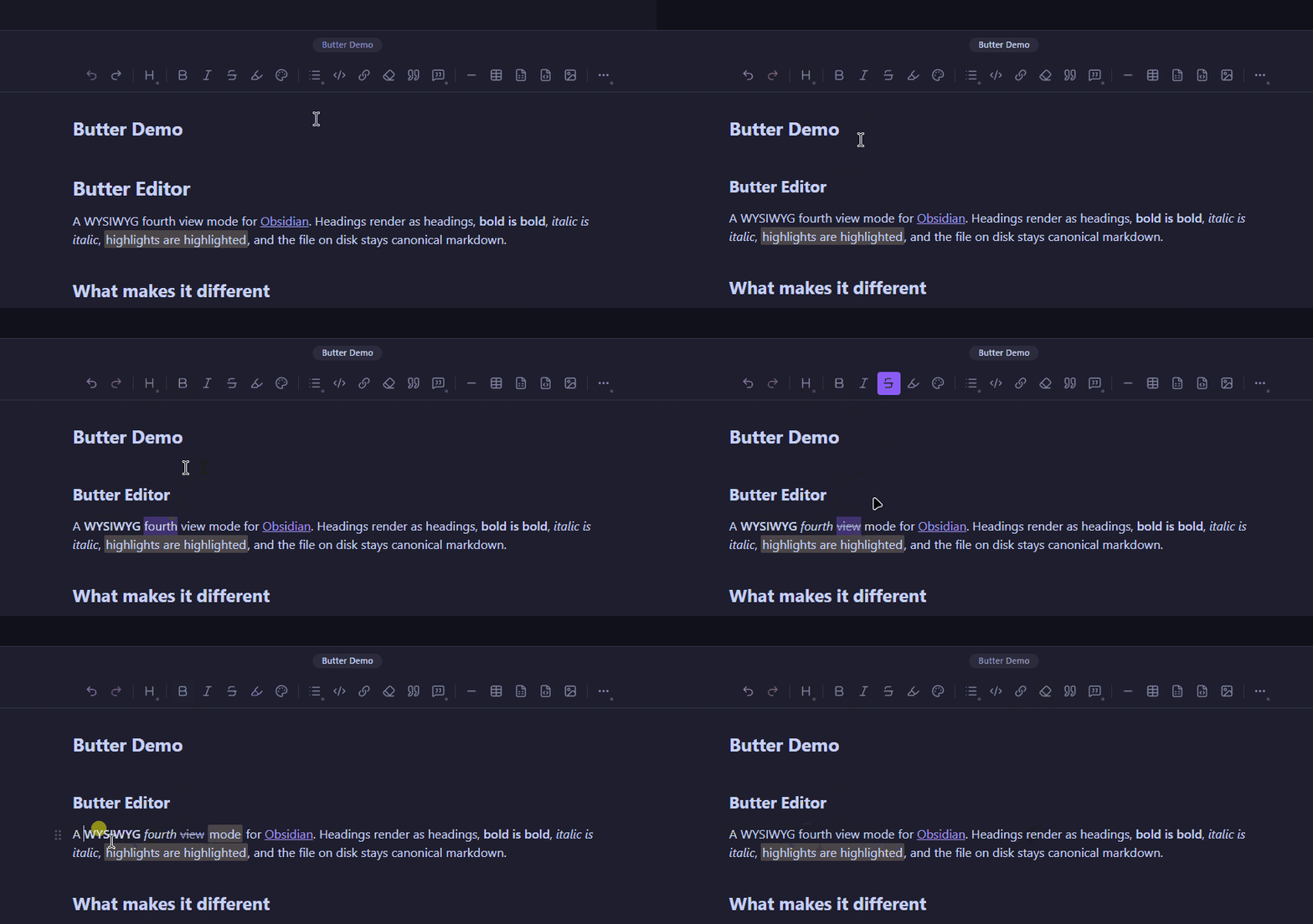
A WYSIWYG editing mode for Obsidian. Headings render as headings, bold is bold, embeds and callouts render in place. Your files stay plain markdown that every other Obsidian view and tool can read.
Website: buttereditor.com · Pricing: buttereditor.com/pricing · Manage your licenses: licenses.buttereditor.com
Butter is a paid plugin. Free 15-day trial, then $16 one-time for a lifetime license covering all v1 updates. No card, no email collected to start the trial.
What it does
Butter adds a fourth view mode alongside Obsidian's Source, Live Preview, and Reading. You toggle it per note. The file on disk never changes shape.
It renders the full Obsidian-flavored markdown surface in place: headings, bold, italic, strikethrough, lists, task lists, tables, code fences, math (inline and block), footnotes (reference and inline), highlights, wikilinks (all variants including aliases and headings), embeds (sized and standard), tags (including nested), block IDs, callouts (including nested callouts with code, math, or lists inside), and inline plus block comments.
Round-trip safety
Butter's job is to render your notes visually while leaving the source unchanged. A regression corpus of nearly 200 cases runs on every release. It covers the cases that tend to break naive WYSIWYG editors: nested callouts at multiple depths, code fences and math inside callouts, embeds inside list items, smart quotes and non-breaking spaces from Word or Google Docs paste, link labels containing inline atoms like tags or math, and CJK filenames in wikilinks. Your files round-trip through Butter cleanly.
Mobile
Mobile is the same plugin as desktop, not a port. Touch UX is purpose-built: long-press for the block menu, swipe drawers for block actions, native touch selection.
Other capabilities
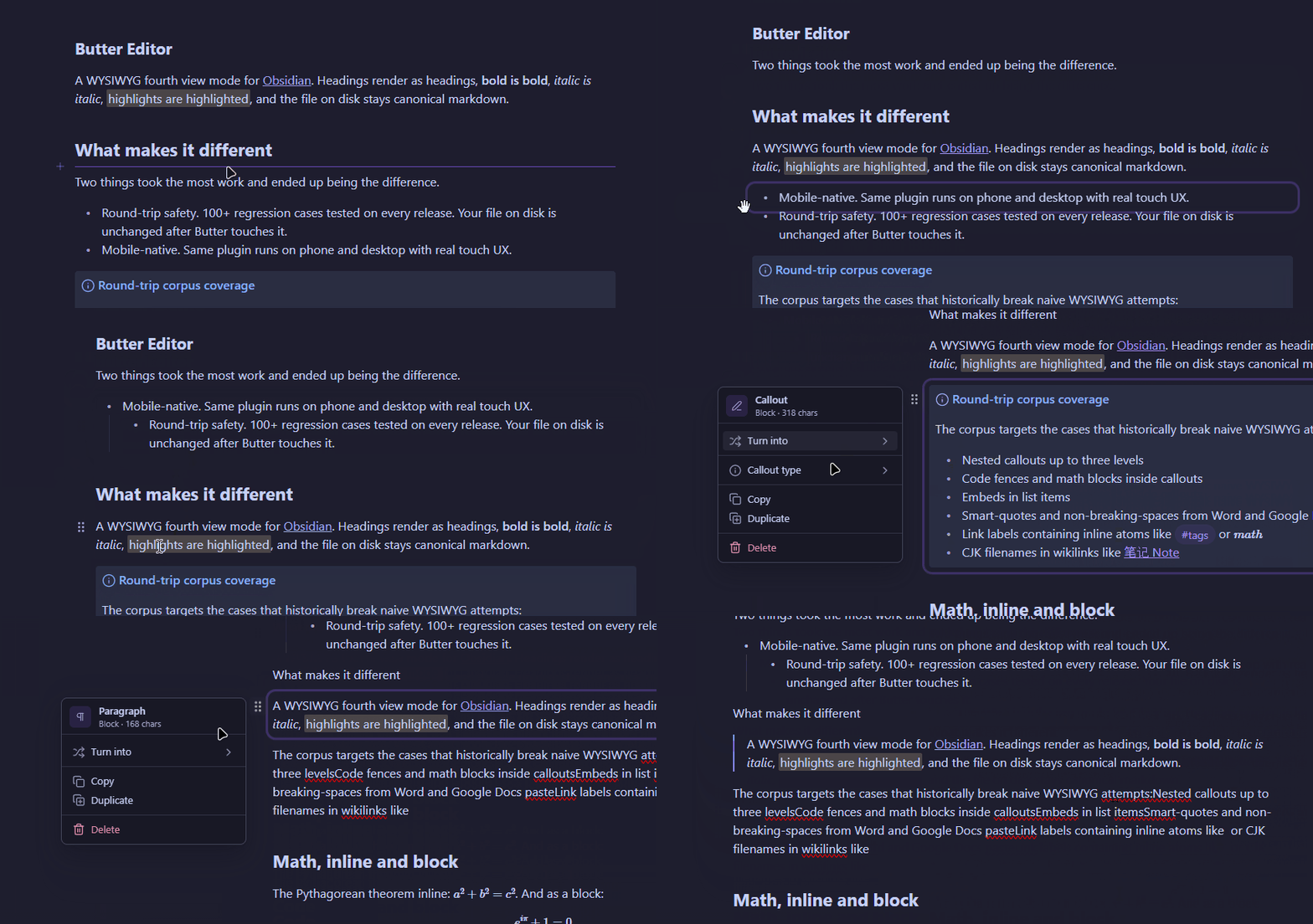
Reorder blocks with a drag handle. On desktop the grip appears in the gutter on hover. On mobile, long-press a block.
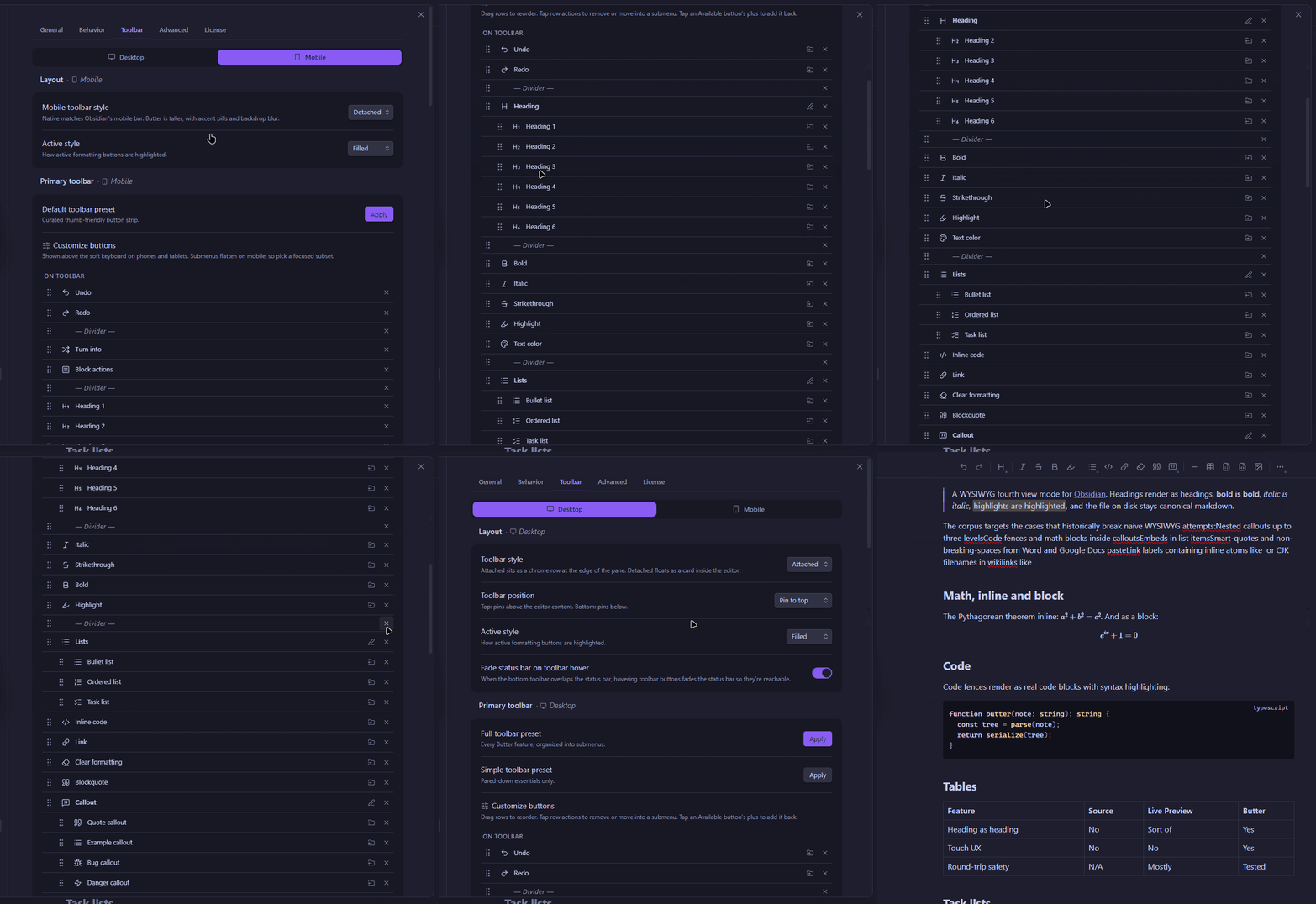
Customize the toolbar to surface the actions you actually use.
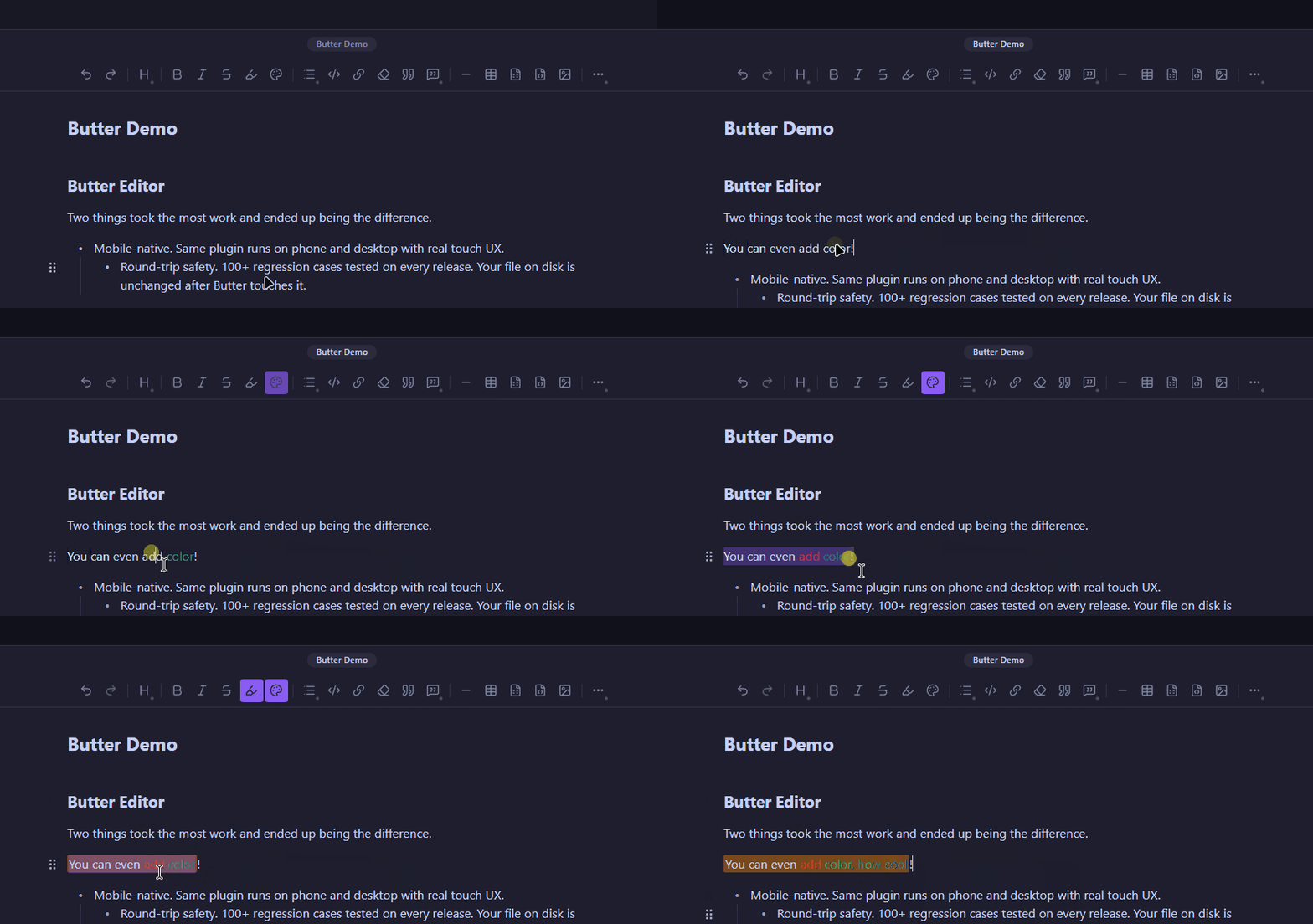
Color text or apply colored highlights from the toolbar. Or keep your source pure markdown by turning off HTML formatting in Butter's settings.
A few more:
- Edit inline atoms in place. Double-click any wikilink, tag, embed, math span, or footnote and a small floating panel opens for editing.
- Insert any block type from the slash menu. Type
/at the start of a block. - Strip every styling mark from a selection with the clear-formatting button.
Install via BRAT
Butter is in beta and not yet in the Obsidian community plugin store. To install via BRAT:
- Install BRAT from the community plugins browser.
- In BRAT settings, click "Add Beta plugin" and paste
spreadwell/butter-editor. - Enable Butter Editor in Settings → Community plugins.
BRAT checks for updates on Obsidian startup, or on demand via the BRAT command palette ("Check for updates to all beta plugins").
Install (once approved for the community store)
- Settings → Community plugins → Browse.
- Search for "Butter Editor". Install. Enable.
- Settings → Butter Editor → "Start free trial".
How to use it
Open any note and toggle into Butter via:
- the view-cycle button in the editor's top-right toolbar
- the command palette ("Butter: Toggle Butter mode")
- the file menu ("Open as Butter")
Type / at the start of a block for the slash menu.
Pricing
15-day free trial. No card, no email collected at trial start. After the trial, $16 one-time payment covers Butter Editor v1 forever, including all v1 updates. Up to 5 devices per license. 14-day no-questions refund.
When Obsidian's API eventually forces a major rewrite (v2), existing v1 customers get a discounted upgrade.
Pricing details: buttereditor.com/pricing.
Network use and privacy
Butter talks to one set of servers, and only for license operations. Your note contents are never transmitted.
https://api.buttereditor.comhandles license validation, trial activation, session refresh, and device-list management. It's called when the License tab is opened, when a session token is near expiry, when you start or end a trial, or when you deactivate a device.https://licenses.buttereditor.comis your customer portal in a browser. The plugin opens it externally when you tap "Manage license". Nothing else uses it.
Requests go through Obsidian's requestUrl() so they're CORS-safe on mobile. There is no analytics service, no telemetry pipeline, no third-party tracker.
Butter stores what a license needs and nothing else: customer email, device list, license-key registry. The plugin runs locally. Full data-handling details are in the privacy policy.
Third-party code
Butter bundles two open-source libraries:
- ProseMirror (MIT), the editor toolkit.
- markdown-it (MIT), the markdown parser.
Their licenses are preserved in the compiled bundle. Everything else (the Obsidian-Markdown bridge, schema, serializer, NodeViews, and all features) is original Butter Editor code.
Support
- Bug reports and feature requests: GitHub Issues
- Email: [email protected]
- Billing and devices: licenses.buttereditor.com
License
Butter Editor is source-available proprietary software. The source is published in this repository under the LICENSE, which permits private use, internal organizational use, and bespoke client-specific implementations, but restricts use as a substantial component of a general-purpose competing Obsidian product. Runtime use is governed by the End User License Agreement at buttereditor.com/terms and requires a valid Butter Editor license (or an active trial).