
README file from
GithubBento Grid
Obsidian plugin that creates a customizable bento-style grid inside a pane. Widgets can contain rendered markdown, images, pages, countdowns, and other content types. Items can be dragged, resized, and arranged to create personalized dashboards.
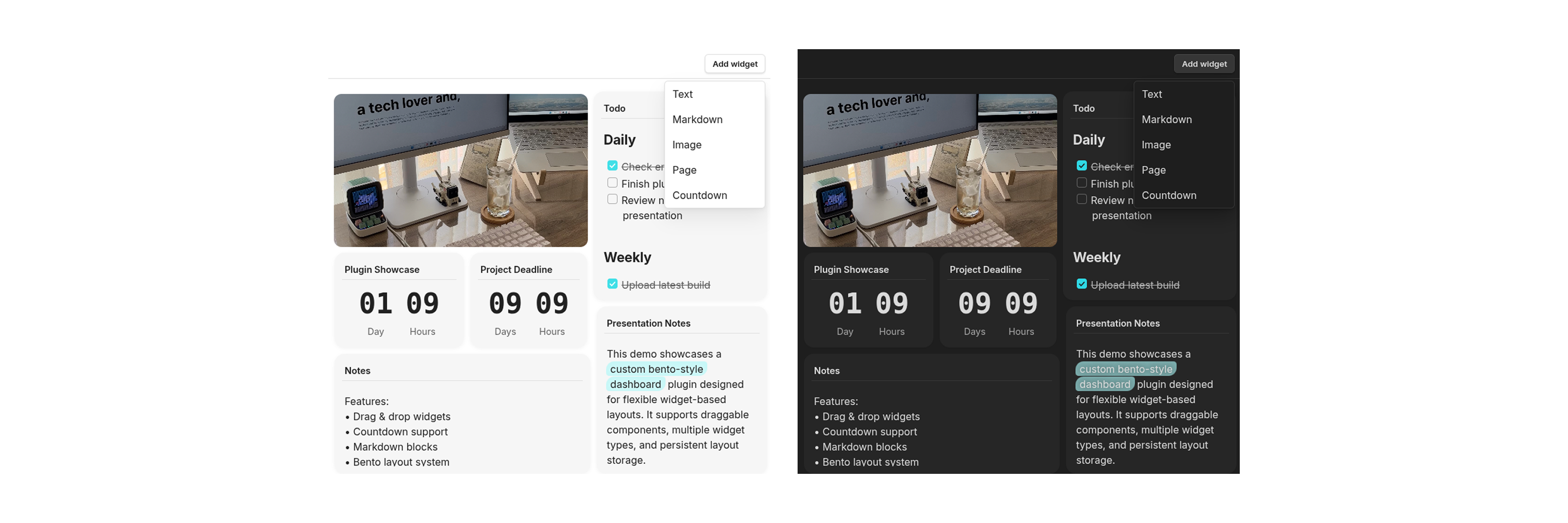
Features
- Drag & drop widgets
- Resize widgets using drag handles
- Render markdown inside widgets
- Support for multiple widget types:
- Markdown
- Images
- Pages
- Countdowns
- Flexible bento-style layouts
- Transparent and standard widget modes
Getting Started
- Search for
Bento Gridin Community Plugins. - Install and enable the plugin in Obsidian.
- Open any note where you want to create a bento grid.
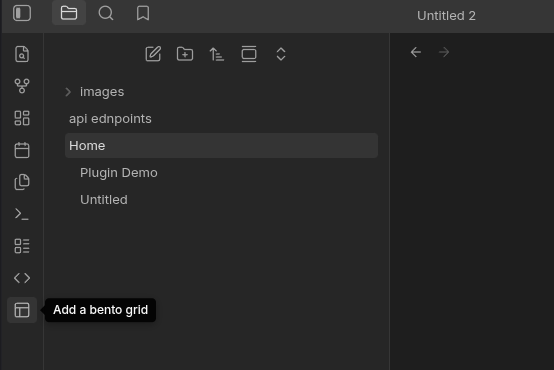
- Click the pane layout button in the sidebar to open a Bento Grid pane.
- Add widgets using the Add Widget button and customize your layout however you like.
Notes / TODO
- Improve markdown rendering, fix rendering problem
- Add additional widget types
- Improve mobile responsiveness
The plugin needs getMarkdownFiles() to locate notes containing frontmatter metadata before reading selected files.
If you find this plugin useful, consider supporting me:
