
README file from
GithubObsidian Bases Chart Layouts
This plugin adds new layouts to bases: Bar Chart, Line Chart, and Pie Chart.
Usage Guide
Prerequisites
- Ensure the Bases core plugin is enabled in your Obsidian settings.
- Install and enable this plugin.
- Open an existing Base or create a new one.
Setting Up a Chart View
-
Create a new view within your Base and select one of the available chart layouts (Bar Chart, Line Chart, or Pie Chart).
-
Open the View Settings to configure the axes:
- X-Axis: Select the property you want to use.
- Y-Axis: Click the native
Propertiesmenu in the top-right corner of the Base to select the target data.
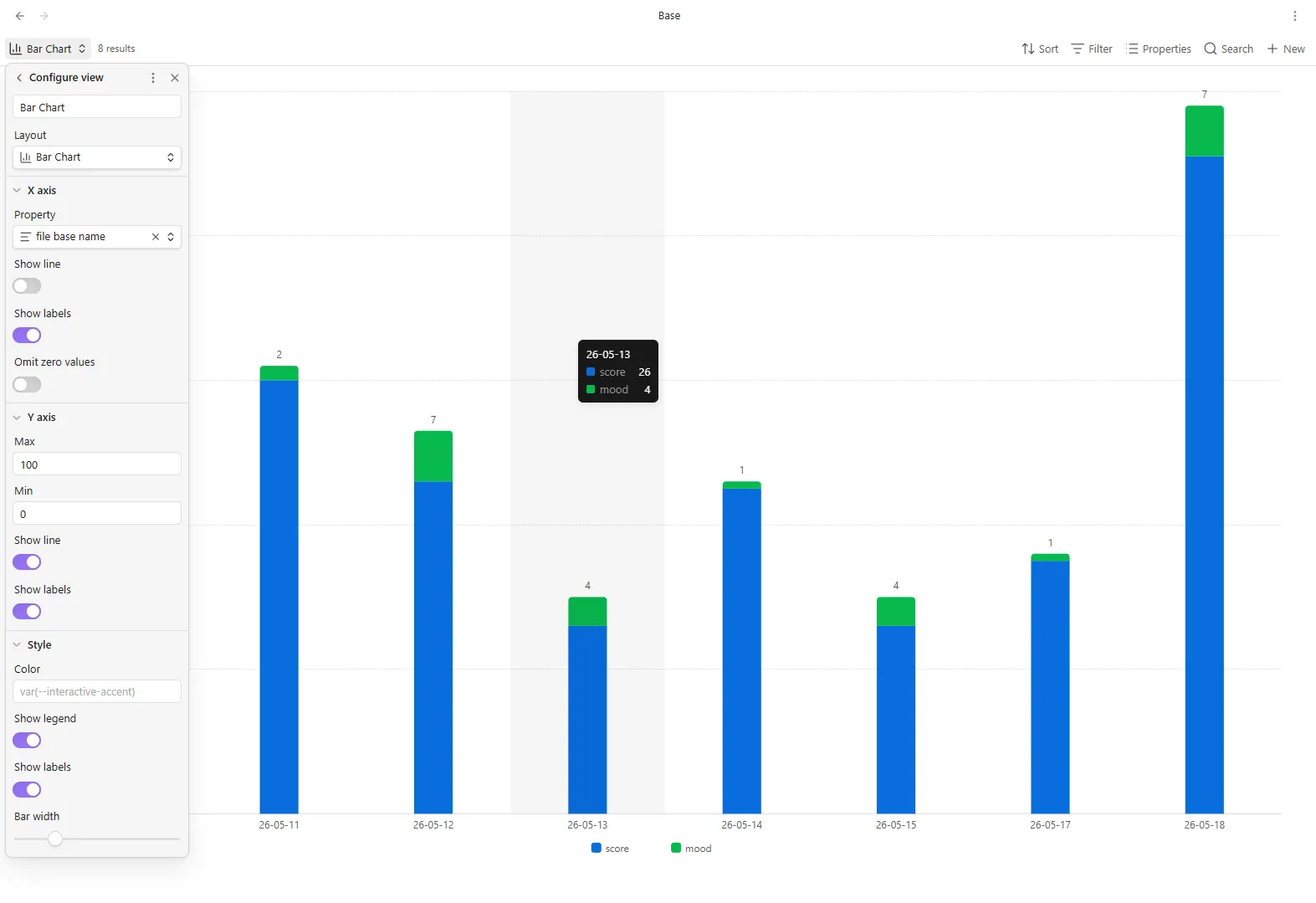
Screenshots
Bar Chart
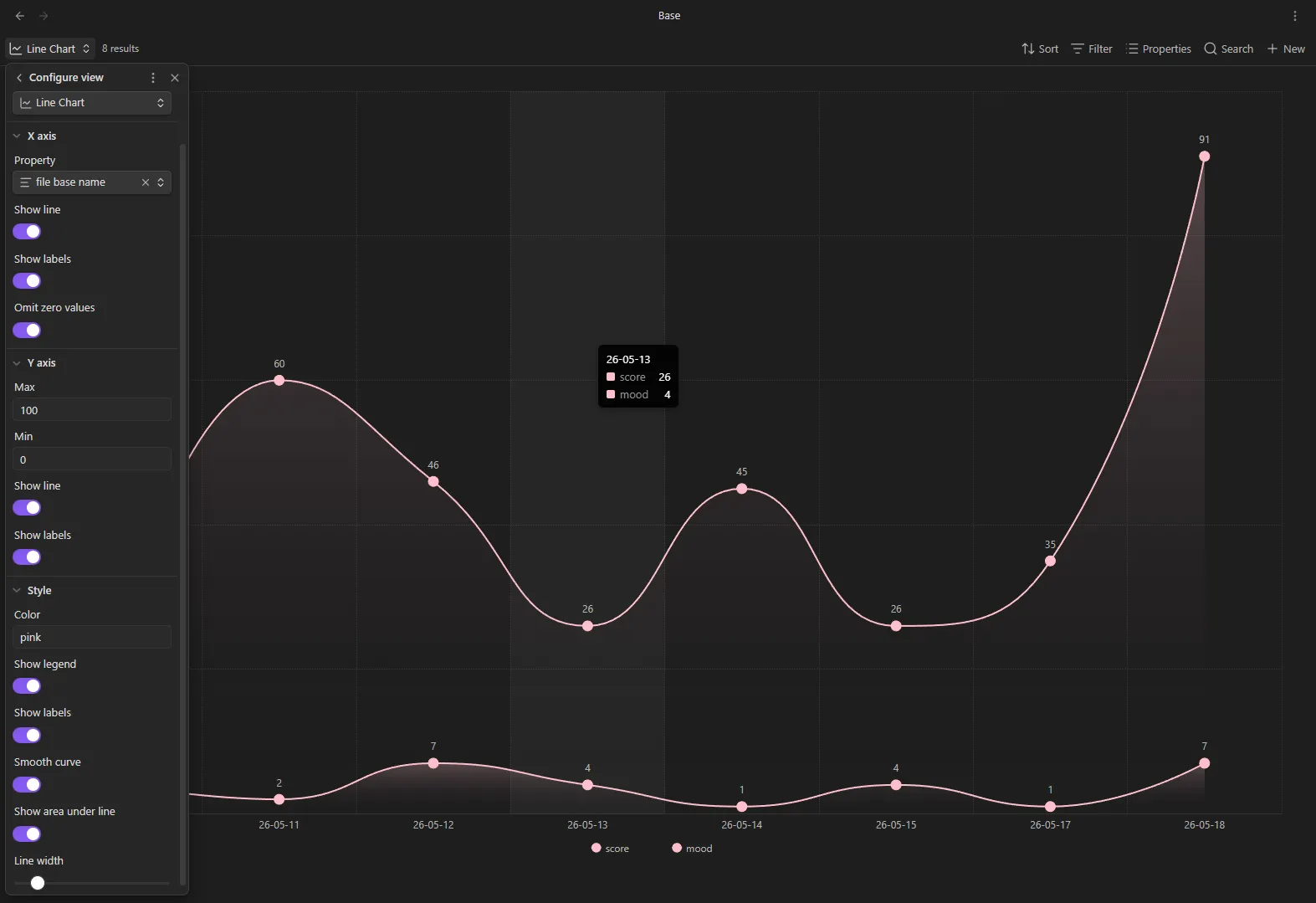
Line Chart
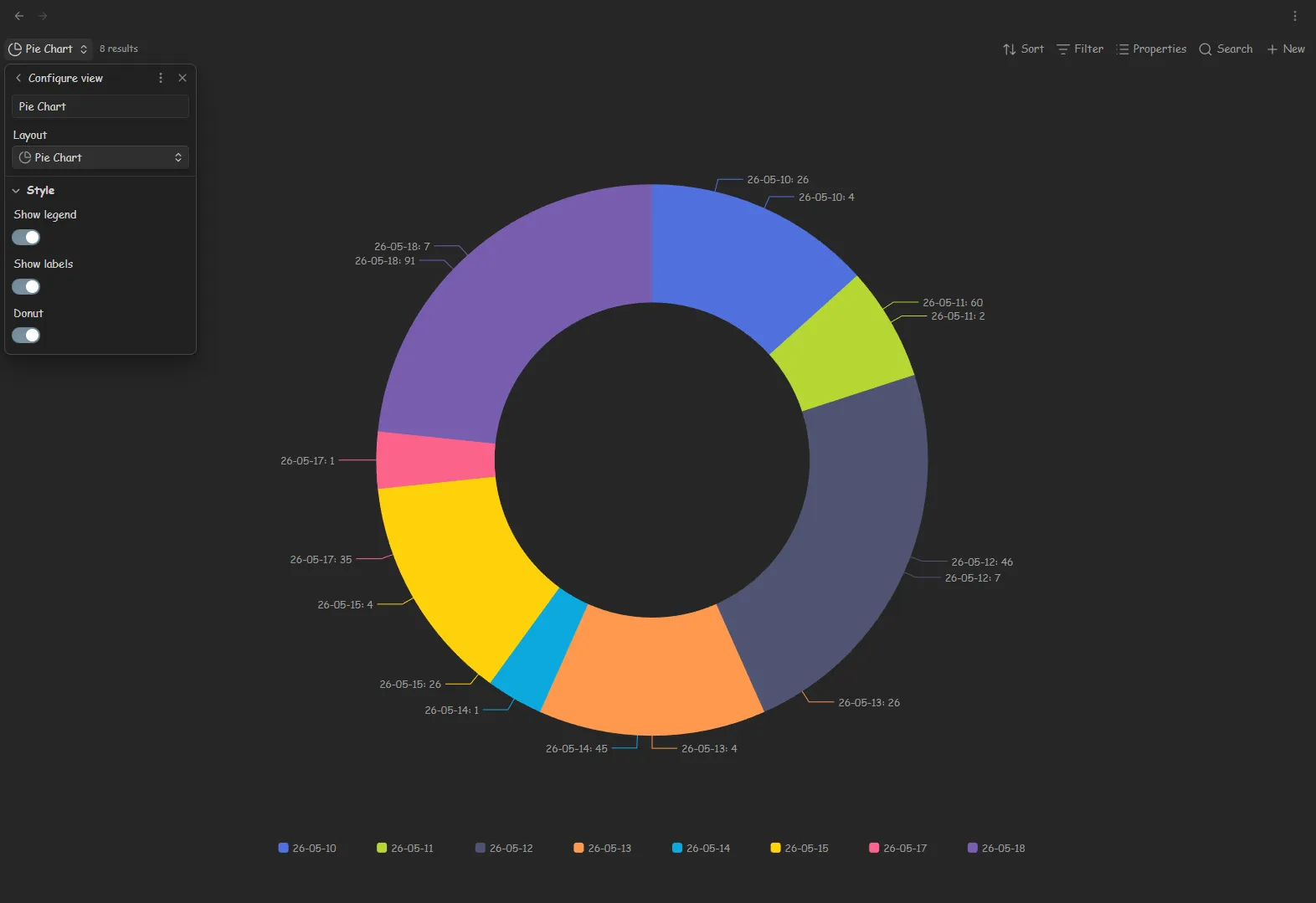
Pie Chart
Localization
The plugin automatically adapts to your selected Obsidian interface language.
Currently supported languages:
Adding Your Language
We welcome translations! You can contribute your language by opening a Pull
Request. Take a look at the existing translation files in the
src/i18n/locales directory as a reference.
Contributing
Contributions are welcome! This project uses Deno for tooling and development.
Commands
Build the plugin for production:
deno build
Start the development watcher to automatically rebuild on changes:
deno watch
Code Quality & Styling
Before submitting a Pull Request, please ensure your code complies with the project's style guidelines:
Format the code:
deno fmt
Lint the code for potential errors:
deno lint
Type check:
deno check