
README file from
Github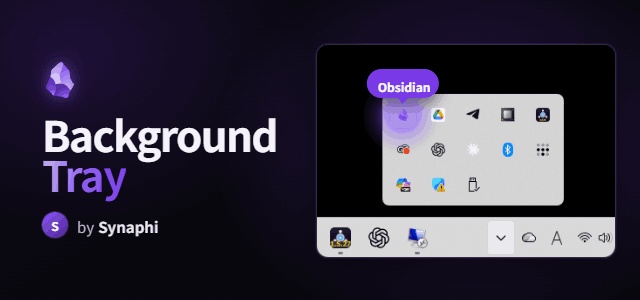
Background Tray
Keep Obsidian running in the system tray instead of quitting when you close the window. A robust, modern reimplementation of the (now unmaintained) obsidian-tray, built for Obsidian / Electron in 2026.
Desktop only. Windows and macOS are fully supported. Linux tray behaviour depends on your desktop environment and is best-effort.
Features
- Run in background — closing the window (X) hides Obsidian to the tray instead of quitting.
- Tray icon — left-click toggles show/hide; right-click menu: Show/Hide, Relaunch, Quit completely. Uses Obsidian's own app icon by default.
- Single-instance focus — relaunching Obsidian while it's hidden in the tray restores the existing window instead of opening the vault switcher. (Toggle in settings.)
- Quit completely — from the tray menu or the command palette (bypasses the close-to-tray behaviour).
- Relaunch Obsidian — from the tray menu or a command.
- Custom tray icon & tooltip —
{{vault}}is replaced with the vault name. - Turning the plugin off restores all default behaviour completely (no leftover listeners).
Roadmap (not yet in this build): global toggle hotkey, quick note, hide-on-launch, launch-on-startup, hide-taskbar-icon. See the project docs.
Install
Manual: copy main.js, manifest.json, and styles.css into
<vault>/.obsidian/plugins/background-tray/, then enable it under
Settings → Community plugins.
BRAT (beta): add this repo in the BRAT plugin.
Community store: (pending review).
Usage
Close the window and Obsidian keeps running in the tray. Click the tray icon to bring it back. To actually quit, use the tray menu's Quit completely or the command palette.
Bindable commands: Toggle window, Quit completely, Relaunch Obsidian.
Building
npm install
npm run dev     # watch build → main.js
npm run build   # typecheck + production bundle
License
MIT © Synaphi