
README file from
GithubGitHub Dark Dimmed Theme
Based on Obsidian GitHub Theme by krios2146.
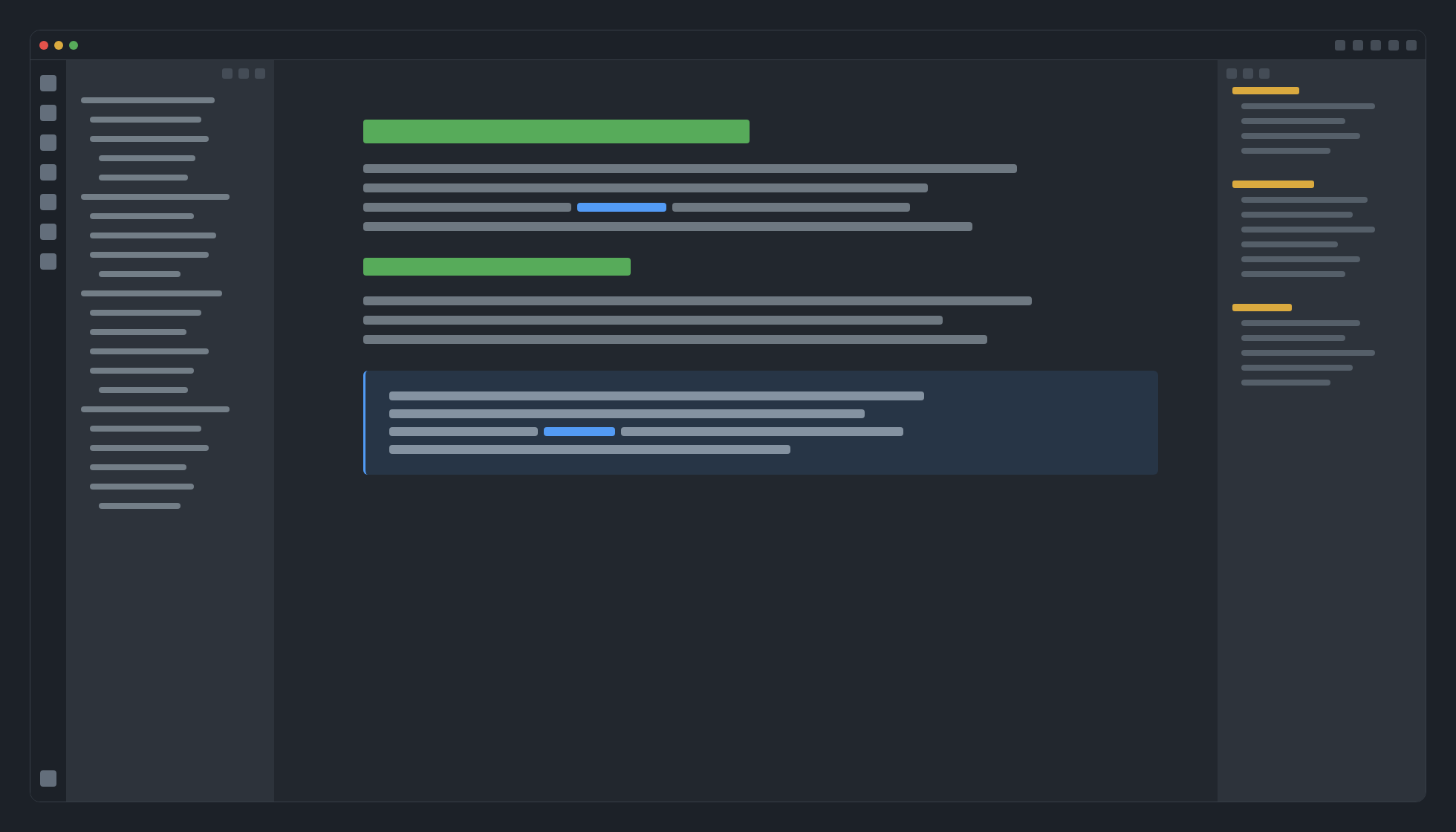
Preview
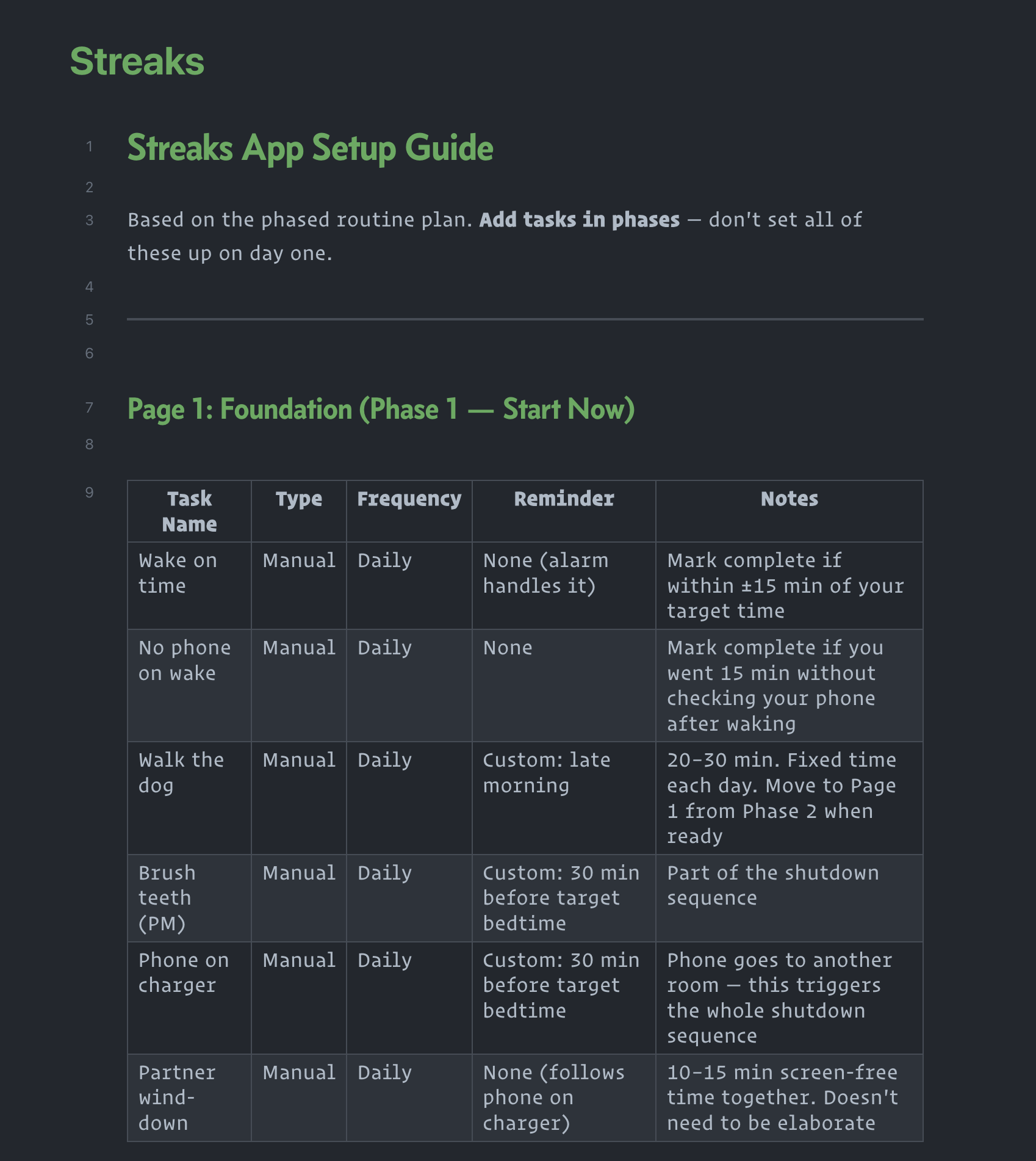


Features
- Kanban board has been styled to look like a GitHub Projects
- Callouts in GitHub style
- Inline code blocks in GitHub style
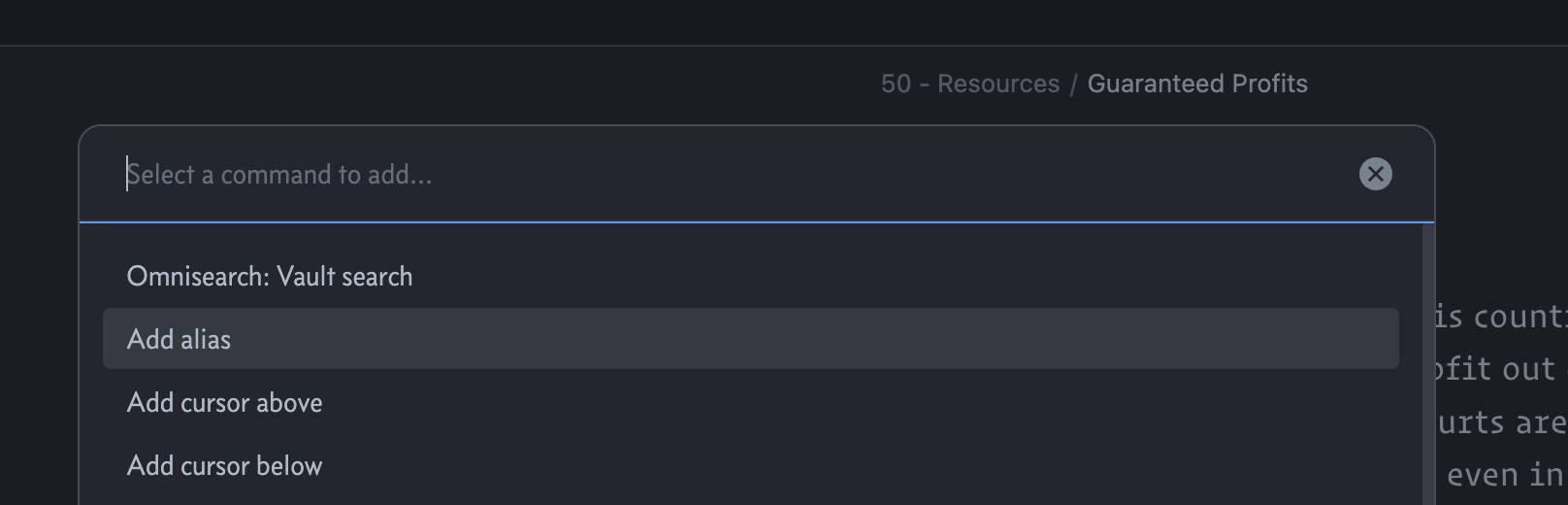
- Obsidian UI buttons in GitHub style
Theme Settings
Theme settings can be found in the Style Settings plugin.
Current settings include:
- Header colors
- On/Off kanban styles
- On/Off callout styles
How to Install
Available on the Obsidian theme store.
- Download
theme.cssandmanifest.jsonfiles from latest release - Go to /your_vault/.obsidian/themes/ and create folder for theme files
- Paste downloaded theme files into created folder
- In Obsidian go to Settings > Appearance > Themes > select GitHub Dark Dimmed Theme in dropdown menu
Contributing
Feel free to open an issue or Pull Request on GitHub.