
README file from
GithubYouTube Links




Paste a YouTube URL into any note and it instantly becomes a clean, readable link showing the channel name and video title, just like Notion does it.
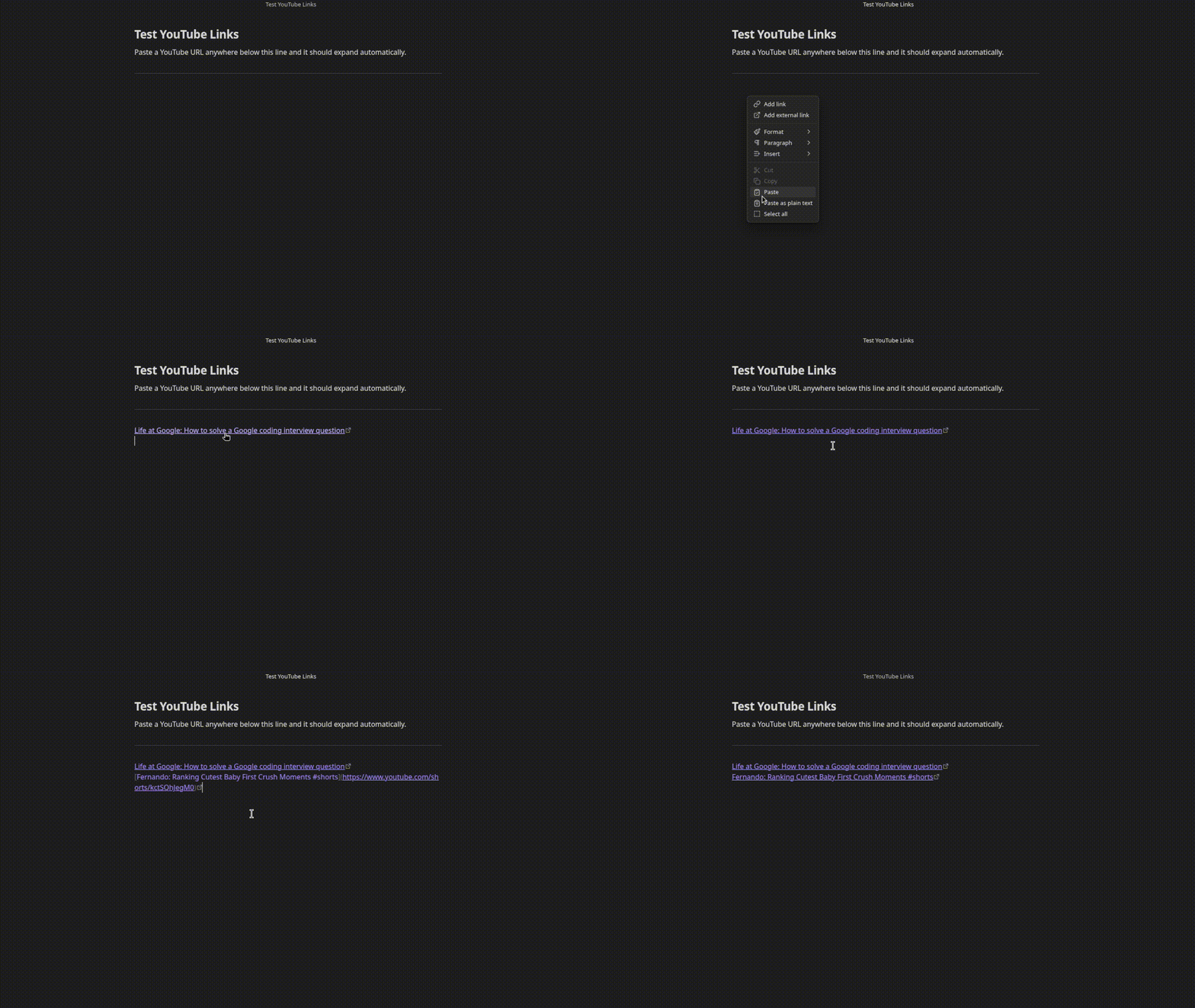
Before: https://www.youtube.com/watch?v=dQw4w9WgXcQ
After:  [Rick Astley: Never Gonna Give You Up](https://www.youtube.com/watch?v=dQw4w9WgXcQ)
No API key needed. Works with regular links, short links, and Shorts.
Supported URL formats
https://www.youtube.com/watch?v=...https://youtu.be/...https://www.youtube.com/shorts/...
Settings
Open Settings > YouTube Links to configure:
- Link format - choose between
Channel: Video Title, video title only, or embed the video inline - Show loading text - show
Loading...as a placeholder while the title is being fetched
Installation
Search for YouTube Links in Settings > Community plugins > Browse.
Manual
- Download
main.jsandmanifest.jsonfrom the latest release - Create a folder
.obsidian/plugins/youtube-links/in your vault - Copy both files into that folder
- Enable the plugin in Settings > Community plugins
Support
If this plugin saves you time, consider buying me a coffee or sponsoring on GitHub.
