
README file from
GithubWord Viewer
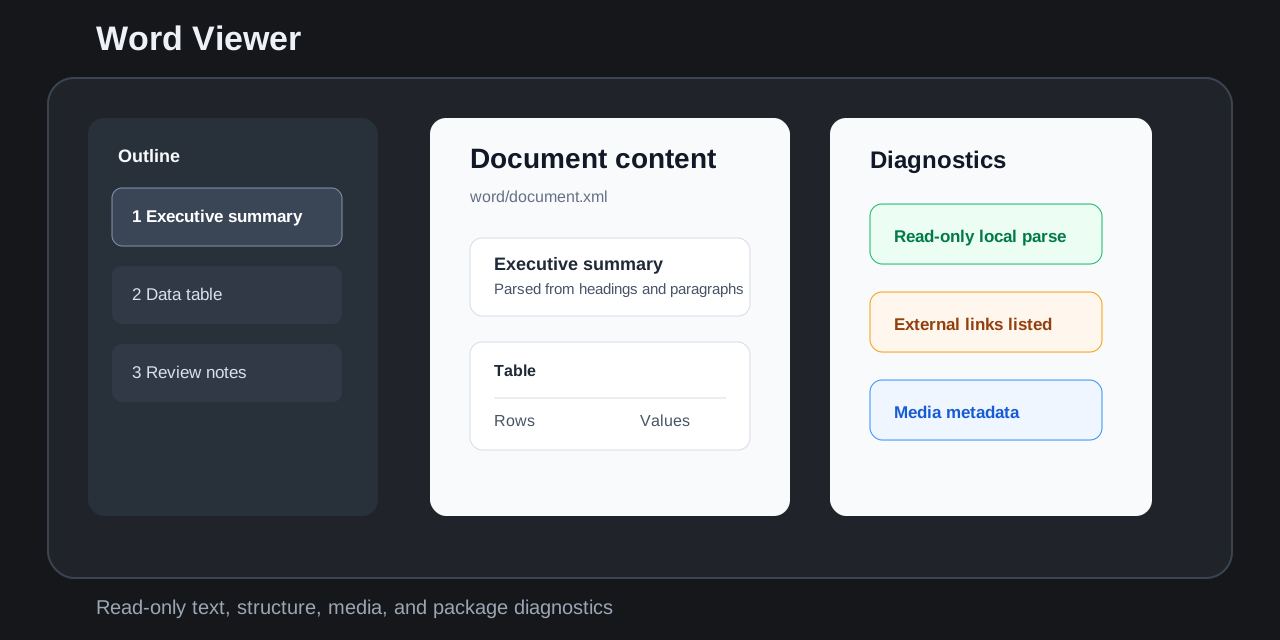
Word Viewer opens .docx files as a read-only inspection view inside the app. It focuses on document text, headings, tables, comments, footnotes, endnotes, media metadata, relationships, warnings, and package diagnostics.
Features
- Opens
.docxfiles from the file explorer with a dedicated read-only view. - Parses the local OOXML zip package in the plugin with no cloud conversion.
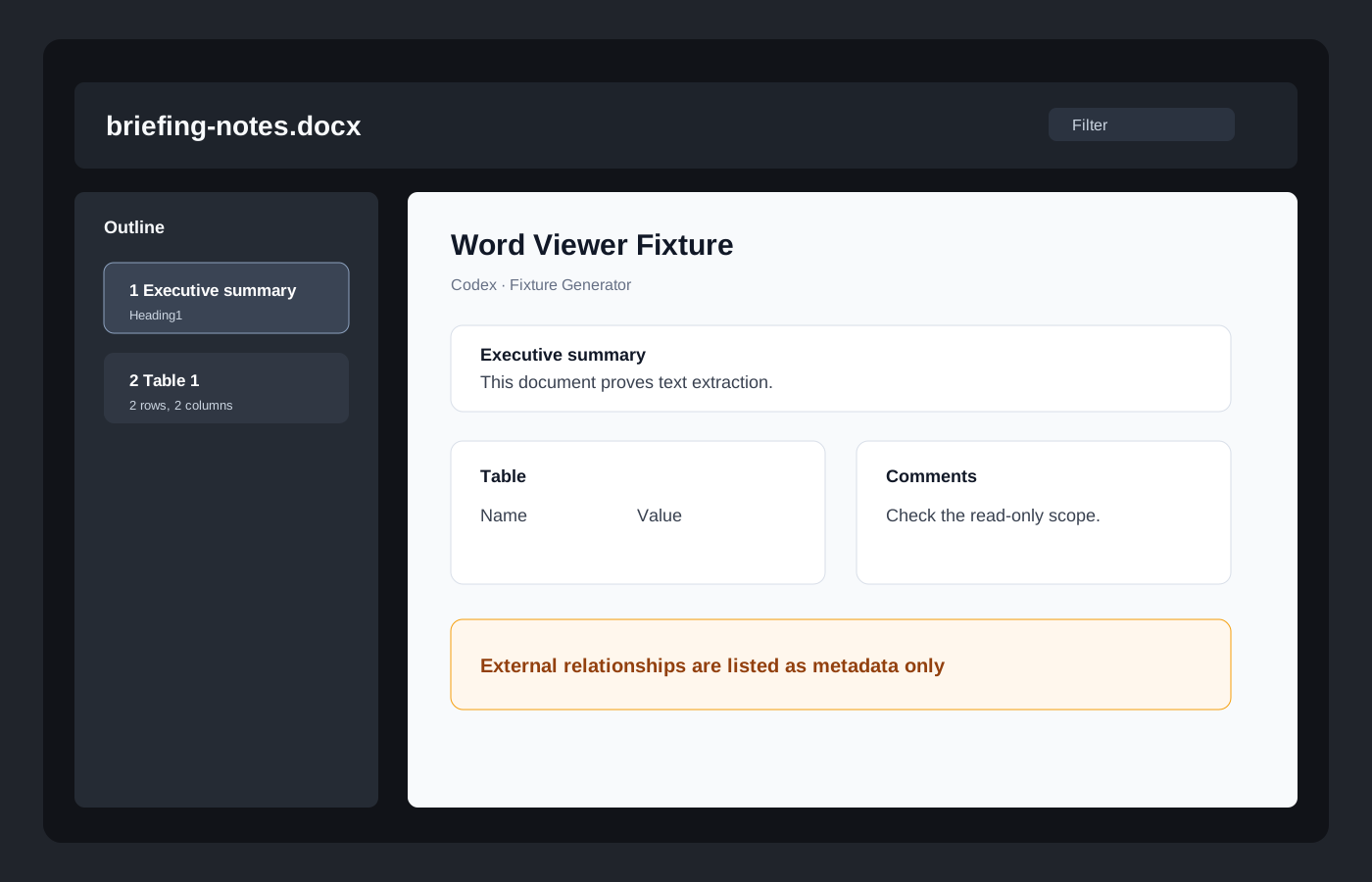
- Shows document metadata, outline/headings, paragraphs, lists, tables, comments, footnotes, endnotes, media references, and package diagnostics.
- Filters document text, headings, comments, notes, hyperlinks, and media metadata.
- Warns about external relationships, embedded OLE/package content, macro-related package content, tracked changes, large documents, encrypted files, and malformed packages.
- Caps large render lists so big documents stay responsive.
Non-goals
- No
.doclegacy binary support in v0.1. - No
.docm,.dotm, or macro-enabled support in v0.1. - No editing, saving, annotation, export, Markdown conversion, or write-back.
- No pixel-perfect Word rendering.
- No macro, VBA, OLE, ActiveX, or embedded object execution.
- No remote fonts, remote images, network calls, or cloud conversion.
- No launching Microsoft Word, LibreOffice, Pages, or another external viewer.
- No tracked-changes merge or review workflow.
Install from release
- Download
main.js,manifest.json, andstyles.cssfrom the matching GitHub release. - Place them in
.obsidian/plugins/word-viewer/. - Enable
Word Viewerin Community plugins.
Security and privacy
Word Viewer treats documents as untrusted local packages. It reads files through the vault API, renders local metadata and text, and does not send vault content to external services.
The plugin does not use network APIs, clipboard APIs, shell calls, external app launches, macro execution, embedded object execution, or file write-back APIs.
Development
npm install
node scripts/create-fixtures.mjs
npm run build
npm run typecheck
npm test
npm run community:check
Release
For each release:
- Update
manifest.json,package.json, andversions.json. - Run build, typecheck, tests, static checks, and SVG parse checks.
- Create a GitHub release whose tag exactly matches
manifest.json.version. - Attach
main.js,manifest.json, andstyles.cssas release assets.
Community review checklist
- Plugin id is
word-viewer. manifest.jsonversion matchesversions.json.- Release tag is exactly
0.1.1, notv0.1.1. - Release includes
main.js,manifest.json, andstyles.css. - Runtime code does not use network, clipboard, shell, eval, write-back, or external app launch APIs.
- Manifest description avoids restricted product-name wording.
- Styles avoid
!important. - The viewer is read-only and handles unsupported documents gracefully.
License
MIT