
README file from
GithubVaultSweep
A safe cleanup and maintenance assistant for Obsidian.
VaultSweep scans your vault, creates a report of cleanup opportunities, and lets you decide what to do.
VaultSweep never deletes files automatically.
Workflow
SCAN → REPORT → REVIEW → USER DECISION → CLEAN
Screenshots
VaultSweep Ribbon Icon
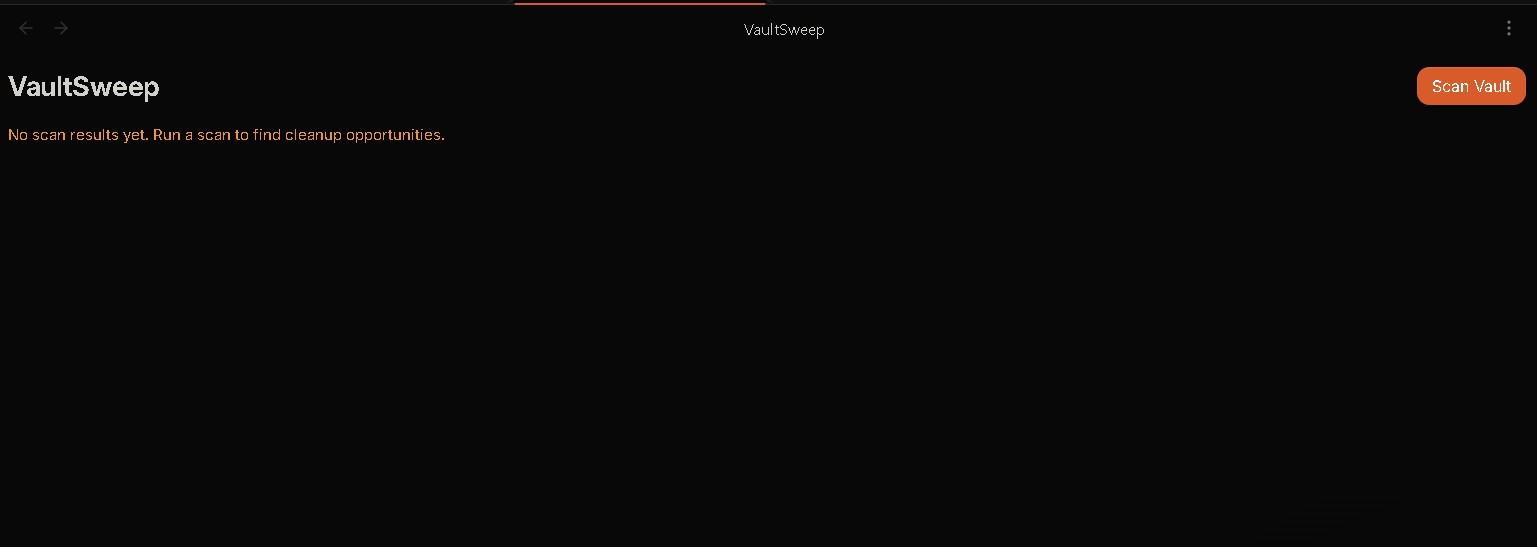
VaultSweep Dashboard
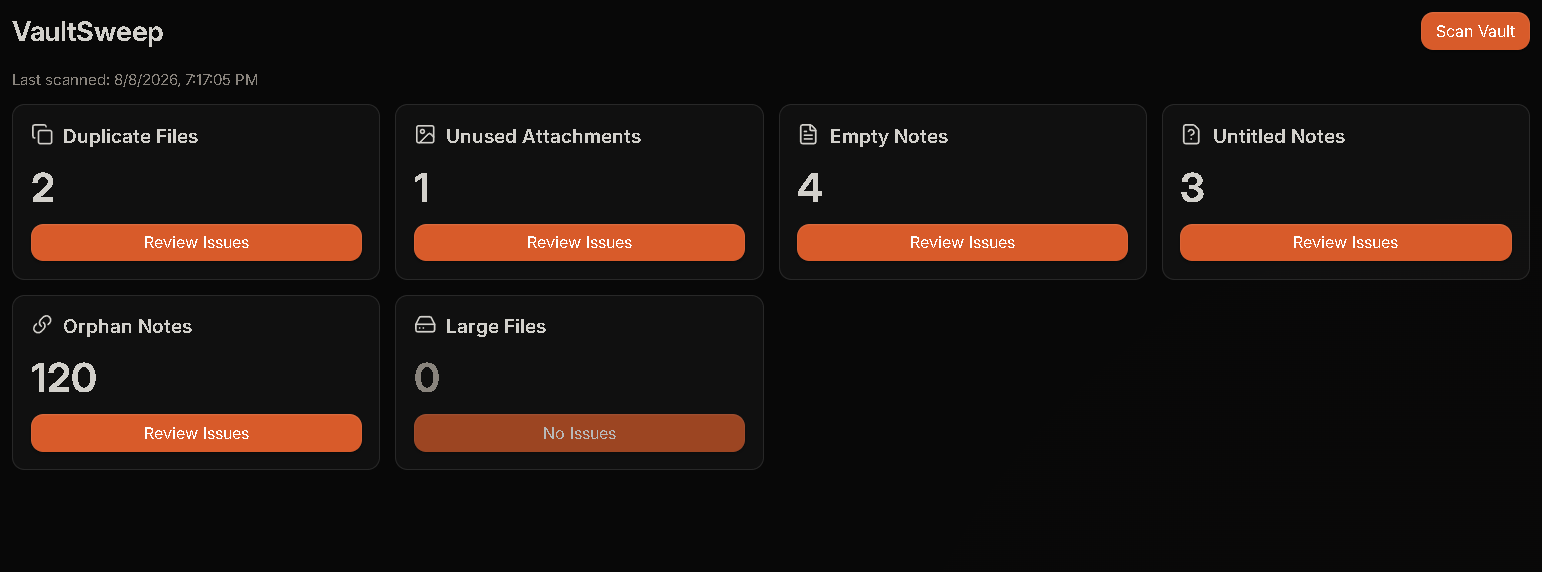
Scan Results
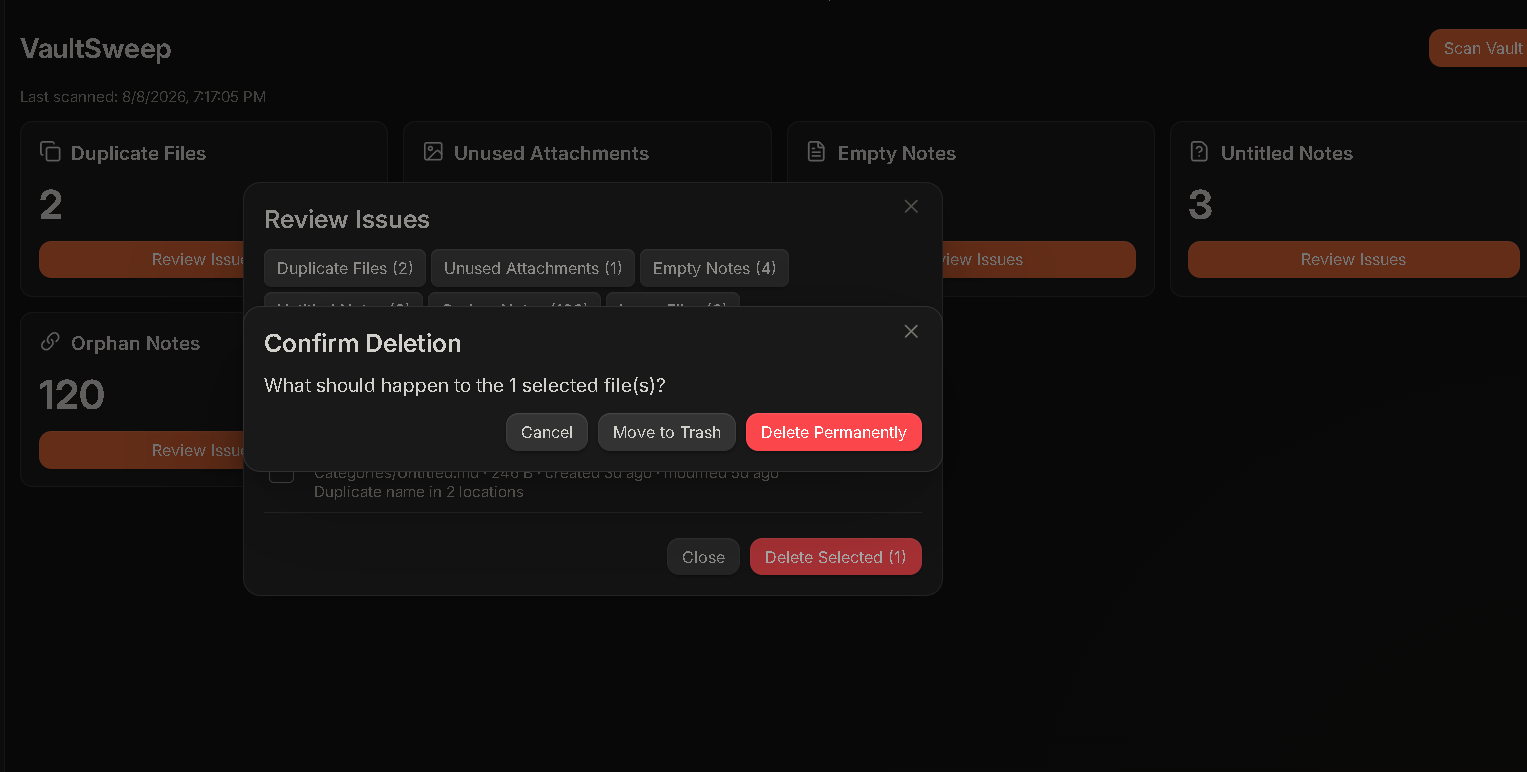
Issue Review
Features
| Issue | What VaultSweep Finds |
|---|---|
| Duplicate Files | Same filename in different folders |
| Unused Attachments | Images, PDFs, ZIPs, and other files not used in your notes |
| Empty Notes | Notes with no useful content, links, or tasks |
| Untitled Notes | Notes such as Untitled.md or New Note.md |
| Orphan Notes | Notes with no links to or from other notes |
| Large Files | Files larger than your chosen size limit |
Install
Community Plugin
- Open Settings → Community plugins
- Disable Restricted mode if necessary
- Search for VaultSweep
- Install and enable VaultSweep
Manual Installation
Copy:
main.js
manifest.json
styles.css
into:
<your-vault>/.obsidian/plugins/vault-sweep/
Restart Obsidian and enable VaultSweep.
Usage
- Run:
VaultSweep: Scan Vault
or click the VaultSweep ribbon icon.
-
Review the detected issues by category.
-
Select the items you want to clean up.
-
Click Delete Selected and choose an action:
| Action | Description |
|---|---|
| Keep selected | Leave selected files unchanged |
| Ignore selected | Exclude selected items from future scans |
| Move to trash | Safely move selected files to the system trash |
| Delete permanently | Permanently delete selected files after an additional confirmation |
Safety
VaultSweep follows a review-first approach.
- Scanning is read-only
- No automatic deletion
- Every cleanup action requires confirmation
- Permanent deletion requires an additional confirmation
- Files are moved to the system trash by default
- Permanent deletion is never performed silently
- Excluded folders remain protected
- Vault data stays inside Obsidian
VaultSweep does not send your vault data anywhere.
There is:
- No account required
- No analytics
- No telemetry
- No network requests
- No external vault access
All processing happens locally inside Obsidian.
Privacy
VaultSweep is designed to work completely offline.
Your vault contents are processed locally and are never uploaded to a server. VaultSweep does not collect analytics or require an account.
Development
Requirements:
- Node.js
- npm
Install dependencies:
npm install
Run development build:
npm run dev
Run tests:
npm run test
Build the plugin:
npm run build
The production build generates:
main.js
Support ☕
If you enjoy VaultSweep and want to support future development:

License
MIT License