
README file from
GithubTyping Cat
A cozy typing cat for Obsidian that keeps you company and tracks your typing speed.
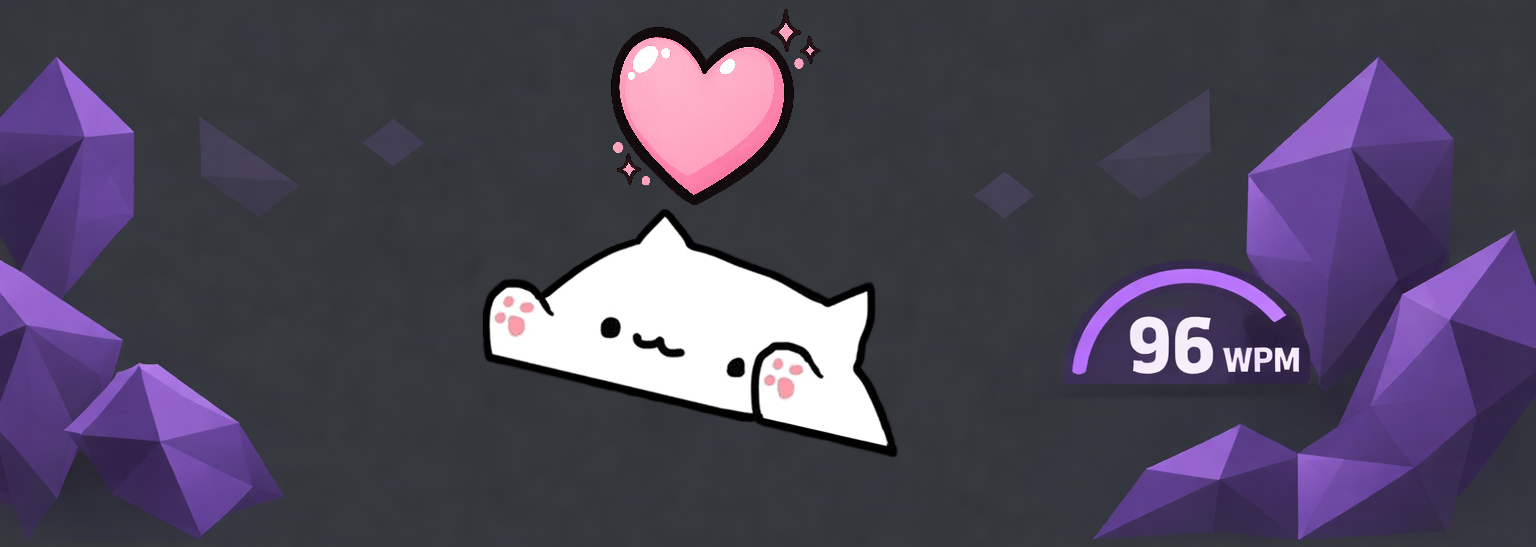
Features
- Cozy Companion: A cute cat overlay that types along with you in real-time.
- Speed Tracking: Monitors your typing speed with support for WPM (Words Per Minute), CPM (Characters Per Minute), and CPS (Characters Per Second).
- Visual Feedback: The cat "sweats" during intense typing sessions and shows a heart when clicked.
- Highly Customizable:
- Adjust position (left and bottom percentages)
- Change size and opacity
- Mirror the cat's orientation
- Toggle speed display and choose your preferred metric
- Desktop Ready: Designed to sit comfortably on your screen without interfering with your workflow.
Manual Installation
- Download
main.js,manifest.json, andstyles.cssfrom the latest release. - Create a folder named
typing-catin your vault's plugins directory:<Vault>/.obsidian/plugins/typing-cat/. - Copy the downloaded files into that folder.
- Reload Obsidian and enable Typing Cat in Settings → Community plugins.
Usage
Once enabled, the Typing Cat will appear as an overlay on your Obsidian window.
- Typing: As you type in any editor, the cat will move its paws to match your rhythm.
- Speedometer: If enabled, your current typing speed will be displayed below the cat.
- Interacting: If the "Clickable" setting is enabled, click on the cat to see a heart animation!
- Settings: Go to the plugin settings to customize the cat's appearance and behavior.
Development
npm install
npm run dev
Credits
Created by Egor Ilin.