
README file from
GithubTableCSV








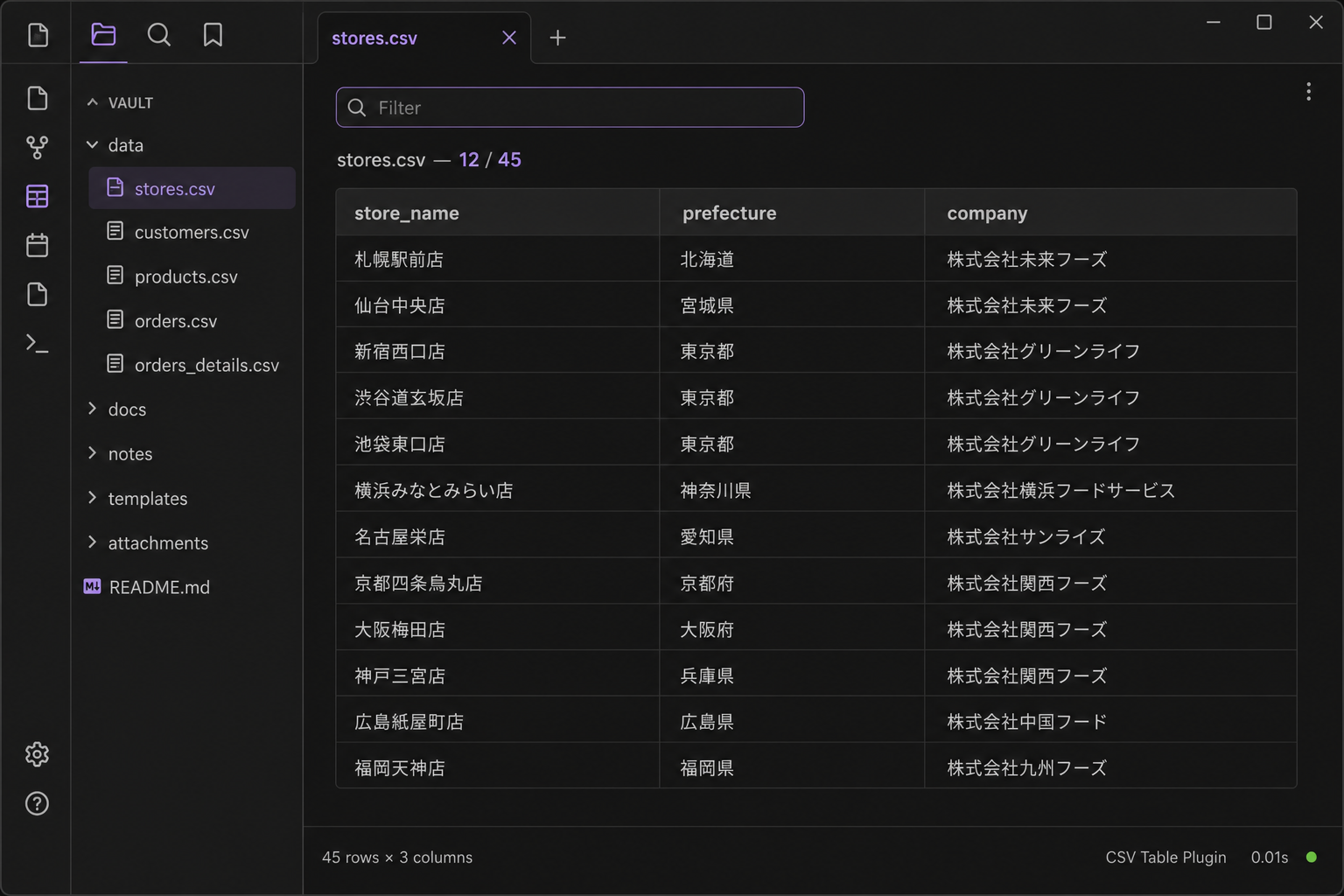
Open .csv files as tables inside your vault. View and filter, or edit cells, rows, and columns.
Features
- Open any CSV file as a clean table view
- Sticky header row for easier scrolling
- View mode: text filter to narrow rows (does not change the file)
- Edit mode: change cells, insert/delete rows and columns, then save to the vault
- Empty rows and columns stay as you left them
- Works fully offline (no network requests)
How to use
- Install TableCSV from Community plugins and enable it
- Open a
.csvfile from the file explorer - View is the default. Type in the filter box to narrow matching rows
- Switch to Edit to change the file. The filter is cleared so you edit the whole table
- Insert or delete the selected row/column with the toolbar. Click a cell to select it. Enter confirms a cell (does not move)
Tips
- Very large CSV files may take longer to render
- View mode never writes. Edit mode saves to the same
.csvfile in your vault
Author
K-Tech Studio
Support
License
MIT