
README file from
GithubObsidian Squiggle Plugin
Note: This was forked from the obsidian-execute-code plugin.

This plugin allows you to execute squiggle code snippets in code blocks in your notes. The plugin adds a 'run' button for code blocks in supported languages. Clicking them results in the code of the block being executed. After the execution the result of the execution is showed.
It also adds syntax highlighting with prism.
The result is shown only after the execution is finished. It is not possible to enter text on the command line into the executed programm now.
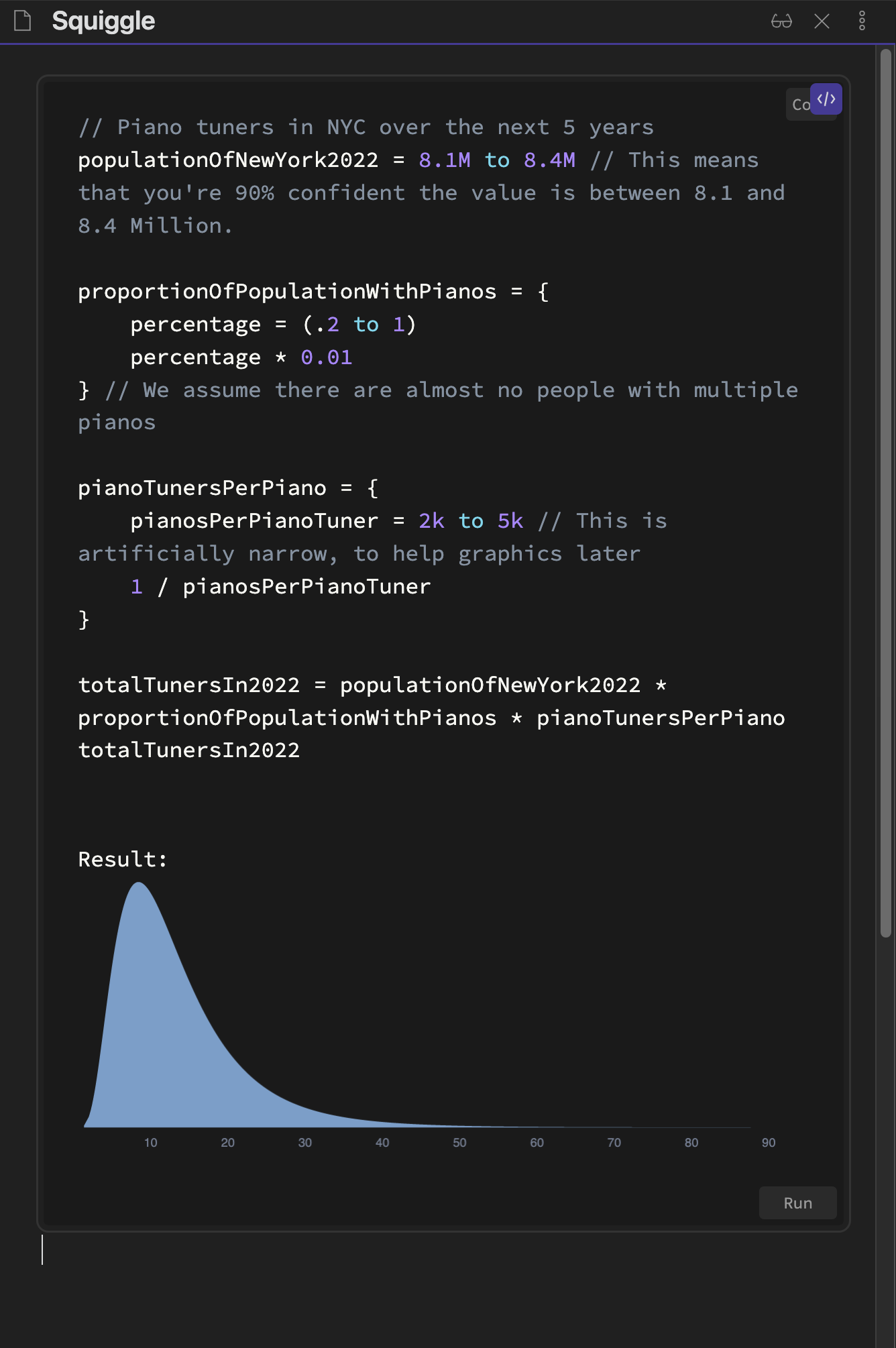
Running in Preview
Adding run- before the language name in the code blocks (as in the example below) renders the code block in the
preview already.
This allows you to execute the code in the preview.
Installation
In your vault go to Settings > Community plugins > Browse and search for "Squiggle". Select the plugin, install it and activate it.
or
Follow this link and click "Open in Obsidian".
Warning
Do not execute code from sources you don't know or code you don't understand. Executing code can cause irrepairable damage.
Known Problems
- Missing when
runbutton after switching the theme: Try to close and reopen your notes and wait for a few minutes. It seems like obsidian doesn't call the postprocessors after the theme switch.
Future Work
- Merge back into the
execute-code-plugin? This probably isn't worth it as Squiggle is run inside of JS & rendered with the help of React. This is very different to languages that actually run on your computer.
Contribution
All contributions are welcome. Just create a merge request or email me: jesse(at)jessehoogland.com