
README file from
GithubSmart Cluster Graph
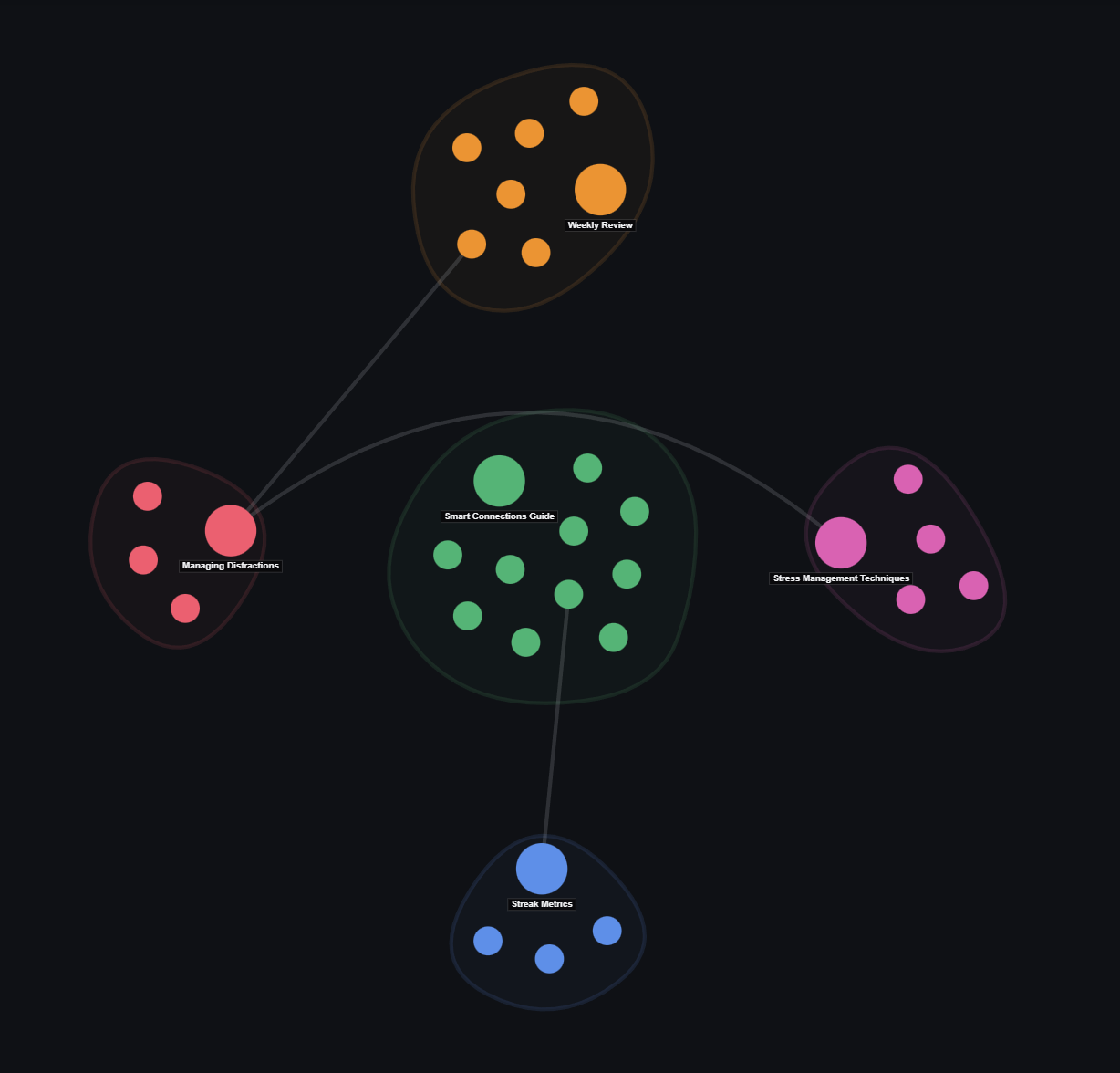
A folder-based cluster graph view plugin for Obsidian. It organizes your vault notes into distinct community clusters with soft convex hulls, line-crossing avoidance, and real-time node search.
Features
- 🏝️ Community Clusters: Groups notes into clean topic clusters with soft convex hulls.
- 🌉 Strongest Bridge Links: Displays key cross-cluster bridge relationships without web clutter.
- ↪️ Line Crossing Avoidance: Curves cross-cluster links smoothly around intermediate hulls.
- 🔍 Live Node Search: Search and highlight notes directly within the graph view.
- 🎯 Active Note Tracking: Automatically syncs with your currently open Obsidian note.
Usage
- Click Node: Select node.
- Double Click Node: Open note in Obsidian workspace.
- Right Click Node: Open context menu (Open note, Open in new tab, Copy link).
- Search Bar: Type to filter and highlight matching nodes in real time.
- Pan & Zoom: Drag canvas to pan; scroll wheel to zoom around screen center.
Installation
Community Plugins
- Open Obsidian Settings → Community plugins.
- Search for
Smart Cluster Graph. - Click Install, then Enable.
Manual Installation
- Download
main.js,manifest.json, andstyles.cssfrom the latest Release. - Copy files into your vault's
.obsidian/plugins/smart-cluster-graph/directory. - Reload Obsidian and enable the plugin in settings.