Scroll Line

by abdelrahmanhafez
5
4
3
2
1
Score: 35/100

Description

This plugin has not been manually reviewed by Obsidian staff. Scroll the viewport up or down by a configurable number of lines without moving the cursor.

Reviews

No reviews yet.

Stats

stars
16
downloads
0
forks
1
days
NaN
days
NaN
days
0
total PRs
0
open PRs
0
closed PRs
0
merged PRs
0
total issues
0
open issues
0
closed issues
0
commits

Latest Version

Invalid date

Changelog

README file from

Github

Scroll Line

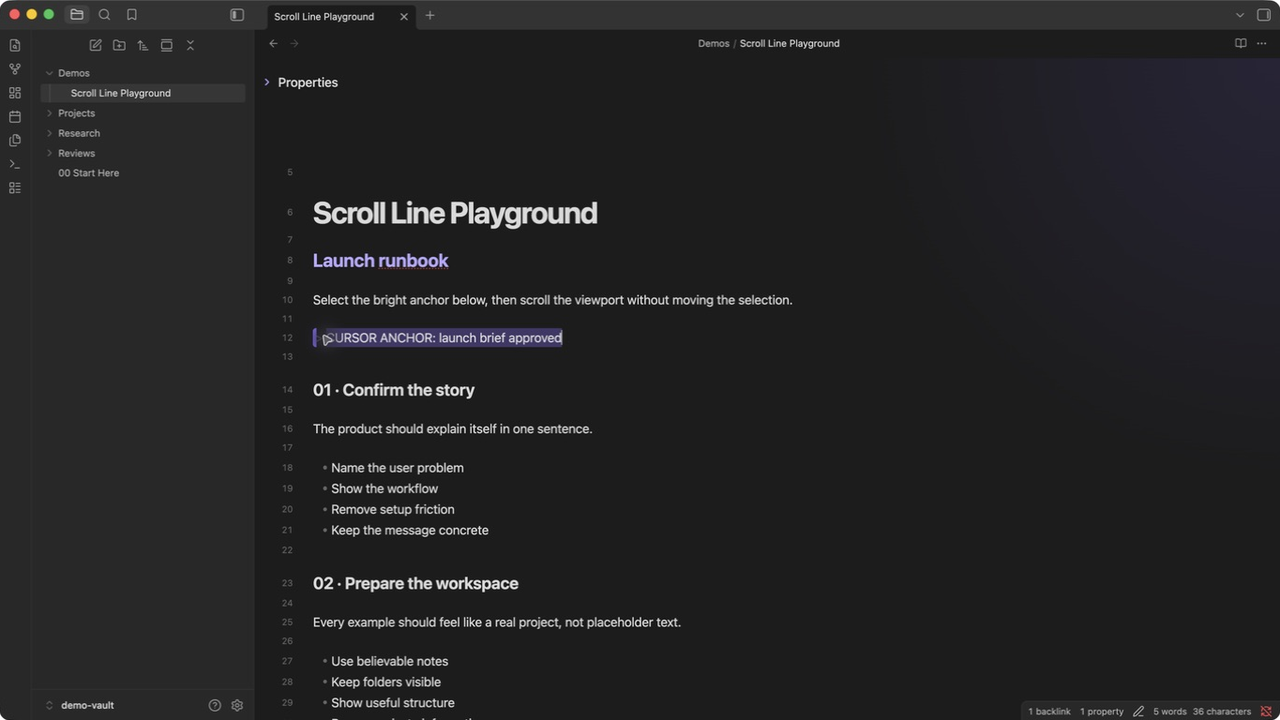
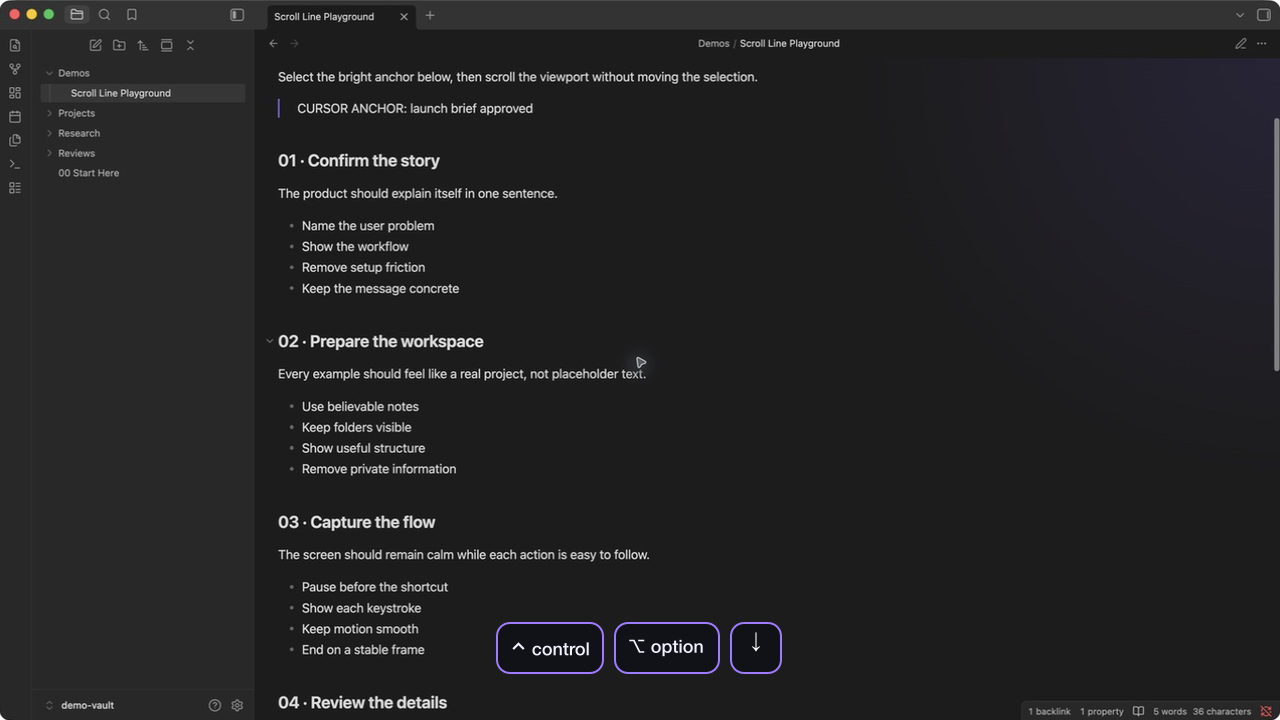
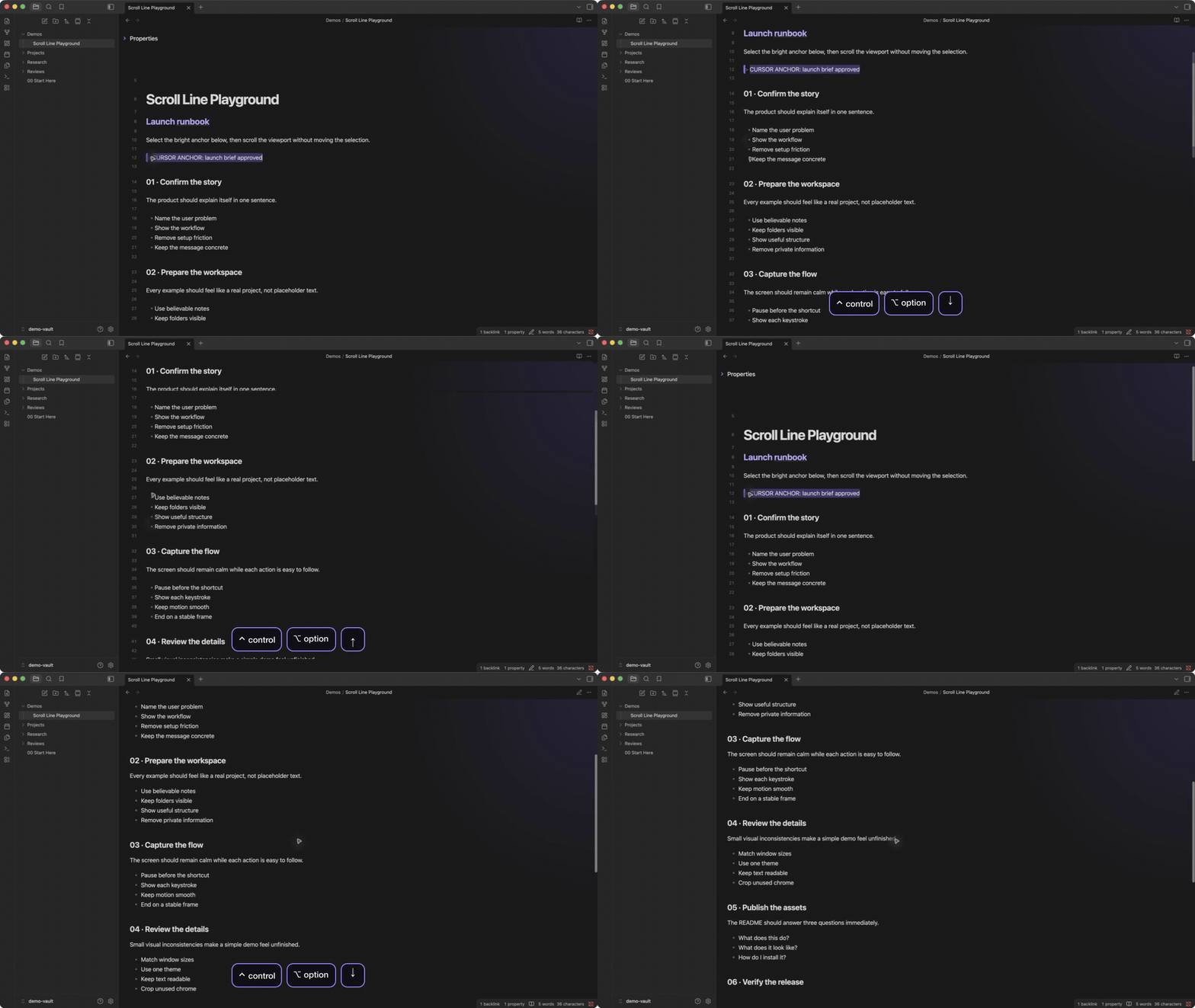
An Obsidian plugin that scrolls the editor viewport up or down by a configurable number of lines, without moving the cursor. Similar to editor.action.scrollLineDown / editor.action.scrollLineUp in VS Code.

Features

  • Configurable lines per scroll
  • Optional smooth (animated) scroll with easing, toggleable in settings
  • Keybindings configurable via Obsidian's built-in Hotkeys page
  • Continuous scroll on key hold (registered at CM6 level for proper key-repeat)
  • Uses CodeMirror 6's actual line height for accurate scrolling across all themes and font sizes

Installation

From Obsidian Community Plugins

  1. Open Settings > Community plugins
  2. Search for Scroll Line
  3. Click Install, then Enable

Manual Installation

  1. Download main.js, manifest.json, and styles.css from the latest release
  2. Create a folder scroll-line inside your vault's .obsidian/plugins/ directory
  3. Place the downloaded files inside that folder
  4. Reload Obsidian and enable the plugin in Settings > Community plugins

Configuration

Lines per scroll: Open Settings > Scroll Line to set how many lines to scroll per keypress (default: 1).

Smooth scroll: Toggle in Settings > Scroll Line to animate the scroll with easing instead of jumping instantly (default: on).

Keybindings: Default keybindings (Ctrl+Alt+↓ / Ctrl+Alt+↑) are set up automatically on first install. To change them, open Settings > Hotkeys and search for "Scroll Line".

Why This Plugin?

Obsidian has no built-in command for scrolling the viewport by lines. The existing hotkey system doesn't support key-repeat for commands, so holding a key only fires once. This plugin registers keybindings at the CodeMirror 6 level, which properly handles key-repeat for smooth, continuous scrolling.

License

MIT