
README file from
GithubRelease Timeline Base View
This plugin renders release-style timelines as a custom Obsidian Bases view.
It does not depend on Dataview. Create a Base, filter the notes you want, and select the Release Timeline View custom view for that Base.
This project is based on the original release timeline plugin by cakechaser: https://github.com/cakechaser/obsidian-release-timeline. It has been adapted and expanded for native Obsidian Bases support.
How to use
1. Store a date in note properties
Add a date property (or use file.ctime / file.mtime) to the notes that feed the Base. The plugin accepts:
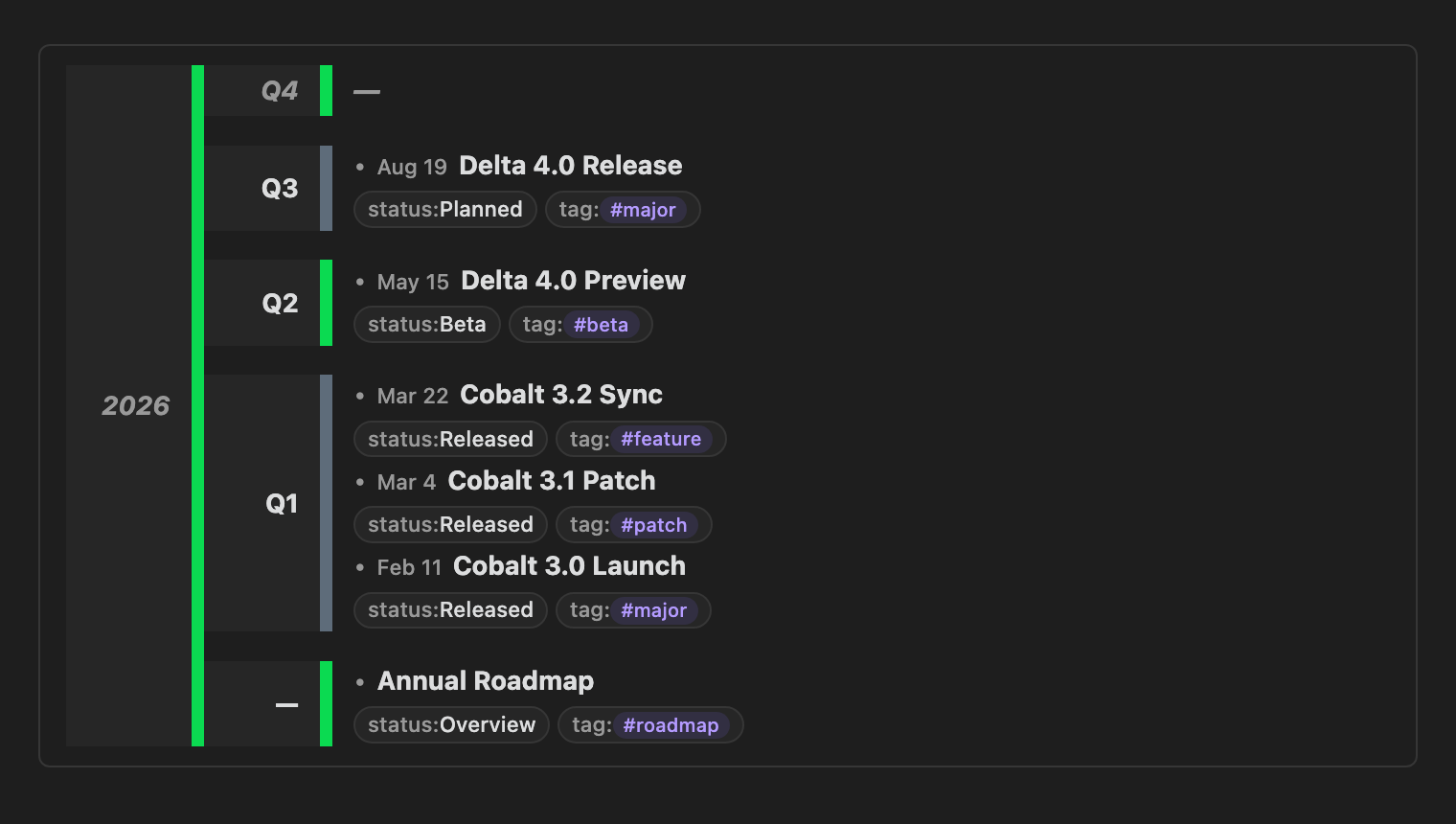
2022(year precision — shown in a year-level—bucket in Quarter/Month modes instead of misplaced in January)2022-12(month precision)2022-12-31(day precision, including ISO timestamps and epoch timestamps)
2. Create a Base and select the custom view
Example .base file:
filters:
  and:
    - note.releaseDate
views:
  - type: release-timeline-base-view
    name: Release Timeline View
    mode: year
    timelineStyle: table
    dateProperty: note.releaseDate
    labelProperty: file.name
    sortDirection: desc
View settings
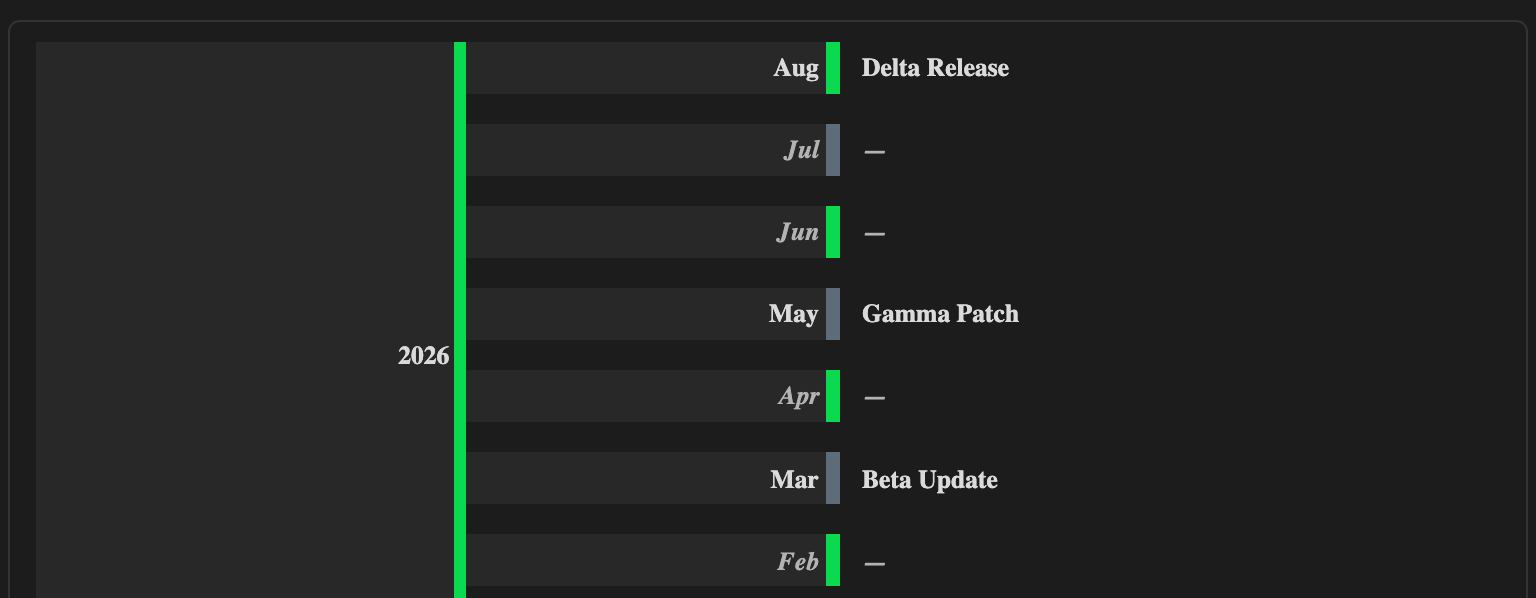
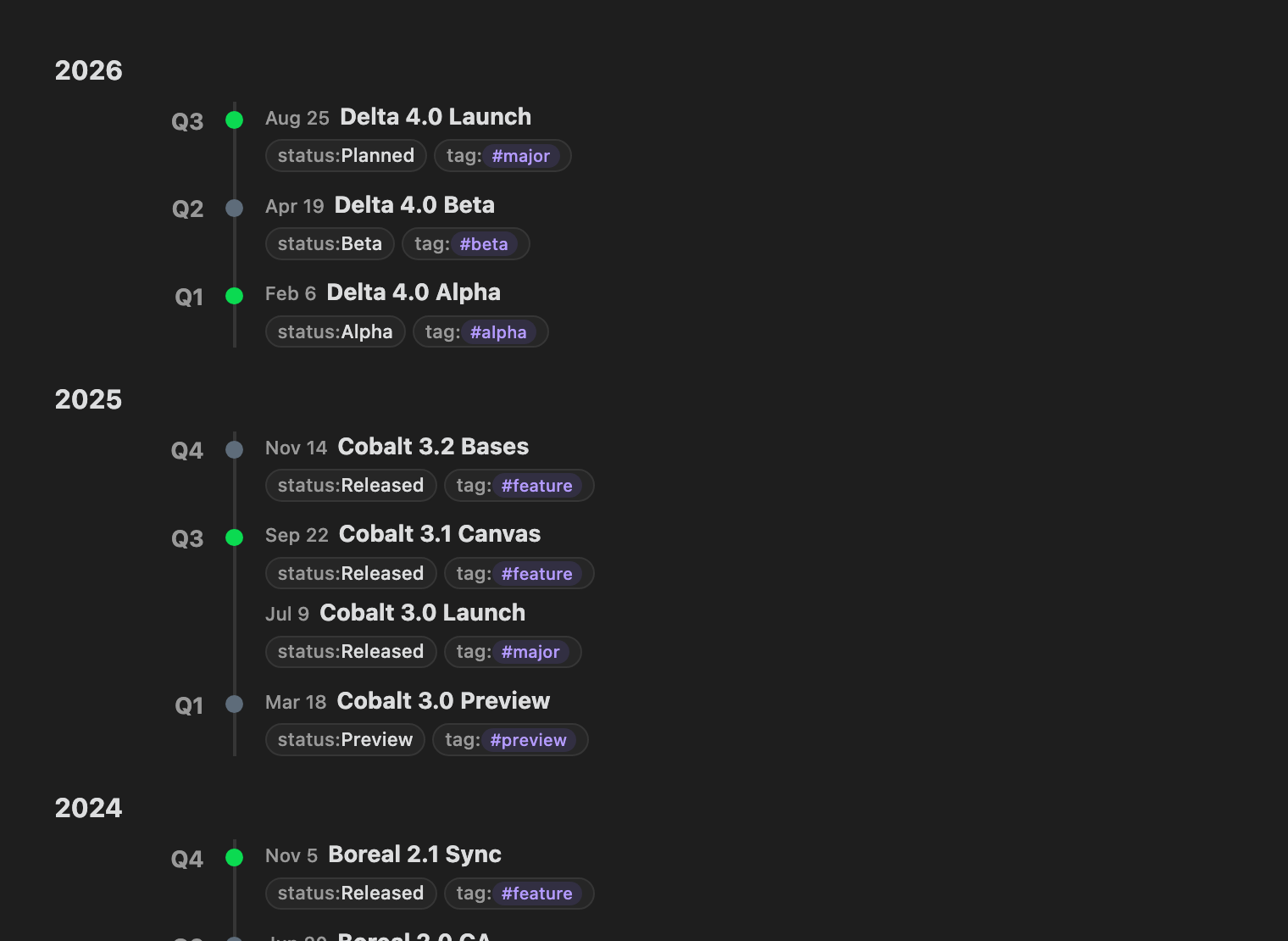
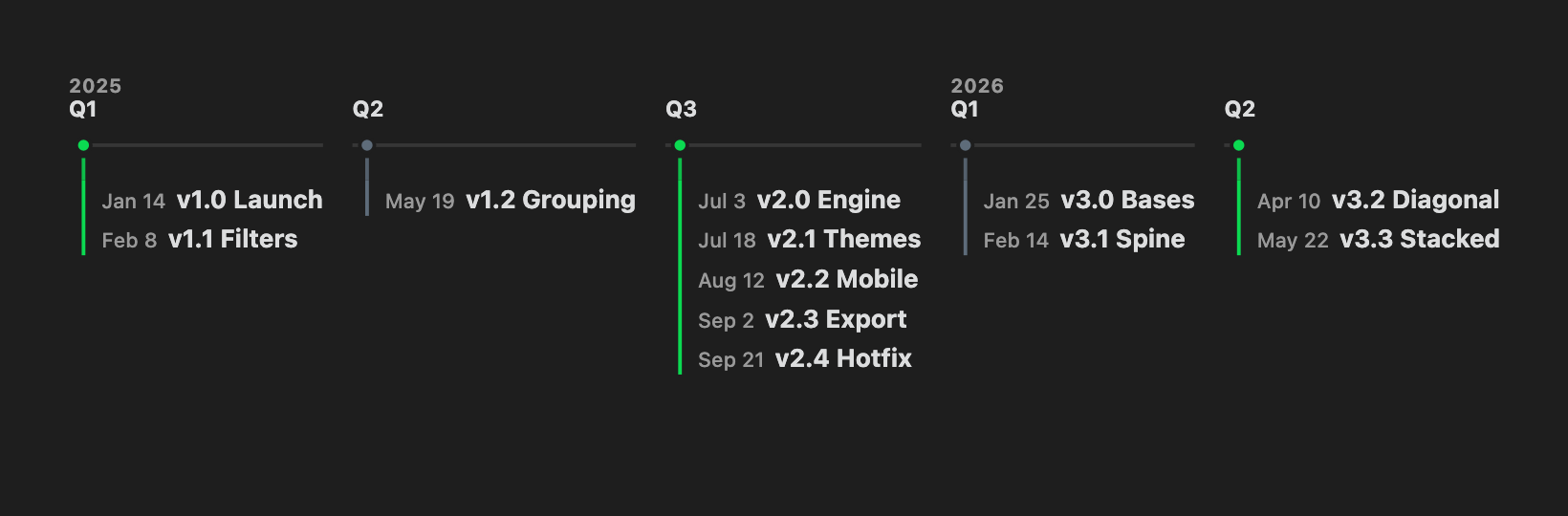
mode:decade,year,quarter,month, orweektimelineStyle:table(classic wiki table),spine(vertical milestone spine),horizontal(condensed diagonal leaders), orhorizontalStacked(horizontal axis with vertical item stacks)dateProperty/labelProperty: properties used for timeline dates and display titlescoverProperty: optional image/cover property for thumbnail cardscolorProperty: optional property used to color-code item bars and dotssortDirection:ascordescitemLayout:stacked,inline(delimiter-separated), orcardsinlineDelimiter: custom delimiter used whenitemLayoutisinlinebulletPoints: show bullets in stacked layoutinlinePropertyStyle:stackedlist or compactpillsfor Base properties selected in the toolbar (renders clickable[[wikilinks]]and#tags)showItemDates: show per-item month/day badges next to note titlesshowTodayMarker: optionally highlight the current period (off by default)showJumpBar: show quick-jump year pills above multi-year timelinesfitHorizontalToWidth: scale wide horizontal timelines smoothly to fit the available pane widthcollapseEmptyYears/collapseLimit: compress runs of empty years/decades into clickable, expandable range rowscollapseEmptyMonths/collapseEmptyWeeks: hide or collapse empty periods in quarter, month, and week modesweekDisplayFormat:weekNames(W15),dateNames(2025-08-19), ormonthDayRange(Feb 13-20)accentAlternationMode:none,year,month, orbothwidthMode/widthPx: auto-fit container width or fixed pixel width with responsive horizontal scroll- Theme accent toggle or custom primary/alternate accent colors in plugin settings (updates open views live)
Note: note links follow Obsidian navigation conventions (click to open, Cmd/Ctrl-click or middle-click for a new tab, hover for preview, right-click for the file menu). Native Bases groupBy is also supported.
Screenshots
Classic table — Year view (with collapsed empty years & date badges)

Classic table — Month view
Classic table — Quarter view (with compact property pills & partial dates)
Vertical spine layout
Horizontal (diagonal) layout
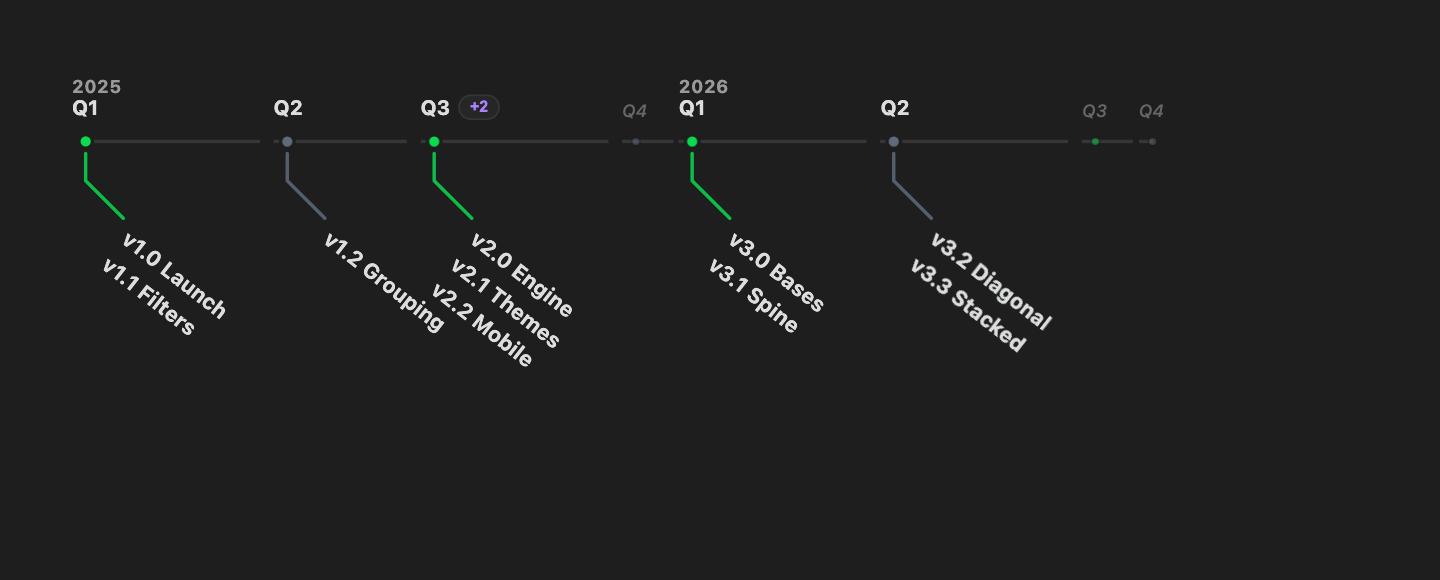
Horizontal (stacked) layout
Quick compile and test
npm run verify
That command runs TypeScript type checking, ESLint (including Obsidian community plugin rules), a production build, and the core test suite.