
README file from
GithubReadwise Official 📚

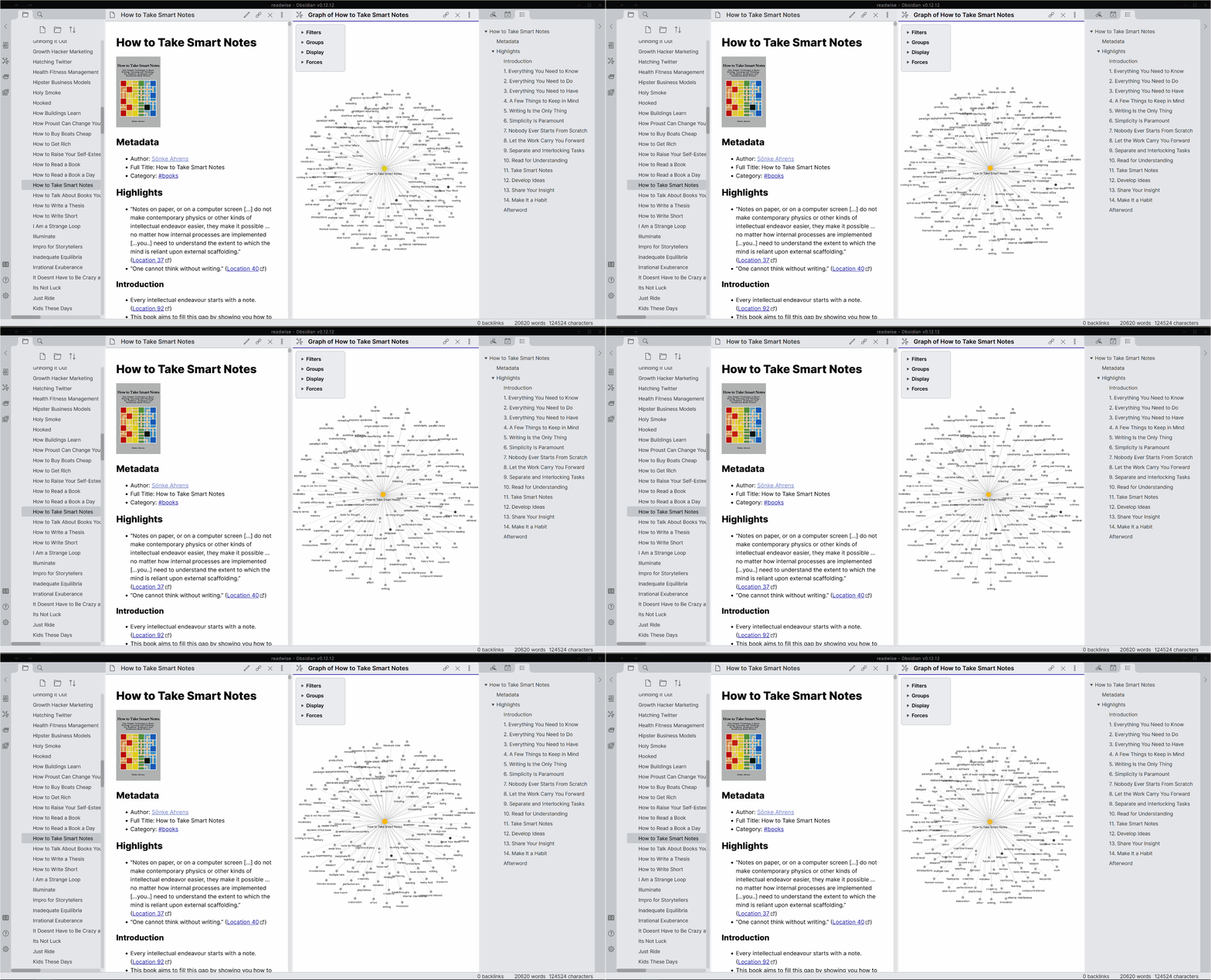
This official plugin maintained by the Readwise team enables you to easily and automatically export all your digital highlights to Obsidian from a variety of sources such as Amazon Kindle, Apple Books, Google Play Books, Instapaper, Pocket, Medium, Twitter, PDFs, and more.
Note: This plugin requires a subscription with Readwise — a paid service that makes it easy to aggregate and review all your reading data into one place.
Features
- Continuous, automatic syncing — Take a highlight while reading in bed and wake up to the highlight in your Obsidian vault
- Powerful, flexible templating — Customize the format of the export to your bespoke preferences using the Jinja2 templating language
- Enriched metadata — Upgrade your highlight exports with extra data including the cover image, original URL, author name, chapter headings, tags (taken while you read), and more
- Premium support — As a paid product, receive prompt replies to your questions and continuous upgrades to the plugin per your feedback
Usage
- Install the Readwise Official plugin within Obsidian
- Enable the plugin
- Connect the plugin to your Readwise account
- Customize the export settings, if desired
- Initiate the first sync
- Thereafter, the plugin can be configured to sync automatically or manually
Development
This project uses Node.js 20 in CI. To run the same checks locally:
npm ci
npm run typecheck
npm test
npm run build
Pull requests run these checks automatically through GitHub Actions.
Support
- Please see our Documentation or email us at [email protected] 🙂
Community Resources
- Readwise Obsidian Plugin - Is It Any Good? video by Santi Younger
- First Look at the Official Readwise Obsidian Plugin article by Ben Newton
- Getting Started with the Readwise Official Plugin video by Effective Remote Work
- Building a Second Brain with Readwise + Obsidian video by Systematic Mastery
- Making Unexpected Connections with Readwise and Obsidian video by Curtis McHale
- How I View My Latest Readwise Highlights in My Obsidian Daily Note article by Ben Newton
- Color Code Your Readwise Highlights in Obsidian with Chetachi's CSS snippets
- How to Import Your Shortform Highlights Into Obsidian Using Readwise article by Nicole van der Hoeven