
README file from
GithubQuiet Shelf
Tuck archived notes out of the file explorer — without moving a single file. Then focus on just the folders you're working in.


Quiet Shelf does two things, both purely at the display layer of the file explorer. Your files never move, nothing is renamed, and the graph, search, backlinks and sync all keep working exactly as before.
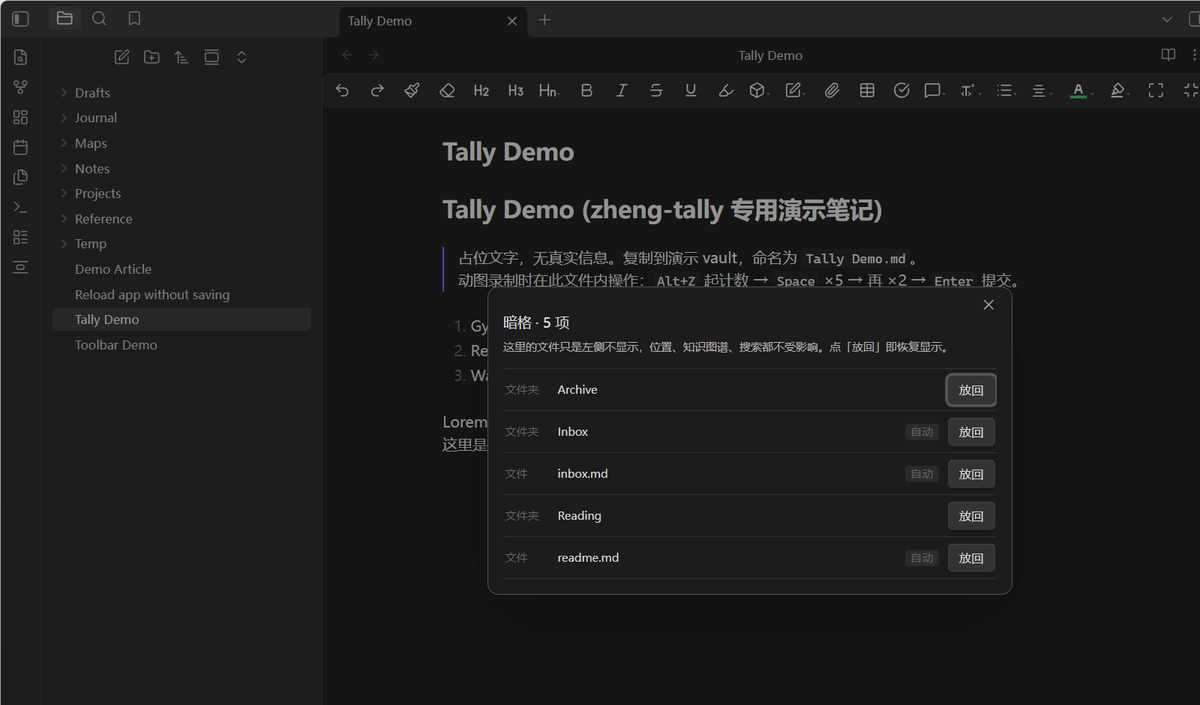
Hide
Shelve a file or folder and it simply stops showing up in the explorer. Shelved items can be put back by hand at any time, and readme/inbox files can be auto-shelved by filename.
Items you have manually un-shelved stay un-shelved — the automatic rule will not grab them again.
Restoring an item also restores any shelved ancestors that would hide it. Other contents of those ancestor folders may consequently become visible, but unrelated explicit shelf entries stay shelved. If focus excludes a restored item, Restore exits focus and keeps the focus targets and saved sets for later reuse.
Auto-shelve rules
One rule per line, matched case-insensitively against the file name (without the
.md extension). * is a wildcard, and where you put it decides the match:
| Rule | Matches | Example |
|---|---|---|
index |
the name is exactly index |
index.md |
*index |
the name ends with index |
_Aesthetic Index.md |
index* |
the name starts with index |
index-old.md |
*index* |
the name contains index anywhere |
my-index-old.md |
Without a * the behaviour is the old exact match, so existing rules keep
working.
A bare rule is an exact match, not a substring match. A rule of
hubmatches only a file calledhub— it does not catchgithub.md,GitHub.mdormy-github.md. To match everything containing a word, write*word*; but be aware thatgithubends withhub, so*huband*hub*both catch it.hub*and a barehubdo not. Pick the position that says what you mean.
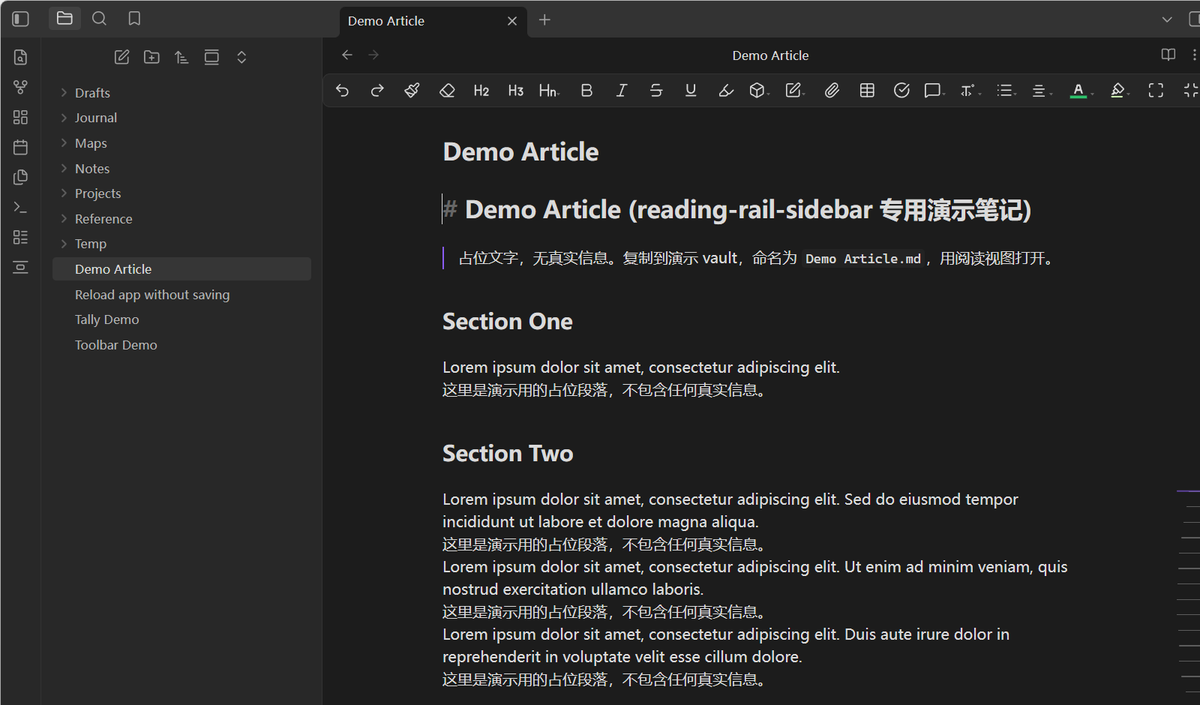
Focus
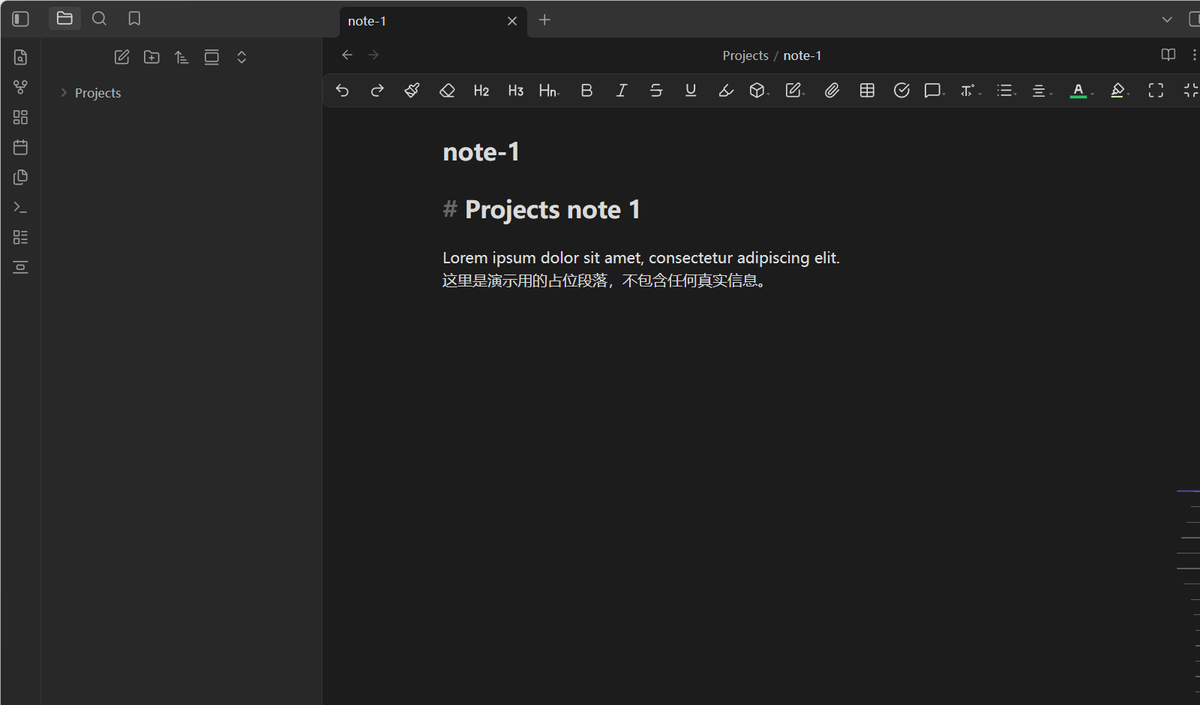
Select folders and files across different levels of the tree, and only that set (plus its ancestors and descendants) stays visible. Focus sets can be saved under a name and recalled later.
While focus is active, the shelf panel, batch manager and settings show an exit button. Exit focus keeps shelf rules: it removes the focus filter, not your deliberately shelved items. Tree updates do not wait for settings to be saved; if a save fails, a notice warns that the old settings may return after restarting.
Why
The file explorer is a browse surface, not an archive. Once a vault grows past a few hundred notes, the folders you finished months ago take up as much room as the ones you use daily. Quiet Shelf lets the tree show the working set without you having to reorganize the vault to get there.
How it works
Everything is done with DOM-level class toggling on the explorer's own tree
items. The plugin reads data-path from each item's row and hides the
corresponding subtree; it does not use fileItems, setCollapsed, or any other
internal API, so it stays compatible across Obsidian updates.
Usage
Run a command from the palette, or open the shelf panel from the plugin settings:
| Command | What it does |
|---|---|
| Open shelf panel | Open the management panel |
| Batch manage | Shelve or restore several items at once |
| Toggle shelve | Shelve / restore the item under the cursor |
| Toggle focus | Turn focus mode on or off |
| Focus active folder | Focus the folder of the current note |
| Exit focus (keep shelf rules) | Turn focus off while keeping its targets and saved sets |
| Save focus set | Save the current focus set under a name |
Installation
Community plugins: search for "Quiet Shelf" in Settings → Community plugins.
Manual:
- Download
main.js,manifest.jsonandstyles.cssfrom the latest release. - Put them in
<vault>/.obsidian/plugins/quiet-shelf/. - Enable the plugin under Settings → Community plugins.
Beta builds: add yunmin311/quiet-shelf-obsidian to
BRAT.
Language
The settings page, commands, context-menu items, both modals and every notice
are available in Chinese and English. Pick a language at the top of the
settings page: Auto follows Obsidian's own language, or pin it to
简体中文 / English explicitly.
To add a language, add a table in locales.js, then regenerate the inlined
modules in main.js before distributing the plugin.
Recovery regression tests
Run node --test tests/recovery.test.js and node --check main.js.
The regression suite loads the shipped plugin with an Obsidian host substitute
and checks restore/focus interactions, slow or failed settings writes, unload
cleanup, wildcard rules, and bilingual key/placeholder parity. These tests do
not replace a live Obsidian check with other file-explorer plugins enabled.
Privacy
No network access. No telemetry. No accounts. The plugin reads only the file tree of the vault it runs in, and does not touch anything outside it.
Settings live in data.json inside the plugin folder, which is the same
mechanism every Obsidian plugin uses for local settings.
License
中文说明
暗格:把归档、索引类的文件从左侧文件树里收起来。文件本身不动 —— 物理位置、知识图谱、搜索、双链、同步全部照旧,只是不在树里显示了。 手动放回过的东西不会被自动规则再次收起。
聚焦:跨层级多选文件夹和文件,只留下选中组及其祖先与后代,可存成命名组合随时切换。
放回与退出:放回项目时,会一并放回挡住它的上级目录,因此这些目录里的其他内容也可能 重新显示;其他单独移入暗格的项目不受影响。如果聚焦挡住了要放回的项目,会退出聚焦, 但保留聚焦目标和已保存组合。暗格清单、批量管理和设置页都会在聚焦开启时提供退出按钮。 「退出聚焦(保留暗格规则)」只解除聚焦过滤,不清空暗格清单。
恢复文件树不再等待配置写盘成功。若保存失败,会提示当前显示已更新、但重启后可能恢复旧状态; 请检查配置文件写入权限或同步冲突后重试。插件卸载后,延迟回调不会再次隐藏文件树。
自动规则(0.3.0 起支持通配符):index 精确匹配 / index* 开头 / *index 结尾 /
*index* 包含,均不分大小写。
⚠️ 不带 * 是精确匹配,不是包含匹配。 规则写 hub 只匹配名叫 hub 的文件,
不会收掉 github.md / GitHub.md / my-github.md。
想匹配"含某词"请写 *词* —— 但注意 github 是「以 hub 结尾」的
(g-i-t-h-u-b),所以 *hub 和 *hub* 都会连带收掉 github,
而 hub* 与裸 hub 不会。按你想说的那个位置来选。
安装:在社区插件里搜 "Quiet Shelf",或从 Release 下载三个文件放进
.obsidian/plugins/quiet-shelf/。