
README file from
GithubQard for Obsidian
Your learning, in focus. Flashcards, practice tests and guided learning from your Obsidian notes.
- Decks: write Markdown flashcards or let AI draft them from your notes. AI chooses how many cards the material needs; review and edit before adding. Study by deck or topic with FSRS spaced repetition, or use Cram mode to reveal and advance without ratings. Generated cards track their source notes; review suggested edits when the material changes.
- Statistics: see your yearly study heatmap, streaks, recall rate, card difficulty, FSRS memory estimates and upcoming reviews, with a breakdown by deck.
- Tests: generate a practice test from notes, flashcards or a whole course folder. Answer, get feedback and turn missed points into cards.
- Learn: map a course into connected topics, follow guided lessons and check what you remember. Track your progress and what to study next.
Qard in action
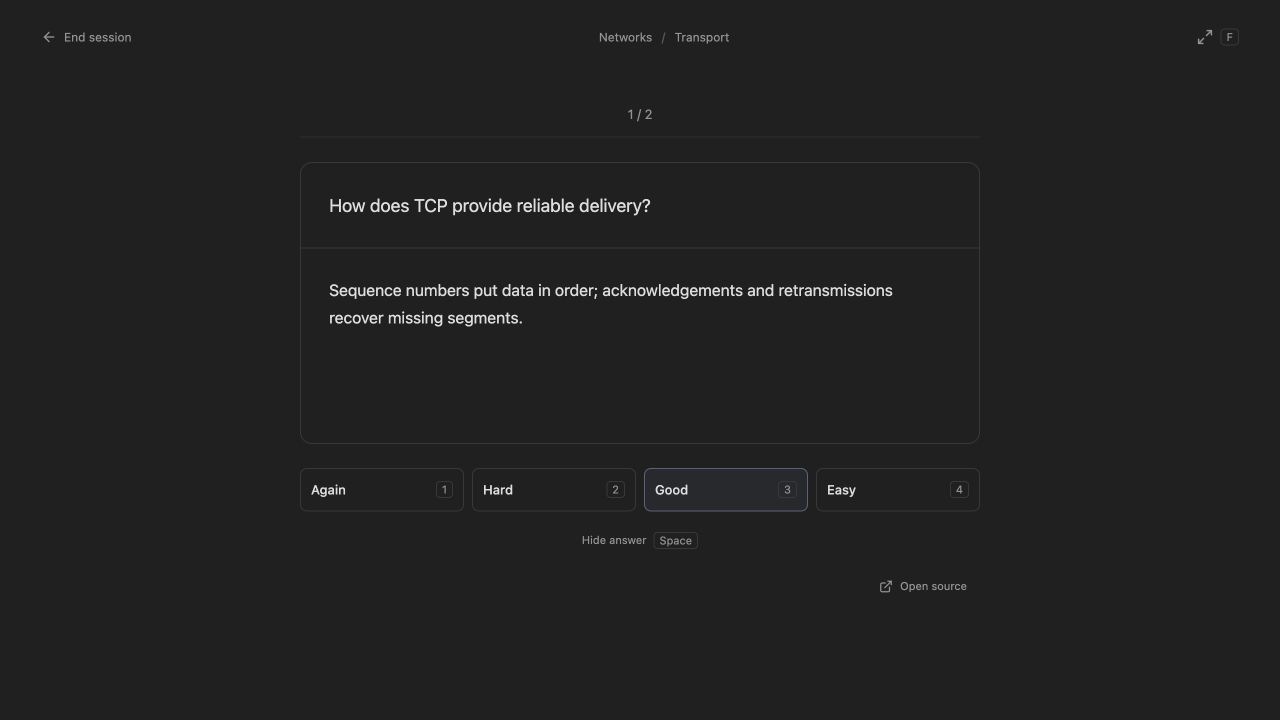
Review cards with a focused study screen and keyboard shortcuts.
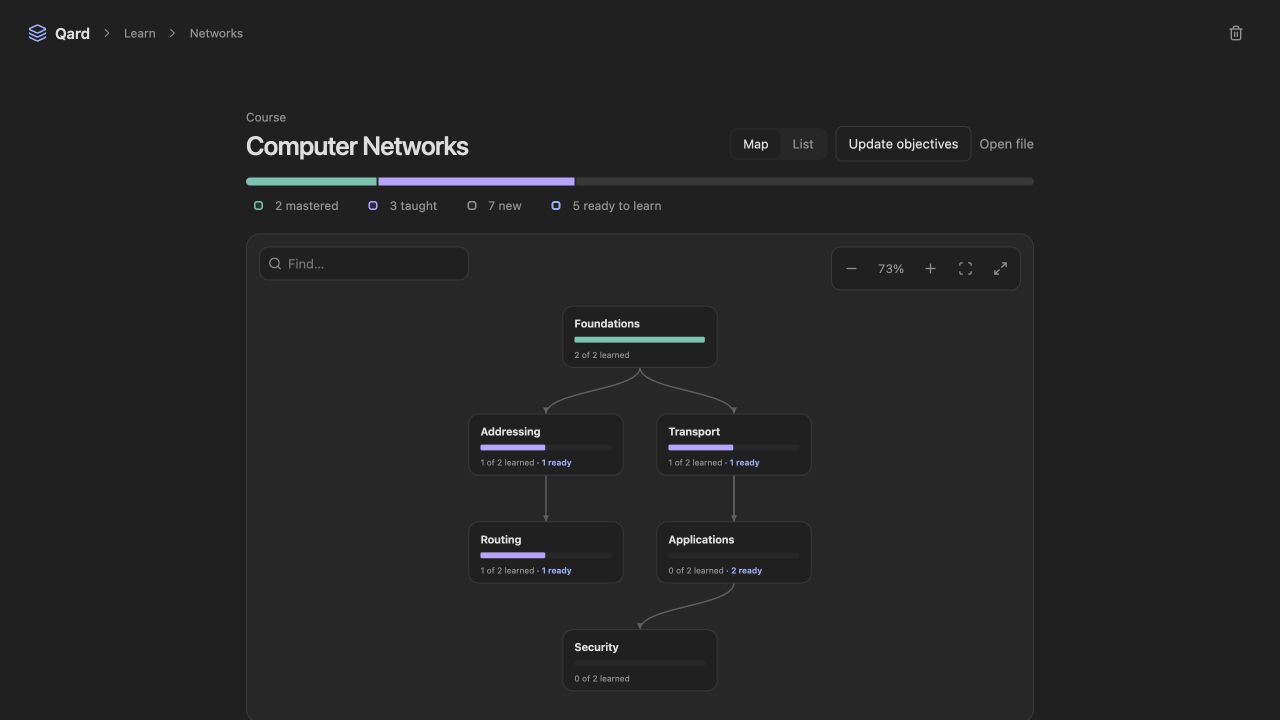
See how course topics connect and choose what to learn next.
Screenshots use sample study material.
Get started
- In Settings → Community plugins → Browse, search for Qard, install it and enable it.
- Click the Qard ribbon icon or run Qard: Open study workspace.
- Choose New card to write a card, or set up an AI connection and choose Generate with AI.
Requires Obsidian 1.7.2 or newer. Qard adds no sample decks; your cards stay in ordinary Markdown notes.
For AI features, open Settings → Qard → AI connections, connect Claude Code, Codex, the Anthropic API or OpenRouter, then choose your models under AI roles. Claude Code and Codex require desktop Obsidian; API connections also work on mobile.
Your notes and privacy
Manual flashcard study works without AI or a network connection. AI features let your chosen provider read relevant vault notes. Qard checks its replies and saves accepted content; cards and study progress stay in your vault. API keys use Obsidian’s secure storage (requires Obsidian 1.11.4+).
Qard discovers flashcards and source notes across ordinary Markdown files, skipping hidden notes and folders. It does not access the system clipboard; Select answer lets you copy with your device’s usual controls. Community review details.
Full guide and development instructions · Report an issue · Support Qard