
README file from
GithubPlainpage Settings
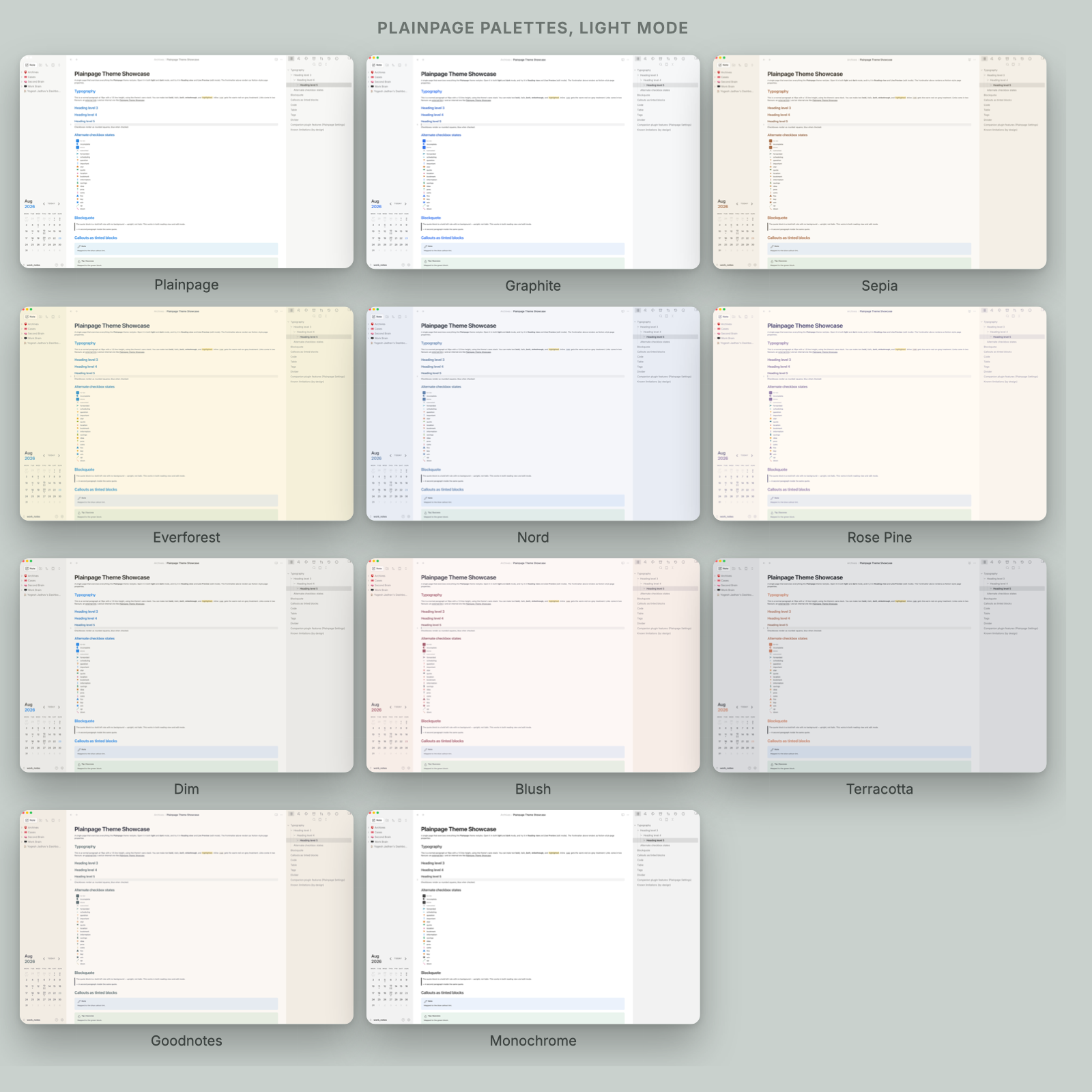
Companion plugin for the Plainpage theme. It adds a settings tab, commands and hotkeys for the theme's optional modes, switches colour palettes, and renders page icons and cover banners from frontmatter.
The plugin does not style anything itself. It toggles plainpage-* classes on <body>; the theme styles them. Install the theme first, or the toggles will do nothing visible.
Plainpage is an independent project. It is not affiliated with, endorsed by, or connected to Notion Labs, Inc.

Plainpage is free and always will be. If it earns a place in your vault, a coffee would mean a lot and help us keep building it.
Install
From Obsidian (once it is in the directory): Settings, Community plugins, Browse, then search for Plainpage Settings.
Manually: download main.js and manifest.json from the latest release into <vault>/.obsidian/plugins/plainpage-settings/, then enable it under Settings, Community plugins.
Toggles
Twelve, each a checkbox in the settings tab and a class the theme styles.
| Group | Toggle | Effect |
|---|---|---|
| Chrome | Borderless UI | Removes the dividing lines between panes |
| Chrome | Hide ribbon | Drops Obsidian's vertical ribbon |
| Chrome | Hide sidebar tab icons | Removes the icon row at the top of each sidebar |
| Chrome | Auto-hide tab bar | Tab bar appears on hover |
| Chrome | Floating status bar | Status bar floats over the content |
| Layout | Full-width pages | Removes the centred column |
| Layout | Compact density | Tighter vertical rhythm |
| Layout | Floating panes | Panes sit as cards on the background |
| Layout | Dim inactive panes | Fades panes that do not have focus |
| Layout | Grid properties | Frontmatter properties as a grid, not a list |
| Editor and blocks | Highlight active line | Faint background on the cursor's line |
| Editor and blocks | Coloured headings | Each heading level gets its own hue |
Commands
| Command | What it does |
|---|---|
| Toggle focus mode | Hides every piece of chrome, leaving only the note |
| Toggle page banners | Turns cover images on or off |
| Set page icon… | Sets the icon frontmatter key |
| Set cover from URL… | Sets the cover frontmatter key |
| Shuffle cover | Picks a different cover for this note |
| Remove cover (this note) | Sets cover: none |
| New page | Creates a note with icon and cover frontmatter ready |
| Insert callout… | Picks a callout type and inserts the block |
| Cycle time-of-day | Previews the time-aware gradient covers |
Plus one command per palette, so you can bind a hotkey to a scheme.
Frontmatter
---
icon: 📓
cover: https://example.com/image.jpg
---
cover: none opts a note out. With no cover key, the plugin picks a stable cover per file, so a note keeps the same one.
Network access
This plugin fetches cover images over the network. With the "nature" cover source selected, it loads images from the Unsplash CDN (images.unsplash.com). No other requests are made, nothing is uploaded, and no analytics are collected.
To avoid all network access, set the cover source to Generated gradients (offline) or None in the settings tab. Those two make no requests at all.
Licence
MIT. See LICENSE.