README file from
Github





Obsidian IVRE Plugin
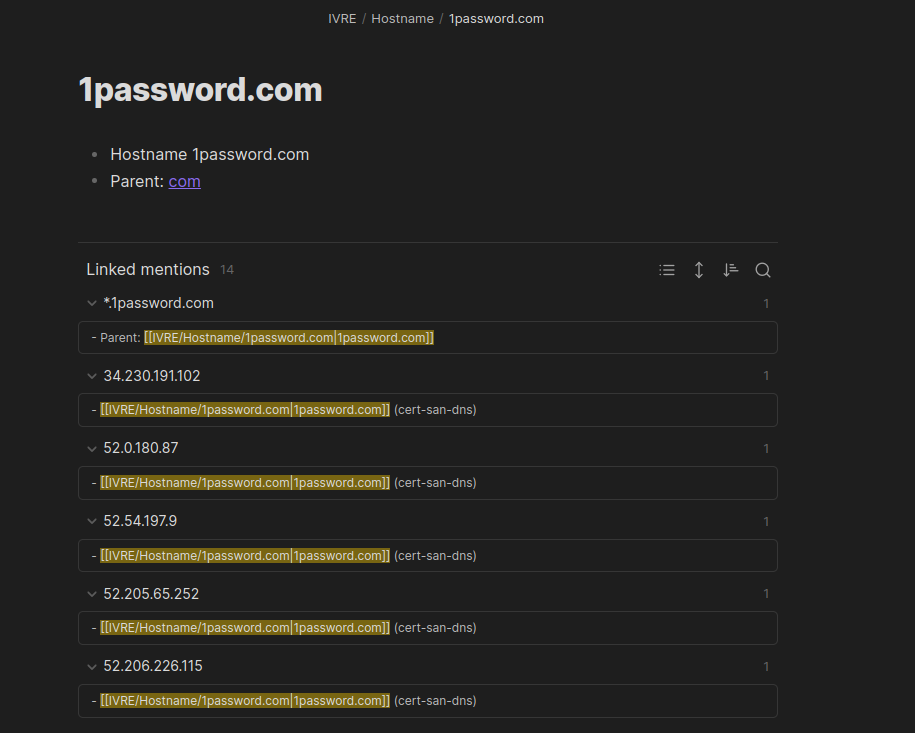
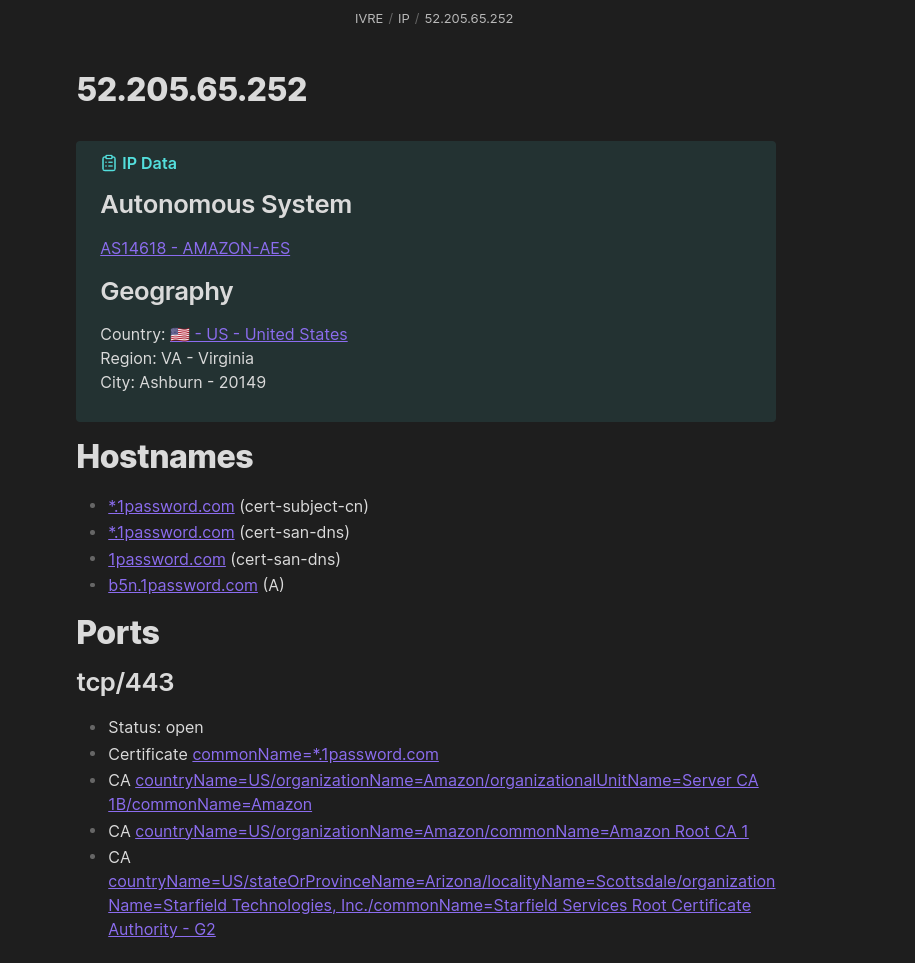
This is an IVRE plugin for Obsidian. It grabs data from IVRE and brings it into Obsidian notes. It requires to have the IVRE CLI installed.
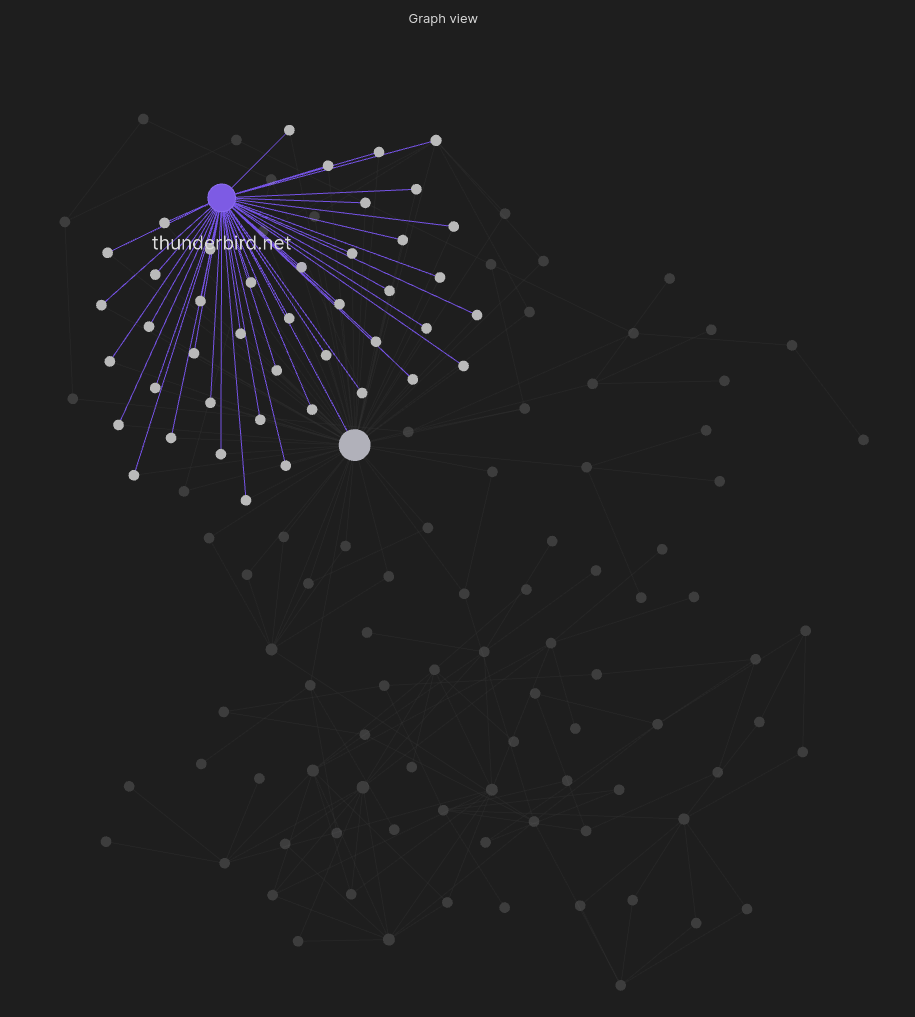
It combines the data from IVRE with the organization of Obsidian to make notes taking for pentests or red team engagments , incident response, cyberthreat intelligence, etc. easier than ever.
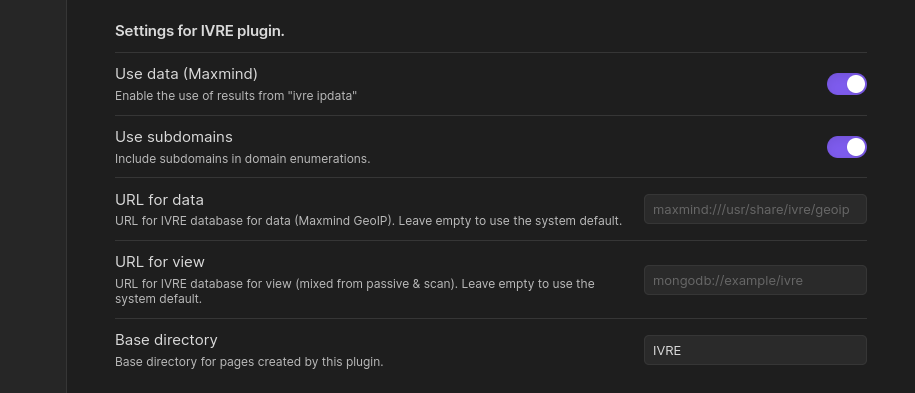
Only ipdata (Maxmind GeoIP, address types) and view are used. If you have scan results or passive data that you want to use, just run ivre db2view to create or update a view.
Learn more
- about IVRE, see ivre.rocks
- about Obsidian, see obsidian.md
Usage
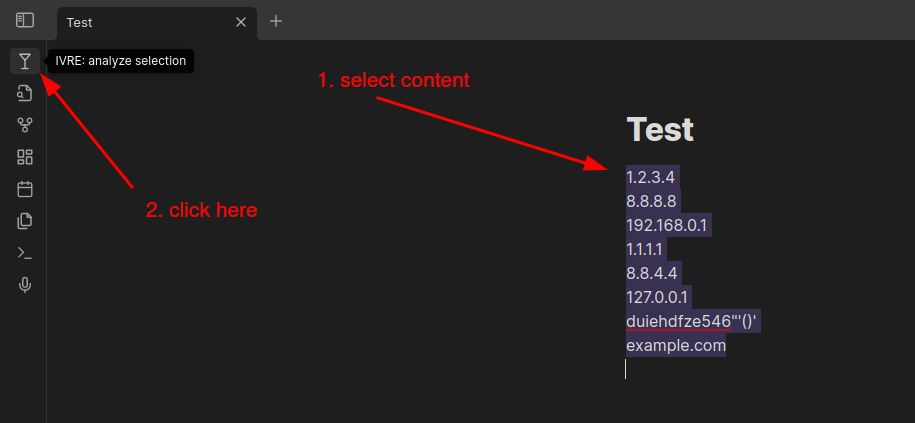
Install and enable the plugin, then select some text containing IP addresses, networks or hostnames and click the martini icon (or run the command ivre-analyze-selection).
You can also add a hotkey for the ivre-analyze-selection command: go to "Settings" then "Hotkeys", filter by typing "ivre" and look for "IVRE: Analyze selection with IVRE"; click on the "(+)" button to select your hotkey (I use "Ctrl + Shift + I").
Development
Run this, and start coding!
$ ln -s `pwd` "/path/to/your/Obsidian Vault/.obsidian/plugins/obsidian-ivre-plugin"
$ npm run dev
Screenshots