
README file from
GithubNushell for Obsidian
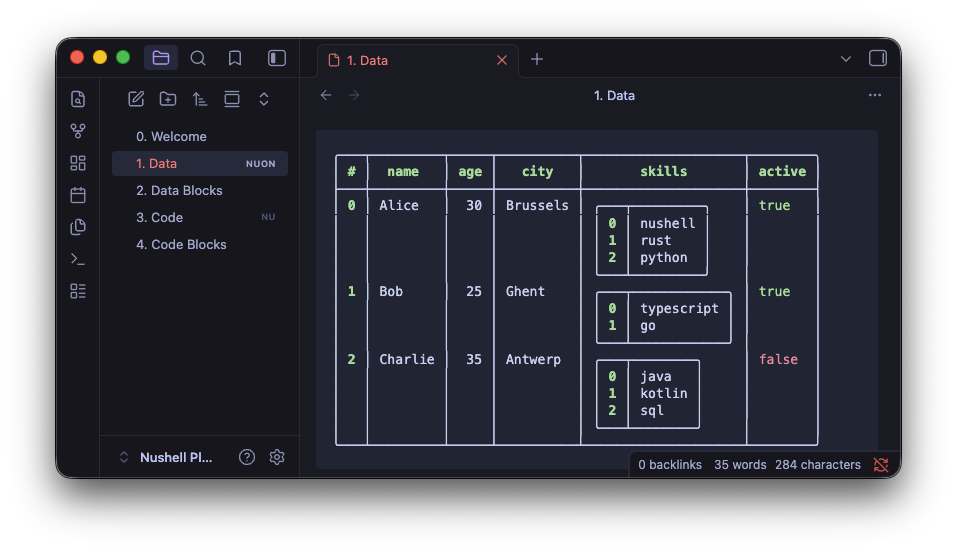
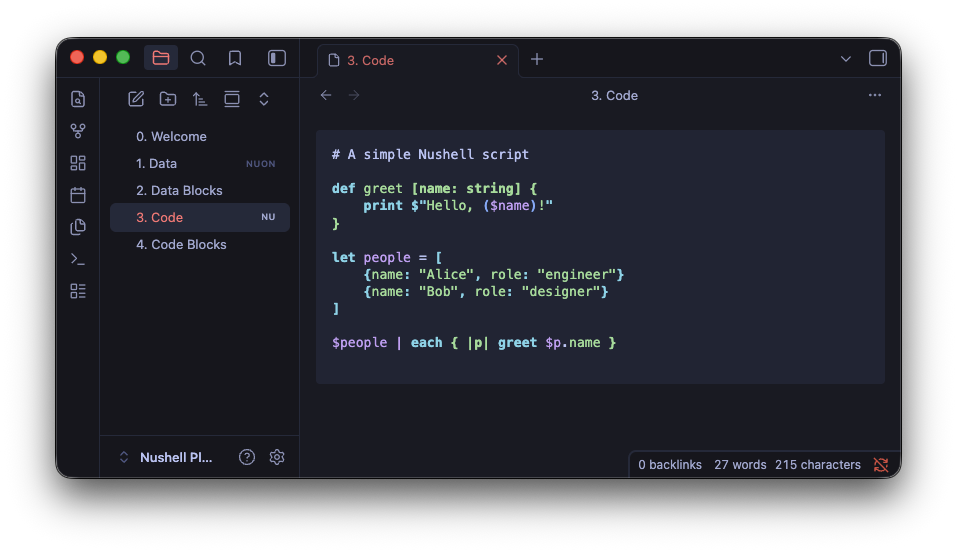
Render Nushell data files (.nuon) and syntax-highlight Nushell scripts (.nu) using the local Nushell installation.
Features
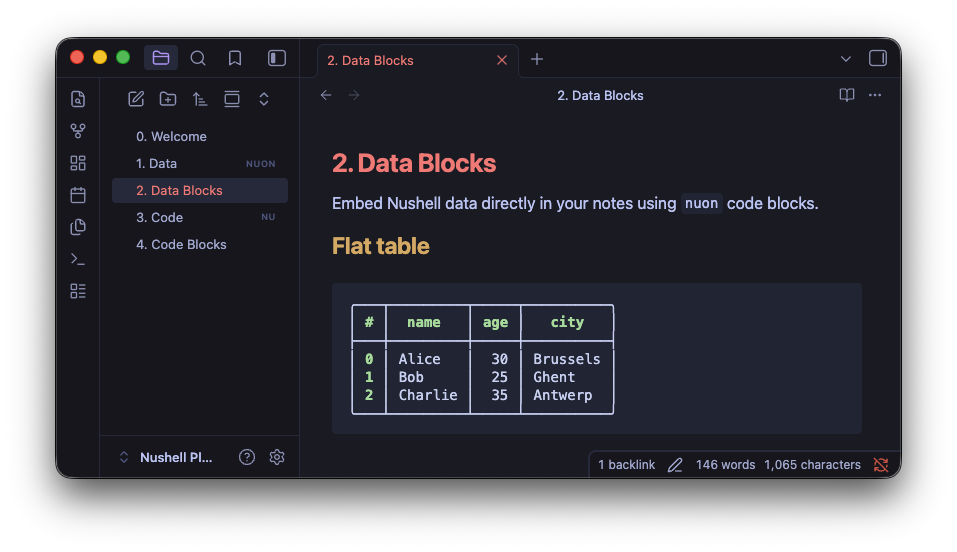
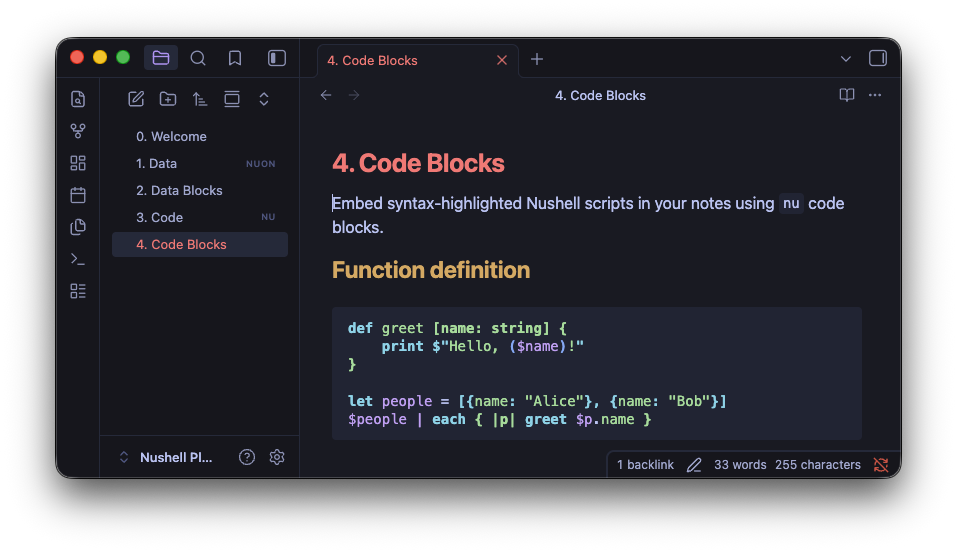
.nuonfile viewer -- open.nuonfiles directly in Obsidian and see them rendered as colored Nushell tables with nested records, lists, and type-based coloring.nufile viewer -- open.nuscripts with syntax highlighting powered by Nushell's ownnu-highlightnuoncode blocks -- embed Nushell data inline in your notesnucode blocks -- embed syntax-highlighted Nushell scripts in your notes- Settings panel -- configure date/time format (with presets), filesize units, and boolean/datetime/filesize colors
- Graceful fallback -- if Nushell is not installed, files are displayed as raw text with a warning
Code block examples
```nuon
[[name, age, city]; [Alice, 30, Brussels], [Bob, 25, Ghent]]
```

```nu
def greet [name: string] {
    print $"Hello, ($name)!"
}
```
Requirements
- Nushell must be installed locally (v0.102+ recommended for color support)
- Desktop only (requires shell access)
Installation
From Obsidian
- Open Settings > Community plugins
- Search for "Nushell"
- Install and enable
Manual
- Download
main.js,manifest.json, andstyles.cssfrom the latest release - Create a folder
<vault>/.obsidian/plugins/obsidian-nushell/ - Copy the files into that folder
- Enable the plugin in Settings > Community plugins
Settings
| Setting | Description |
|---|---|
| Date/time format | strftime format string with presets, or leave empty for natural ("2 days ago") |
| Date/time color | Color for datetime values |
| Filesize unit | Metric (kB, MB) or binary (KiB, MiB) |
| Filesize color | Color for filesize values |
| True/False color | Separate colors for boolean values |
Development
npm install
npm run dev    # watch mode
npm run build  # production build
A Nushell Plugin Playground folder is included as a test vault. To open it:
use local; local obsidian open