
README file from
GithubNerdFont Icon Picker

The NerdFont Icon Picker is a plugin for Obsidian. It adds an easy-to-use Nerd Font icon picker to Obsidian. You can assign a hotkey for quick access.
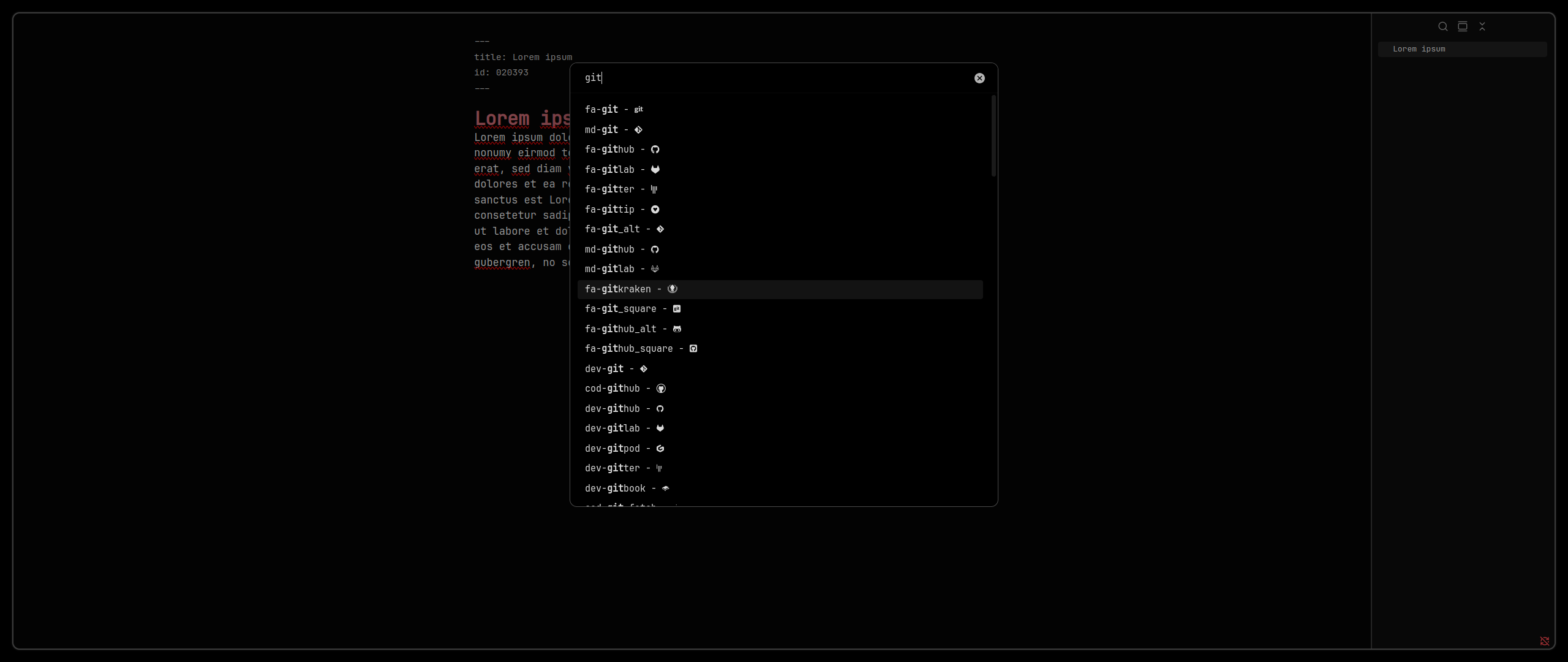
Getting Started
- Install from Obsidian Plugin Store: NerdFont Icon Picker
- Change
Settings > Appearance > Font > Interface FontandSettings > Appearance > Font > Text Fontto a NerdFont. Make sure it is installed on you system. For mobile use Custom Font Loader.
Troubleshooting
- If the icons are not rendered correctly, make sure you have a NerdFont installed and that Obsidian is configured to use it. Note that only Obsidian versions 1.0.3 and later are supported.
- If only some icons are not rendered properly, the installed version of the used NerdFont might be to old to support those symbols. Try updating your NerdFont to the latest version.