
README file from
GithubMobile Export
Export your Obsidian notes to PDF or HTML, directly from mobile. Mobile Export creates clean documents that are easy to share, print, or open outside Obsidian.
Usage
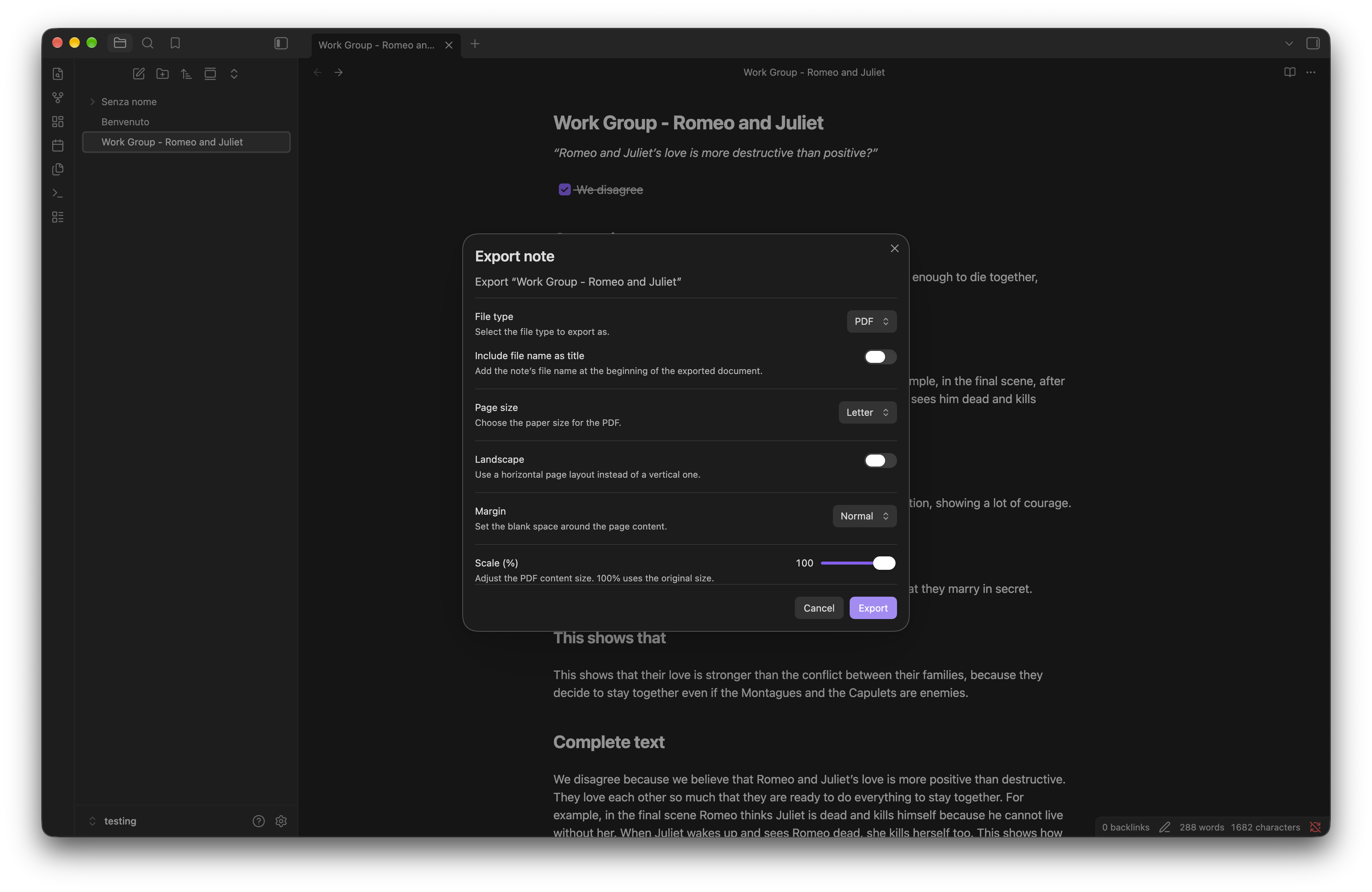
Open the context menu for a note or inside the editor and select Export. Choose between PDF and HTML. PDF exports can be customized with page size, orientation, margins, text size, and an optional title.
Offline support and external assets
PDF export requires a small additional component that is downloaded from jsDelivr the first time you use it. After that, PDF export works offline. Your notes are never uploaded or sent to any external service.
The component in question is Takumi PDF for browser use (WASM), the current downloaded version is 0.15.0
Desktop
Mobile Export also works on desktop. If you only want to use it on mobile, you can disable desktop support from Settings → Community plugins → Mobile Export.

Language Support
Mobile Export supports all languages that are supported by Obsidian. Please report any issues with your language to the GitHub repository.
License
See LICENSE.