
README file from
GithubMobile Explorer
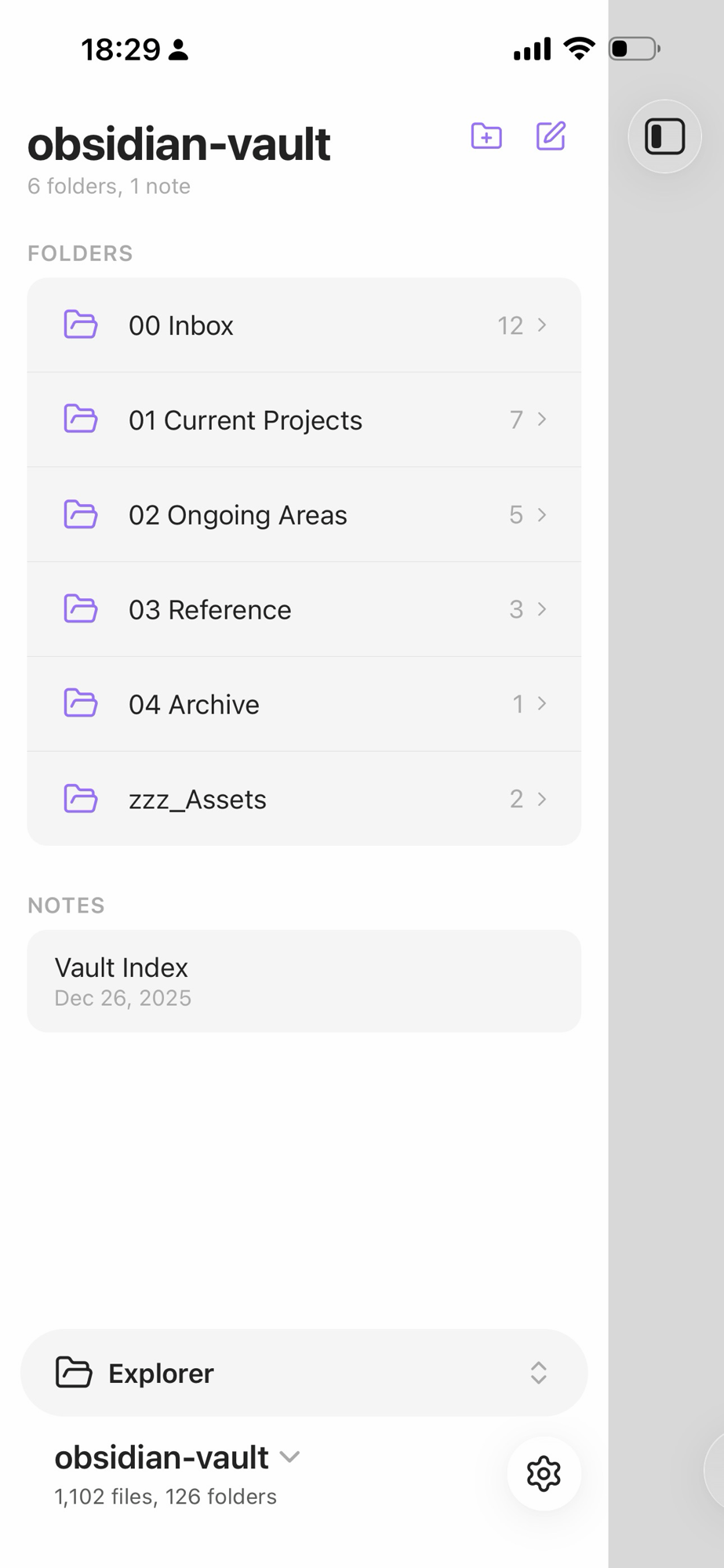
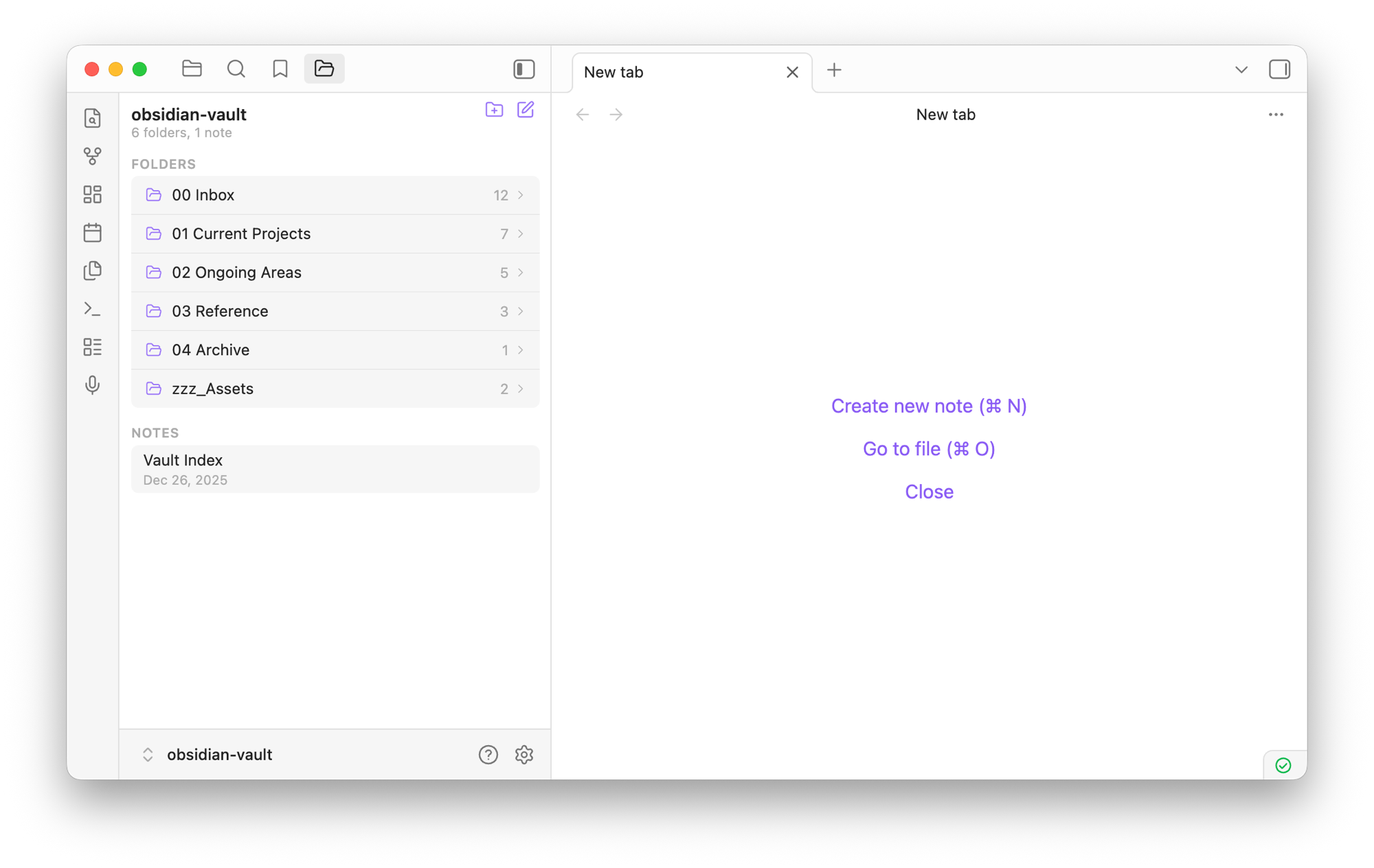
Replace the default Obsidian file explorer with an Apple Notes-style drill-down navigator. Tap a folder to push into it, swipe or tap back to return. Works on both mobile and desktop.
Screenshots
Mobile
Desktop
Features
- Drill-down navigation — tap a folder to push into it, back button or swipe to return
- Grouped sections — folders and notes displayed in separate card groups
- File metadata — notes show relative modification dates (Today, Yesterday, Jan 4, etc.)
- Item counts — folder and note counts in the header, child counts on each folder
- Native context menu — right-click (desktop) or long press (mobile) for the full Obsidian file menu
- Print notes — "Print note" in the context menu (and command palette). On desktop it opens the system print dialog; on mobile it renders the note to a formatted PDF and opens the native share sheet, where you can print (AirPrint or a printer app), save to Files, or share it
- Swipe-back gesture — swipe right to navigate to the parent folder on mobile
- Slide animations — iOS-style push/pop transitions between folders
- Responsive sizing — compact layout on desktop, touch-optimized on mobile
Installation
From Obsidian community plugins
Search for "Mobile Explorer" in Settings > Community plugins > Browse.
With BRAT (beta testing)
- Install BRAT from community plugins
- In BRAT settings, add beta plugin:
marcpanu/obsidian-mobile-explorer
Manual
Copy main.js, manifest.json, and styles.css into your vault at .obsidian/plugins/mobile-explorer/.
Printing
Obsidian mobile has no built-in print or PDF export, and the system share sheet only receives the raw markdown file (no print option). This plugin adds one:
- Mobile — long-press a note > Print note. The note is rendered and converted to a paginated PDF (headings, lists, checkboxes, code blocks, quotes, callouts, tables, links, and vault images), then handed to the native share sheet. From there use Print, AirPrint, a printer app, or Save to Files. If the webview can't share files, the PDF is saved next to the note instead.
- Desktop — right-click a note > Print note opens the system print dialog with the rendered note.
- Also available as the Print current note command, and in Obsidian's own file menus.
The mobile PDF uses the standard PDF fonts, which cover Latin scripts plus common typographic symbols; emoji and CJK characters are omitted. Diagrams (Mermaid) and math blocks are not included.