
README file from
GithubMind Map
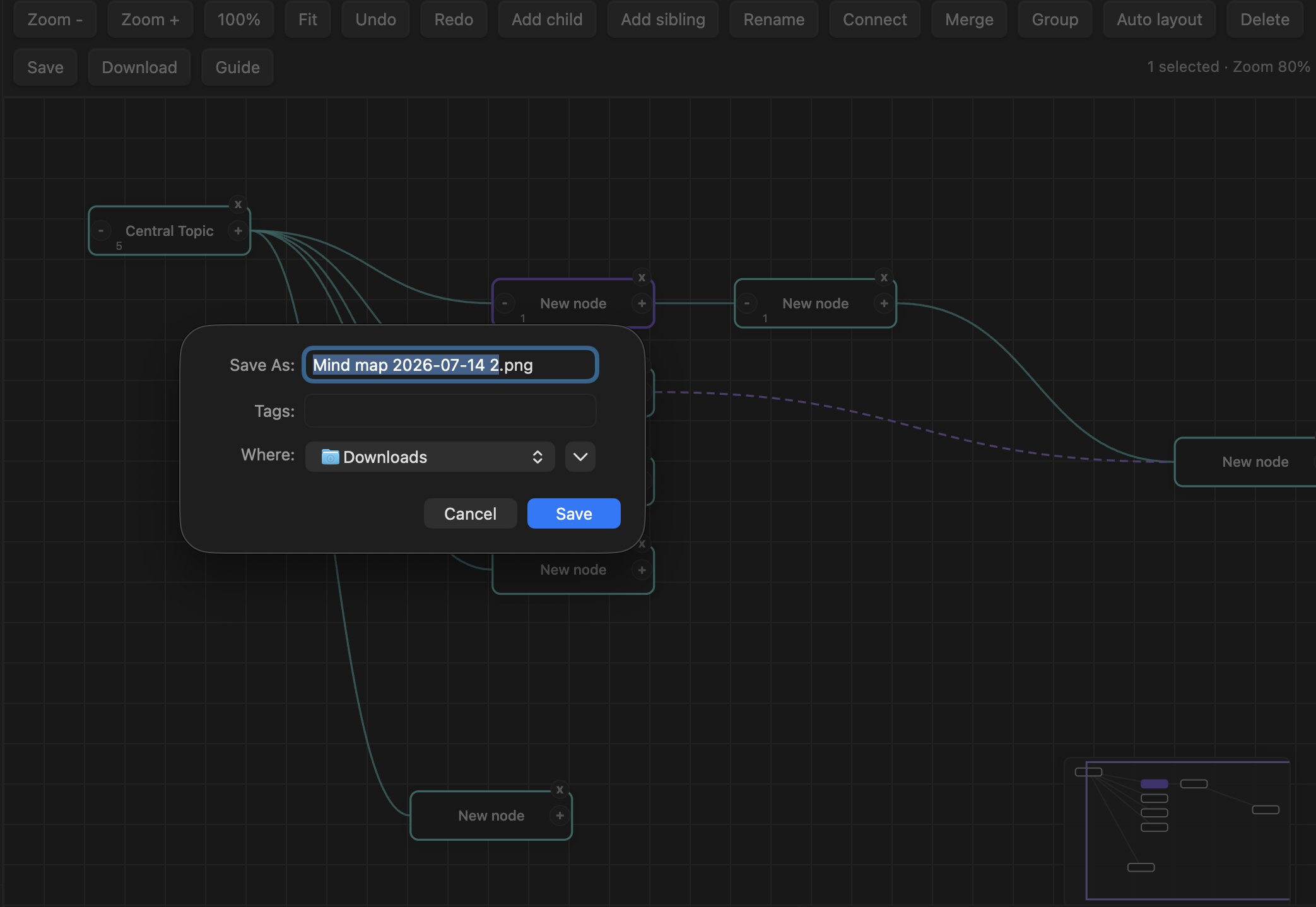
Mind Map is an Obsidian plugin for creating visual mind maps that remain readable Markdown notes. It supports automatic layout, keyboard-first editing, linked notes, connections, grouping, undo and redo, and image or PDF export.
Demo
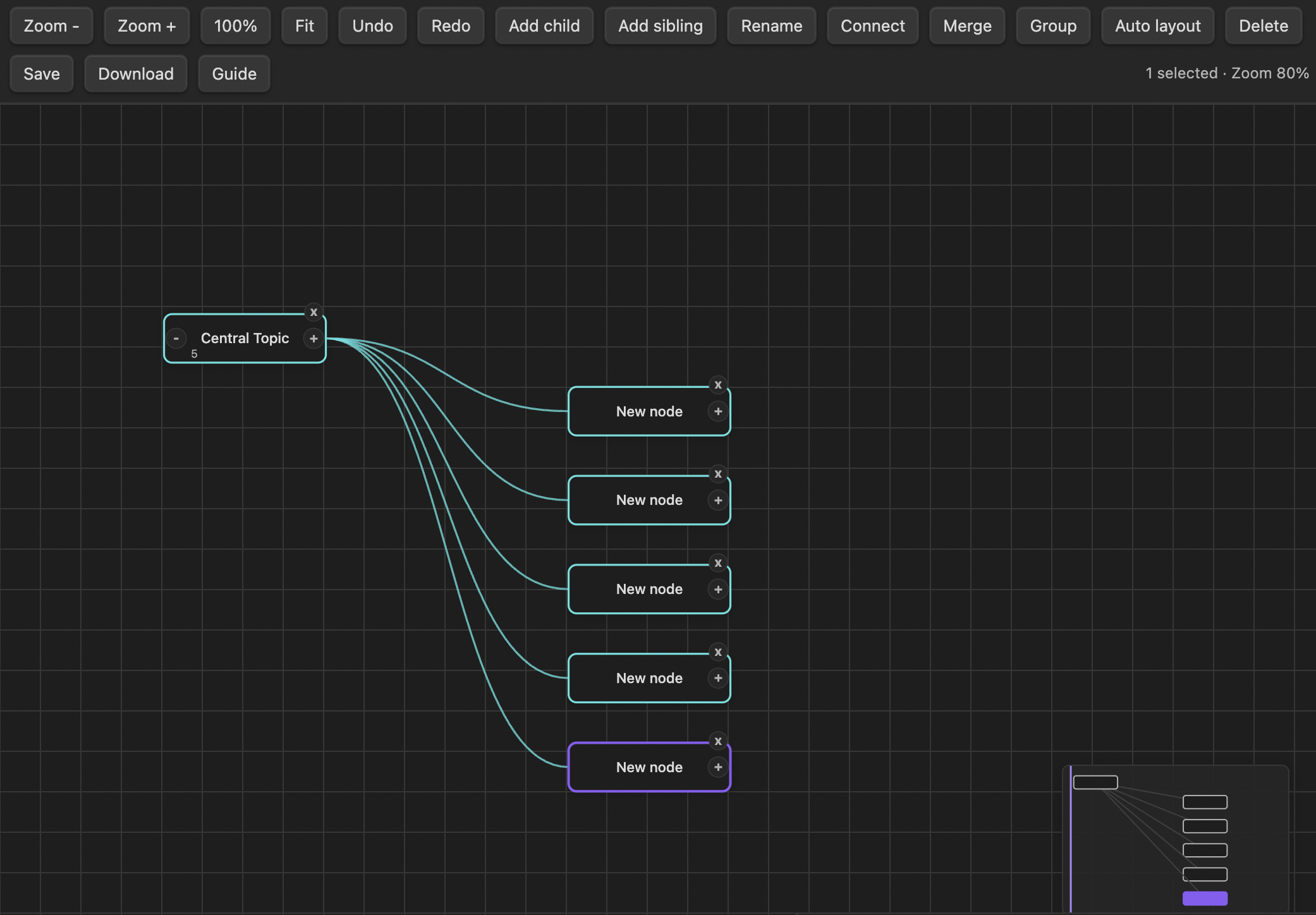
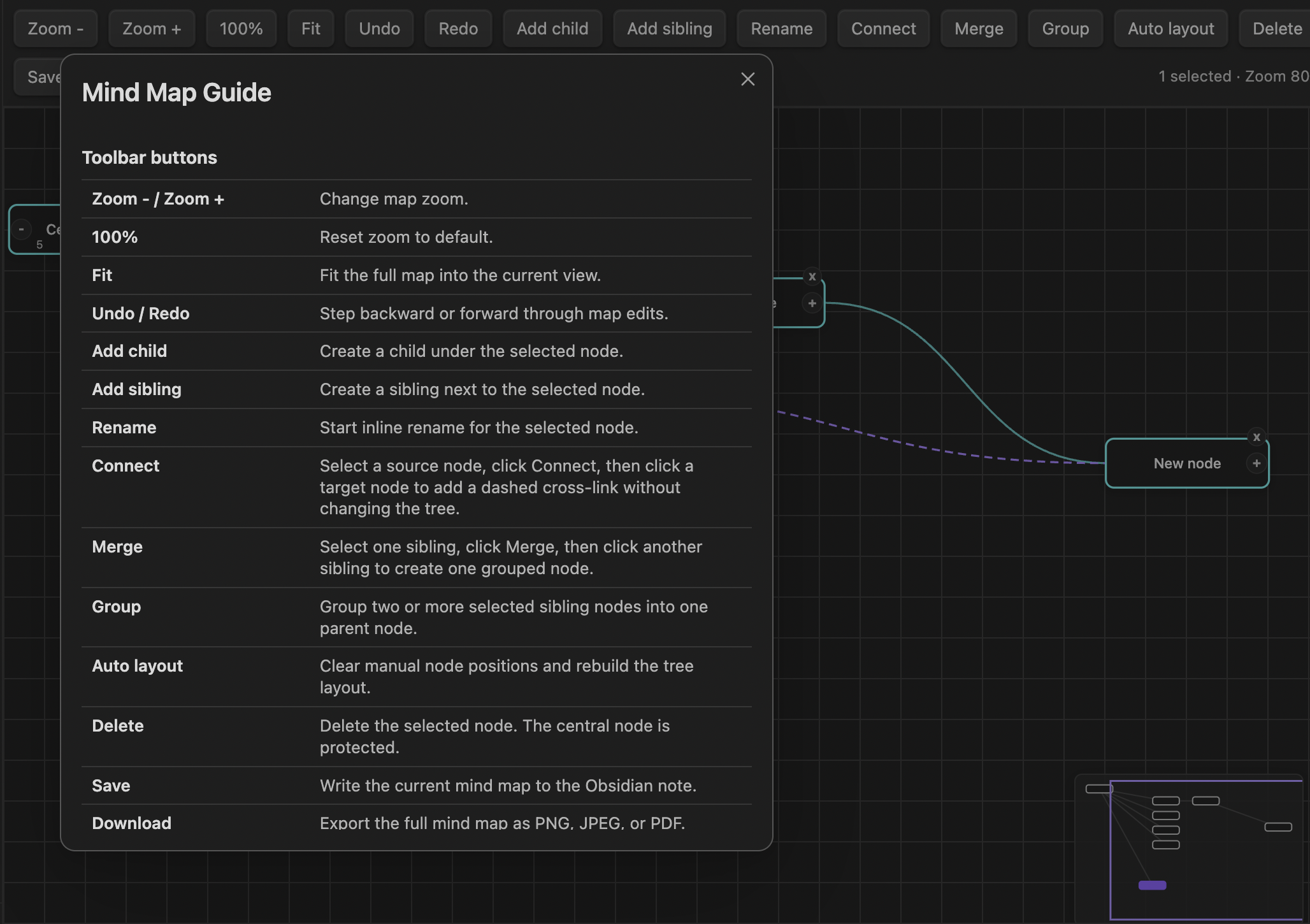
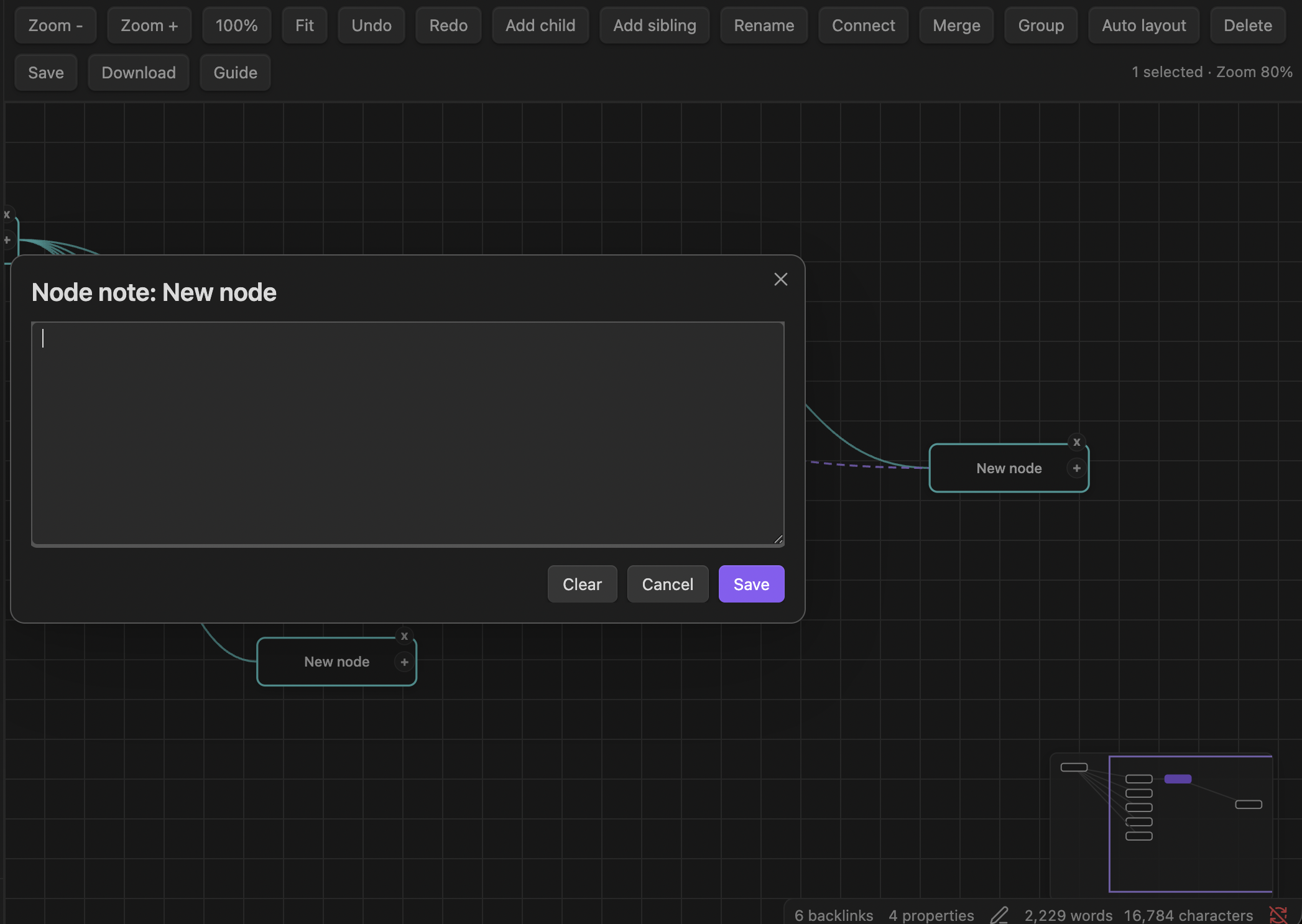
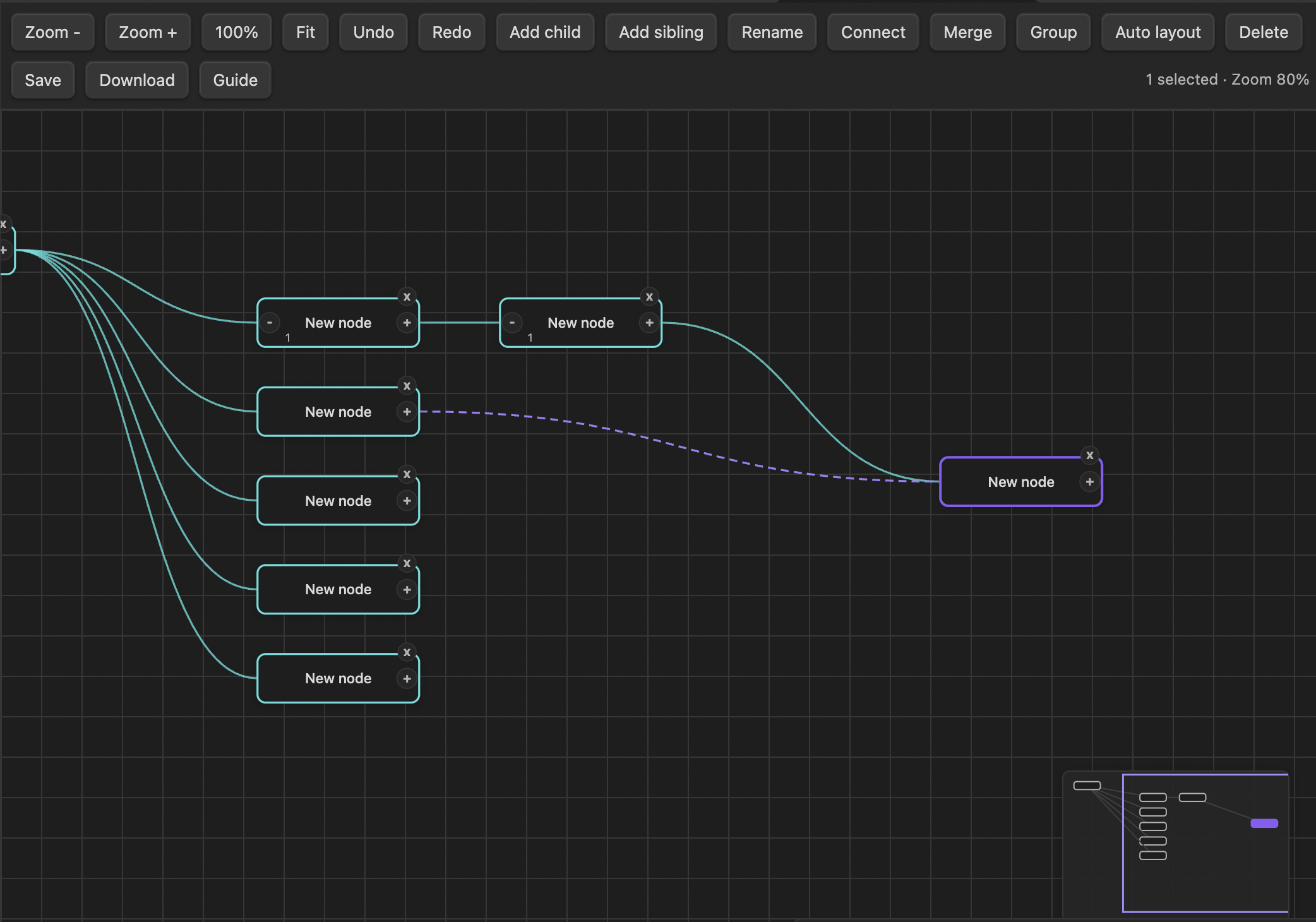
Features
- Create and edit mind maps inside Obsidian
- Add, rename, move, merge, group, connect, collapse, and delete nodes
- Add notes to nodes or create linked Markdown notes
- Pan, zoom, fit the map to the view, and use a minimap
- Automatically save the map as Markdown with YAML frontmatter
- Export maps as PNG, JPEG, or PDF
- Work locally without network requests or external services
Usage
Open the Command palette and run one of these commands:
- Mind map: Create new mind map
- Mind map: Open current file as mind map
- Mind map: Save current mind map
You can also select the map icon in the ribbon to create a new mind map.
To reopen a saved mind map, open its Markdown note, open the Command palette with Ctrl/Cmd+P, and run Mind map: Open current file as mind map.
Keyboard shortcuts
| Shortcut | Action |
|---|---|
Tab |
Add a child node |
Enter |
Add a sibling node |
F2 |
Rename the selected node |
Backspace or Delete |
Delete the selected node |
Ctrl/Cmd+Z |
Undo |
Ctrl/Cmd+Shift+Z |
Redo |
Ctrl/Cmd+S |
Save |
Ctrl/Cmd+/ |
Open the guide |
Ctrl/Cmd++ or + |
Zoom in |
Ctrl/Cmd+- or - |
Zoom out |
Ctrl/Cmd+0 |
Reset zoom |
Hold Space and drag |
Pan the canvas |
Right-click a node to edit its label or note, create or open a linked note, remove a linked note, or delete the node.
Data and privacy
Mind Map stores map data in Markdown files in your vault. It does not send data over the network or use external services.
Installation
Once published, install Mind Map from Settings → Community plugins in Obsidian.
For manual installation, copy main.js, manifest.json, and styles.css into:
<vault>/.obsidian/plugins/obsidian-mindmap/
Then reload Obsidian and enable Mind Map under Community plugins.
Development
npm install
npm test
npm run build
License
MIT