
README file from
GithubMemMaster — Spaced Repetition for Obsidian
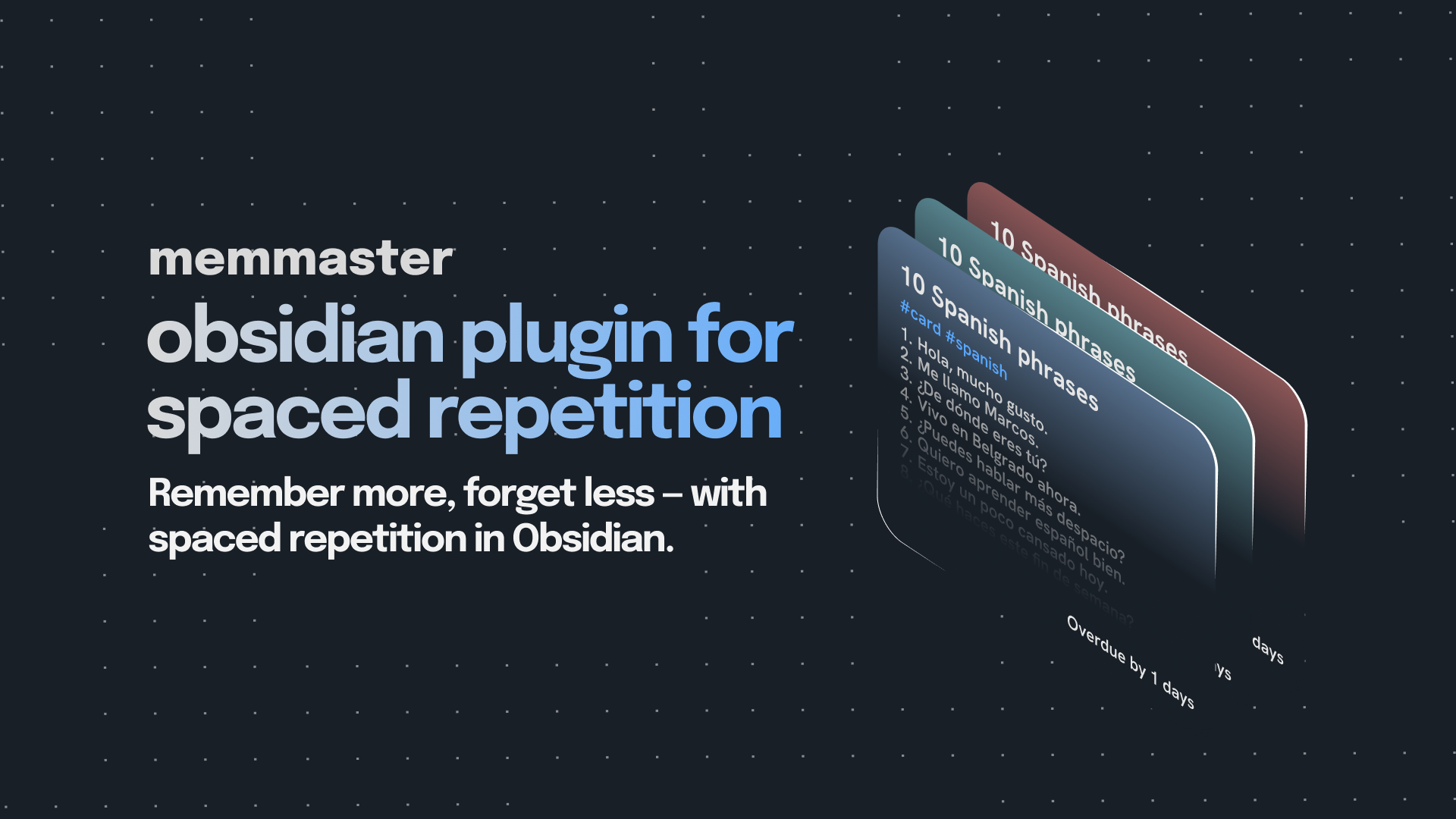
A simple yet powerful spaced repetition plugin that helps you memorize your Obsidian notes using proven learning techniques.
Features
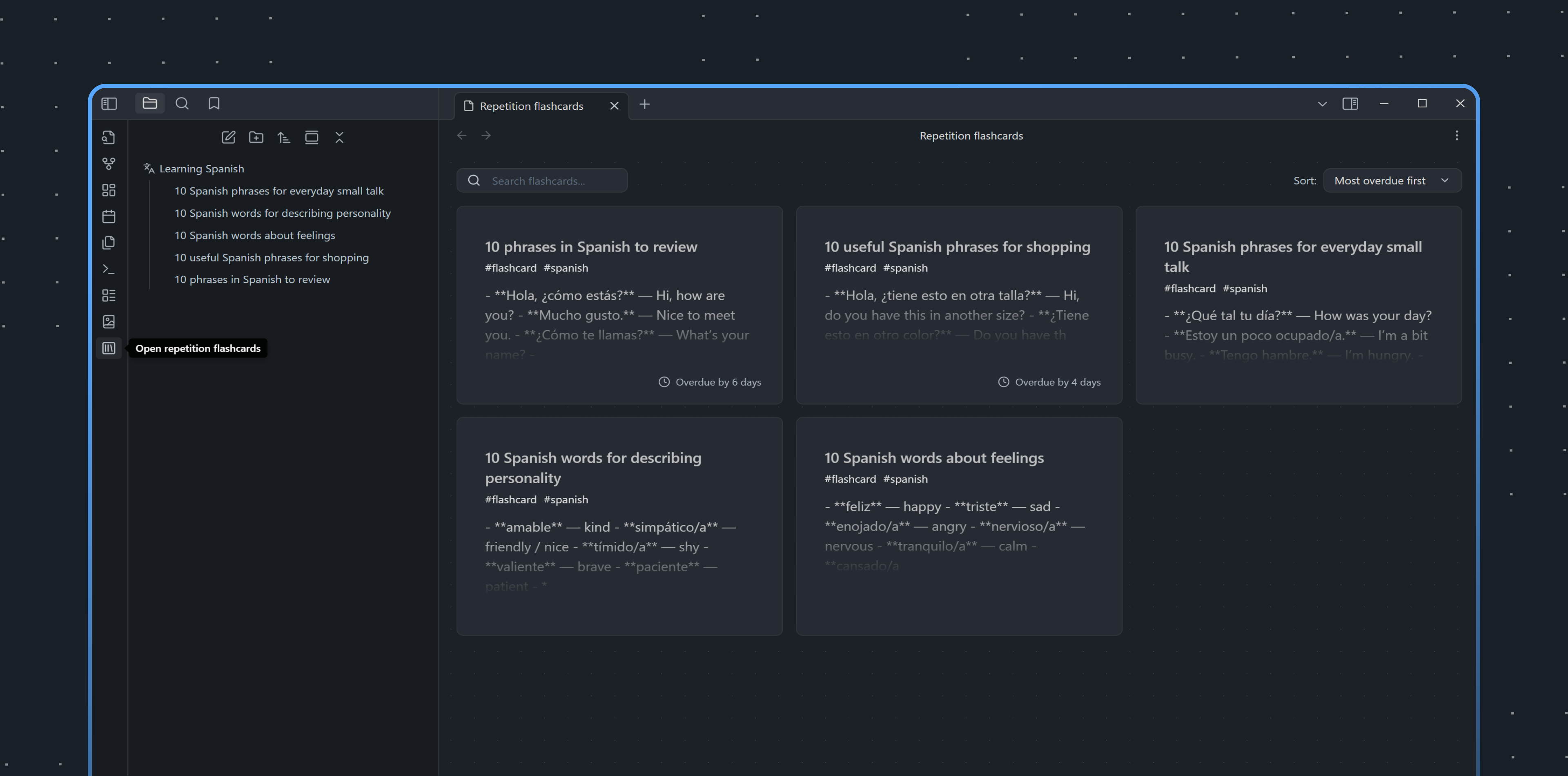
- Turn any note into a flashcard — by tag or folder
- Review list — shows all cards due for review today, sorted by urgency
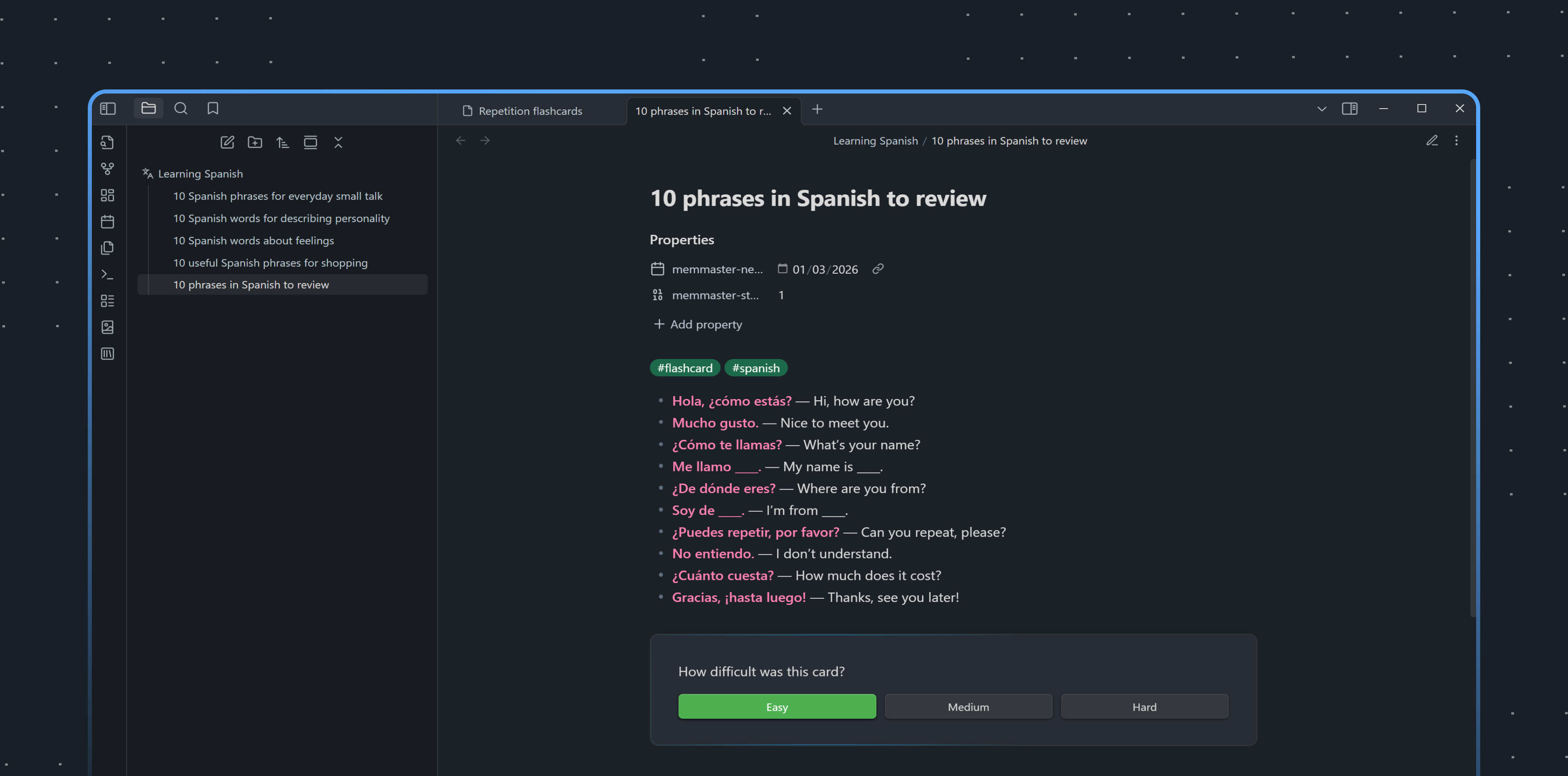
- Difficulty rating — mark cards as Easy, Medium, or Hard
- Smart scheduling — calculates optimal review intervals automatically
- Keyboard shortcuts — quick review without leaving the keyboard
- Multilingual — multiple language support
How It Works
- Mark a note as a flashcard (via command or by adding a tag/moving to folder)
- The plugin adds metadata to track your progress
- Review cards when they're due — rate difficulty after each review
- Cards are rescheduled based on your rating:
- Easy → longer interval (2^stage days)
- Medium → moderate interval (1.5^stage days)
- Hard → shorter interval (1.2^stage days)
- After 10 successful reviews, the card is considered "mastered" and removed from rotation
Algorithm
This plugin uses a simplified version of the SM-2 (SuperMemo 2) algorithm. Unlike the original, it doesn't use an "ease factor" coefficient — instead, fixed base values are applied for each difficulty level, making the system more predictable and easier to understand.
Installation
- Open Settings → Community plugins in Obsidian
- Click Browse and search for "MemMaster"
- Click Install, then Enable
- Configure your preferred flashcard source (tag or folder) in plugin settings
Usage
| Command | Description |
|---|---|
Open Review List View |
Open the review panel |
Make current document a flashcard |
Convert current note to flashcard |
Mark current card as Easy/Medium/Hard |
Rate card difficulty |