
README file from
GithubMedia Cardlink — Obsidian Plugin
Convert YouTube video links and images into responsive visual cards directly inside your Obsidian notes.
Features
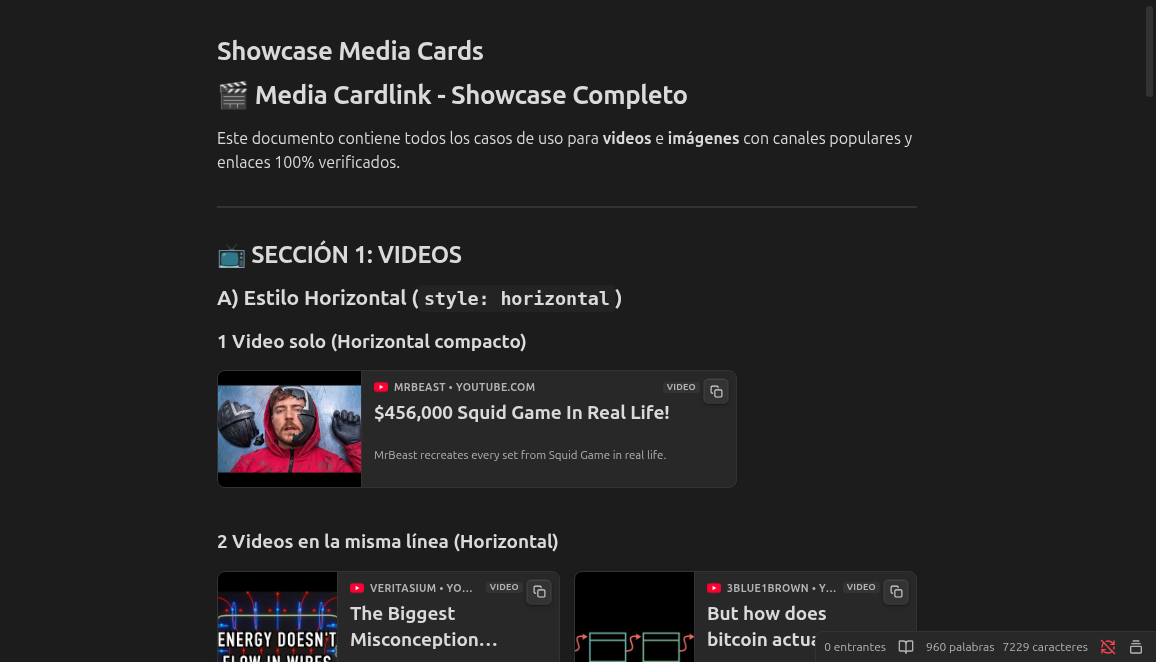
- Video cards with thumbnail, title, channel name, and duration for YouTube and Vimeo.
- Image cards with an integrated full-screen lightbox on click.
- One-click copy button on every card to quickly copy the source link.
- Context menu — right-click any URL in the editor to convert it into a card.
- Two layout styles:
horizontal(compact banner) andgrid(vertical card with large media preview). - Flexible column layouts: 1, 2, or 3 columns in a single row.
- Native performance: zero inline scripts, fully responsive, and safe for both desktop and mobile Obsidian apps.
Styles
Horizontal style — compact, thumbnail on the left
Ideal for resource lists, bookmarks, and quick references.
1 video (horizontal)
style: horizontal
links:
  - https://www.youtube.com/watch?v=0e3GPea1Tyg
2 videos in a row (horizontal)
style: horizontal
columns: 2
links:
  - https://www.youtube.com/watch?v=bHIhgxav9LY
  - https://www.youtube.com/watch?v=bBC-nXj3Ng4
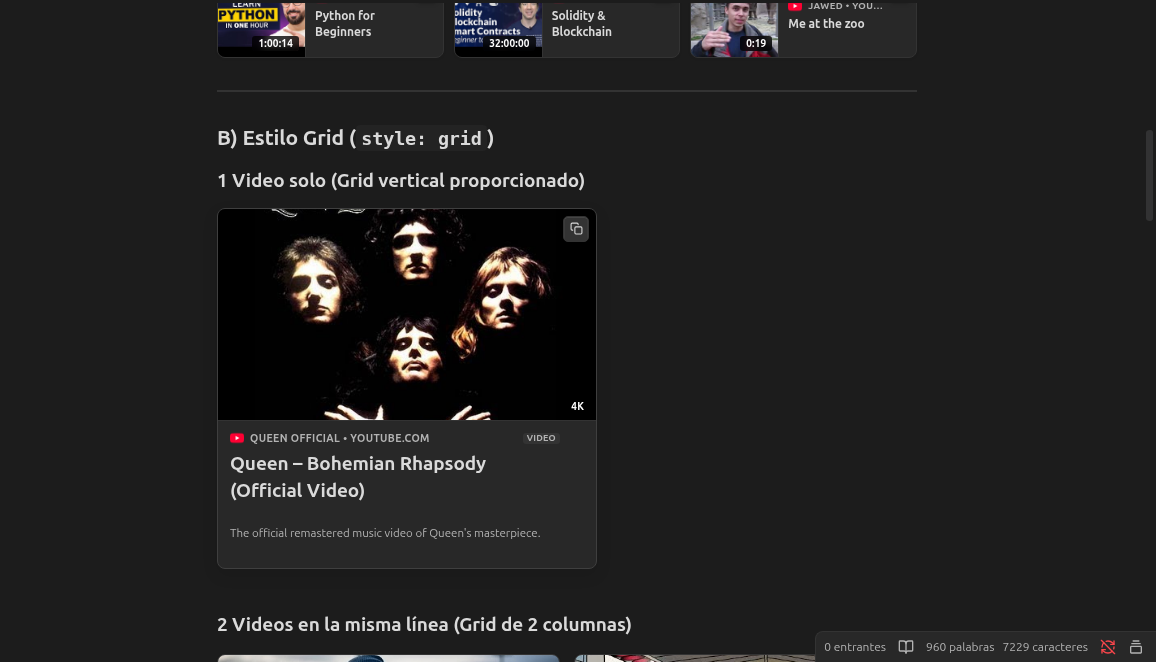
3 videos in a row (horizontal)
style: horizontal
columns: 3
links:
  - https://www.youtube.com/watch?v=8aGhZQkoFbQ
  - https://www.youtube.com/watch?v=PkZNo7MFNFg
  - https://www.youtube.com/watch?v=jNQXAC9IVRw
Grid style — vertical, large image on top
Ideal for media galleries, visual collections, and watchlists.
1 video (grid)
style: grid
links:
  - https://www.youtube.com/watch?v=fJ9rUzIMcZQ
2 videos in a row (grid)
style: grid
columns: 2
links:
  - https://www.youtube.com/watch?v=JGwWNGJdvx8
  - https://www.youtube.com/watch?v=9bZkp7q19f0
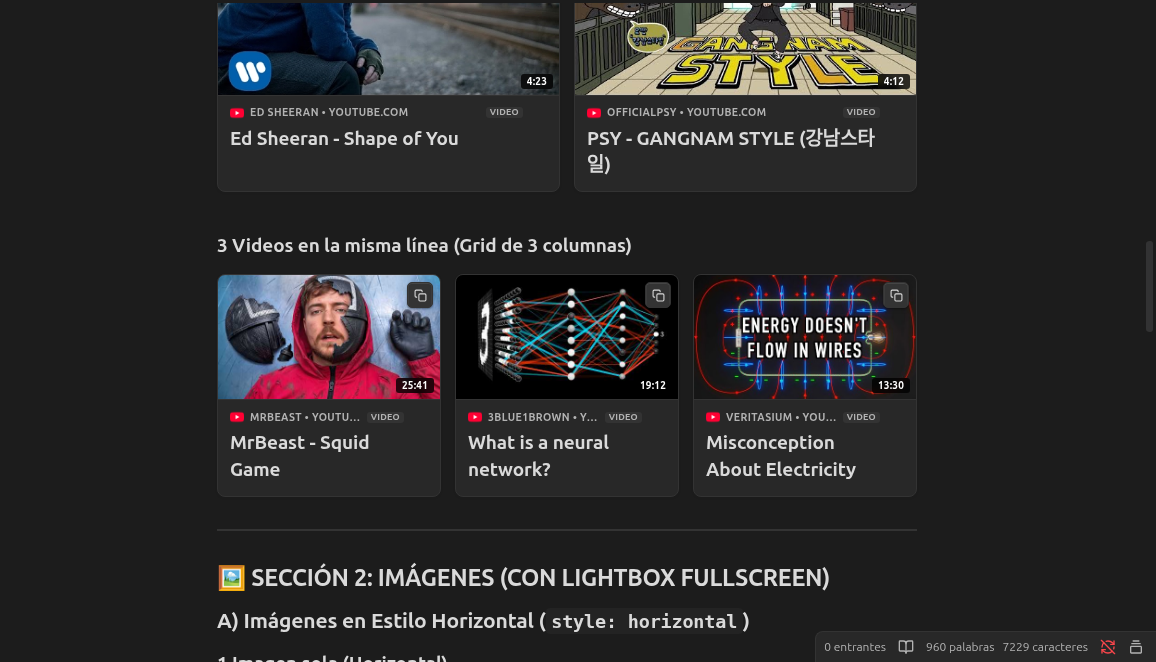
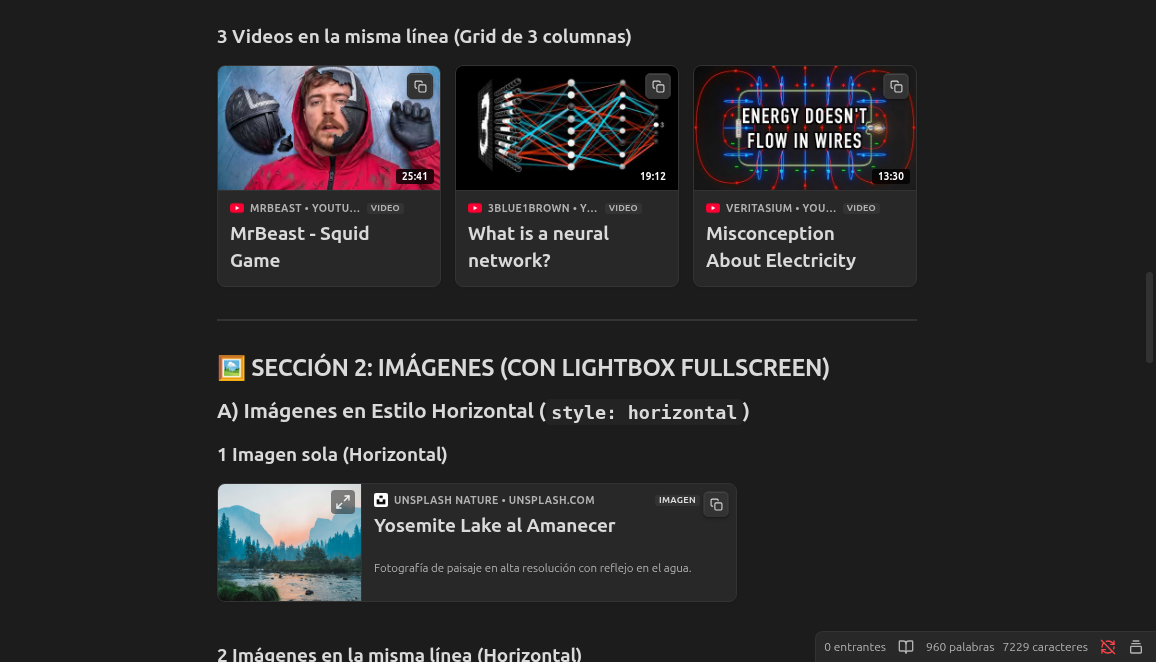
3 videos in a row (grid)
style: grid
columns: 3
links:
  - https://www.youtube.com/watch?v=0e3GPea1Tyg
  - https://www.youtube.com/watch?v=aircAruvnKk
  - https://www.youtube.com/watch?v=bHIhgxav9LY
Images with Lightbox
Images open in a full-screen lightbox when clicked. Works with direct web image URLs or vault media.
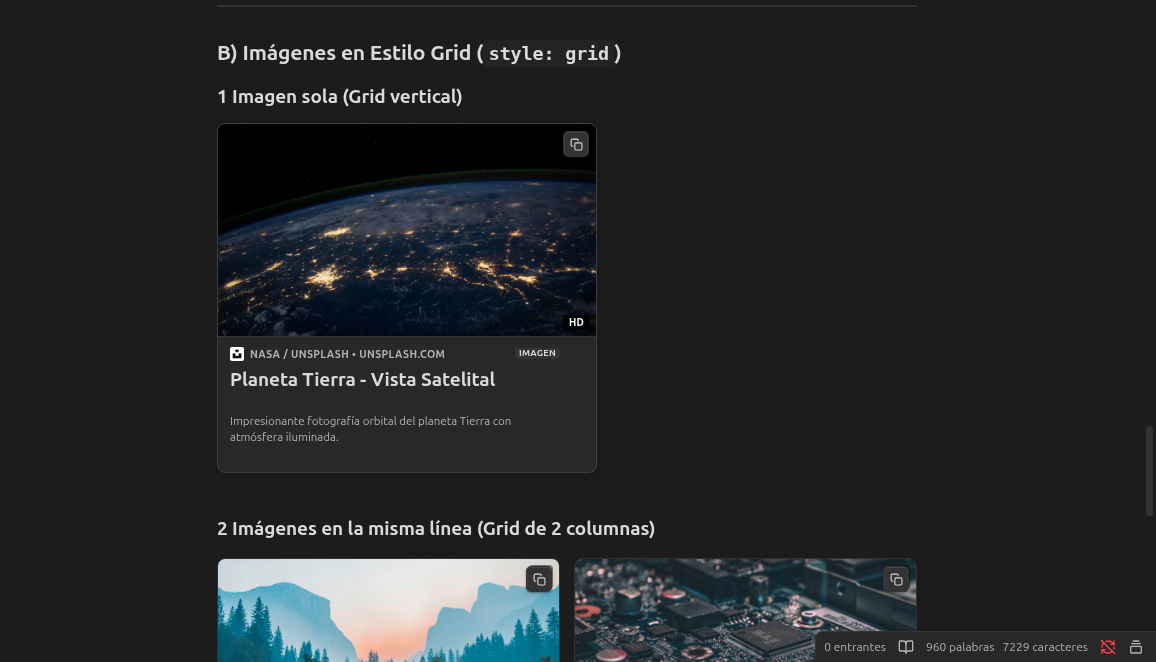
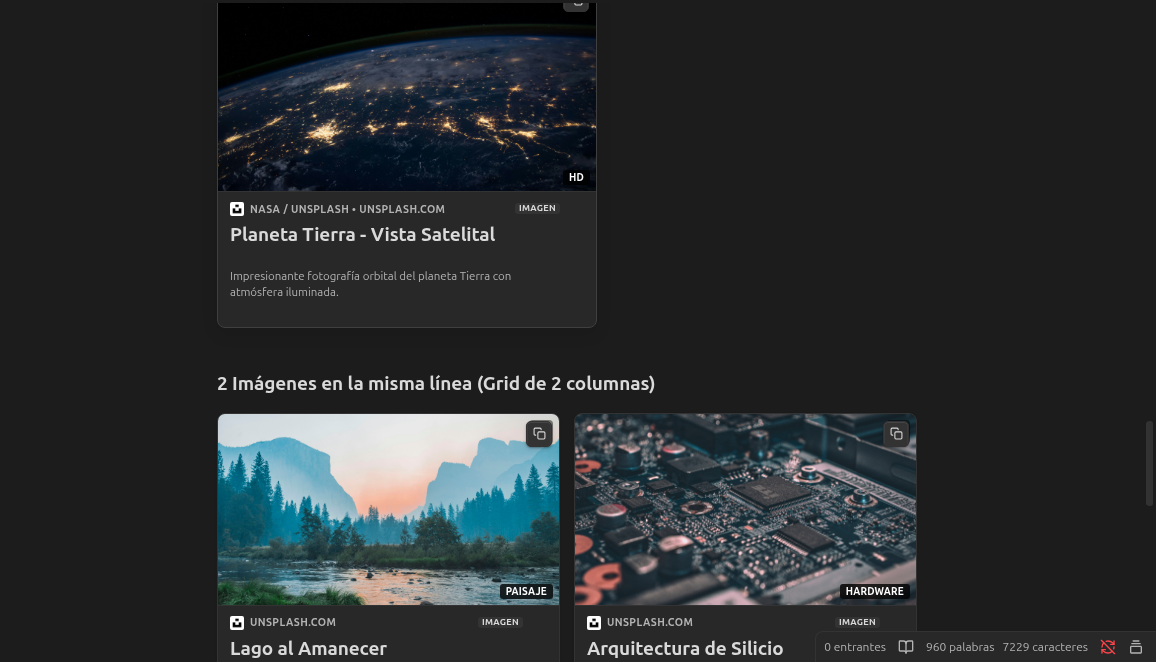
1 image (grid)
style: grid
links:
  - https://images.unsplash.com/photo-1446776811953-b23d57bd21aa
    title: Planet Earth - Satellite View
    description: Orbital view of planet Earth with atmospheric glow.
    author: NASA / Unsplash
    tag: HD
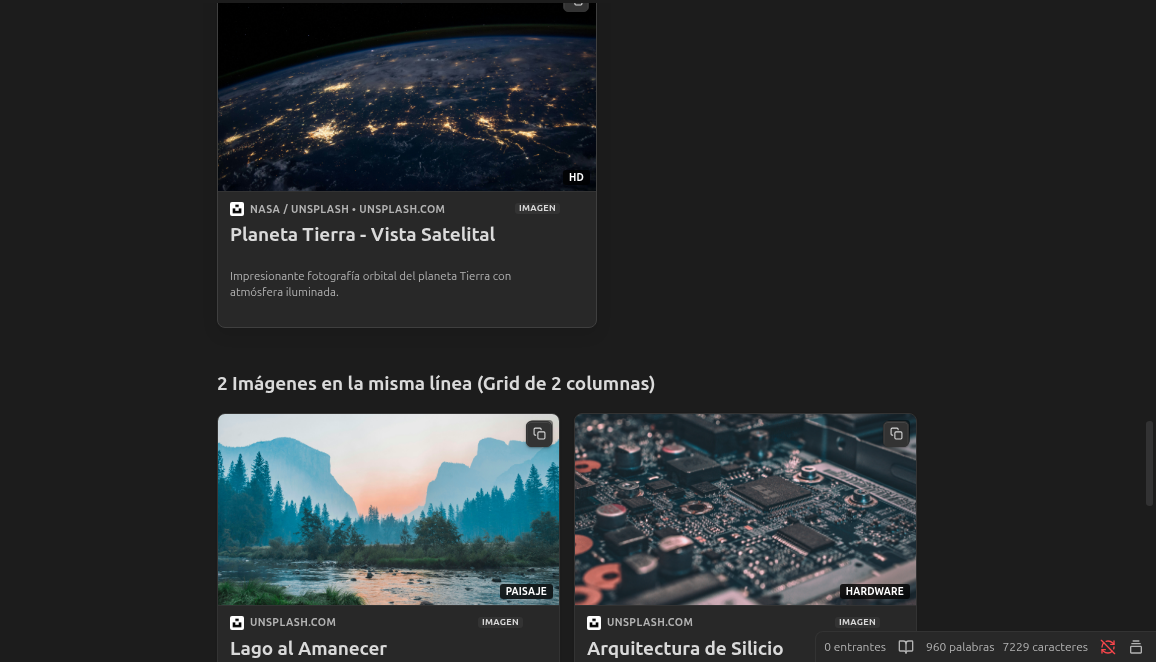
2 images in a row (grid)
style: grid
columns: 2
links:
  - https://images.unsplash.com/photo-1506905925346-21bda4d32df4
    title: Yosemite Lake
    tag: LANDSCAPE
  - https://images.unsplash.com/photo-1518770660439-4636190af475
    title: Silicon Architecture
    tag: HARDWARE
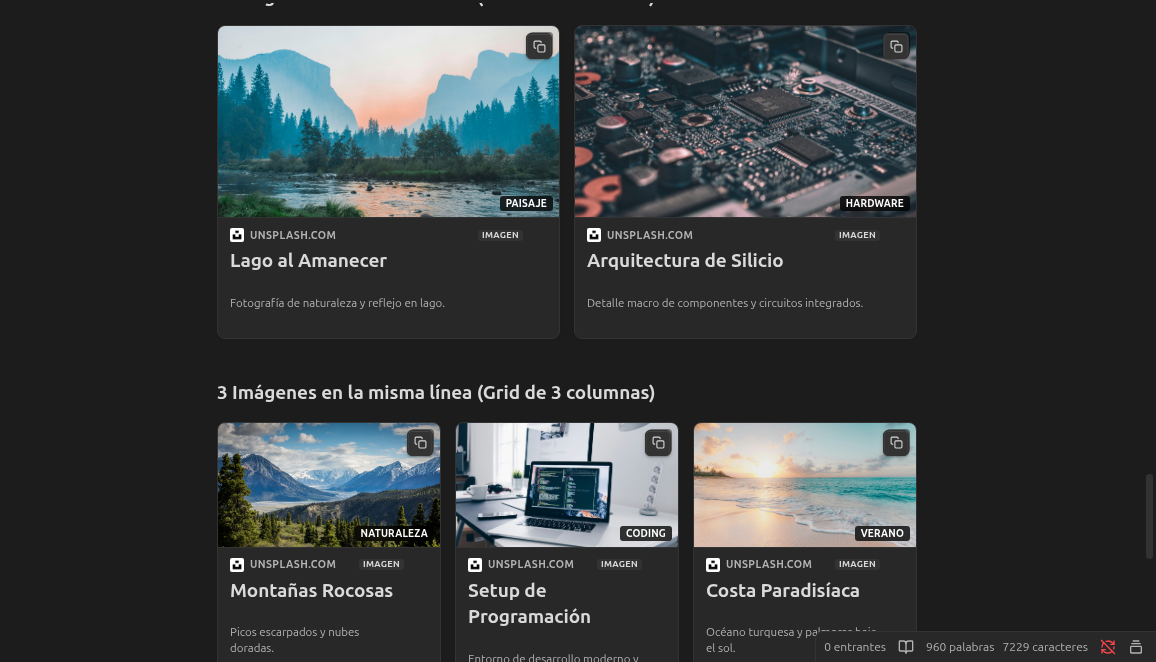
3 images in a row (grid)
style: grid
columns: 3
links:
  - https://images.unsplash.com/photo-1464822759023-fed622ff2c3b
    title: Rocky Mountains
    tag: NATURE
  - https://images.unsplash.com/photo-1587620962725-abab7fe55159
    title: Developer Setup
    tag: CODING
  - https://images.unsplash.com/photo-1507525428034-b723cf961d3e
    title: Tropical Coast
    tag: SUMMER
Fullscreen Lightbox
Clicking any image opens it in a distraction-free full-screen lightbox. Press Escape or click anywhere outside to close.
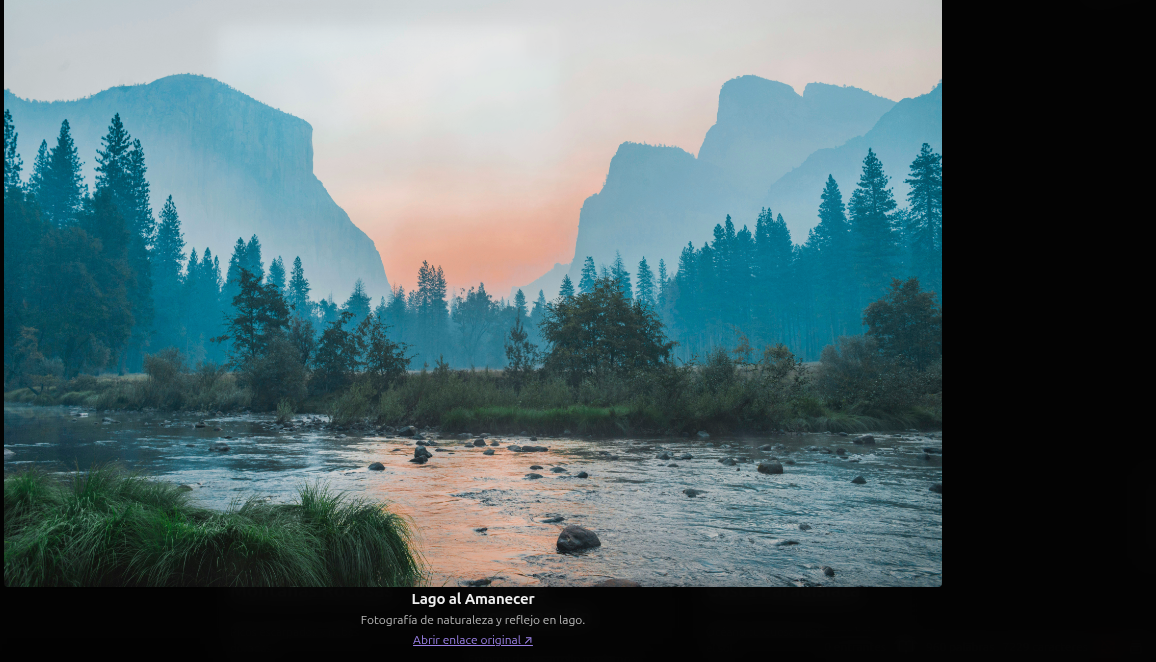
Editor Context Menu
Select any URL in your note, right-click, and choose:
- Convert to Media Card (Horizontal) → generates a
style: horizontalcode block. - Convert to Media Card (Grid) → generates a
style: gridcode block.
You can also use the command palette (Ctrl/Cmd + P) and run Insert Media Cards to paste up to 3 links at once.
Installation
From Obsidian Community Plugins (Recommended)
- Open Obsidian Settings > Community plugins.
- Turn off Restricted mode.
- Select Browse and search for
Media Cardlink. - Select Install, then Enable.
Via BRAT (Beta Testing)
- Install the BRAT plugin in Obsidian.
- Run the command BRAT: Add a beta plugin for testing.
- Enter
chris2555/obsidian-media-cardlink.
Manual Installation
- Download the release files (
main.js,styles.css,manifest.json) from the latest release. - Create the folder
.obsidian/plugins/media-cardlink/inside your vault. - Place the 3 downloaded files inside that folder.
- In Obsidian: Settings > Community plugins > Enable
Media Cardlink.
Syntax Reference
style: horizontal | grid      # Card layout style
columns: 1 | 2 | 3            # Number of columns (optional, default: auto)
links:
  - URL                        # Direct YouTube video, Vimeo, or image URL
    title: Custom Title        # (optional) Overrides automatic title
    description: Description  # (optional) Custom description text
    author: Author / Channel   # (optional) Custom author or channel name
    tag: BADGE                 # (optional) Badge pill overlay on media
Note: For YouTube videos, the title, channel name, and high-resolution thumbnail are resolved automatically. Only the URL is required.
License
MIT © 2026 Christian Hernandez