
README file from
Githubmd2hd for Obsidian
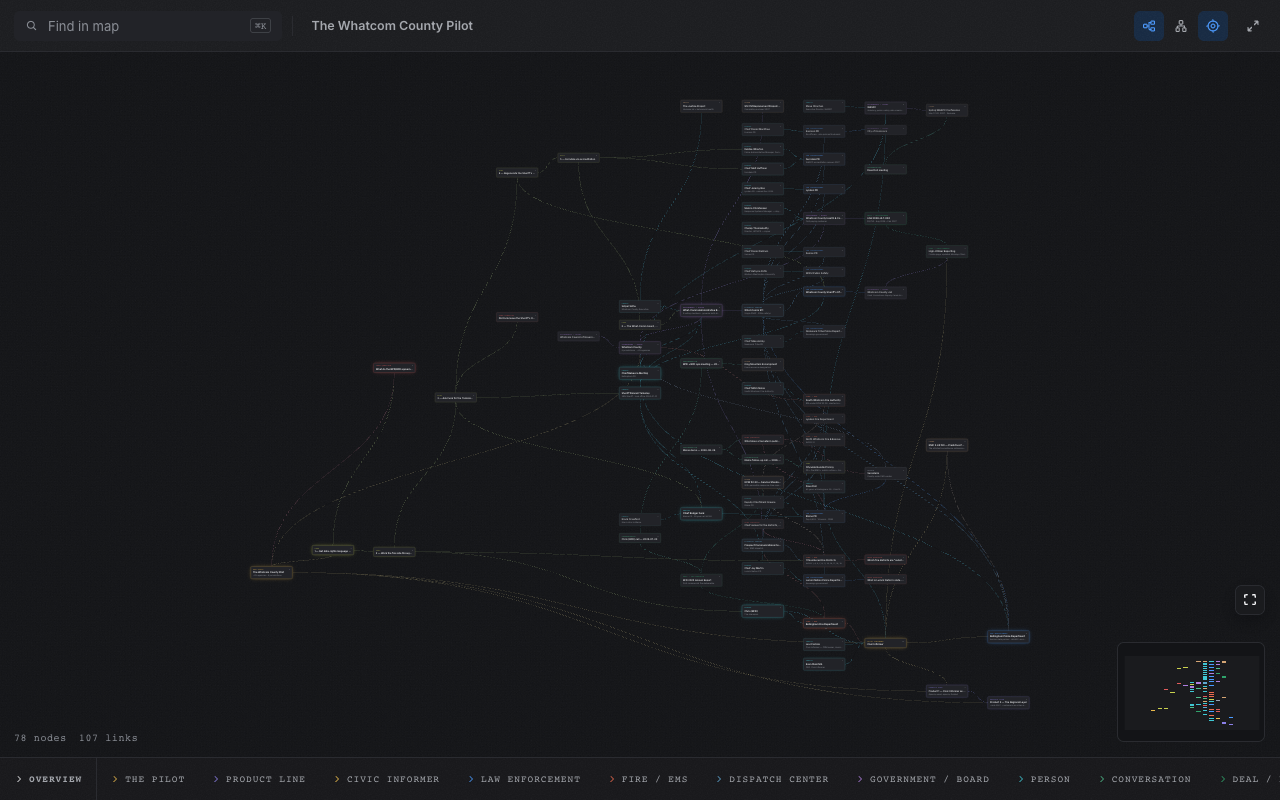
Your vault, mapped. Right-click a note or folder, pick Open as md2hd
map, and the structure you have been holding in your head becomes a tab you
can read — frontmatter becomes typed nodes, wikilinks and rel: entries
become labelled edges, and the map redraws itself as you edit.
Why
Obsidian's graph view shows you that links exist. md2hd shows you what they
mean. Nodes carry types you invent — org, person, claim, scene,
whatever the vault is about — and every link is a named relationship drawn in
the right direction. The same canvas reads an org chart, a service map, an
investigation, or a plot outline without knowing anything about any of them.
- The map is a read surface. Obsidian's editor stays the write path. Save a note and the open map redraws — no refresh, no re-import.
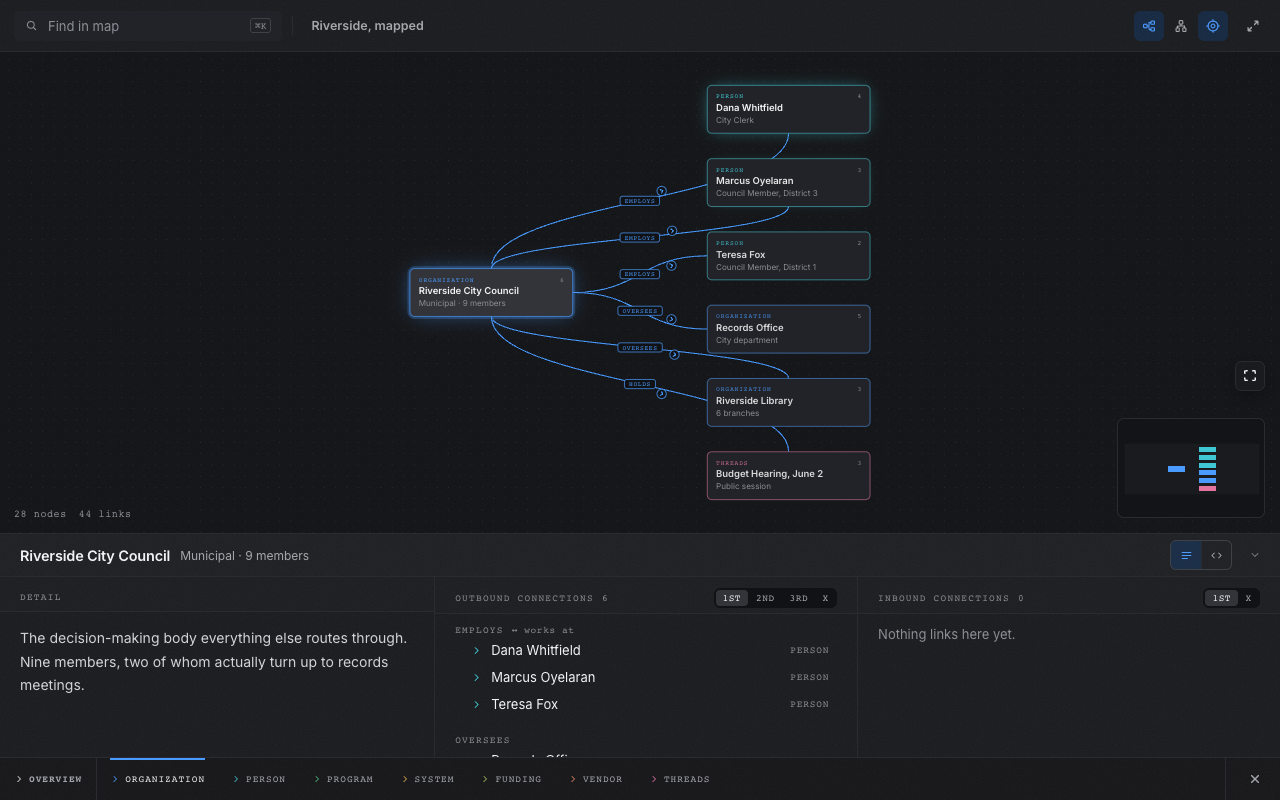
- Focus answers questions. Click a node and the map re-forms around it: what points at it on the left, what it points at on the right, with degree dials — 1st / 2nd / 3rd / X — that walk each direction further out.
- Every link speaks in the node's own voice. The same relationship reads
employsfrom the organisation andworks atfrom the person. - Nothing leaves your vault. The map renders inside Obsidian from the notes on disk. No server, no network, no account, no telemetry.
Using it
Three ways in, all equivalent:
- Right-click a note or folder → Open as md2hd map.
- Command palette → md2hd: Map the current folder.
- Command palette → md2hd: Map the whole vault.
The strip at the foot of the canvas holds the map's surfaces: the Overview, a tab per type, and — when you click a card — the node itself, detail beside connections. Search filters the whole map; drag to arrange.
The markdown
Every node is a frontmatter block; every [[wikilink]] or rel: entry is an
edge. One optional type: map block configures the whole thing.
---
type: map
title: Partnerships
inverse:
  works_at: employs
---

---
id: riverside-council
type: org
title: Riverside City Council
weight: lead
rel:
  employs: [dana-whitfield]
---

The anchor relationship. Everything routes through [[dana-whitfield]].
Notes that were never written for md2hd usually read fine as-is: a --- line
only opens a node when what follows looks like YAML, and malformed blocks
degrade to prose instead of errors. Full syntax:
md2hd.com/reference ·
guides
The agent skill
Writing a map by hand is easy; having a coding agent write one that compiles
to the graph you meant is what the bundled skill is for. Run md2hd: Install
skill and the plugin writes
writing-md2hd-maps into your vault at .agents/skills/ and
.claude/skills/ — the two places agents look, whichever one you run. Open
the vault folder in your agent and "turn these notes into an md2hd map"
produces markdown that opens as the map you asked for.
Install
Until the plugin lands in the community directory:
- Download
manifest.jsonandmain.jsfrom the latest release. - Put them in
<vault>/.obsidian/plugins/md2hd/. - Enable md2hd in Settings → Community plugins.
Prefer the terminal? npx md2hd notes/ opens the same maps in a browser —
that is the md2hd CLI, no Obsidian
required.
Build from source
npm install
npm test     # builds main.js, then smoke-checks it
The repo is standalone — src/ carries the map renderer, synced out of the
md2hd monorepo by maintainers (npm run sync, which needs the monorepo
checkout around it).
Release
Releases are built from version tags by GitHub Actions. Update the same stable
version in package.json, manifest.json, and versions.json, run npm test,
commit the regenerated main.js, then push the exact version tag (for example,
0.2.4, without a v prefix). The workflow rebuilds the committed bundle,
attests main.js, and publishes main.js with manifest.json.
After downloading an asset, its provenance can be checked with:
gh attestation verify main.js --repo evan-steinhilb/md2hd-obsidian