
README file from
GithubMD Beautify for Obsidian
MD Beautify is an elegant Markdown beautification plugin for Obsidian. It is the Obsidian integration of MD Beautify, helping you format and style your notes perfectly for platforms like WeChat Official Accounts, and other rich-text editors.
✨ Key Features
- 🚀 One-click Beautification: Transform your Markdown into beautiful rich text with professional themes instantly.
- 📱 WeChat Optimized: Specifically designed to handle WeChat's unique CSS restrictions (e.g., auto-converting pseudo-elements).
- 🎨 Multiple Themes: Built-in professional themes for different types of content (Academic, Minimalist, Cyberpunk, etc.).
- 👁️ Live Preview: Real-time preview with synchronized scrolling and theme mode switching (light/dark).
- 📦 Export Options: Export your notes as HTML or PDF.
- 📊 Mermaid Support: Full support for Mermaid charts and diagrams with automatic theme adaptation.
- ☁️ Image Upload: Batch upload local images to cloud storage (Qiniu, Aliyun, Tencent Cloud, S3, etc.).
- ⚙️ Customization: Fine-tune quotes, headings, and colors with a built-in custom CSS editor.
📸 Screenshot
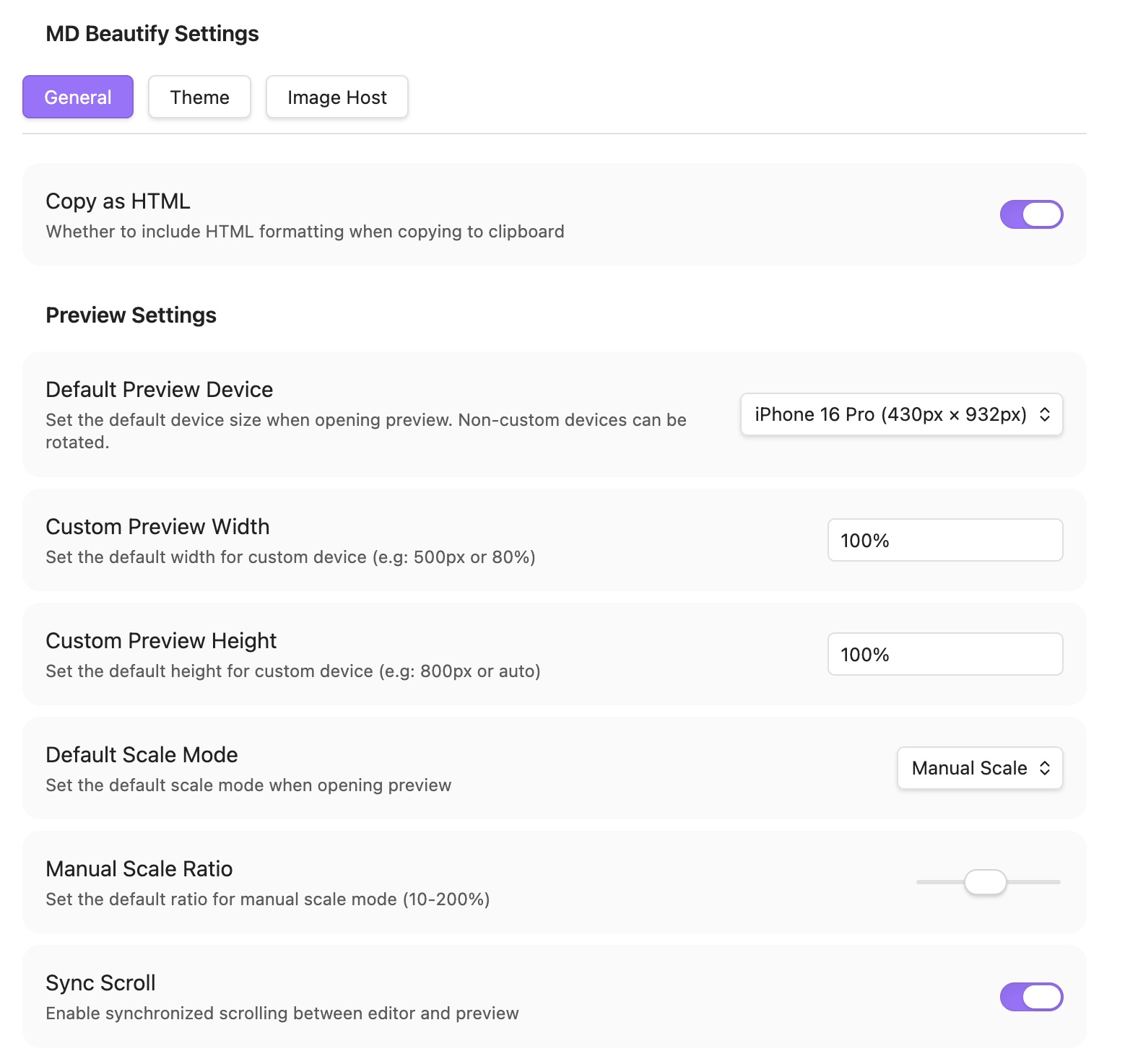
🖼️ Preview
| Light Mode | Dark Mode |
|---|---|
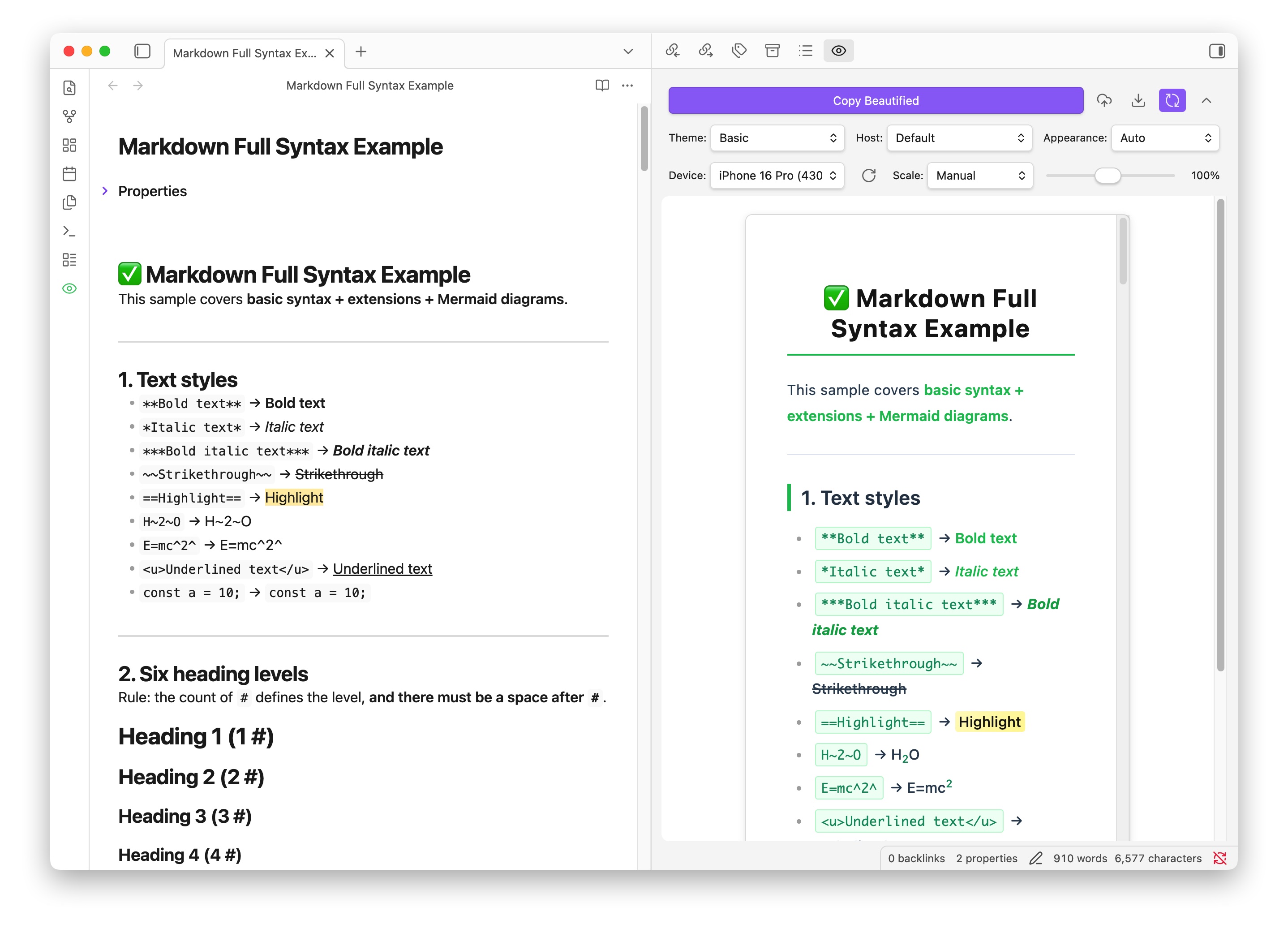 |
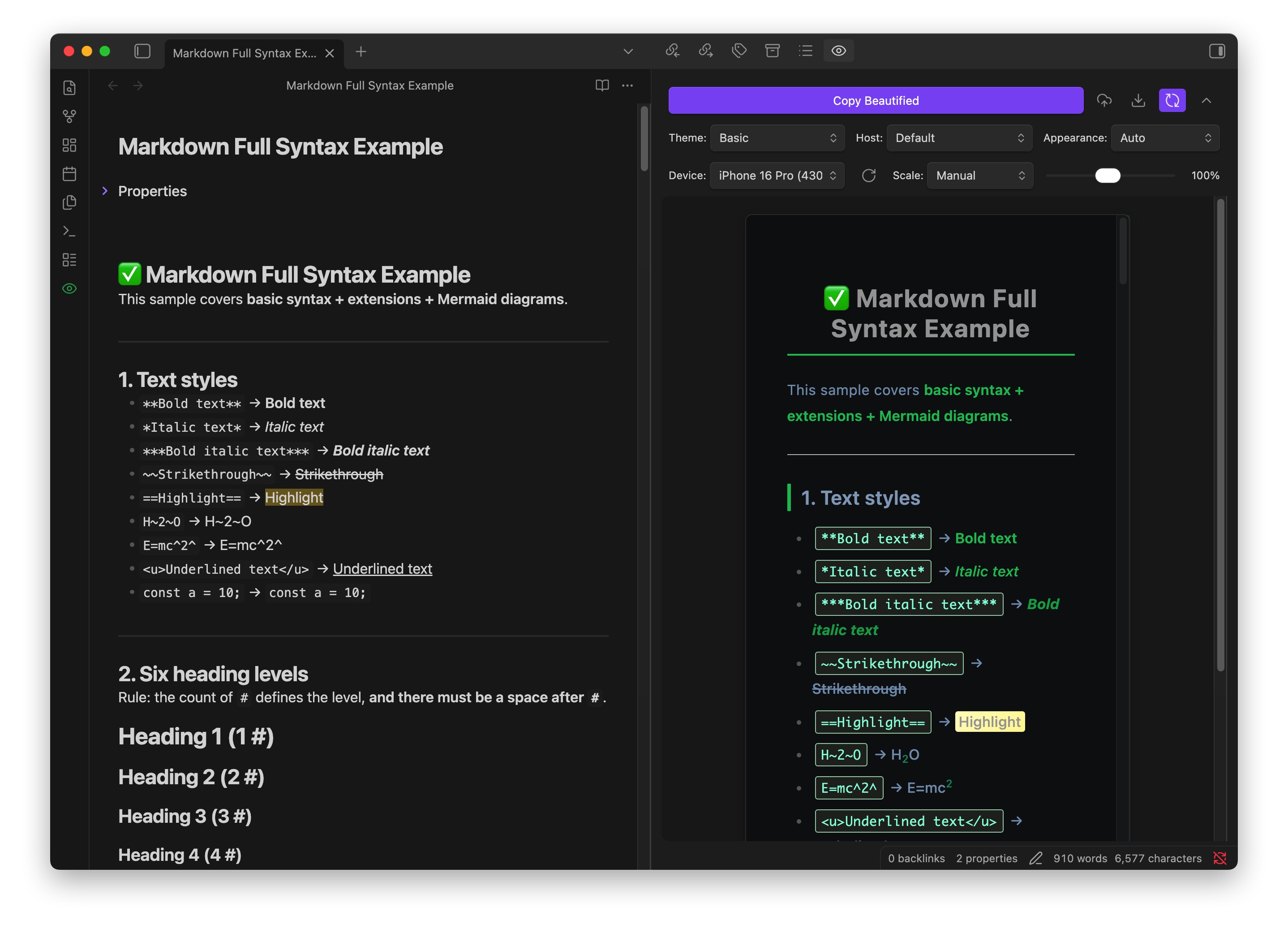 |
🚀 How to Use
- Open any Markdown file in Obsidian.
- Launch: Click the "MD Beautify" icon in the ribbon or use the command palette (
Ctrl/Cmd + P->MD Beautify). - Customize: Select a theme and adjust styles in the sidebar.
- Preview: See real-time rendering with synchronized scrolling.
- Action:
- Copy: Click "Copy Beautified" to paste into WeChat or other platforms.
- Export: Save as HTML or PDF.
- Upload: Batch upload local images to your configured cloud storage.
🛠️ Advanced Features
Theme & UI
- Custom CSS editor with live preview.
- Light/Dark mode auto-follow system preference.
- Mobile-view simulation (fixed-width preview).
Image Management
- Auto-upload on paste/drag-and-drop.
- Support for multiple cloud storage providers.
- Batch upload all local images in the current file.
Export & Share
- HTML Export: Standalone file with embedded styles.
- PDF Export:
- Image mode: Non-selectable, perfect for WeChat.
- Vector mode: Selectable text, better for printing.
- Mermaid Support: Automatic rendering and theme adaptation.
📥 Installation
Manual installation
- Download
main.js,manifest.json, andstyles.cssfrom the latest release. - Create
.obsidian/plugins/md-beautify/in your vault if it does not exist. - Copy the three files into that folder.
- Open Settings → Community plugins, reload plugins if prompted, then enable MD Beautify.
Install with BRAT
If you use the BRAT plugin, add the beta repository sliiu/obsidian-md-beautify-plugin, then install and enable MD Beautify from BRAT’s plugin list.
From Community Plugins
- Open Settings → Community plugins and disable Restricted mode if it is on.
- Click Browse, search for MD Beautify, then click Install and Enable.
Clipboard access
Obsidian shows a Clipboard Access disclosure because this plugin uses the Clipboard API.
- Write-only, user-triggered. The plugin writes to the clipboard only when you run Copy Beautified (or a related copy action). It does not read clipboard contents.
- Payload scope. Copied data is built from the active Markdown note you choose to copy, as
text/htmlwith atext/plainfallback. - Optional paste handling. When Auto-upload images is enabled, paste/drop handlers inspect clipboard event data for images or Mermaid blocks to upload or normalize. This is not a general clipboard read of existing clipboard contents.
Release assets (main.js, manifest.json, styles.css) are built in GitHub Actions and include artifact attestations so users can verify provenance.
💬 Support & Feedback
If you enjoy this plugin, please consider giving it a ⭐ on GitHub!
If you find this plugin helpful and want to support its development, you can buy me a coffee!
☕️ International Support

🧧 WeChat / Alipay
| WeChat Pay | Alipay |
|---|---|
 |
 |
For bugs and feature requests, please open an issue.
License: MIT