
README file from
GithubMarkPress
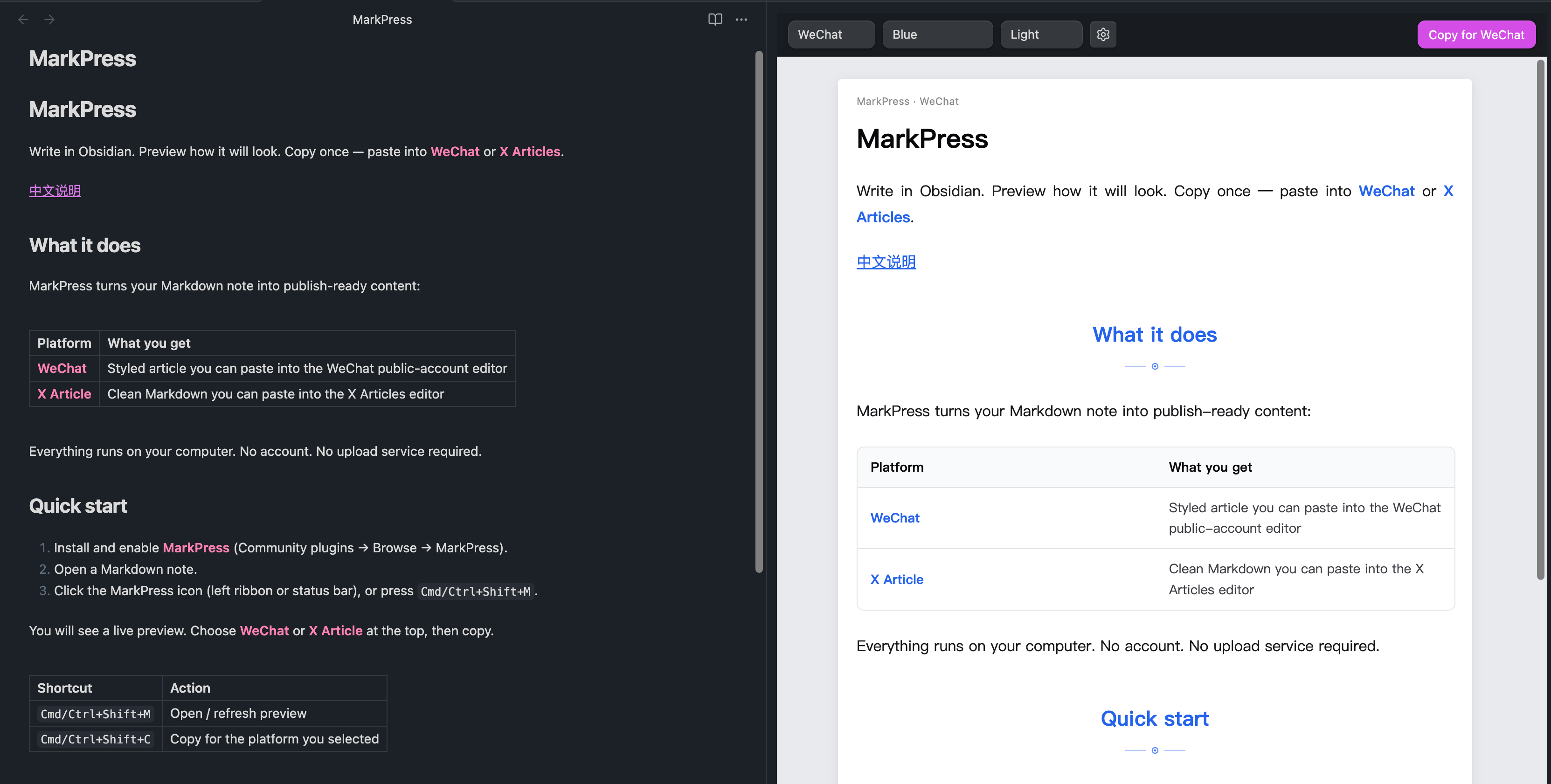
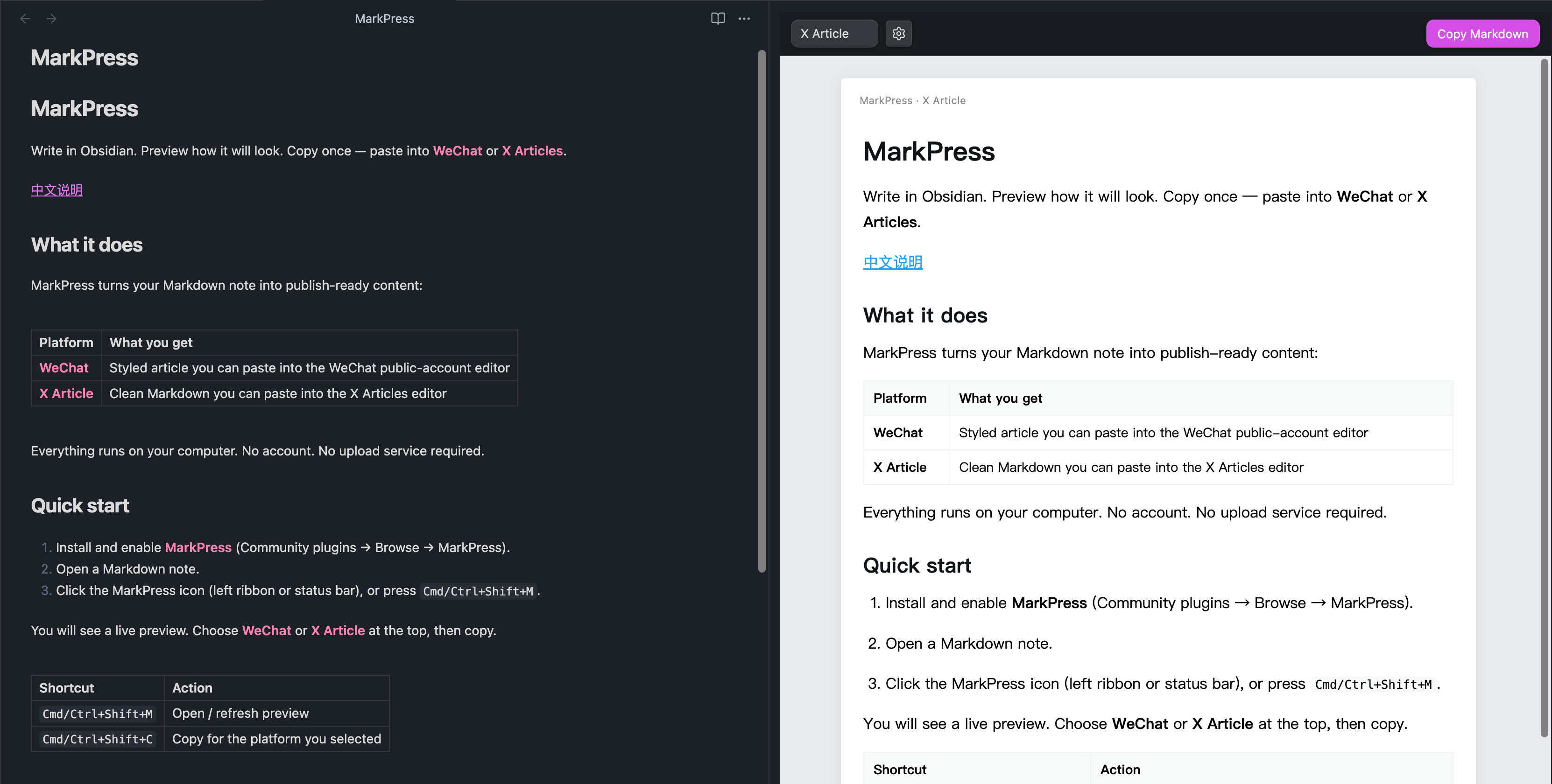
Write in Obsidian. Preview how it will look. Copy once — paste into WeChat or X Articles.
What it does
MarkPress turns your Markdown note into publish-ready content:
| Platform | What you get |
|---|---|
| Styled article you can paste into the WeChat public-account editor | |
| X Article | Clean Markdown you can paste into the X Articles editor |
Everything runs on your computer. No account. No upload service required.
Quick start
- Install and enable MarkPress (Community plugins → Browse → MarkPress).
- Open a Markdown note.
- Click the MarkPress icon (left ribbon or status bar), or run MarkPress: Preview Current Note from the command palette.
You will see a live preview. Choose WeChat or X Article at the top, then copy.
Optional: bind your own shortcuts under Settings → Hotkeys (search “MarkPress”). No defaults are set, so nothing conflicts with other plugins.
Publish to WeChat
- Select WeChat in the preview toolbar.
- Pick a theme and Light / Dark if you like.
- Click Copy for WeChat.
- Open the WeChat public-account editor and paste (
Cmd/Ctrl+V).
Images in your note are included automatically when you copy.
Tip: Light mode usually looks closer to what readers see on WeChat.
Publish to X Articles
- Select X Article in the preview toolbar.
- Click Copy Markdown.
- Paste into the X Articles editor.
About images on X: X does not accept embedded image files from Obsidian the same way WeChat does. Online image links (https://...) work as-is. For pictures stored only in your vault, upload them inside X after pasting, or set an image host URL in MarkPress settings if you already publish images to the web.
Good to know
- Works with headings, bold, lists, quotes, tables, code blocks, and Obsidian callouts.
- Wiki images like
![[photo.png]]are supported. - You can change the default platform and themes under Settings → MarkPress.
Privacy
MarkPress works offline. It does not send your notes to any server. Copy only uses your clipboard when you click Copy.
Contribute
Want to report a bug, improve the plugin, or help with releases? See CONTRIBUTING.md.